
Connected speaker, surveillance camera, thermostat, controllable bulbs, connected TV, video doorbell: our homes are filling up with objects connected to the Internet. Practical, but rarely designed with security in mind — and often neglected once installed. Yet, a poorly secured connected object can be an entry point for intruders, a privacy leak (a hacked camera!), or a backdoor to your network. Good news: a few simple steps are enough to secure the essentials. Here’s how to protect the connected objects in your home without being an expert.
Why connected objects are a security issue
Connected objects (the “connected home” or “IoT”) are everyday devices connected to the Internet: speakers, cameras, thermostats, bulbs, plugs, appliances, TVs, video doorbells, connected toys… They bring comfort but pose real SECURITY challenges, for several reasons. They are often poorly SECURED by default: many are designed for simplicity and price, not security; some have weak default settings (generic passwords, open options). They are NEGLECTED: once installed, they’re forgotten (no updates, passwords never changed). They affect PRIVACY: a camera, a microphone (speaker), a video doorbell capture images and sounds of your privacy; if hacked or misconfigured, your privacy is compromised. They are connected to your NETWORK: a vulnerable connected object can become an entry point to your home network and other devices. They can be HIJACKED: poorly secured connected objects are sometimes unwittingly recruited for malicious purposes. The REAL RISKS: a hacked CAMERA or speaker (someone watching or listening to you at home — a privacy nightmare); access to your NETWORK via a weak object; PERSONAL DATA collected and poorly protected; an object that no longer works or is hijacked. What to understand: each connected object is a small COMPUTER connected to the Internet, with the same basic security needs — but often without the attention given to a real computer. Many people secure their phone and PC but completely forget their connected objects, which become the weak link. The good news: a few simple steps greatly reduce the risks. The key idea: connected objects are practical but rarely designed with security in mind, and often neglected; they affect your privacy (cameras, microphones) and your network; a poorly secured object can be an entry point for intruders or a privacy leak. Securing them — with a few basic steps — is important, especially for those that capture images and sounds from your home. It’s the often-forgotten link in home security.
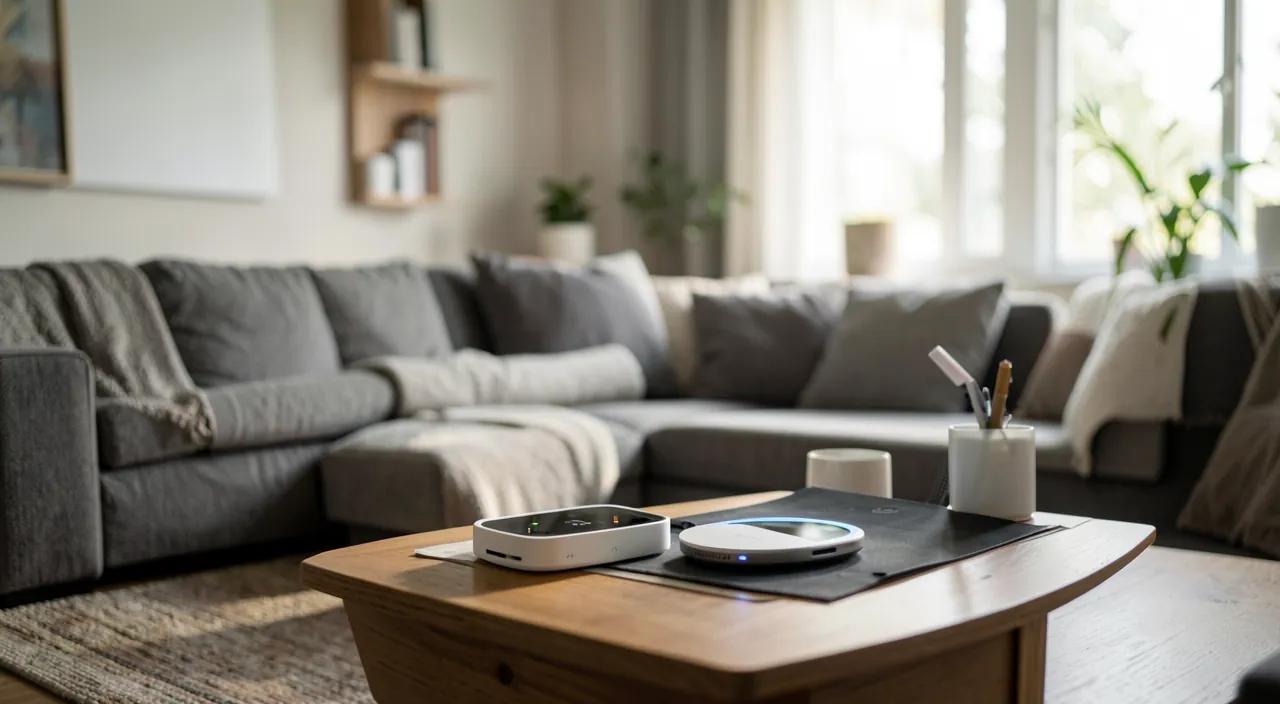
Connected devices are like small computers in your home. If you don’t secure them, hackers can use them to spy on you, steal your data, or break into your network. The biggest risks come from cameras and microphones, which can be hacked to watch or listen to you.
In 2023, a family in Paris discovered their smart doorbell had been hacked. The hacker used the default password (which the family never changed) to watch their comings and goings for weeks. After changing the password and enabling two-factor authentication, the problem was solved.
Steps to secure your connected objects
Here are the simple steps to secure the connected objects in your home. CHANGE the default passwords — the most important step: many objects come with a generic password (sometimes known to everyone); change it to a STRONG and UNIQUE password as soon as you install it; it’s the first door to lock. Secure the ASSOCIATED ACCOUNT — most objects are controlled via an app and an account: protect this account with a strong and unique password, and two-factor AUTHENTICATION if available (our two-factor authentication guides). UPDATE the objects — like any connected device, they receive updates that fix vulnerabilities; enable automatic updates if possible, or check them regularly (an object never updated remains vulnerable). Secure your WiFi NETWORK — your objects connect to it: a well-protected home WiFi (strong password) is the foundation; if your box allows it, consider a SEPARATE NETWORK (guest or dedicated) for your connected objects, isolated from your main devices (so a compromised object doesn’t reach your computer). Adjust PRIVACY and disable the unnecessary — for cameras, microphones, speakers: check the privacy settings, disable unused features (microphone, remote access, sharing), and place cameras wisely (not constantly aimed at private spaces). Check ACCESS — who can access the object and its app? Remove unnecessary access, and for a second-hand object, reset it. Choose SERIOUS objects — when buying, prefer well-known brands that ensure security and updates; be wary of very cheap objects of dubious origin (often poorly or not secured). Unplug or remove what you no longer use — a forgotten and abandoned connected object (no longer updated) is a risk; remove it from the network. A few TIPS: prioritize SENSITIVE objects (cameras, video doorbells, speakers with microphones, connected locks — anything that affects privacy or physical security); take INVENTORY of your connected objects (you forget: the TV, toys, appliances); and think of updates as REGULAR MAINTENANCE. An IMPORTANT NOTE on CAMERAS and microphones: these are the most sensitive objects for privacy; a hacked or misconfigured camera exposes your privacy; secure them particularly (strong password, updates, controlled access), and think about their placement and what they capture (our camera and privacy guides). In summary, to secure your connected objects: change the default passwords (essential), secure the associated account (two-factor authentication), update the objects, protect your WiFi (or a separate network for them), adjust privacy and disable the unnecessary, check access, and choose serious objects. Prioritize sensitive objects (cameras, microphones). These simple steps greatly reduce the risks.
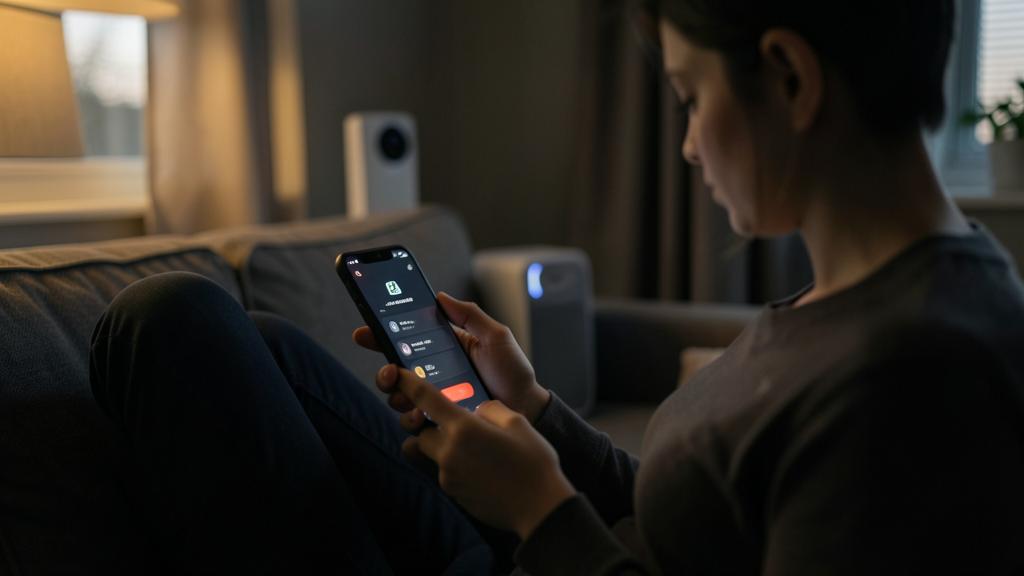
The right reflex. Treat each connected object as the small COMPUTER connected to the Internet that it is: it has the same basic security needs. The number one step, to do as soon as you install it: CHANGE the default password (many objects come with a generic password, sometimes known to everyone) for a strong and unique password. Then, secure the ASSOCIATED ACCOUNT (the app that controls the object): strong and unique password, and two-factor AUTHENTICATION if available. Enable UPDATES (automatic if possible): like any connected device, an object not updated keeps its vulnerabilities. Protect your home WiFi (strong password); and if your box allows it, create a SEPARATE NETWORK (guest or dedicated) for your connected objects, isolated from your computers and phones — so a compromised object won’t reach your main devices. Pay PARTICULAR ATTENTION to privacy-sensitive objects: cameras, video doorbells, speakers with microphones. Check their privacy settings, disable unused features (remote access, sharing, unnecessary microphone), control who has access, and think about their PLACEMENT and what they capture (a hacked or misconfigured camera exposes your privacy). When buying, prefer serious and well-known brands (which ensure security and updates) rather than very cheap objects of dubious origin, often poorly secured. Take inventory of your connected objects (you forget: TV, toys, appliances), and remove from the network those you no longer use (an abandoned, unupdated object is a risk). Changing default passwords, securing accounts, updating, isolating on the network, and taking special care of cameras and microphones: these few simple steps greatly reduce the risks and protect your privacy and network. Connected objects are the often-forgotten link in home security: don’t neglect them.
The connected home, without the weak link
A connected home can be both practical AND safe, provided you don’t let connected objects become the weak link. A few lasting guidelines. AWARENESS of the risk: the first step is to REALIZE that these objects are potential entry points and privacy sensors, not just harmless gadgets; many people completely neglect them; thinking about them is already protecting yourself. The BASIC STEPS: change the default passwords, secure the accounts, update; these fundamentals apply to connected objects as well as your other devices. PRIORITIZE sensitive objects: focus on what affects privacy (cameras, microphones, video doorbells) and physical security (connected locks); a flaw there is far more serious than a hacked bulb. NETWORK ISOLATION: separating connected objects from your main devices (dedicated network) is a good practice that limits the damage from a compromised object. THE CHOICE when buying: prefer serious brands (security, long-term updates) to avoid introducing unsecured objects into your home; security is thought of at the time of purchase. MAINTENANCE: regular updates, inventory of objects, removal of those you no longer use; like everything, security is a habit, not a one-time action. PRIVACY: be aware of what your objects CAPTURE and COLLECT (images, sounds, habits, data); adjust privacy, disable the unnecessary, and keep in mind that this data must be protected (our privacy guides). In summary, connected objects bring comfort but pose real security challenges: often poorly secured by default and neglected, they affect your privacy (cameras, microphones) and your network, and a poorly secured object can be an entry point for intruders or a privacy leak. Securing them comes down to simple steps: change the default passwords (essential), secure the associated accounts (two-factor authentication), update the objects, protect and if possible isolate your network, adjust privacy and disable the unnecessary, choose serious objects, and remove those you no longer use. Prioritize sensitive objects (cameras, microphones, locks). Each connected object is a small computer connected to the Internet: it deserves the same security attention, often forgotten. A well-secured connected home remains practical without becoming vulnerable: don’t let these objects, too often neglected, be the weak link in your digital home. A few basic steps are enough to enjoy the comfort of the connected home with peace of mind.
Warning: never leave default passwords, don’t neglect cameras and microphones, and be wary of cheap suspicious objects. Key points. DEFAULT PASSWORDS — this is the number one flaw in connected objects: many come with a generic password, sometimes identical for all devices of a model and known to hackers; leaving the default password is leaving the door wide open; CHANGE it SYSTEMATICALLY as soon as you install it for a strong and unique password. NEGLECTED CAMERAS AND MICROPHONES — these are the most sensitive objects for privacy: a hacked or misconfigured camera or speaker allows someone to watch or listen to you AT HOME — a privacy nightmare; secure them particularly (strong password, updates, controlled access, unused features disabled), and think about their placement and what they capture; don’t aim a camera at private spaces permanently. SUSPICIOUS CHEAP OBJECTS — be wary of very cheap connected objects of unknown origin: many are poorly or not secured, receive no updates, and may collect your data without transparency; prefer serious and well-known brands that ensure security and long-term updates. Other pitfalls: NEGLECTING updates (an unupdated object keeps its vulnerabilities — enable them), FORGETTING connected objects (take inventory: TV, toys, appliances count too), LEAVING an abandoned object connected to the network (remove what you no longer use), NOT securing the control account (strong password, two-factor authentication), and NEGLECTING privacy (be aware of what your objects capture and collect). Connected objects are the OFTEN FORGOTTEN link in home security: many people secure their phone and computer but leave their connected objects wide open; yet a single vulnerable object can expose your privacy or serve as an entry point to your network. Each connected object is a small computer connected to the Internet: give it the same security attention. Changing default passwords, taking care of cameras and microphones, choosing serious objects, updating: these simple steps prevent the comfort of the connected home from coming at the cost of a security or privacy flaw.
Frequently asked questions
Why should I secure my connected objects?
Because they are small computers connected to the Internet, often poorly secured by default and neglected, which affect your privacy and your network. The risks: a hacked CAMERA or speaker (someone watching or listening to you at home — a serious privacy violation), access to your HOME NETWORK via a vulnerable object (which then reaches your other devices), PERSONAL DATA collected and poorly protected, or an object hijacked without your knowledge. Many people secure their phone and computer but completely forget their connected objects (speakers, cameras, thermostats, TVs, video doorbells, toys), which become the weak link. A poorly secured object — especially a default password never changed — is an open door. The good news: a few simple steps (changing default passwords, securing accounts, updating, protecting your network) greatly reduce the risks. Securing your connected objects, especially those that capture images and sounds, protects both your privacy and your home network.
What are the most important steps?
The most important: CHANGE the default passwords as soon as you install them (many objects come with a generic password known to hackers — this is the number one flaw). Then: secure the ASSOCIATED ACCOUNT (the control app) with a strong and unique password and two-factor authentication if possible; enable UPDATES for the objects (they fix vulnerabilities); protect your home WiFi (strong password), or create a SEPARATE NETWORK for your connected objects (isolated from your computers and phones); adjust PRIVACY and disable unnecessary features (especially on cameras and microphones); and remove from the network objects you no longer use. Prioritize SENSITIVE objects: cameras, video doorbells, speakers with microphones, connected locks — anything that affects privacy or physical security. When buying, prefer serious brands (which ensure security and updates). These simple steps, within everyone’s reach, greatly reduce the risks: each connected object deserves the same security attention as a computer.
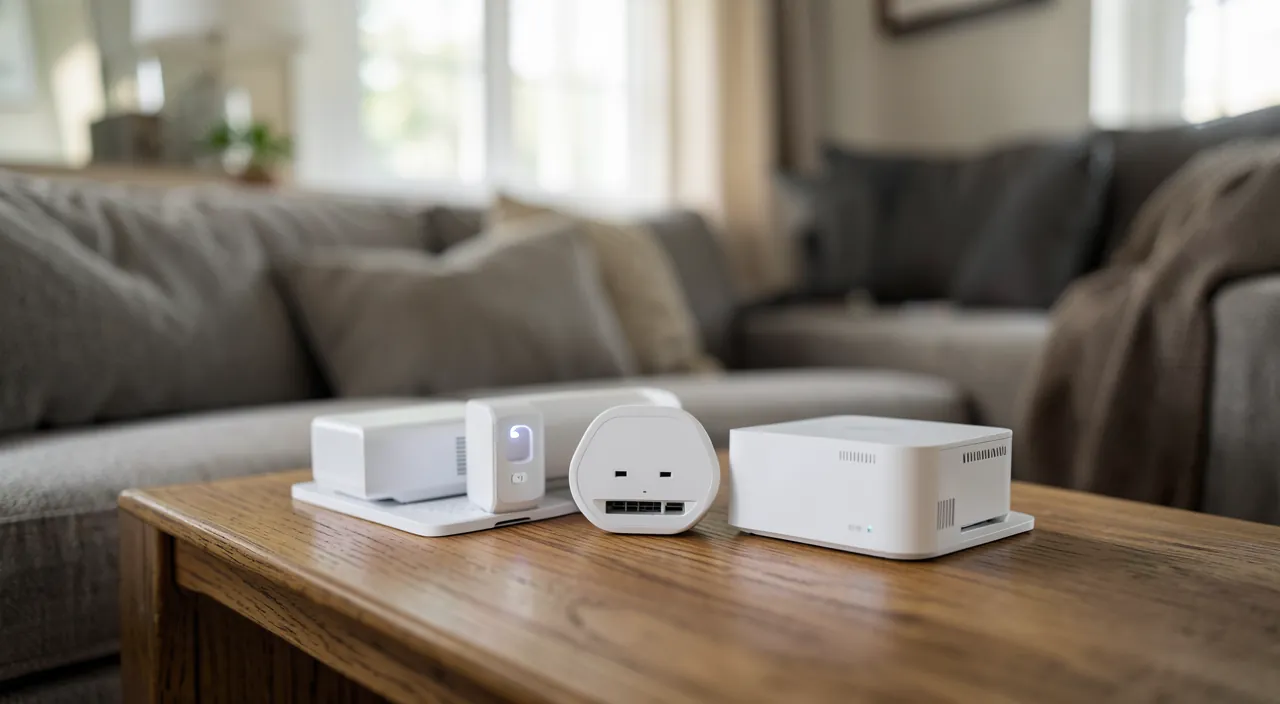
Can a connected camera or speaker be hacked?
Yes, if it’s poorly secured, which is exactly why these objects deserve special attention: they are the most sensitive for privacy. A hacked camera or speaker (with microphone) would allow someone to watch or listen to you at home — a serious privacy violation. The causes of hacking are often basic: a default password never changed, an object not updated (with known vulnerabilities), a poorly protected control account, or a cheap, poorly secured object. To protect them: imperatively change the default password for a strong and unique one, secure the associated account (two-factor authentication), enable updates, control who has access, and disable unnecessary features (remote access, sharing). Also think about their PLACEMENT and what they capture (don’t aim a camera at private spaces permanently). Choose serious brands. Well secured, these objects remain practical without exposing your privacy; neglected, they can become an open window into your private life. These are the objects to secure as a priority.
What to remember
Connected objects (speakers, cameras, thermostats, bulbs, TVs, video doorbells, toys…) bring comfort but pose real SECURITY challenges: often poorly secured by default and neglected once installed, they affect your PRIVACY (cameras, microphones capture images and sounds of your privacy) and your NETWORK (a vulnerable object can be an entry point to your other devices). Each connected object is a small COMPUTER connected to the Internet: it deserves the same security attention, yet often forgotten — many people secure their phone and PC but leave their connected objects wide open, making them the weak link. Steps to secure them: CHANGE the default passwords as soon as you install them (the number one flaw — many objects have a generic password known to hackers), secure the ASSOCIATED ACCOUNT (strong and unique password, two-factor authentication), UPDATE the objects (they fix vulnerabilities), protect your WiFi (or create a SEPARATE NETWORK for the objects, isolated from main devices), adjust PRIVACY and disable the unnecessary, check access, choose objects from SERIOUS BRANDS (security and updates ensured — be wary of cheap suspicious objects), and remove from the network those you no longer use. PRIORITIZE sensitive objects: cameras, video doorbells, speakers with microphones, connected locks — a hacked camera exposes your privacy, a lock flaw your physical security. Take inventory of your objects (you forget), and treat updates as regular maintenance. A connected home can be both practical AND safe: a few basic steps are enough to not let these objects, too often neglected, become the weak link in your digital home. Don’t forget them in your security: changing default passwords, taking care of cameras and microphones, updating and choosing your objects well protect both your privacy and your network, to enjoy the comfort of the connected home with peace of mind.
Doubts about your security, a device to check or clean up? Our support service guides you step by step.
Leave a Reply
You must be logged in to post a comment.