
Knowing where one’s money goes is the foundation of good financial management — yet many end the month without understanding how their account was emptied. Expense tracking apps promise to solve this problem: automatically categorizing purchases, visualizing spending categories, alerting on overages, and helping to budget. When used effectively, they transform the relationship with money: from a confusing and anxiety-inducing fog to a clear view. Here’s how these apps work, what they really offer, and how to use them safely — because they deal with your financial data.
What expense tracking apps bring
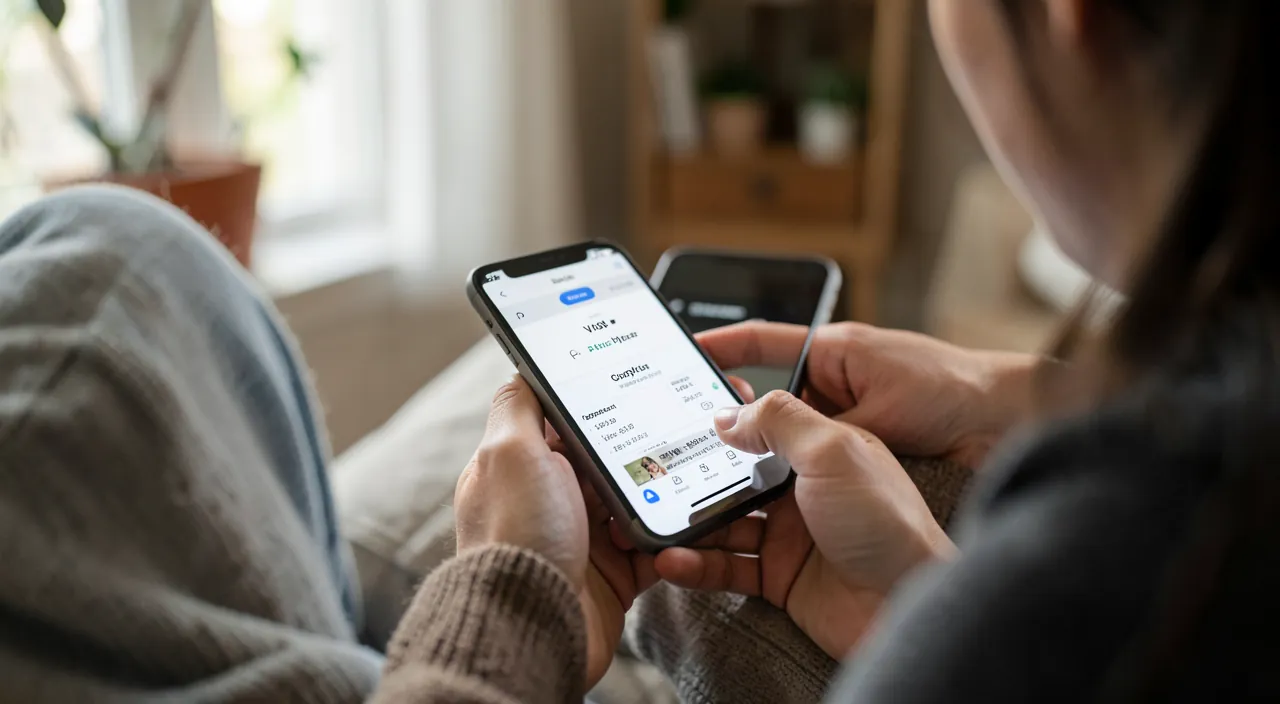
The underlying issue: without tracking, money « leaks » without us really knowing where it goes; small expenses accumulate, subscriptions are forgotten, and the account plummets before the month ends. An expense tracking app brings CLARITY: it CATEGORIZES your expenses (groceries, housing, leisure, transportation, subscriptions…) to show at a glance where your money goes; it VISUALIZES (charts, distributions) what is abstract in a raw bank statement; it spots TRENDS (« your delivery expenses have doubled ») and surprising categories; it helps to BUDGET (set limits by category, track where you stand) and sometimes ALERT on overages; and it facilitates the tracking of RECURRING subscriptions (often a source of forgotten money leaks — our guides on cleaning up subscriptions). The most precious effect is often psychological: going from the ANXIETY-inducing FOG (« I don’t know where my money goes ») to a CLEAR VISION that soothes, even when the numbers aren’t rosy. You can only control what you measure: seeing clearly where your money goes is the first step toward better control. These apps don’t make savings for you, but they give you the information to DECIDE with knowledge: spotting leaks, adjusting habits, and planning projects. For many, it’s a revelation: money doesn’t always go where you think it does, and knowing this changes everything.
These apps help you see exactly where your money is going. They categorize your spending, show trends, and help you budget. The biggest benefit is reducing the stress of not knowing where your money disappears to.
Imagine you use an app like YNAB (You Need A Budget). After a month, it shows you spent $300 on food delivery, $200 more than your usual grocery budget. This helps you realize where to cut back.
Different types of apps and how to choose
There are several approaches, with varying levels of automation and security: the CONNECTED apps to your bank accounts — they automatically retrieve and categorize your transactions (the most convenient: minimal effort, everything is up-to-date); BUT this requires giving them access to your banking data, which demands vigilance on security and the service’s seriousness (see the warning); the MANUAL entry apps — you enter your expenses yourself; more demanding, but no bank connection (thus more control over your data, and a heightened awareness of each expense as you note it); the bank-provided tools — many banks now offer integrated expense tracking in their own apps (a good compromise: your data stays with your bank, which you already use and trust); and the good old SPREADSHEET — for those who want full control without a third-party app (your data remains completely local — our guides on spreadsheets). To CHOOSE: evaluate the balance between convenience (the automation of connected apps) and control of your data (manual entry, bank-provided tools, or spreadsheet); prioritize serious and recognized services if you opt for a bank connection; check what is free and what requires a subscription; and choose based on your real need (simple tracking or detailed budgeting). The key point: the best app is one you WILL actually use regularly — an ultra-comprehensive app abandoned after a week serves no purpose; a simple but followed solution transforms your management. Many, concerned about their data, prefer the bank tool or a spreadsheet — this is a perfectly valid and often safer choice.
The right reflex. Before entrusting your banking data to a third-party app, check what your BANK offers: many banks now integrate expense tracking (automatic categorization, charts, budgets) directly into their own app. This is often the best compromise: your data stays with your bank (which you already use and trust), without having to give access to a third-party service. If this tool is sufficient for you, you have a practical AND safe solution without exposing your banking data elsewhere. If you want more features, carefully evaluate the third-party apps (service’s seriousness, security, what they do with your data). And if you prefer full control, a simple spreadsheet or manual entry keeps your data completely under your control. Start with the simplest and safest: the essential is finally having a clear view of your expenses — the tool matters less than the regular follow-up.
Using your tracking well and protecting your data
To get the most out of expense tracking: check it REGULARLY — a tracking tool is only valuable if you look at it (a weekly or monthly glance is enough to keep control); start by UNDERSTANDING before budgeting — analyze where your money goes first (often enlightening), before setting realistic goals; track subscriptions and leaks — the fastest gain (cancelling dormant subscriptions often recovers non-negligible sums — our guides on cleaning up subscriptions); set REALISTIC budgets — based on your actual numbers, not abstract rules (our guides on understanding your budget); don’t feel guilty — tracking serves to understand and adjust, not to judge yourself; and combine with goals — tracking helps to plan your projects (savings, purchases). A KEY POINT on SECURITY and privacy, because it involves your most sensitive financial data: if you use a connected app, ensure it is SERIOUS and recognized (an app that accesses your finances is a choice not to be taken lightly — our guides on privacy and confidentiality). Never give your banking credentials to a dubious or little-known app, and be wary of free apps whose business model might rely on exploiting your financial data. Remember that safer alternatives exist: the integrated tracking tool from your bank (your data stays with your bank), manual entry, or a simple spreadsheet (your data remains completely local) — many people prefer these for their privacy. Finally, never write down your banking credentials in a non-intended app (our guides on password managers). Expense tracking is a valuable tool: vigilance is about not exposing your financial data to anyone.
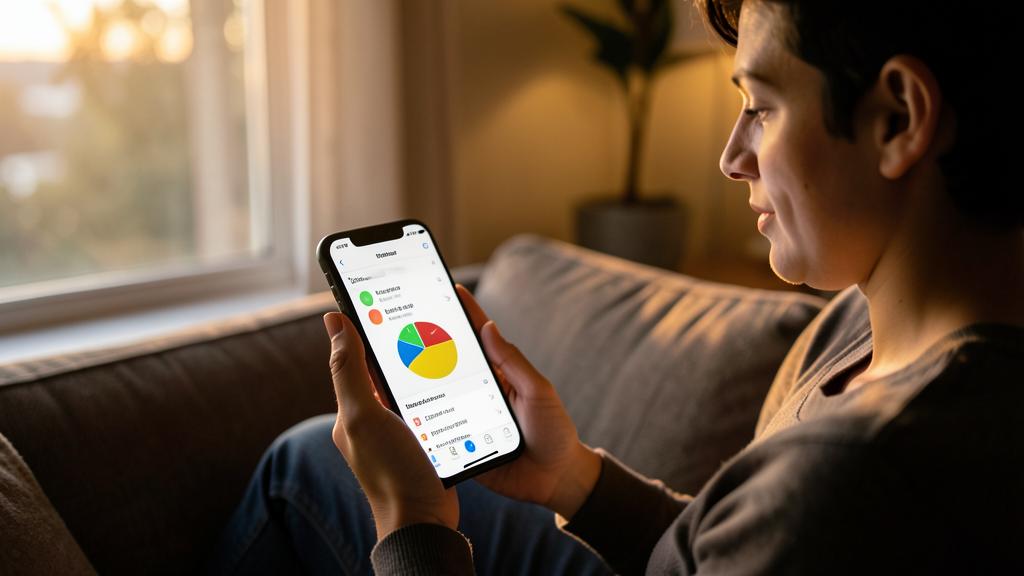
Warning: your banking data is sensitive — entrust it only to serious services. The major point of vigilance: expense tracking apps connected to your bank accounts are practical, but they require giving access to your most sensitive data. Entrust this access only to SERIOUS and RECOGNIZED services: check their reputation, security, and what they do with your data (an app that accesses your finances is a choice not to be taken lightly — our guides on privacy and confidentiality). Never give your banking credentials to a dubious or little-known app. Be wary of free apps whose business model might rely on exploiting your financial data. Remember that safer alternatives exist: the integrated tracking tool from your bank (your data stays with your bank), manual entry, or a simple spreadsheet (your data remains completely local) — many people prefer these for privacy. Finally, never write down your banking credentials in a non-intended app (our guides on password managers). Expense tracking is a valuable tool: vigilance is about not exposing your financial data to anyone.
Frequently asked questions
Is an expense tracking app really useful?
Yes, if you check it regularly: it brings CLARITY by categorizing your expenses and visualizing where your money goes (what is abstract in a raw bank statement), spots trends and leaks (forgotten subscriptions), helps to budget, and transforms an anxiety-inducing fog into a clear view. You can only control what you measure: seeing clearly where your money goes is the first step toward better control. It doesn’t make savings for you, but gives you the information to decide (spotting leaks, adjusting, planning). For many, it’s a revelation: money doesn’t always go where you think it does. The key is to follow regularly, whatever the tool.
Is it safe to connect an app to my bank accounts?
It depends on the service: a connected app is convenient, but your banking data is sensitive; entrust this access only to SERIOUS and recognized services (check their reputation, security, and what they do with your data). Never give your banking credentials to a dubious app. Safer alternatives exist: the integrated tracking tool from your bank (your data stays with your bank), manual entry, or a spreadsheet (data remains local) — many prefer these for privacy. Evaluate the balance between the convenience of automation and control of your data: for such sensitive data, prudence is advised.
Which tracking solution to choose?
It depends on your priority between convenience and control of your data. For the most practical and safe solution, check first the integrated tracking tool from your bank (data stays with your bank, nothing exposed elsewhere). For more features, a serious and recognized third-party app (verify its security). For full control of your data, manual entry or a spreadsheet (data remains local). The best solution is one you WILL actually use regularly: a complete app abandoned after a week serves no purpose; a simple but followed solution transforms your management. Start with the simplest and safest: the essential is finally having a clear view of your expenses.
What to remember
Expense tracking apps bring CLARITY on where your money goes: they categorize purchases, visualize spending categories, spot trends and leaks (forgotten subscriptions), help to budget, and transform an anxiety-inducing fog into a clear view — the first step toward better control. Several types exist, with different compromises between convenience and security: connected apps to your accounts (practical but requiring access to your banking data), manual entry (more control), integrated tools from your bank (often the best compromise: practical and safe, your data stays with your bank), and spreadsheets (full control). Check what your bank offers before entrusting your data to a third party. To use tracking well: check it regularly, understand before budgeting, track subscriptions (the fast gain), set realistic budgets, and don’t feel guilty. Key point: your banking data is among the most sensitive; entrust it only to serious and recognized services, never to a dubious app, and be wary of free apps that might exploit your financial data — safer alternatives exist (bank, manual entry, spreadsheet). Carefully chosen and used with vigilance, an expense tracking app is a valuable ally for a calm and informed management of your money: the key is to follow regularly, while protecting your data.
Want to go further with your phone and apps? Our practical training is for you.
Leave a Reply
You must be logged in to post a comment.