
Every day, you repeat the same small numerical tasks: activating silent mode in the evening, sending the same message « I’m on my way, » resizing photos, launching your playlist when leaving for work. Taken one by one, they are harmless; combined, they waste a lot of time. Good news: you can AUTOMATE them, without knowing how to code. Modern automation tools allow everyday people to create « recipes » that do the work for them. Here’s how to delegate the repetitive to your phone and computer, and reclaim that time.
Automate without coding: it’s possible
Automation conjures up intimidating lines of code: forget that image. Public tools work with VISUAL BLOCKS that you assemble like Lego: « WHEN this happens, THEN do that. » No programming, just simple logic. Modern phones include a dedicated app (shortcuts/automations) that allows you to create these sequences; computers offer similar functions; and online services connect your different applications. The universal principle: a TRIGGER (a time, a location, an action, a connected device) and one or more ACTIONS that execute automatically. Concrete examples within everyone’s reach: « when I arrive at work, put the phone on silent, » « every evening at 10 PM, activate dark mode and do not disturb, » « when I launch the home route, send a message to my spouse, » « convert these photos to PDF with a tap. » These are not geek gadgets: these are minutes reclaimed every day, and forgotten tasks avoided. Automation is delegating the mechanical to the machine to keep your energy for what matters.
Automation tools use simple “if this, then that” rules. You pick a trigger (like a time or location) and an action (like muting your phone). No coding needed—just drag and drop blocks to build your own shortcuts.
Every morning at 7:30 AM, your phone automatically turns on Wi-Fi, opens your calendar, and starts your favorite podcast. This routine saves you 5 minutes of manual steps every day.
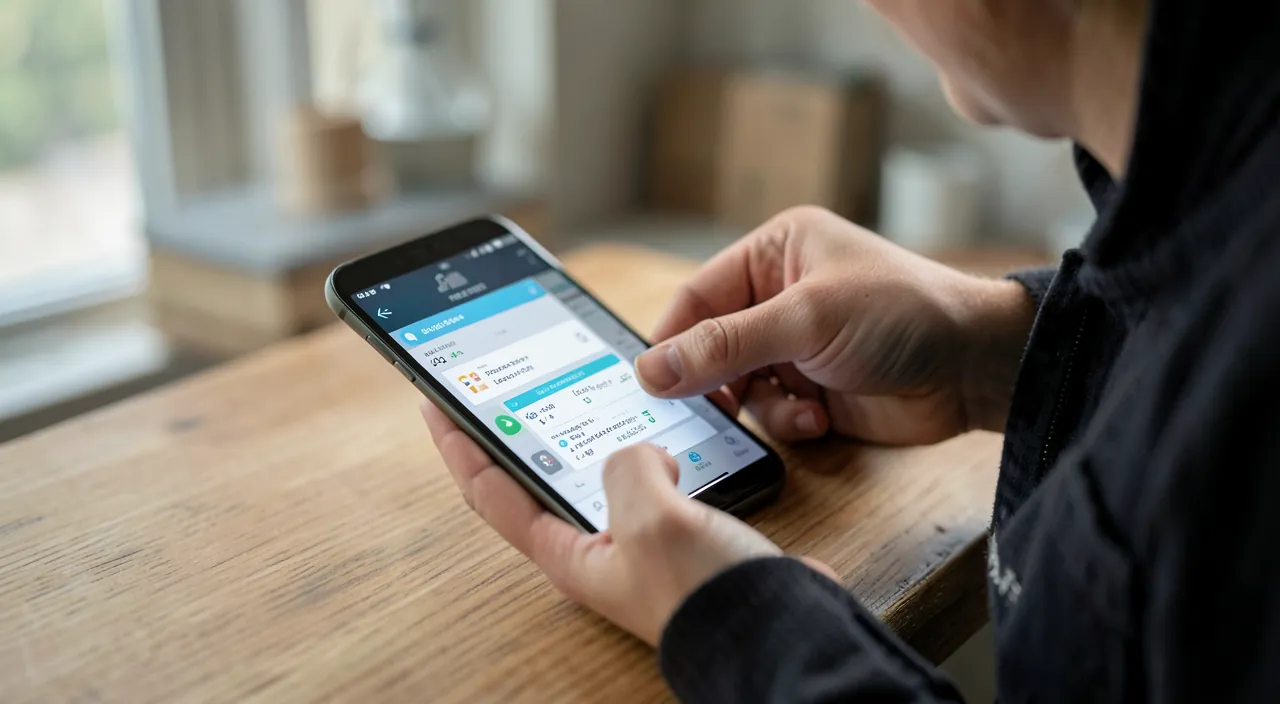
Where to start: spotting your repetitions
The right method is not to look for « what to automate » in the abstract, but to OBSERVE what you repeat: for a few days, note the digital gestures that come back (the same settings activated/deactivated, the same messages typed, the same series of manipulations). These are your candidates for automation. Start with the SIMPLEST and most frequent: context automations — based on time, location, or action (silent at the office, night mode in the evening, home Wi-Fi that triggers a setting) — are the easiest and most useful daily; action shortcuts — a tap that chains multiple steps (sending a template message, launching a morning routine, converting a file); automations between apps — more advanced, they connect your services (automatically saving an attachment, adding an event…). The key tip: start SMALL, with ONE simple and truly useful automation, and see if it saves you time. A success makes you want to create others; wanting to automate everything at once leads to fragile, overcomplicated systems. Effective automation is built gradually, around your real habits.
The right reflex. Create your FIRST automation around a routine you do every day without thinking — for example, switching to silent + do not disturb in the evening at a fixed time, or activating power-saving mode below a certain battery level. Choose something simple, useful, and daily: you’ll see the benefit immediately, and you’ll understand the « trigger → action » logic that applies to everything else. Explore the gallery of examples offered by automation apps: it’s full of ready-to-use ideas that you just need to activate and adapt (our iPhone shortcuts guides). Better one simple automation that works reliably than ten complicated ones you no longer understand: the regularity of a small daily gain adds up over time.
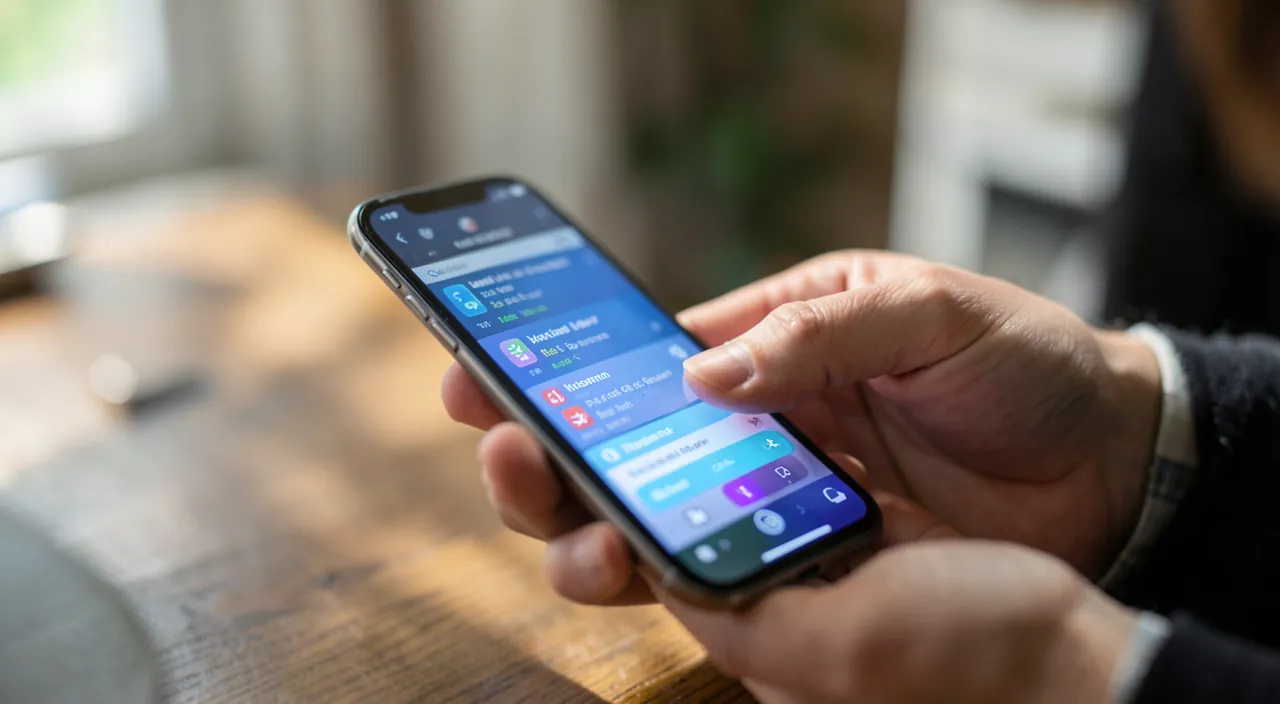
Going further and staying in control
Once the logic is mastered, the possibilities open up: composed routines — chaining multiple actions from a single trigger (in the morning: weather + daily agenda + music launch + route); connected home automation — lights, heating, shutters controlled by scenarios (our connected home guides); productivity gains — batch processing of files, message templates, keyboard shortcuts combined with automations (our keyboard shortcuts guides); accessibility — automation simplifies usage for those with difficulties (our accessibility guides). But keep CONTROL: an automation should SERVE you, not complicate your life; if it becomes too complex, buggy, or incomprehensible, simplify or delete it. Mentally document (or with a note) what each automation does, so you’re not lost when one triggers mysteriously. And be careful with automations connecting online services: check the ACCESS they have to your data (our privacy guides). Well-thought-out automation is a liberation — it handles the tedious and repetitive; poorly managed, it adds a layer of opaque complexity. The right balance: a few simple, reliable, and understood automations that save you time without ever making you lose time fixing them.
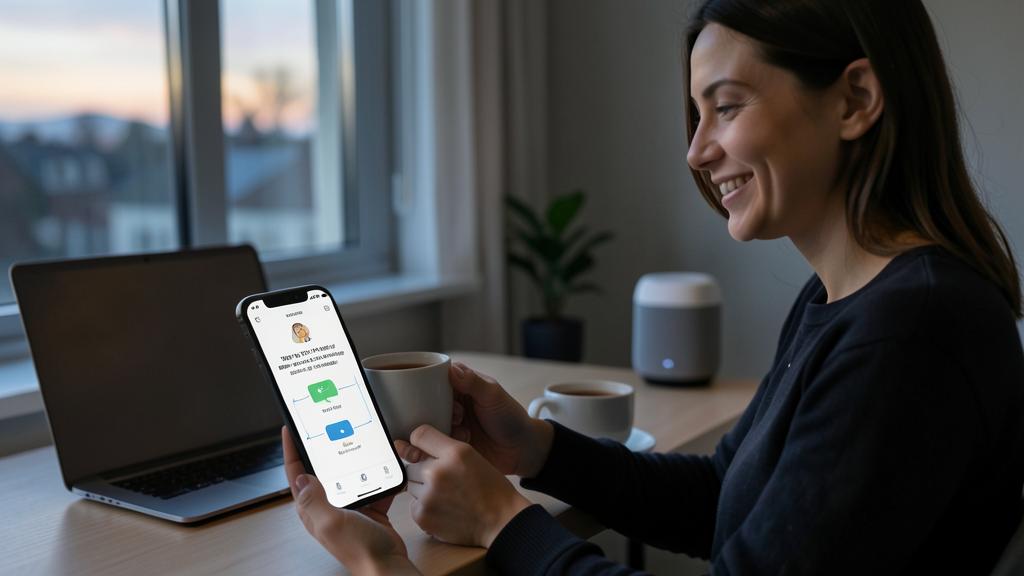
Warning: keep your automations simple, understood, and monitor their access. Three pitfalls: the over-engineered system — a too-complex automation becomes fragile and incomprehensible; when it bugs, you no longer know why: prioritize the simple and reliable, even if it means having several small automations rather than one monstrous one; the mystery effect — a forgotten automation that triggers (the phone going to silent « on its own, » a message sent without your knowledge) can create confusion and incidents: always know what you’ve activated, and test before relying on it; and above all, the data access — services that connect your applications together often request access to your accounts, emails, contacts: only grant these permissions to trusted tools, and verify what they can read and do (our privacy guides, permission cleanup). An automation that would have access to all your emails to « sort your emails » is a power to be entrusted only with full awareness. Automate to simplify your life — never at the expense of your security or understanding of what’s happening.
Frequently asked questions
Do you need to know how to code to automate?
Absolutely not. Public tools work with visual blocks to assemble according to the logic « when this, then that » — no lines of code. Automation apps even offer galleries of ready-to-use examples. If you can follow a cooking recipe (steps in order), you can create a simple automation. Start by activating a pre-made one, understand the logic, then create your own. Automation has been democratized precisely to be accessible to everyone, without technical skills.
What can I automate that’s useful in daily life?
CONTEXT automations are the most profitable: silent at the office, night mode in the evening, power-saving below a battery threshold, settings activated when arriving home. Add action shortcuts: a template message sent with a tap, a morning routine, a file conversion. Then, if you want, the connected home and app links. The best approach: observe what YOU repeat for a few days — your personal repetitions are your best candidates, far more than generic ideas.
Can an automation pose a security problem?
Local automations (on your device) are safe. The vigilance concerns ONLINE services that connect your applications together: they often request access to your accounts, emails, or contacts. Only grant these permissions to trusted tools, and verify what they can actually read and do (our privacy guides). A service that would access all your emails deserves reflection. As with any permission, the principle is: only give what’s necessary, to serious actors, with full awareness.
What to remember
Automating repetitive tasks requires no technical skills: modern tools work with visual blocks according to the « trigger → action » logic (when this, then that). The method: observe what you REPEAT (settings, messages, manipulations), then start with ONE simple, useful, and daily automation (silent at the office, night mode in the evening), inspired by ready-to-use example galleries. Context automations (time, location, action) are the easiest and most profitable; you can then compose routines, control the connected home, link your apps. The golden rule: stay SIMPLE and in control of your automations — the simple and reliable is better than an opaque over-engineered system, and you monitor the access granted to services that touch your data. Well done, automation delegates the mechanical to the machine and gives you back minutes every day — without ever becoming another puzzle to manage.

Want to gain more ease with your digital tools? Our personalized training adapts to your level.
Leave a Reply
You must be logged in to post a comment.