
One hour of meeting: eight pages of notes that no one will take. A family video: inaccessible to the hard-of-hearing grandmother. A recorded lesson: nowhere to be found when reviewing the key passage. Speech is the most natural format — and the least usable: you don’t search for it, skim it, or read it. Automatic transcription solves exactly that, and it has become both excellent and free. Meetings, videos, lessons, interviews, memories: here’s how to turn speech into useful text — and text into subtitles.
What modern transcription can do
Speech recognition has crossed a silent threshold: current engines transcribe everyday French with a residual error rate (a few words per page, mostly proper nouns and rare terms), punctuate correctly, distinguish speakers (“Speaker 1 / 2” — renamable), timestamp each sentence (clicking the text takes you to the audio moment: the feature that changes everything for finding a passage), and handle accents and moderate noise much better than before. The entry points, in order of simplicity: your phone — the Dictaphone app transcribes memos (our voice notes guides), the keyboard dictates in real time; video conferencing tools — built-in transcription for online meetings (often with automatic summaries — check activation and permissions in your organization); online transcription services — upload an audio or video file, retrieve timestamped text (generous free plans, subscriptions for intensive use); and local processing — open-source recognition models run on a recent computer without sending data anywhere: the path to maximum confidentiality (sensitive interviews, medical, journalism), with a bit of setup — the AI itself guides you through the process.
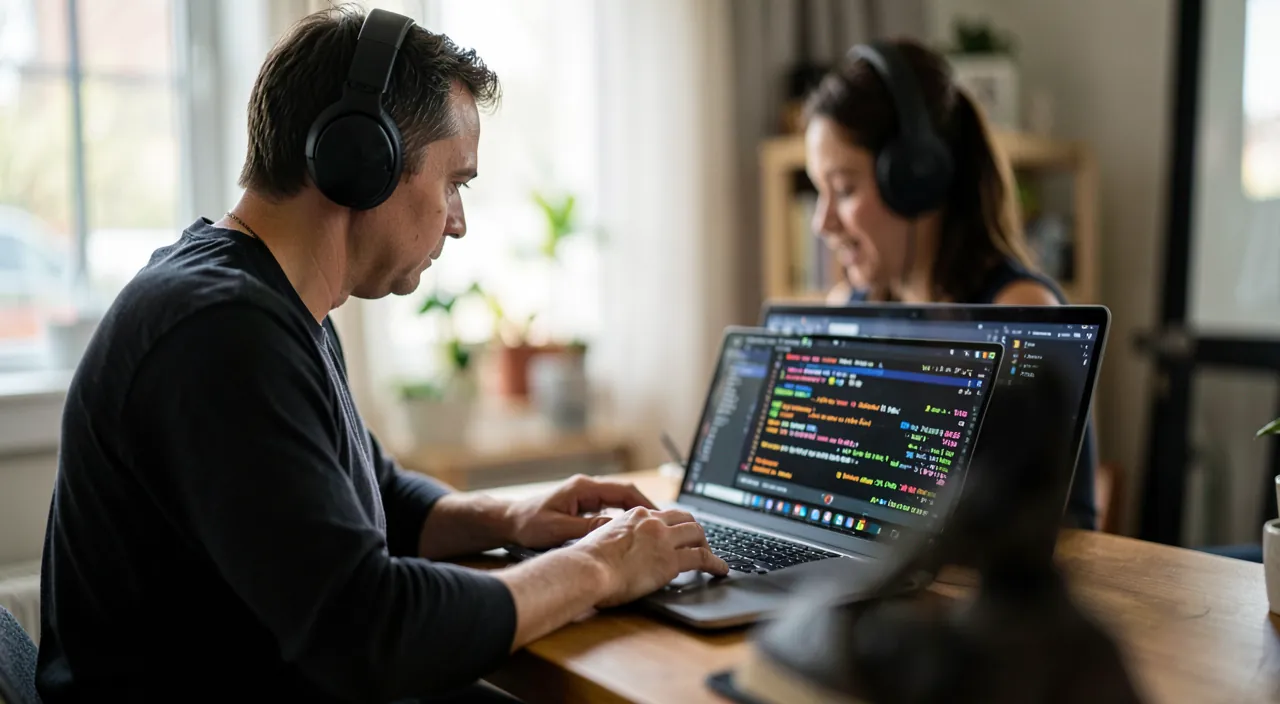
Modern transcription tools can turn spoken words into text with high accuracy, including punctuation, speaker identification, and timestamps. This makes it easy to search and review audio content, whether it’s a meeting, interview, or family recording.
During a 30-minute team meeting, an AI transcription tool can generate a text file with speaker labels, timestamps, and proper punctuation. If a key decision was made at the 15-minute mark, you can click the timestamp in the transcription to jump directly to that moment in the audio recording.
The winning duo: transcribe THEN let the AI work
The raw transcription is just the raw material — the value comes from processing: paste the text into your AI assistant and ask, depending on the need: the structured meeting minutes (decisions, actions with responsible parties, open points — the format no one ever writes and everyone demands: ten seconds after an hour-long meeting); the multi-level summary (three sentences for the busy absent, one page for the file); the targeted extraction (“everything said about the budget,” “commitments made by the service provider” — the transcription becomes searchable); the cleanup — spoken language is full of hesitations and repetitions: “rewrite in clean French while strictly keeping the content” produces publishable text (interview, testimony); and the translation right away. Three rules for reliability: reread critical passages against the audio (numbers, names, commitments — timestamps make verification quick); keep the source transcription with the summary (the summary can be challenged, the source decides); and know that the AI summarizes what is SAID — not what happened: the irony, silences, and unspoken elements of a tense meeting escape the text — the automatic report complements human judgment, it doesn’t replace it.
The right reflex. For important appointments that concern YOU (medical, bank, craftsman, school), get into the habit of the hot debrief dictated — not the recording of the appointment (consent of those present is required, the atmosphere suffers), but YOUR spoken recap within five minutes, transcribed and summarized: “here’s what was said, decided, prescribed.” The memory of consultations evaporates in a documented way — this three-minute ritual keeps everything, without hidden microphones or discomfort. It’s the most valuable and simplest use of the entire toolkit.

Subtitles: accessibility and reach
Second aspect: text ON the video. Key uses: family accessibility — the wedding film, videos of grandchildren subtitled for hard-of-hearing relatives (a real gift, just a few clicks: popular editing apps automatically generate subtitles — correct the names, export); publishing — most videos on social media are watched without sound: the video of the craftsman, association, or business WITHOUT subtitles loses most of its audience (platforms integrate automatic generation — activate, review, adjust the pace); language — translated subtitles to reach beyond French (review recommended for any public use: automatic translation of spoken phrases remains tricky); and consumption — on the viewer’s side, live phone subtitles (our accessibility guides: instant transcription of the environment or calls) serve the hard of hearing as well as noisy situations. The rules for readable subtitles, which the AI applies if asked: two lines maximum, phrase synchronization, no blocks — “split these subtitles according to readability standards” does the work of an editor.
Sound archives: heritage that becomes readable again
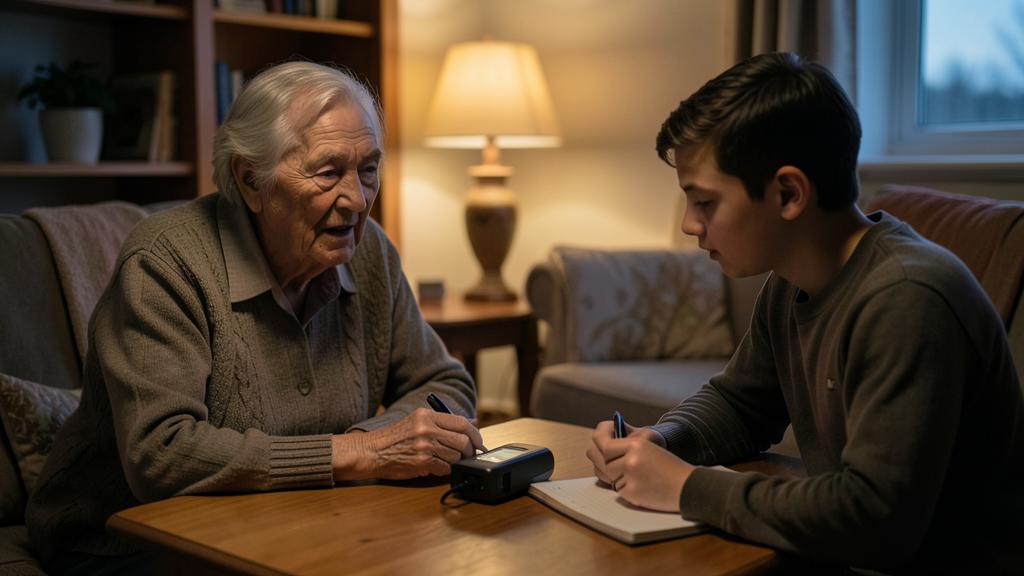
The most moving use: voices from the past. Grandfather’s cassettes, anniversary mini-DVs, saved voicemails, family interviews — digitized (our digitization guides), then transcribed: stories become searchable (“when does he talk about the farm?”), quotable (the family book illustrated with his exact words), transmissible (the PDF of oral memoirs alongside the recordings). The method for a family memory project: record the elders WITH their consent and enjoyment (short sessions, open-ended questions — the AI suggests excellent biographical interview templates: “give me 20 questions to have my mother tell about her youth”), transcribe, clean up while keeping THE person’s language (instruction: “correct without smoothing, keep their expressions and speech”), and assemble — the memoir book is no longer a writer’s project but a patience project (see our dedicated guide to writing a book). Same logic for associations and professions: the oral know-how of the elders, local stories, testimonies — an entire heritage becomes text, therefore lasting memory.

Attention to the rights and confidentiality of speech. Transcribing industrializes listening — the rules follow: recording others requires their consent (a private conversation recorded without knowledge is illegal and toxic — the rule applies to meetings: recording is announced, and many video tools do it automatically); transcriptions are personal data — sometimes sensitive (health, opinions): the online service that processes them sees them pass (conservation policies to read, local processing for sensitive data), and their storage deserves the same care as your documents (encryption, sorting — the transcribed HR meeting left in a shared folder is a pending leak); and quoted speech commits — publishing someone’s transcribed testimony (family book included) deserves their review and consent: the transcription is accurate, but everyone remains the master of their printed speech. The tool is neutral; the ethics of listening, however, do not change.
Frequently asked questions
What accuracy can be expected from a poor recording?
Audio quality governs everything: a meeting with a phone placed in the middle of the table correctly transcribes nearby voices, poorly transcribes distant ones; archives with crackling noise sometimes require preprocessing (AI audio cleanup tools actually improve — ask for instructions). The preventive reflex: for any recording intended for transcription, bring the microphone closer — ten centimeters gained are worth all the software.
Automatically transcribed meetings: who sees what?
Depending on the tool and the organization’s settings: the transcription can be shared with all participants, stored on the company’s servers, summarized by AI. In a company: follow the internal policy and announce the recording; as an independent: choose the tool knowingly. And a simple right to know: asking for an aside to be left out of the transcription is legitimate — saying so usually suffices.
Can a published video (course, conference) be transcribed?
Technically yes (services accept links or files) — for your personal study use, it’s the equivalent of taking notes: valuable for reviewing and citing. Republishing the text, however, falls under the creator’s copyright: summarizing for yourself, yes; republishing without consent, no.
What to remember
Automatic transcription gives speech what it was missing: searchability, skimming, traceability. The winning flow: capture properly (close microphone, consent of those present), transcribe (phone, video, online services — or locally for sensitive data), then let the AI work — structured minutes, multi-level summaries, targeted extraction, cleanup that respects the language: with the review of critical passages against the timestamped audio. For videos, automatic subtitles open accessibility and reach; for heritage, transcribed family voices become lasting memory. Ethical rules close the loop: consent to record, care for transcriptions (they are personal data), consent to publish. Eight pages of notes that no one will take? Yes — now, someone always takes them. Might as well have them work for you.

Want to master AI and make it a real daily asset? Our training programs support you at your own pace.
Leave a Reply
You must be logged in to post a comment.