
The slide deck is the quintessential office chore: hours spent aligning bullet points, searching for visuals, harmonizing colors — for often mediocre results. AI has changed the game faster here than almost anywhere else: describe your topic, get a structured, illustrated, and laid-out presentation in minutes — to be refined later, but the heavy lifting is done. Meeting, school presentation, association assembly, defense: here are the tools, the method, and the rules to keep the content yours.
What AI does really well in a slide deck
Three levels of assistance, from simplest to most complete: the structure generation — give the subject, audience, and duration to an AI assistant (« 15 minutes to present our community garden project to the city council »): it suggests a 10-12 slide plan with each idea — this is the biggest gain, as the structure is what requires the most mental effort; the content writing — punchy titles, key points condensed (AI excels at turning your verbose paragraph into three clean bullet points — the opposite of what we naturally do), detailed speaker notes; and the automatic formatting — AI-powered presentation tools (major office suites integrate it, and specialized services have made it their business) directly generate designed slides: coherent palette, matching visuals, professional layout — the « junior designer » level is achieved, far above the average slide deck. Added are generated images to illustrate the unfindable, complete translation of the slide deck in one command, and resizing of content (the 5-minute version of your 20-minute presentation).
AI can now quickly create a full presentation for you, including structure, text, and design. The key is to give it your real details so it doesn’t just make something generic.
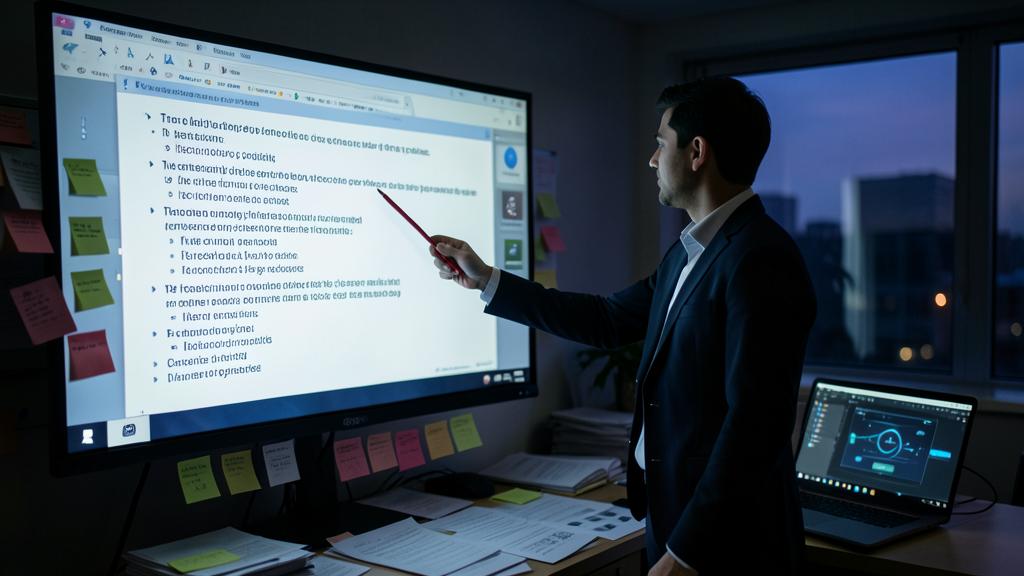
You need to present a new product launch to your team. Instead of spending hours designing slides, you input the product details, target audience, and key points into an AI tool. In minutes, you get a 10-slide deck with a professional layout, clear bullet points, and relevant visuals—ready to refine and present.

The four-step method
1. Feed before asking — quality comes from the material: give the AI your real elements (your figures, your arguments, your context, the source document if it exists) rather than a dry subject: « make a presentation about our report » produces generic content; the attached report produces custom work. 2. Validate the structure first — before any formatting, have the PLAN generated alone and refine it (the order of arguments, what’s missing, what’s redundant): ten minutes on the plan saves an hour on the slides — and that’s where YOUR thinking takes over. 3. Generate then prune — automatic formatting next, followed by the pruning pass: AI tends to overfill (too many bullet points, too many words per slide) — the rule for a good slide deck remains one idea per slide, a strong visual, minimal text (the full text goes in the speaker notes, which AI writes very well). 4. Personalize what’s visible — your real photos replace generic images where possible (your team, your product, your site — authenticity beats generated content for everything that concerns you), your colors if you have a brand identity, and a careful review of the figures: AI that reformulates can alter data — every number is checked against the source.
The right reflex. Have the speaker notes generated for each slide (« write what I should say about this slide, in a natural tone, 45 seconds »): then practice aloud with them. This is the underrated double benefit: the slide deck remains clean (the text is in the notes, not on screen) and your speech is prepared — AI then serves what really matters: not the slides, the presentation. Bonus: ask it for the three tough questions the audience might ask — and prepare the answers.

Choosing your tool based on need
The landscape in three families: the suites you already have — AI assistants integrated into classic presentation tools (online office suites) generate structure, text, and layouts in the environment you know: the natural choice for occasional use, often included in existing subscriptions; the AI specialists — services designed around generation (you write the subject, everything comes out designed, editing is done via instructions): the most impressive in speed and design, with two caveats — export to classic formats (check before adopting: your presentation must be able to live outside the service) and the credit/subscription model; and the assistant + classic tool duo — have your general-purpose AI assistant produce the plan and content, then pour them into your usual tool: the most controlled workflow, preferred by those who care about layout. For school or association use: the free versions of the three families are more than enough. For regular professional use: the integrated suite usually wins — less friction, no extra subscription, and your data stays in a already-framed environment (important point in companies: check internal policy before sending sensitive data to a third-party service).
The pitfalls of generated slide decks
Four common pitfalls: the brilliant generic — a stunning presentation that could belong to anyone: if your slides contain none of your figures, examples, or angle, the AI has produced a backdrop — start over by feeding it (step 1 of the method); the elegant overload — automatic filling creates « full but pretty » slides: prune ruthlessly (the audience reads OR listens, never both); the invented facts — AI illustrating your point may slip in a plausible but false statistic: any figure you didn’t provide is verified or removed (absolute rule in professional or academic contexts — the teacher and the client will check); and the uniformity — as everyone uses the same tools, presentations start to look alike: your real photos, your anecdotes, and your voice during the speech become precisely what sets you apart. The generated slide deck is an excellent starting point and a poor endpoint: the added value has simply shifted — from layout (automated) to content and embodiment (yours).

Be careful with the data you entrust. Generating a presentation for the company’s report, a patient’s medical file, or a confidential project means sending this information to the AI service — with varying data retention and training policies. Healthy rules: in a professional context, use tools validated by the organization (enterprise suites offer contractual guarantees that public services don’t have), anonymize what can be (sensitive figures are added manually afterward), and for associations or personal use, prefer established players over unknown services that « offer » a lot. The slide deck is often the condensed version of what an organization has most strategic — treat it as such.
Frequent questions
Can I generate a presentation from an existing document?
Yes — it’s even the best use: attached report, thesis, or minutes, and the AI extracts the presentation (plan, key points, speaking notes). The quality depends on the source document, and checking the figures remains necessary — but turning 30 pages into 12 slides is exactly what these tools do best.

Do AI models and themes replace a graphic designer?
For everyday use (meetings, presentations, associations): largely — the produced level exceeds what most of us used to lay out. For image stakes (public conference, fundraising, brand identity): the graphic designer keeps the advantage of coherence with your identity and intention — and now often works WITH these tools, faster.
How to avoid my presentation looking like everyone else’s?
- Use your own materials (real photos, figures, lived examples — what AI doesn’t have)
- Give precise style instructions (« minimalist, two colors, full-screen photos » rather than the default theme)
- Prune ruthlessly — the presentation that dares to have almost empty slides stands out immediately in a world of automatic filling.

What to remember
AI has industrialized the heavy lifting of slide decks: proposed structure, condensed content, designer-level layout — in minutes. The method that gets the most out of it: feed it with your real materials, validate the plan before the form, prune the filling, replace generic content with your real images, verify every figure — and have the speaker notes generated to prepare what really matters: the spoken part. Tools: the assistant integrated into your suite for everyday use, specialists for the « wow » effect (verified export), and caution with data entrusted in a professional context. The chore is dead; the demands have shifted — content, authenticity, embodiment have become the whole point. Your next presentation can be ready tonight: the question is no longer « how to make it » but « what do you have to say ».


Want to master AI and make it a real daily asset? Our training programs support you at your own pace.
Leave a Reply
You must be logged in to post a comment.