
Every visit starts the same way: « What’s your Wi-Fi password? » — and every household answers the same way: the real password, dictated, typed on the guest’s phone, memorized forever. Yet this code unlocks far more than the internet: it grants access to the network where your computers, backups, printer, cameras, and other devices live. The solution exists in almost all boxes and is ignored by most: the guest network — a second Wi-Fi, separate from yours, that provides internet without opening your home. Ten minutes of activation, years of peace of mind: user guide.
Why the main Wi-Fi should never be shared
The misunderstood point: connecting to your Wi-Fi isn’t « having internet at home » — it’s entering your local network, the same space as your devices: the computer with its shared folders, the NAS with family backups and photos, the printer, cameras and connected objects, the box itself and its administration interface. A guest device can see these machines, attempt to connect to them, and above all — a realistic scenario far more likely than a malicious guest — bring its infections: a compromised teen’s phone, a questionable cousin’s laptop, spread what they carry across the network, and some malware specifically targets vulnerable local network shares and devices. Add the memory effect: the password given once is memorized forever (and shared in turn — phones offer Wi-Fi sharing with a single gesture): over the years, dozens of devices you don’t control hold the key to your digital home. The guest network cuts all this at the root: a separate Wi-Fi, with its own name and password, that provides internet — and nothing else: guest devices see neither your machines, nor your shares, nor your box (isolation between the guest network and the main network is the core of the feature).
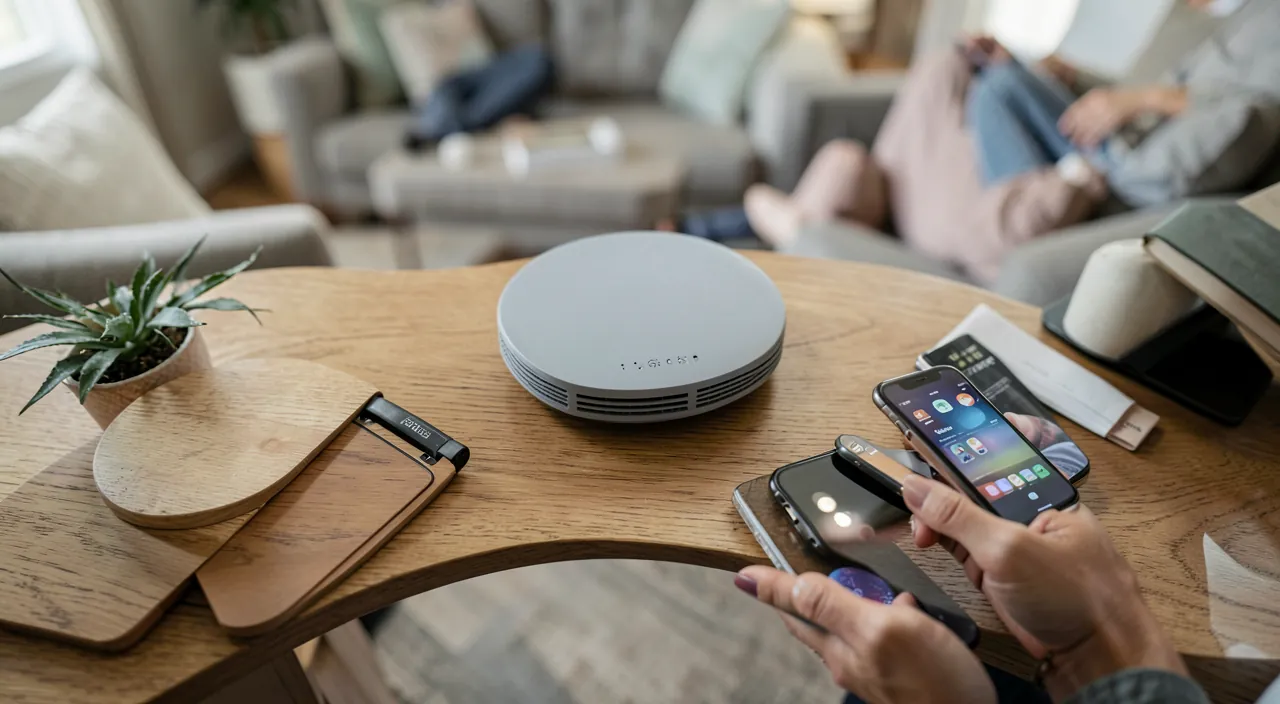
Sharing your main Wi-Fi password is like giving strangers the keys to your house. A guest network creates a separate internet-only zone for visitors, keeping your personal devices and data completely isolated. It’s a simple way to stay safe without being rude.
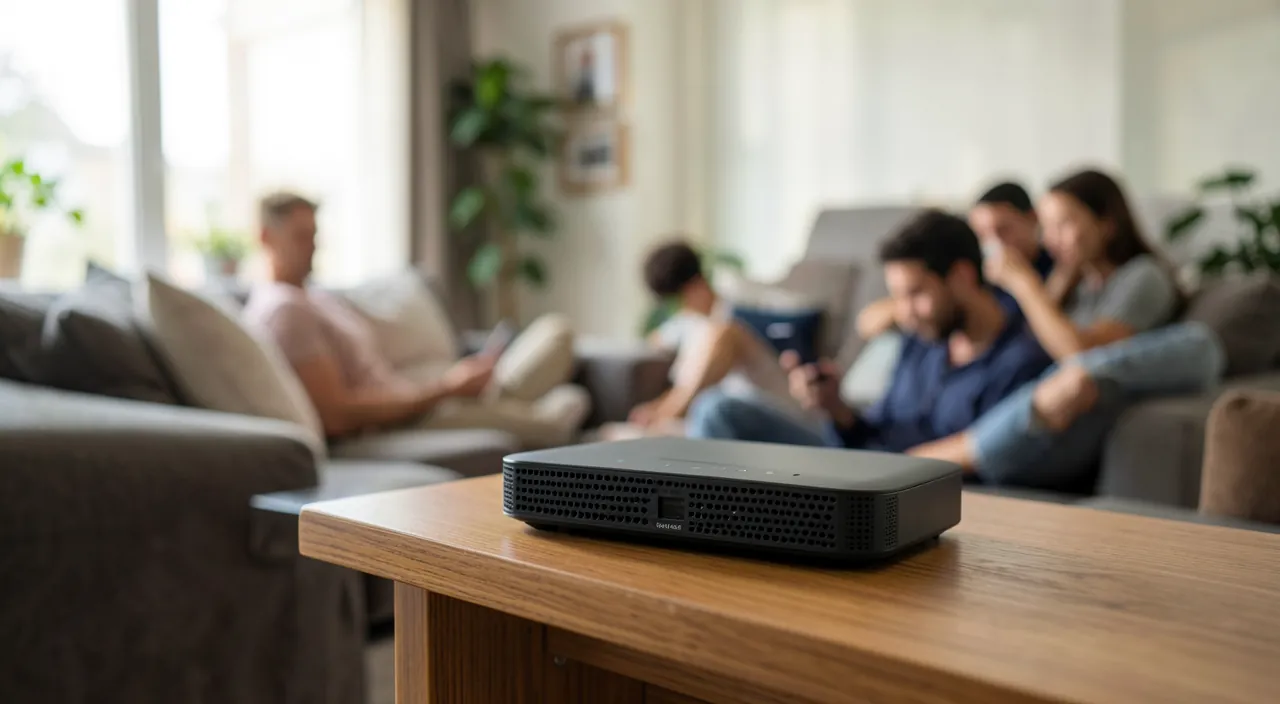
During a family gathering, your 15-year-old cousin’s phone connects to your main Wi-Fi. Unbeknownst to him, it’s infected with malware that spreads through local networks. Within minutes, this malware could compromise your NAS backup drive and your smart home devices. With a guest network, this never happens – the infected device only gets internet access, not network access.
Activating it on your box: ten minutes flat
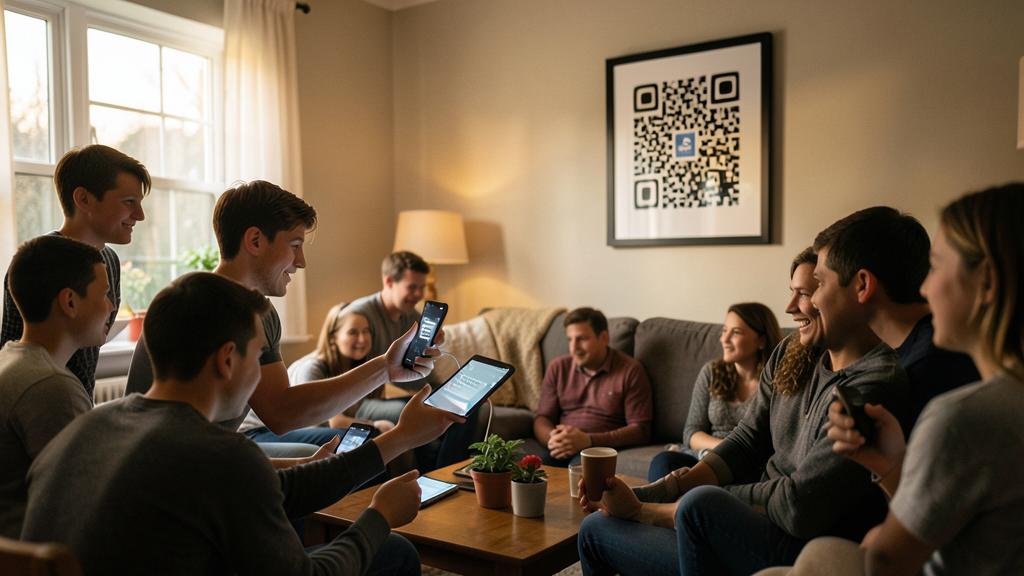
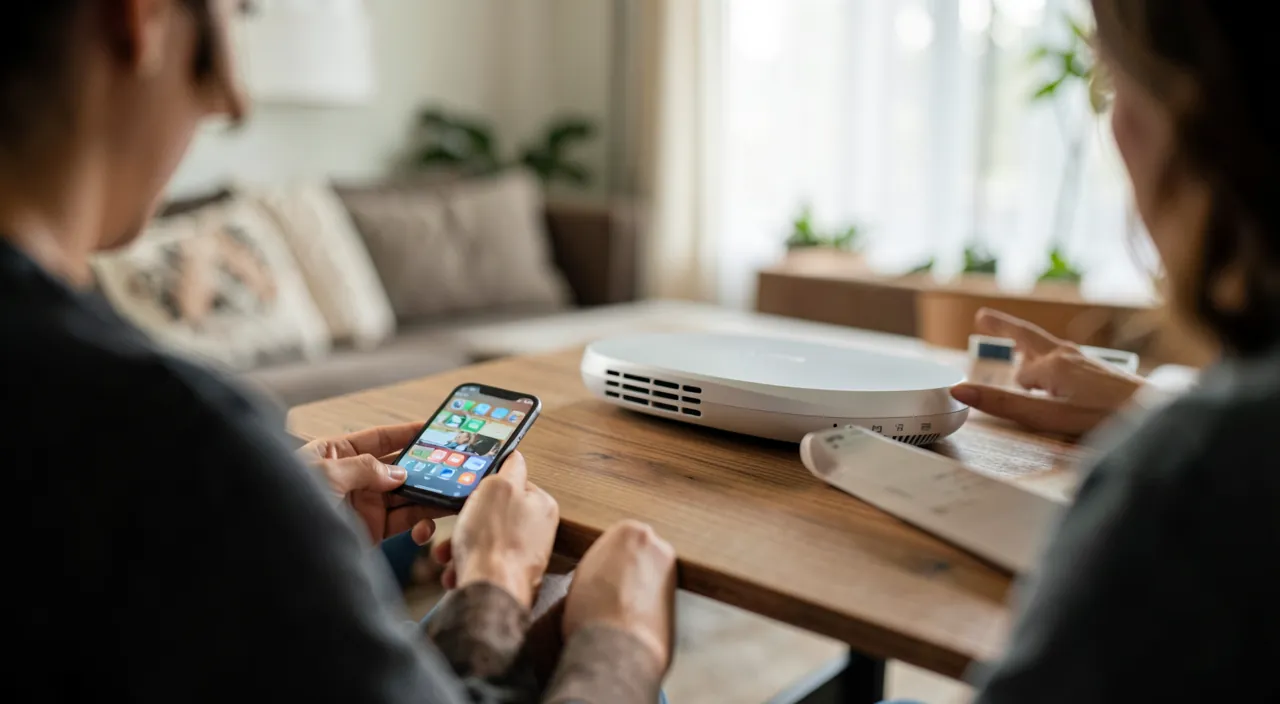
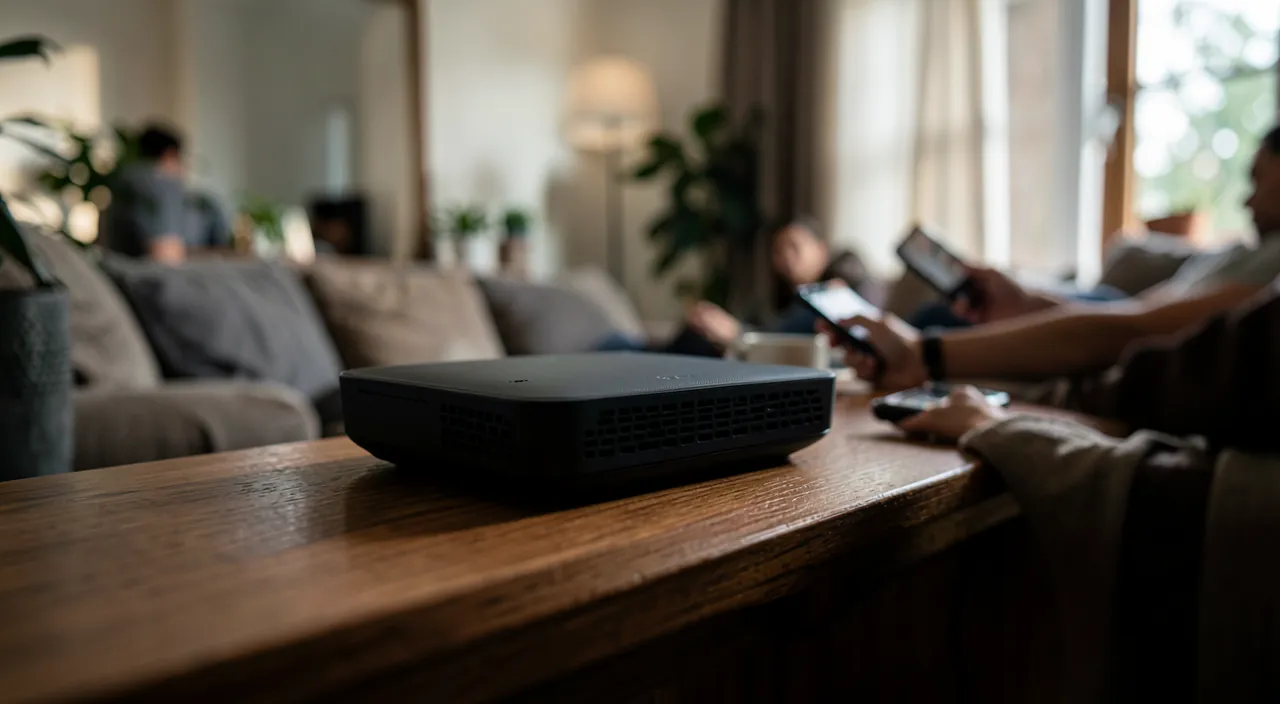
The feature exists on all major operators’ boxes and on almost all modern routers — under the names « guest Wi-Fi, » « guest network, » « guest network. » The path: the box’s administration interface (the operator’s app or the local address noted under the box) → Wi-Fi section → guest network. The settings that matter: a clear name (your network name + « Guests » — transparency is the goal, not discretion); a simple password to dictate but correct (a short phrase like « WelcomeToOurHome2026 » — it protects little, so it might as well be welcoming; change it once a year or after a big party — it’s painless since it doesn’t break any of YOUR devices); isolation enabled — check the option « deny access to the local network » or « isolation » (often active by default on the guest network — it’s what does everything); and depending on the box, comfort options: bandwidth limit (guests don’t saturate your video calls), time range or temporary activation (the network that shuts down after the weekend), maximum number of devices. Finally, generate the connection QR code (the box app or any Wi-Fi generator): printed and placed in the entrance or on the fridge, it replaces the password dictation — the guest scans, they’re connected, no one has typed anything.
- Clear name (e.g., “MyHome_Guests”)
- Simple but secure password (e.g., “WelcomeToOurHome2026”)
- Isolation enabled (critical setting)
- Optional: bandwidth limit, time range, device limit
- Generate and display QR code
**The right reflex.** Take advantage of the activation to do spring cleaning on the main network: in the box interface, the list of connected devices tells years of history — ex-partners’ phones, resold consoles, unknown devices. Change the main Wi-Fi password (once, on this occasion: only YOUR current devices receive it — take advantage to choose a long one), and the network becomes exactly what it should be: the closed list of your machines. Now, this password never leaves again — the guest network handles all external traffic.
The unsuspected use: quarantining connected objects
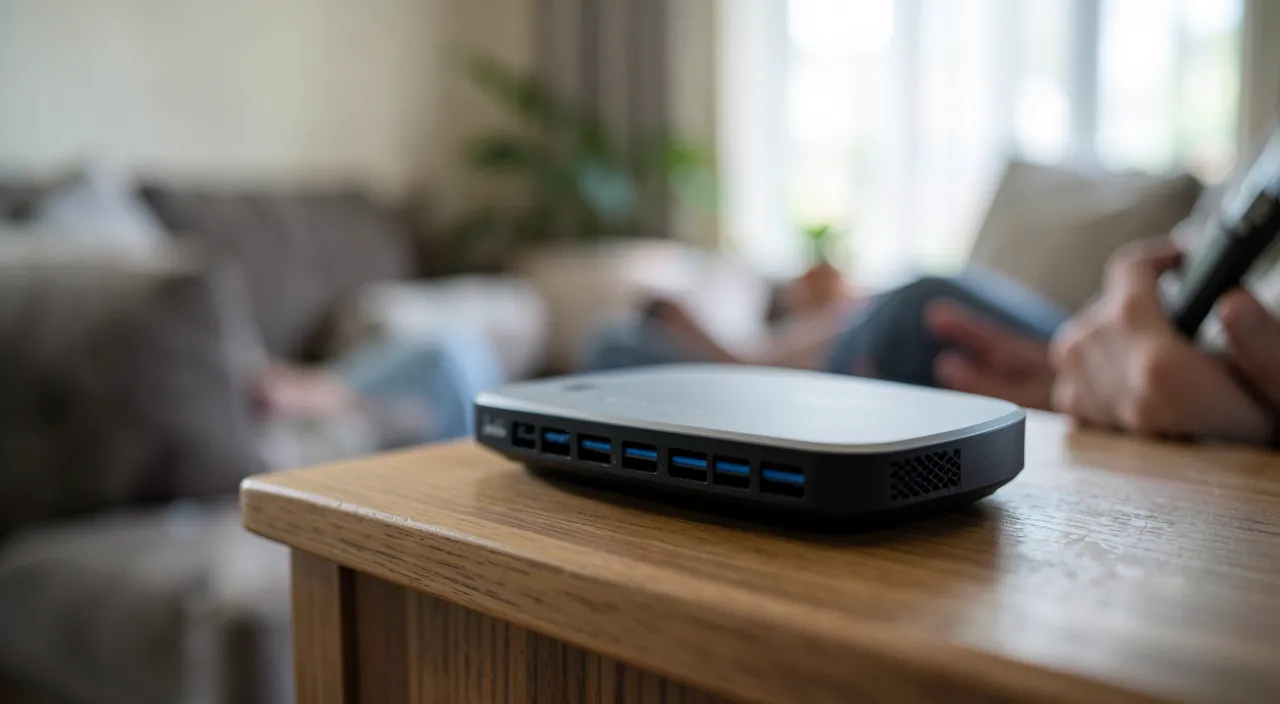
The guest network has a second, lesser-known but valuable purpose: hosting questionable connected objects. Bulbs, plugs, cheap cameras, vacuum cleaners, connected toys — these devices are often the weak link in the home: rare or non-existent updates, minimal security, chatter to distant servers; compromised, they serve as a bridgehead to the rest of the network. Placing them on the guest network quarantines them: they have their internet (that’s all they need), and isolation cuts them off from your computers, backups, and data — the hacked bulb sees only an empty network. The practical limit to know: some uses require the phone and the object to be on the same network (initial configuration, local streaming to a speaker or screen): in this case, the object stays on the main network — or, for very equipped homes, a more advanced router allows a third network dedicated to objects (segmentation into three — main / objects / guests — is the standard for well-designed connected homes). The guiding principle remains simple: each device on the most restricted network that suits its use — your data live on the main network, the rest has nothing to do there.
Typical situations: parties, rentals, remote work, neighbors
The guest network in everyday life: the party or family weekend — the QR code circulates, twenty phones connect, none touch your network, and the password can be changed afterward if desired (zero consequences); the seasonal rental or guest room — the textbook case: successive travelers never have access to anything but the guest network (with possible bandwidth limit), yours remains private — and the QR code framed in the living room looks very professional; the passing remote worker — the friend who comes to work for a day only needs internet: guest (his company will prefer his VPN on a foreign network anyway); children and their friends — consoles and phones of visitors on the guest network, possibly with a time range; and the neighbor in distress during their box outage — generosity without consequences on the guest network, whereas sharing the main network would be like giving them permanent access to the house. In all cases, the same mechanism: digital hospitality goes through the guest door — and everyone benefits, including them (a well-maintained network is also healthier for its visitors).
**Warning.** The guest network protects your local network — it doesn’t work miracles: guest traffic goes out through your connection and your IP address — their illegal downloads or questionable uses would be attributed to you (another reason to reserve access to trusted people and use time ranges); isolation must be verified (on rare old boxes, the « guest network » doesn’t really isolate — test: from a device on the guest network, try to access the box interface or a share — failure is the success of the test); and a guest network without a password (open) remains to be avoided: it would invite the entire building. Finally, the box itself updates (automatic with operators, to be checked on personal routers): the best partitioning in the world depends on it.
Frequently asked questions
Does the guest network slow down my Wi-Fi?
It shares the same connection and antennas — hence the interest in the bandwidth limit: for example, reserve half of the bandwidth for guests, and your uses remain prioritized. When there are no visitors, an empty guest network consumes nothing — it can remain active permanently without any cost.
Can my guests see each other on the guest network?
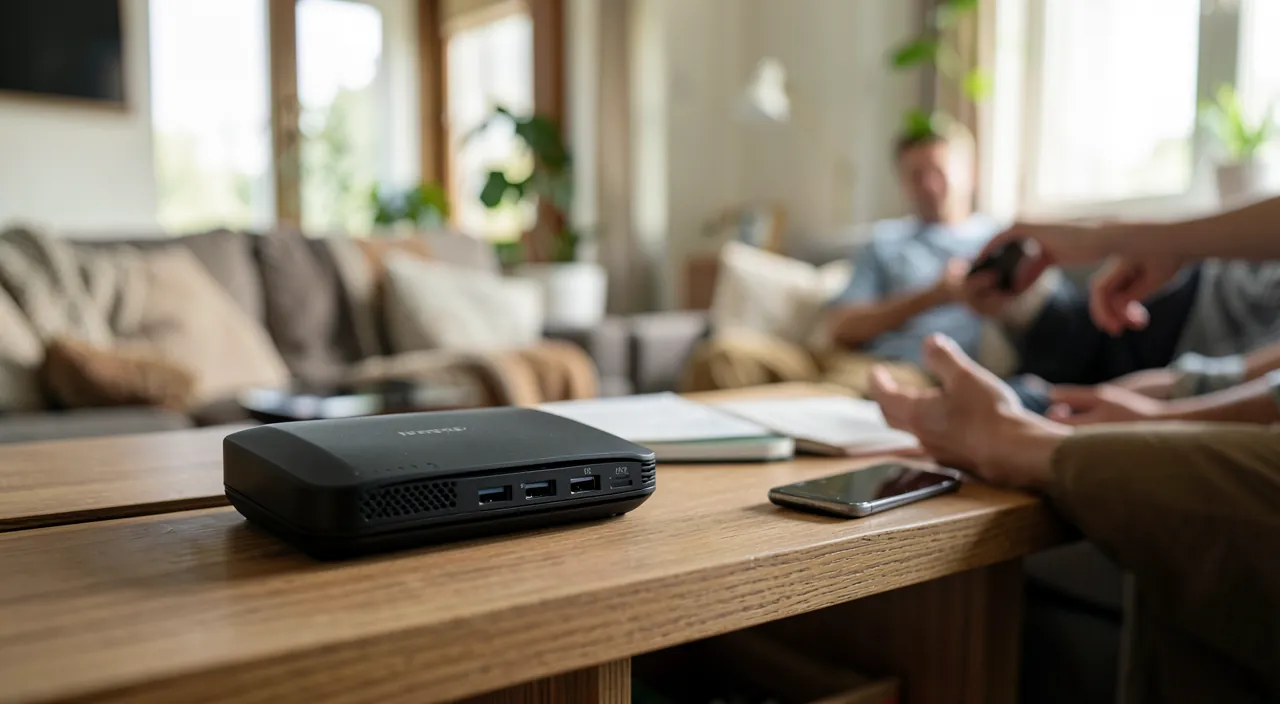
Depending on the box, an isolation option between guest devices also exists (each only sees the internet, not the other guests): enable it if available — in a vacation rental or temporary co-living, this is the cleanest configuration.
What if my box doesn’t have a guest network feature?
First, check for a box update or its replacement with the operator’s latest model (often free upon request). Failing that, a personal router connected behind the box provides the feature (and often much more — segmentation into three networks). Temporary workaround, in the meantime: sharing your phone’s connection for the guest — your mobile plan as an improvised guest network.
What to remember
The main Wi-Fi password is a key to your digital home: it’s not lent — it’s replaced by the guest network, this second isolated Wi-Fi that your box already offers: ten minutes of activation (clear name, simple password, verified isolation, QR code on the fridge), and digital hospitality becomes risk-free — parties, rentals, neighbors in distress, children’s friends. As a bonus, quarantining questionable connected objects, which only need internet and had nothing to do near your backups. Complete with spring cleaning on the main network (password renewed once, device list purged) and the box up to date: the household gets what companies pay dearly for — a segmented network. The next visit will start the same way (« What’s your Wi-Fi password? ») — but the answer will have changed: « Scan the fridge. »
Doubts about your security, a device to check or clean up? Our support service guides you step by step.
Leave a Reply
You must be logged in to post a comment.