
Your bank now fits in your pocket — transfers, limits, blocking, savings, everything at your fingertips. This concentration worries some (« what if I get hacked? ») and makes others overconfident (« the app is secure, I’m safe ») — both are wrong. A well-used banking app is safer than anything that came before it — BUT fraudsters don’t break the app: they manipulate you into opening the door for them. Here are the best practices that make all the difference, and current fraud scenarios debunked one by one.
Why the app is your best ally (yes, really)
Let’s set the paradox: the banking app is one of the most secure software on your phone — strong encryption, biometrics, detection of unknown devices — and above all, it gives you unprecedented security powers: real-time notifications for every transaction (fraud is detected in seconds, not in the monthly statement — enable them all, they’re your alarm); instant card locking (lost? Locked in ten seconds from the couch, unlocked if found — opposition demystified); adjustable limits (daily payment and withdrawal lowered, raised temporarily for big purchases — a low limit is a permanent airbag); virtual cards with a unique or limited number for questionable online purchases; geolocation of payments and blocking by zones or types (payments abroad cut off unless traveling, for example). Actively used, the app turns the passive customer into a guardian of their accounts — the first counterintuitive advice is: don’t fear the app, invest in it: ten minutes in its security settings are worth all antiviruses.
The banking app is safer than traditional banking because it gives you real-time control over your money. Fraudsters can’t hack the app easily, but they can trick you into giving them access. By using the app’s security features, you become your own best protection.
A user receives a fraudulent SMS claiming to be from their bank, asking to validate a transaction to “block fraud.” The user, following the app’s real-time notification, realizes the transaction is fake and locks their card immediately, preventing a €2,000 transfer to a scammer’s account.
The foundation: phone, codes, and access
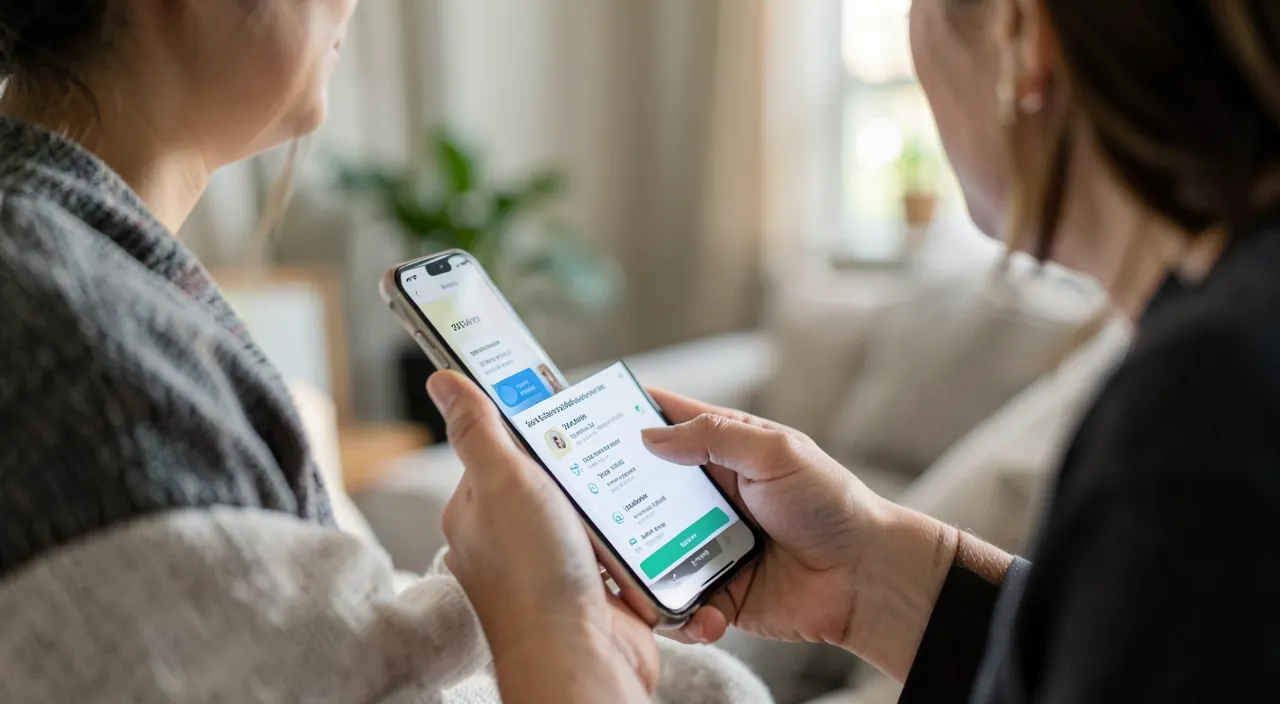
The app is only as good as its foundation: the phone — biometric lock + strong code (the phone code protects access to everything else), updates done, and apps installed only from official stores (fake banking app clones exist — check the publisher, or install from the official bank website link); the app code — different from the phone code, never your birthdate, and biometrics enabled (safer than a code that can be spied on); the SMS and number — an underestimated Achilles’ heel: validation codes arrive on your line — protect it (active SIM PIN, vigilance on « portability » requests you didn’t initiate — number hijacking is a high-end attack), and prefer in-app validation (notification to approve) over SMS when the bank offers it: it’s linked to YOUR registered device, not a hijackable line; and access hygiene — the list of devices registered in the app (the old sold phone has nothing to do there), and the bank’s web space protected by a unique and strong password. Nothing exotic: the banking foundation is general phone hygiene taken to its maximum level of demand.
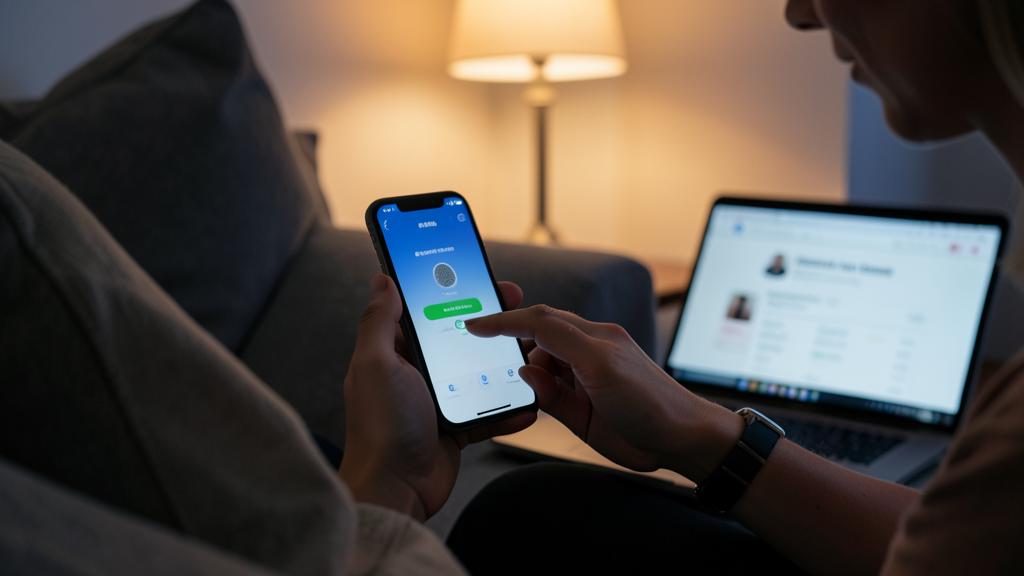
The right reflex. Memorize the absolute golden rule, the one that alone foils the dominant fraud: your bank will NEVER — neither by phone, nor by SMS, nor by email — ask you to validate an operation « to cancel it, » share a received code, make a transfer « to a secure account, » or install a support software. Any such request IS the fraud, no matter how professional the interlocutor — and even if the displayed number is that of the bank (it can be faked). The only reflex: hang up, and call back the official number yourself (the one on the card or the app). No legitimate urgency prevents this callback.
The fake advisor: the queen of fraud, dismantled
The scenario causing the most damage today deserves a full breakdown. Act 1 — the conditioning: often a phishing SMS a few days before (fake delivery, fake fine) that harvested a card or credentials — or a simple data leak somewhere: the fraudster knows your name, your bank, sometimes your last transactions. Act 2 — the call: the « anti-fraud service of your bank » (displayed number faked to match the real one), professional tone, controlled urgency: « suspicious transactions are in progress, we must block them with you. » Credibility comes from the real details (Act 1) and the calm — victims always describe an interlocutor who is « very professional, very reassuring. » Act 3 — the manipulation: under the pretext of « blocking the fraud, » they make you validate in your app the notifications that arrive (« reject… sorry, validate this one to cancel it ») — each validation actually authorizes THEIR payments or the registration of THEIR device — or they make you transfer your funds « to a secure account pending the investigation. » The defense is structural, not psychological: you never validate an operation you didn’t initiate, you never transfer to a « secure account » (it doesn’t exist), and any incoming call « from the bank » ends with « I’ll call you back » — on the official number, from the app. Banks are increasingly reimbursing victims of these scams, but the process is long: preventive hanging up is infinitely better.
Everyday: payments, subscriptions, and monitoring
Cruising practices: paying online via Apple Pay/Google Pay or virtual card when the site doesn’t inspire total confidence (the real number never exposed), and never banking details saved on secondary sites; monitoring by exception — real-time notifications do the work: each unrecognized alert is handled immediately (card lock + bank call), supplemented by a weekly review of transactions (small « discreet » withdrawals — €0.99, €1.99 — test stolen cards before large debits); tracking subscriptions — the list of recurring payments (in the app or on the statement) is purged twice a year: trials turned into withdrawals and forgotten services add up quickly; compartmentalizing for large assets or risky uses — a « flow » current account with a limited balance for the card and payments, savings elsewhere, capped transfers between the two: even a fraudulent access only finds a small reserve; and preparing for emergencies — opposition numbers noted outside the phone, and a trusted person who knows where the information is if YOU are unavailable. Mobile banking rewards active users: every invested setting is a fraud scenario that dies.
Beware of remote access software. A dreaded variant of the fake advisor (or fake technical support): they make you install a « diagnostic » or « security » app — in reality, a remote control tool: the scammer sees your screen, including the banking app, and acts with you then without you. Absolute rule: no installation at the request of a caller, ever, no matter the pretext — neither app, nor « profile, » nor remote assistance. Real banking support doesn’t need to see your screen or your codes: they already see everything they need on their side.
Frequent questions
Is the banking app’s biometrics a risk (stolen fingerprint, face)?
No — the fingerprint and face never leave the phone (they unlock a local, encrypted key in a dedicated enclave); the bank never sees them. Biometrics are safer than a code that can be typed under watch: enable them without reservation.
Is checking my accounts on public Wi-Fi dangerous?
The banking app fully encrypts its exchanges: consultation is protected even on a suspicious network. For security comfort, prefer your mobile connection for operations (transfers, limit changes) — but the real risk of the café isn’t the Wi-Fi: it’s the screen readable over your shoulder and the spied code.
What if I validated an operation under manipulation?
Immediately: card lock, call to the bank’s official number (opposition + dispute of transactions), change of access codes, and filing a police report with the precise account of the manipulation — the qualification of fraud by deception weighs in the reimbursement. Speed and traceability are your two allies: every hour counts, every piece of evidence too.
What to remember
The banking app is a fortress whose keys you hold: invest in its powers (real-time notifications, card lock, low limits, virtual cards, in-app validation), lay the foundation (locked and updated phone, distinct codes, biometrics, purged registered devices), and engrave the golden rule — the bank never asks to validate, share a code, transfer to a « secure account, » or install anything: any such request is the fraud itself, and « I’ll call you back at the official number » is the universal answer. The modern fraudster doesn’t attack your app: they borrow your fingers. Don’t lend them to anyone — and the bank in your pocket will remain what it should be: the most convenient AND safest progress for your money.
Doubts about your security, a device to check or clean? Our support service guides you step by step.
Leave a Reply
You must be logged in to post a comment.