
When traveling, your devices leave the domestic fortress for a world of public Wi-Fi, unknown chargers, distracted crowds, and borders — precisely when they contain everything: tickets, payments, photos, professional access. Good news: protecting your data on the move requires neither paranoia nor technical luggage — one hour of preparation before departure, five reflexes on-site, and a return protocol. Here is the complete guide for the serene digital traveler, from family vacations to business trips.
Before leaving: the preparation hour that makes all the difference
Travel security starts at home: update all devices (system and apps — security patches are doubly valuable in unfamiliar territory); back up fully (phone and computer: if the device disappears, only the object disappears); lock seriously — enhanced code (six digits minimum, active biometrics), short automatic lock, and check that « Find My » (or equivalent) is active with remote wipe tested; lighten — the principle of need: does the work computer full of client files belong at the ski resort? Only the essentials travel, the rest stays (seasoned professionals travel with « clean » devices); prepare for offline — downloaded maps, tickets, and reservations accessible without a network, encrypted copies of ID documents in a secure space (password manager or encrypted storage — not as a simple photo in the gallery); and anticipate the connection: international plan or local eSIM decided in advance — those with mobile data won’t depend on the first dodgy Wi-Fi. A last smart move: note offline (paper, in your wallet) the bank opposition numbers and a contact’s number — the backup plan that survives a stolen phone.
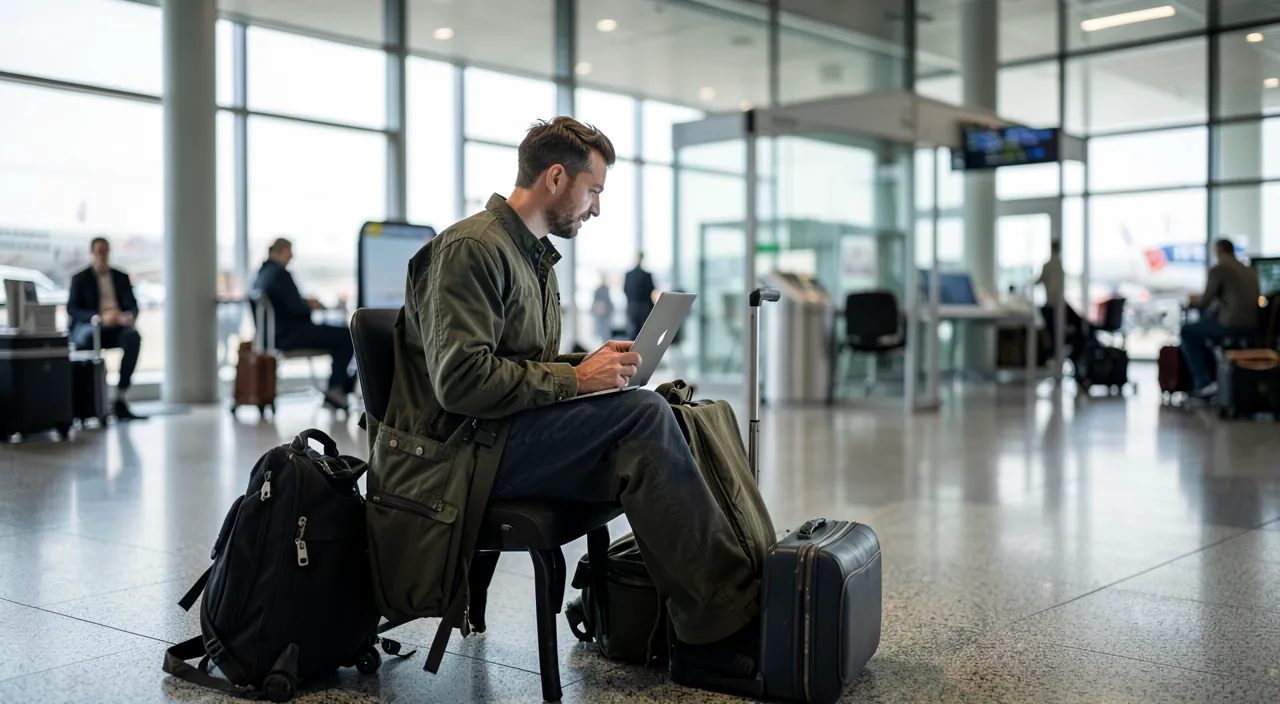
Public Wi-Fi, charging stations, and chargers: road hygiene
Myths and real risks, untangled: public Wi-Fi (hotel, airport, café) is less dangerous than before — the widespread encryption of sites (the padlock) protects the content of your exchanges — but two traps remain: fake networks with plausible names (« Aeroport_WiFi_Gratuit ») created to capture your connections and display fake portals (« log in with your email account »: never! no legitimate Wi-Fi asks for your email password), and the exposure of what is not encrypted. Simple rules: verify the exact network name with staff, prefer sharing your own phone’s hotspot for sensitive operations (banking, purchases — your mobile network is your bubble), and a quality VPN for intensive Wi-Fi use — a useful complement, not a talisman. For hardware: public USB charging stations — the risk of tampered outlets exists (rare but documented): charge via a wall outlet with YOUR adapter (the electrical outlet doesn’t transmit data), or via a power bank — which also solves the traveler’s real problem, running out of juice; and public computers (hotel lobby, cybercafé): tourist use only — never log in to an account (keyboards and sessions don’t belong to you).
The right reflex. Activate two-factor authentication everywhere BEFORE departure — and check it will remain usable while traveling: the authentication app works offline (perfect); SMS codes, however, assume your number receives messages abroad (check roaming, or switch critical accounts to the app). Bring the backup codes printed for the two or three vital accounts (email, bank): the scenario « stolen phone = all accounts inaccessible 8,000 km away » is prepared in ten minutes at home — not at all there.
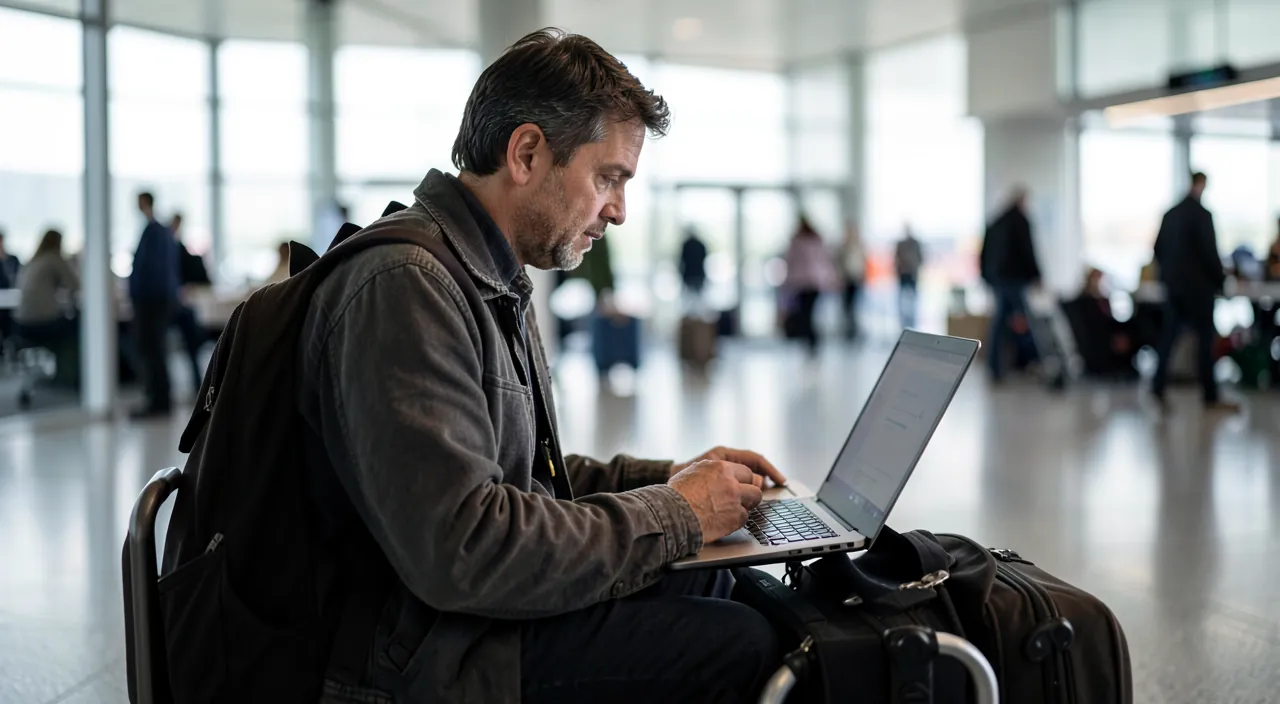
Public Wi-Fi is safer now, but fake networks and unencrypted data can still be risks. Always verify the network name, use your phone’s hotspot for sensitive tasks, and consider a VPN for extra security. For charging, use your own adapter or a power bank to avoid tampered USB ports.
At an airport, you see a Wi-Fi network named “Airport_Free_WiFi”. Before connecting, ask staff to confirm the exact name. If it’s “Airport_Free_WiFi_2026”, the first one is fake. For banking, use your phone’s hotspot instead. If you must charge, plug into a wall outlet with your own adapter.
In the streets and at the hotel: physical security first
The first threat of travel remains the oldest: physical theft — and it targets the phone in hand more than the pocket: in tourist areas, the phone is snatched while in use (at a café terrace, checking a map on the street corner) — the dominant method — hold the device firmly, step away from the curb to check, and keep it stored in crowds and transit (front pocket, closed bag worn in front); the spied code — in crowded places, enter your code out of sight (a thief who saw the code before taking the phone has everything: prefer biometrics in public, precisely because it shows nothing); at the hotel — the in-room safe for what doesn’t leave (passport, computer), knowing its true value (deterrent, not unbreakable: critical documents and sensitive professional equipment don’t leave in risky contexts); and digital discretion — posting beach photos in real time also announces an empty house: social networks will wait for your return, or a restricted circle. Finally, the family reflex: sharing location among group members (and with a loved one back home) turns losing sight of a child or a missed route into a minor incident.
Borders, long stays, and return: special cases
Three specific situations: borders — some countries claim the right to inspect devices: for the ordinary traveler, the issue is marginal, for sensitive business trips it is prepared (lightweight devices, data in the cloud rather than locally, company policy consulted — the principle of need, again); long stays or digital nomad work — routine sets in and vigilance drops: keep the rituals (locking, VPN on shared coliving networks, backups that continue — check that cloud sync works despite the local network), and beware of the « trusted network » of the guesthouse that only has the atmosphere of trust; return finally, the forgotten step: change passwords entered in questionable contexts (the lobby computer, the strange Wi-Fi portal), review connection alerts for your main accounts (an unknown session left open on the other side of the world is disconnected remotely), check bank statements from the travel weeks (small test withdrawals precede the big ones), and delete Wi-Fi networks memorized from the trip (your phone doesn’t need to always look for « Hotel_Playa_Gratis »). Ten minutes of decontamination — and the trip closes cleanly.
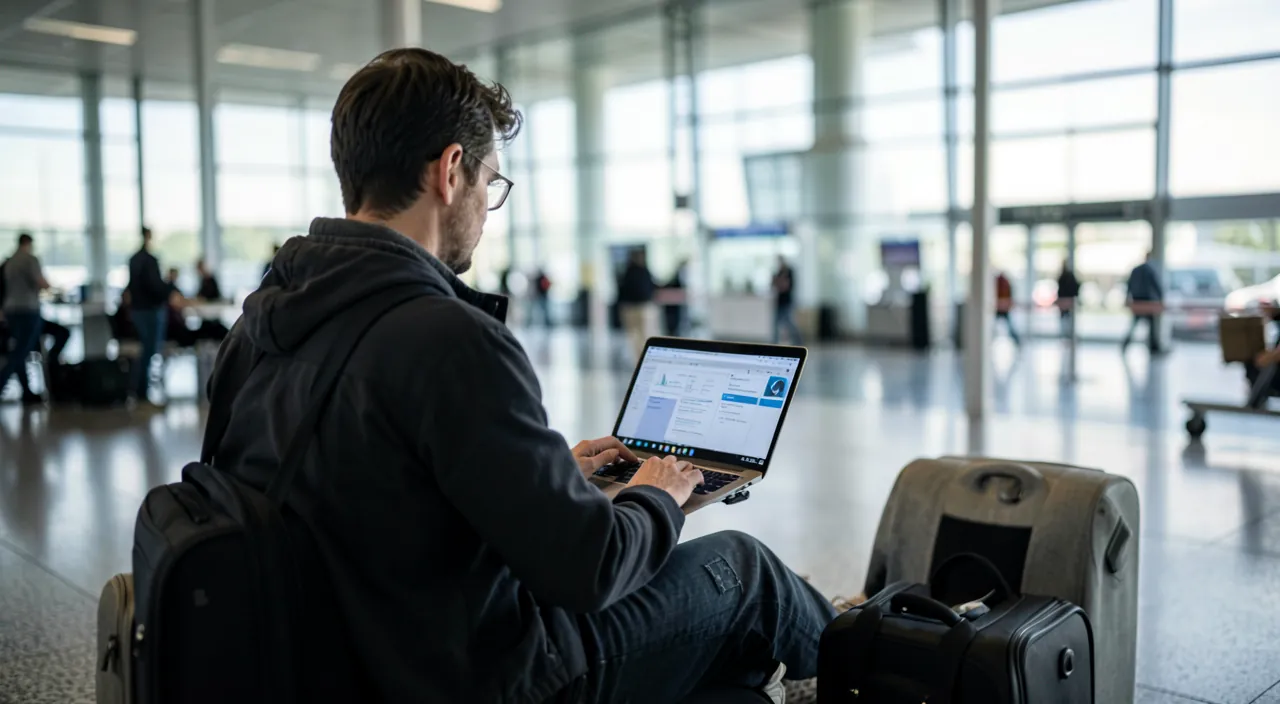
Beware of stolen unlocked phones — the scenario on the rise everywhere: the thief watches your code (or snatches the device mid-session) then, with the phone unlocked in hand, changes the account password, disables location, and empties payment apps — the loss becomes a takeover. Countermeasures exist and are activated BEFORE: the security delay for sensitive operations (iPhone theft protection, and equivalents), which requires biometrics and a delay to change critical settings outside usual locations — activate it before departure; biometrics rather than code in public; and reasonable payment limits. Five settings, one evening, to defuse the worst travel scenario.
Frequently asked questions
Do I need a VPN to travel?
Useful, not essential: web encryption already protects the essentials, and mobile hotspot sharing is often the best « bubble. » A VPN is justified for intensive use of unknown Wi-Fi, accessing services from certain countries, and remote work (there, it’s the employer’s). Choose a reputable and paid provider — a dubious free VPN protects less than no VPN.
Local eSIM or roaming with my plan?
For security, both are equal (your mobile traffic is encrypted); for budget, the local eSIM often wins outside included zones. The eSIM watchpoint: keep your usual number active for banking SMS (dual SIM: local data + original number for codes) — otherwise, validations no longer arrive.
What to do immediately if my phone is stolen abroad?
In order, from another device (a friend’s, the hotel’s): Lost Mode via « Find My » (lock + message), call the operator to suspend the line (SMS codes won’t go to the thief), oppose payment methods on the phone if in doubt, change the main account password (email). The local report is for insurance. This is exactly the scenario that preparation (backup codes, offline numbers) makes manageable.
What to remember
The serene digital trip is prepared at home: up-to-date and backed-up devices, enhanced locking with anti-theft protection activated, two-factor authentication tested and backup codes printed, data lightened to real needs, offline prepared. On-site, five reflexes: your own mobile network for sensitive tasks, fake Wi-Fi and login portals refused, charging via outlet or power bank, phone held firmly and code entered discreetly, posts delayed. On return, the decontamination: unknown sessions disconnected, suspicious passwords changed, statements checked. None of this spoils the trip — it’s quite the opposite: a clear mind is the first luggage for great vacations.
Doubts about your security, a device to check or clean? Our support service guides you step by step.
Leave a Reply
You must be logged in to post a comment.