
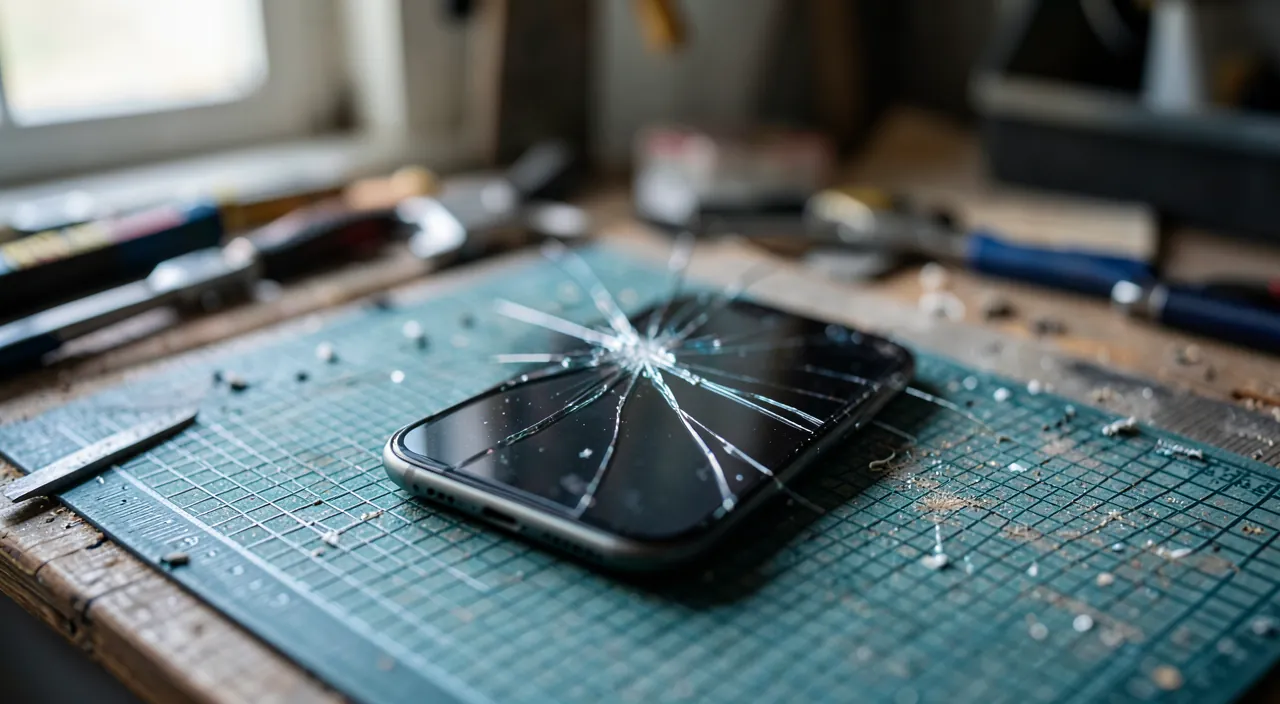
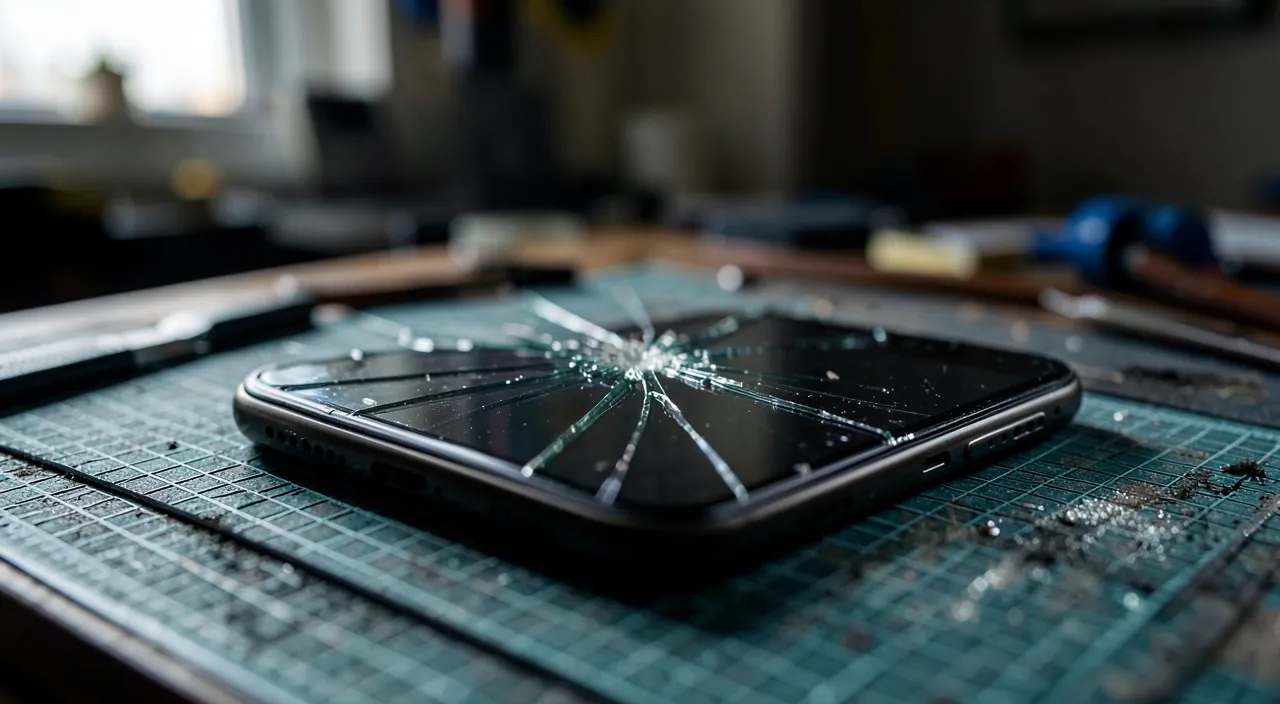
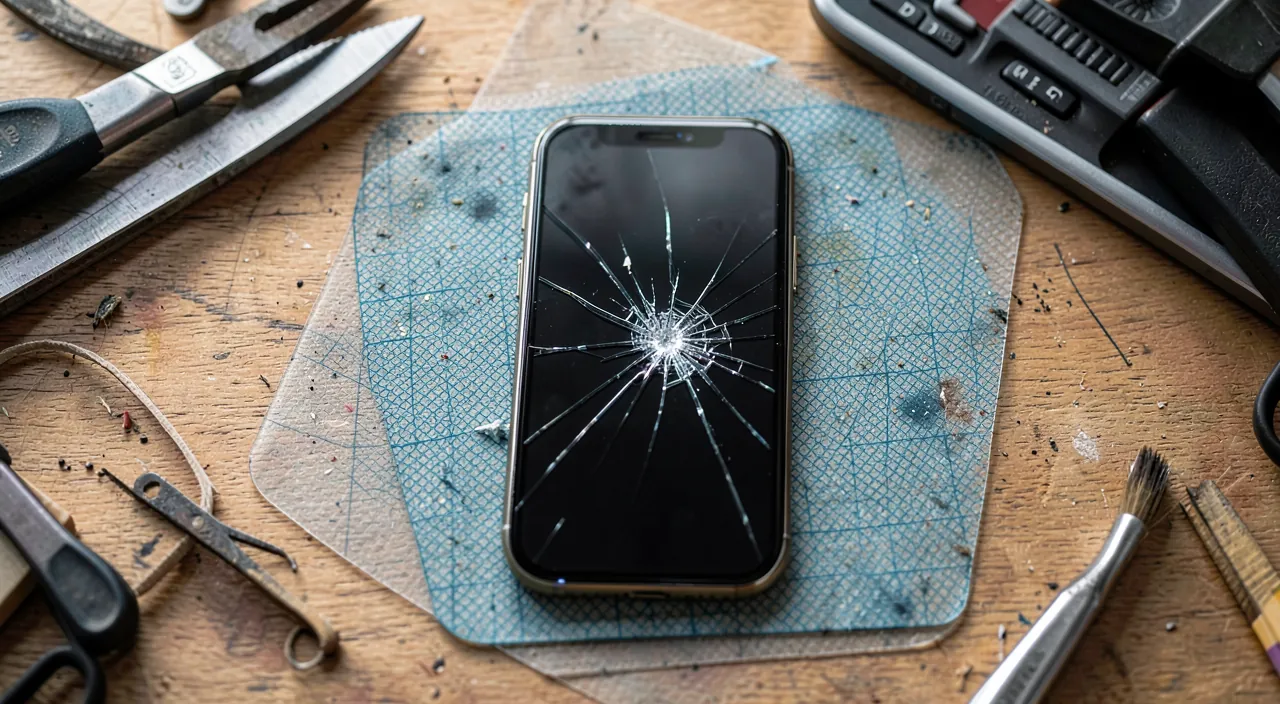
A moment of inattention, a tiled floor — and that spiderweb in the corner of the screen that mocks you with every unlock. The cracked screen is THE most common damage in mobile devices, and it always presents the same dilemma: repair (at what cost, where, with what warranties?), replace the device, or continue with it — and for how long is that reasonable? This guide provides honest decision criteria: compared costs, real risks of the « ignored » crack, repair options — to decide based on your case, not the first quote you get.
Continuing with it: possible, but not neutral
The « cosmetic » crack that doesn’t prevent anything invites you to ignore it — here’s what it still costs you: the progression (a crack works: heat, daily pressures, micro-shocks extend it — the screen still readable today is rarely the same in six months); the lost waterproofing (on water-resistant devices, the crack cancels the protection: rain and moisture now get in); the drift of the touchscreen (dead zones, ghost touches that tap on their own — annoying, and sometimes problematic: a wild touchscreen can validate anything); the glass splinters on the surface (cut fingers — a protective film placed over the crack limits this risk and slows the progression: the minimal gesture if you’re delaying); and the resale value that plummets — the price gap between « flawless screen » and « cracked screen » often exceeds the cost of the repair itself: ignoring the crack is sometimes more expensive than fixing it.
Ignoring a cracked screen isn’t free. The crack will likely get worse over time, water can seep in, the touchscreen may act up, and you’ll cut your fingers on sharp glass. Plus, your phone’s value drops a lot. Sometimes, fixing it early is cheaper in the long run.
A 2023 iPhone 14 with a cracked screen might sell for $400 in good condition, but only $150 with a cracked screen. A professional repair could cost $150–$200, making ignoring the crack a $50–$100 loss compared to fixing it.
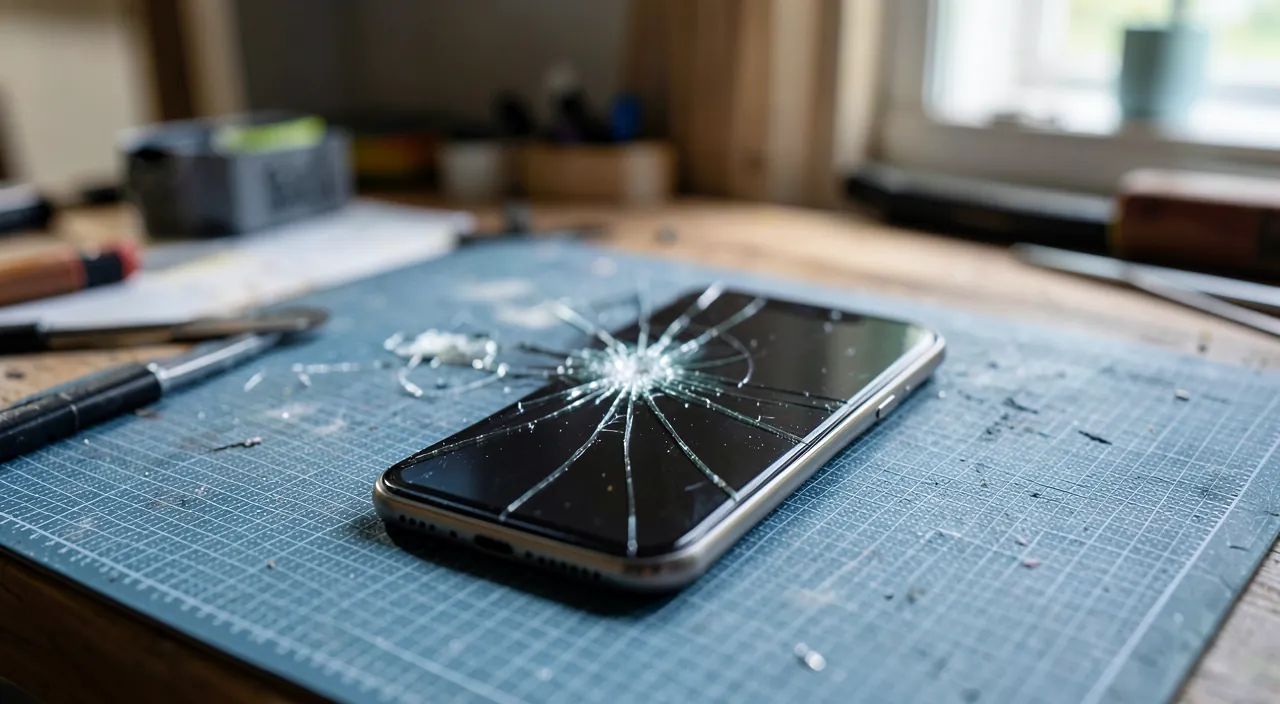
Repairing: the three options and their real prices
The authorized repairer or manufacturer: original parts, preserved warranties, guaranteed quality — at a high price; essential for recent devices under warranty or insured, and to preserve the original screen functions. The independent repairer: much cheaper, often quick (within the hour or the day) — the quality depends on the shop and the part used (original, high-quality compatible, or poor copy: ask explicitly, the differences in rendering and durability are real): choose based on reputation and repair warranty (several months in writing is a good sign). Self-repair: kits and parts are available, and manufacturers’ self-repair programs are improving — realistic for careful DIYERS on some models, unreasonable for highly integrated devices (glued screens, delicate cables — and battery nearby: see the box). Before any quote, a reflex: check your coverages — commercial warranty, credit card insurance, home or mobile insurance you may have forgotten: screen damage is THE most covered claim on the market, and many people pay full price for a repair already covered.
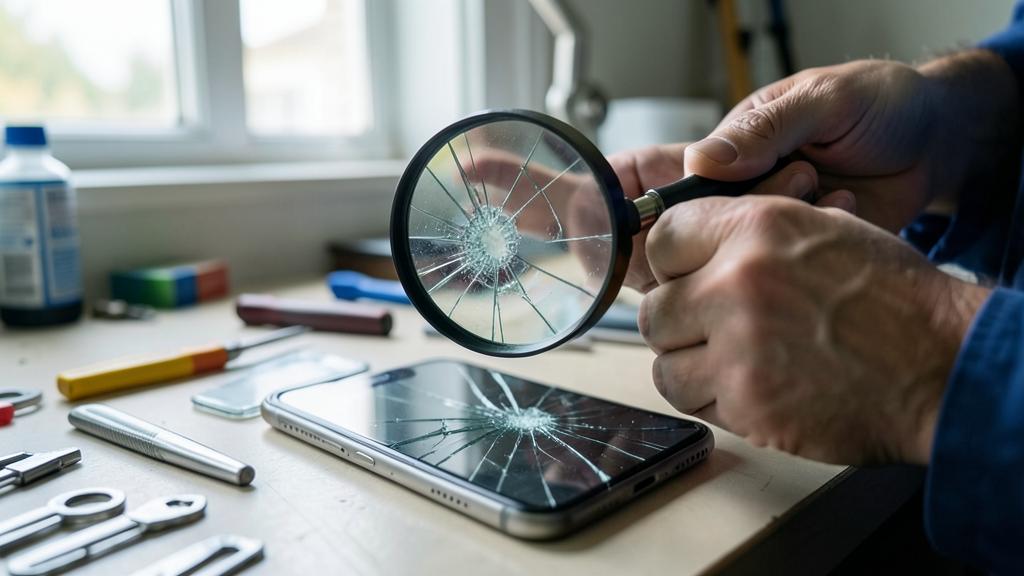
The right reflex. The decision is made with a simple division: repair cost ÷ current value of the device. Below a third: repair without hesitation — the device will last for years. Between a third and two-thirds: repair if the device otherwise suits you (good battery, sufficient performance); otherwise, put the money toward a replacement. Beyond two-thirds: replacement is necessary — used or refurbished, where your repair budget becomes a nice down payment. This simple rule avoids the two symmetrical traps: over-repairing a wreck, underestimating a healthy device.
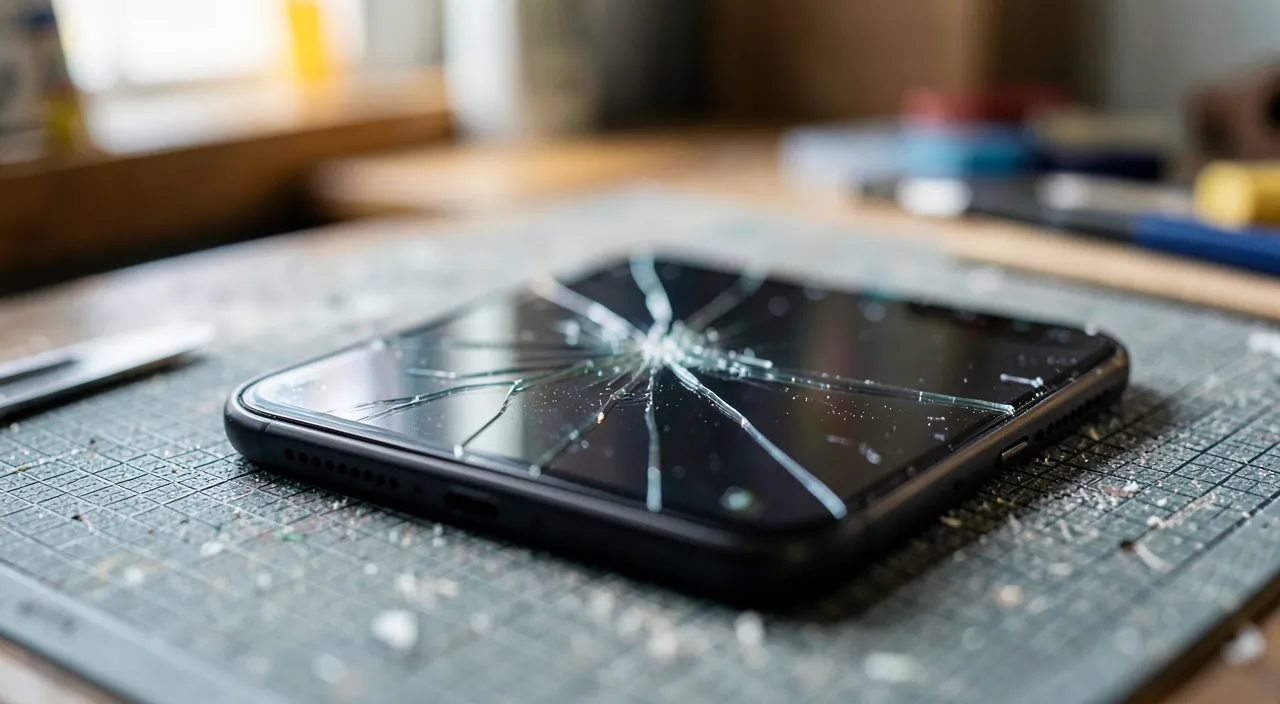
Replacing: the moment for a broader decision
If repair isn’t justified, the damage becomes an opportunity for a reasoned choice: the refurbished option — the best value for replacing without breaking the bank (tested, guaranteed, much cheaper than new): prioritize established refurbishers with a one-year warranty; the private sale — even cheaper, with the usual precautions (full test, verification that the device is properly unlinked from the seller’s account — a locked device is unsellable AND unusable); or the new one, resisting the reflex to upgrade (« since I’m changing… »): your actual needs dictate the requirement, not the showcase. And whichever route you take: the old cracked device still has value — trade-in, buyback by refurbishers (even broken: parts are recycled), or recycling. A drawer is not a destination.
Avoiding the next cracked screen
Prevention is thankless — until the day it saves you the cost of a repair: the case with raised edges (the edge that extends beyond the screen absorbs the vast majority of flat drops — the #1 criterion for choosing a case, far ahead of aesthetics); the tempered glass — the sacrificial part for a few euros that cracks instead of the screen: the best protection/price ratio of all accessories; and the identified risky habits — the phone in the back pocket, balancing on the armrest, on the table at child or cat height: everyone knows their drop scenarios — naming them often corrects them. The full setup costs a fraction of the cheapest repair: it’s the most profitable insurance for your mobile.
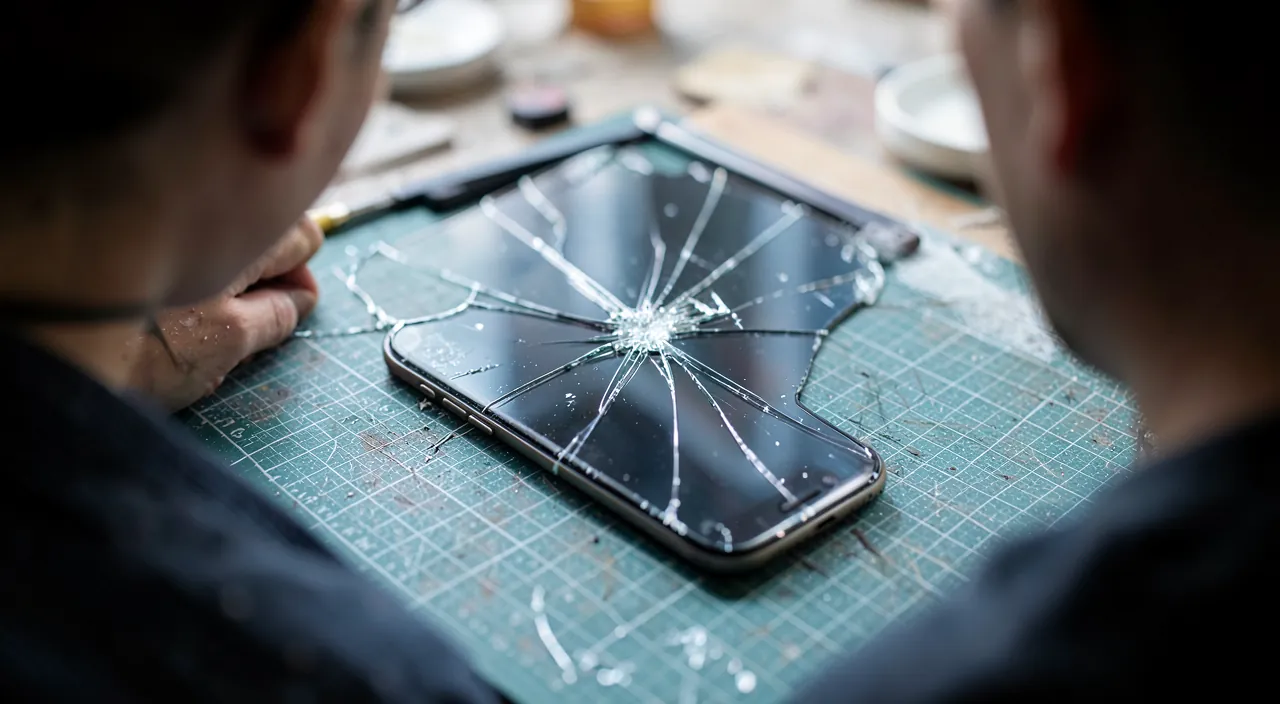
Caution when disassembling. If you attempt self-repair, know that the operation is near the battery — which a slipping tool can pierce, with the risks of overheating that entails: suitable tools, battery as discharged as possible, tutorials for the exact model, and shame-free abandonment if the screen is tightly glued. And on a heavily damaged screen, handle with gloves: micro-glass splinters lodge in the fingers. The economical repair should never cost an injury — or a fire.
Frequently asked questions
Can a film or glass placed ON the crack « hold » the screen?
It contains the splinters, protects the fingers, and slows the progression — it’s the right waiting gesture. But it doesn’t repair anything: touchscreen and waterproofing remain compromised. A transitional solution, not a destination.
Does screen repair erase my data?
No in principle — the screen is changed without touching the storage. But any intervention carries a risk: full backup before dropping it off, systematically. And remove your payment methods and sensitive data if the device is gone for several days.
Why do « cheap » replacement screens cause problems?
Low-quality copies fail in brightness, colors, durability, and sometimes touchscreen — the savings are paid for in daily use. Between the original and the poor copy, high-quality compatible parts offer the middle ground: ask, demand the answer.
What to remember
The cracked screen is a decision, not something you endure: continuing with it costs more than it seems (progression, waterproofing, touchscreen, resale), repairing is decided by the one-third rule of the device’s value — after checking the insurance that often covers the damage — and replacing opens the door to refurbished rather than the new reflex. Choose the repairer based on part quality and written warranty, back up before any drop-off, give a second life to the old device — and equip the next one: case with raised edges and tempered glass, the insurance for a few euros against the most common digital damage. The spiderweb is waiting for a decision: make it with the right figures.
Persistent failure, capricious computer? Our remote troubleshooting service solves your problem quickly, without jargon.
Leave a Reply
You must be logged in to post a comment.