
You’re in the middle of browsing, a video call, or a download, and suddenly the connection drops. Then comes back. Then drops again. A Wi-Fi that keeps disconnecting is one of the most frustrating everyday digital problems. Fortunately, its causes are usually identifiable, and the solutions are within your reach. This guide explains how to diagnose and fix these repeated disconnections, without being an expert.
The first reflex: restart the box
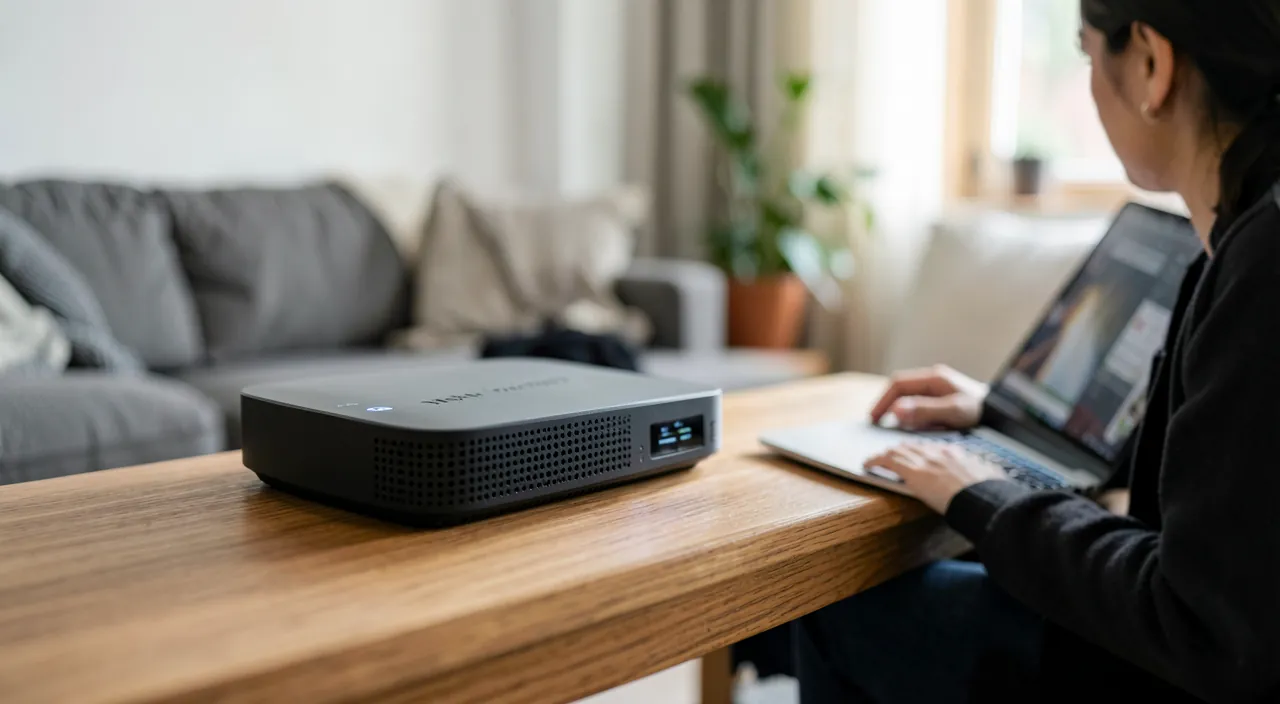
It may seem too simple, but restarting your internet box solves a large part of connection problems. Turn it off completely, wait about thirty seconds, then turn it back on and give it time to reconnect. This reset fixes many temporary freezes and disconnections. It’s always the first thing to try: it’s free, quick, and often enough.
Identify the source
Disconnections can come from three places: your device, your box/Wi-Fi, or your provider. A simple test to distinguish: does the problem affect all your devices, or just one? If it concerns only one device, the issue is on its side; if it affects everyone, it’s the box or the provider. This distinction immediately guides the diagnosis in the right direction.
The right reflex. If the disconnections only affect one device, « forget » the Wi-Fi network on that device and then reconnect by re-entering the password. This connection reset solves many disconnections specific to a particular device.
The question of the signal
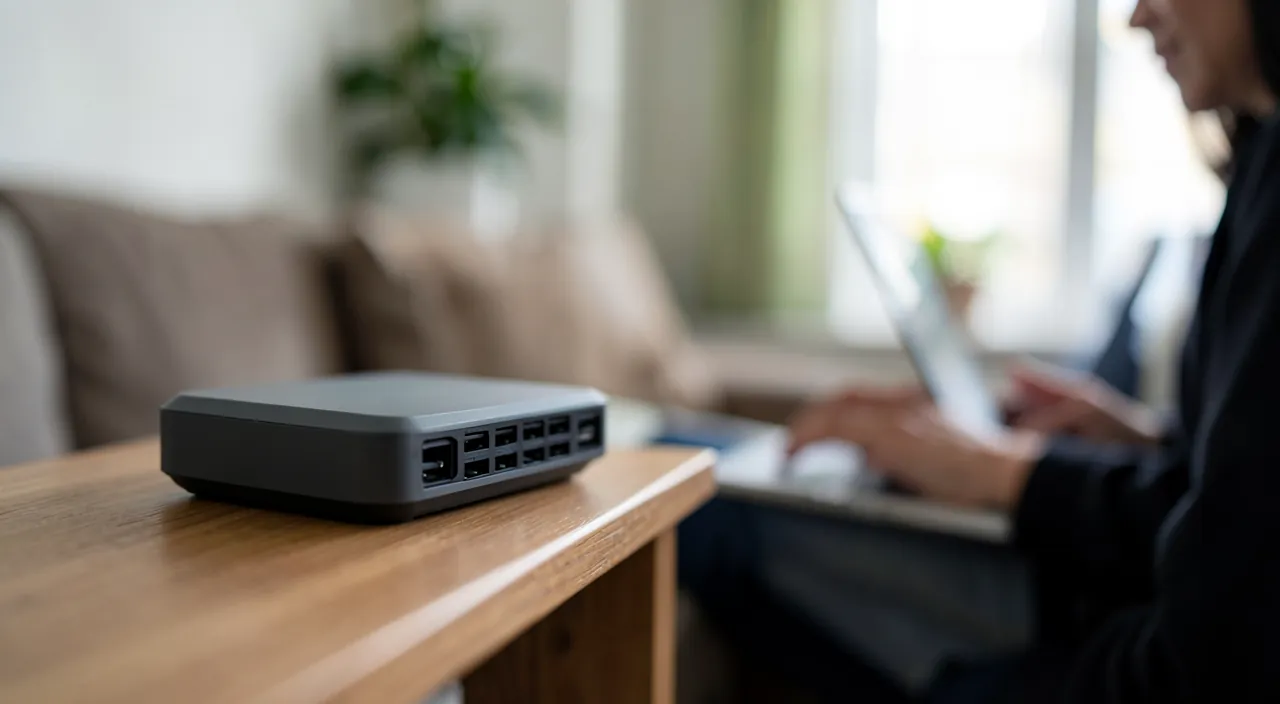
A common cause of disconnections is a weak Wi-Fi signal. If you are far from the box, separated by thick walls, the signal fluctuates and the connection drops. Move closer to the box to test: if the disconnections stop, the problem is there. The solution: better place the box (central and clear position), or add a repeater to extend coverage in poorly served areas.
If your Wi-Fi keeps dropping, it might be because the signal is too weak. Thick walls or distance from the box can cause this. Moving closer or using a repeater can fix it.
In a two-story house, a Wi-Fi box placed in the basement may struggle to reach devices on the top floor. Adding a repeater on the first floor can restore a stable connection.
Interferences and saturation
Other factors play a role: interferences from other electronic devices or neighboring networks, and saturation when too many devices are connected at the same time. Moving the box away from sources of interference, limiting the number of active devices simultaneously, or checking that your box is not outdated can help. These less obvious causes explain disconnections that seem random.

To check. Before you spend time on your setup, make sure it’s not a problem reported by your provider in your area. Generalized and persistent disconnections may come from the line itself. A quick look at the status of your operator’s network can save you a lot of unnecessary effort.
The logbook: your best diagnostic tool
Faced with random outages, note for two or three days: the time of each outage, the affected device, the room, and what was running (video call, streaming, microwave oven!). Patterns almost always emerge: outages during peak hours in the neighborhood → Wi-Fi channel saturated, changing the channel in the box solves the problem; outages in a specific room → weak signal, to be treated by placement or repeater; outages on a single device → its Wi-Fi card or configuration; outages correlated with a household appliance → classic interference. This logbook turns a « mysterious » problem into a methodical diagnosis — and if you call your provider, it will significantly speed up the handling.
Frequently asked questions
Should you change your box?
Not systematically, but an old box may be the cause. If the disconnections persist despite everything and your equipment is several years old, a renewal with the provider may be worth it.
Is the cable a solution?
For a fixed device, a wired connection eliminates Wi-Fi disconnections and offers maximum stability. It’s an excellent option for a desktop computer or a console.

Is changing the Wi-Fi channel of the box complicated?
No: the box interface offers the setting, often with an automatic mode to re-trigger. In dense housing, where neighboring networks overlap, this simple change solves months of unexplained outages.
What to remember
A Wi-Fi that keeps disconnecting is most often resolved with method. Always start by restarting the box. Then determine if the problem affects a single device (reset its connection) or all (box or provider). Check the signal strength — a weak signal is a common cause, fixed by better placement of the box or a repeater. Also think about interferences and saturation. And before you spend time on it, rule out an outage on the provider’s side. These simple steps resolve the vast majority of disconnections.

Your Wi-Fi is driving you crazy? We’ll take care of it.
Leave a Reply
You must be logged in to post a comment.