
Battery drains like snow in the sun, and you’re looking for a charger before the end of the day? Battery life is the top concern for smartphone users. Between natural wear, settings, and good habits, there are many ways to preserve and optimize your iPhone’s battery. This guide covers concrete solutions to last longer and extend your battery’s life.
Understanding battery wear
Battery degrades over time and with charge cycles: it’s normal and inevitable. After a year or two, its maximum capacity naturally decreases, reducing battery life. Your iPhone’s settings allow you to check the battery status and its wear: a good starting point to determine if a drop in battery life is due to wear or something else.
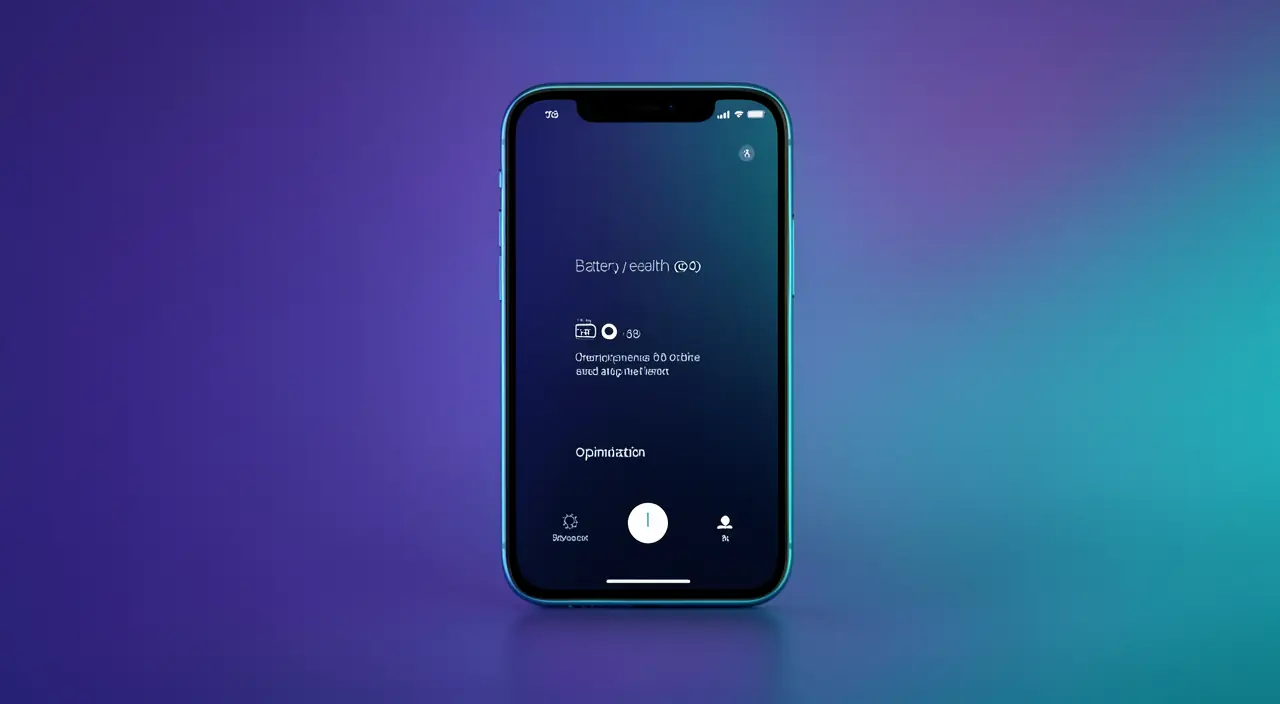
Your iPhone’s battery gets weaker over time, like any rechargeable battery. Checking its health in settings helps you see if it’s just aging or if something else is draining power.
Settings that make a difference
- Screen brightness: the biggest power drain. Reducing it or enabling auto-brightness helps a lot.
- Low Power Mode: enable it when the battery is low to significantly extend battery life.
- Background App Refresh: limiting apps running in the background saves energy.
- Location: restrict access to your location to apps that truly need it.
The right reflex. Check the « Battery » section in settings: it shows you exactly which apps consume the most. You’ll often discover unexpected power-hungry apps that you can limit for immediate and targeted battery savings.
Good charging habits
Contrary to popular belief, it’s neither necessary nor beneficial to let the battery drain completely before recharging: modern batteries prefer partial and regular charges. Also avoid exposing your iPhone to heat, which permanently damages the battery. The optimized charging feature, which learns your habits to preserve the battery, is worth enabling: it extends its lifespan without any effort on your part.
If you charge your iPhone from 20% to 80% daily instead of waiting for it to die, the battery lasts longer. Avoid leaving it in direct sunlight or a hot car, as heat can reduce its lifespan by up to 20% over two years.
When battery life drops suddenly
A gradual decrease is normal; a sudden drop is less so. It may be caused by an app consuming abnormally, a setting, or a very worn battery. Checking the power consumers in settings often helps identify the culprit. If the battery status indicates significant wear, a replacement—a common and affordable operation—can give a new lease on life to an otherwise perfectly functional iPhone.
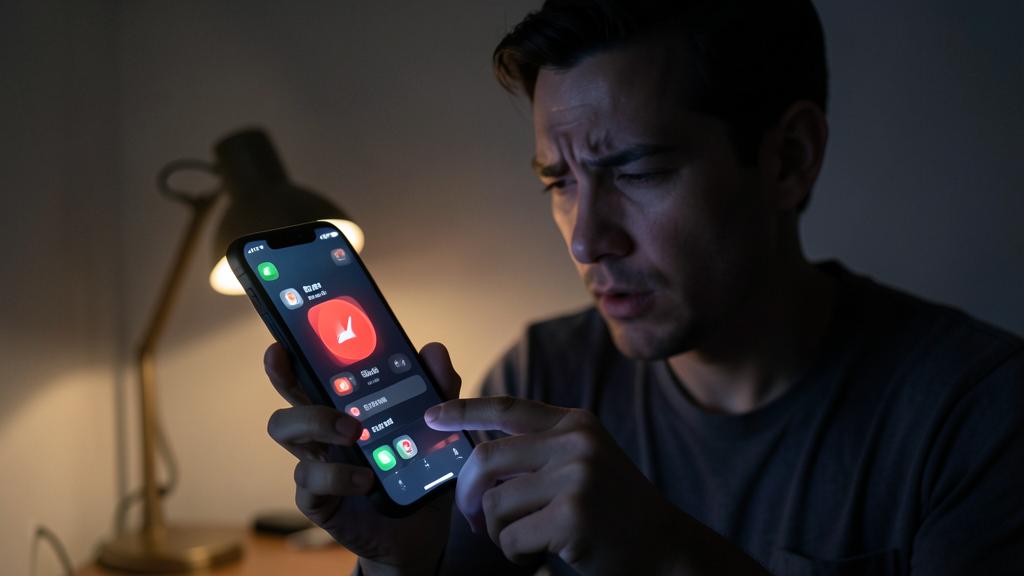
Note. A very worn battery can cause sudden shutdowns or slowdowns. If your iPhone turns off while still showing charge, or struggles with simple tasks, the battery is likely the issue. In that case, a replacement is often more sensible than buying a new phone.
Frequently asked questions
Does charging overnight damage the battery?
Thanks to optimized charging, the iPhone intelligently manages overnight charging to preserve the battery. So it’s not a problem if this feature is enabled.
Should you close apps to save battery?
Contrary to popular belief, systematically closing apps doesn’t save battery life and can even consume more when reopening. Let the system manage it.
Key takeaways
Optimizing your iPhone’s battery life combines smart settings and good habits: lowering brightness, enabling Low Power Mode and optimized charging, monitoring power-hungry apps, and avoiding heat. Battery wear is natural, but a replacement can extend the device’s life for several years. By adopting these habits, you’ll last longer daily and preserve your battery in the long run. No need to change phones when a few simple actions are enough.
An iPhone battery running out of steam? Let’s take stock.
Leave a Reply
You must be logged in to post a comment.