
« 123456 », « password », their child’s first name : every year, the same disastrous passwords top the rankings. Yet, the password remains the first line of defense for your accounts. Creating strong ones — and especially knowing how to manage them without going crazy — is within everyone’s reach. This guide explains how to design truly protective passwords and how to remember them effortlessly.
What makes a good password
A strong password relies on two qualities : length and uniqueness. Length first : the longer a password is, the harder it is to guess or crack. A short password, even if complex, gives in faster than a long one. Uniqueness next : each account should have its own password. Reusing the same one everywhere is giving a hacker who steals one access to all your accounts at once.

A good password is like a long, unique key for each door. The longer it is, the harder it is to break, and using the same key for every door is dangerous.
If your email password is “Sunshine123” and your bank password is also “Sunshine123”, a hacker who cracks one can access both. Instead, use “CorrectHorseBatteryStaple” for email and “BlueSkyRainbowCloud” for banking.
The passphrase technique
How to balance length and memorization ? The elegant solution is the passphrase : instead of a complicated, unpronounceable word, you combine several words into an easy-to-remember but long and unpredictable phrase. A sequence of unrelated words, several terms long, is both very hard to crack and simple to memorize. It’s far more effective than a short password packed with symbols.
The right reflex. Prioritize length over complexity. A phrase of several words that you easily remember protects better than a short password filled with special characters that you’ll forget. Length is the best ally of security.
The password manager: the real solution
Let’s be honest : remembering dozens of unique and long passwords is humanly impossible. That’s where the password manager comes in. This tool generates, stores, and automatically fills in complex and different passwords for each account. You only need to remember one very strong master password to access all the others. It’s the simplest and safest way to manage your security.
Mistakes to avoid
Some practices ruin all your efforts : reusing the same password everywhere, using easily guessable personal information (birth date, pet’s name), writing down passwords on visible paper or in an unprotected file, or sharing them via messaging. These habits, still widespread, are as many open doors that you must absolutely close.
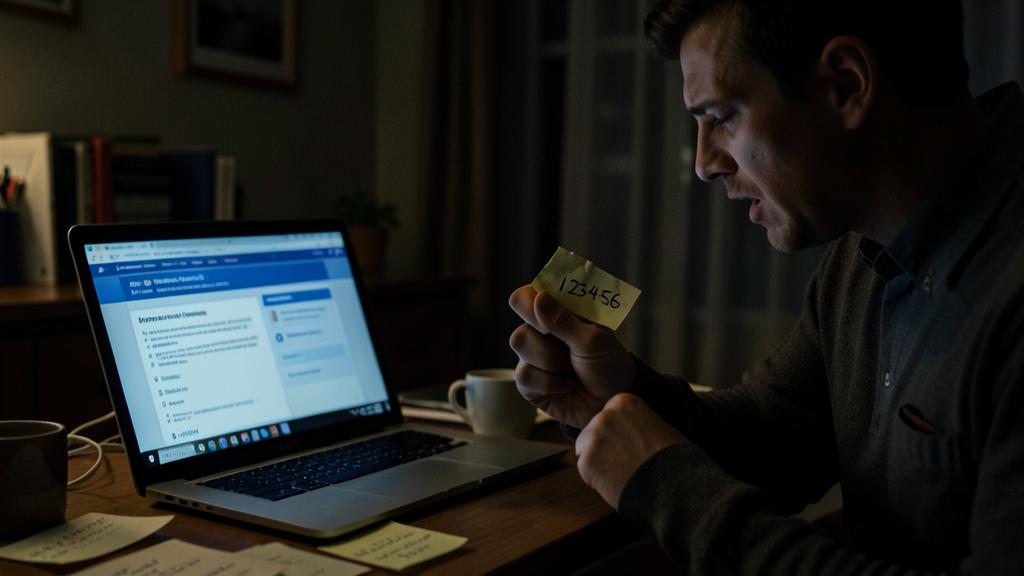
Absolutely avoid. Never reuse the same password on multiple sites. It’s the most dangerous mistake : when a site is hacked and your password leaks, hackers automatically try it on all your other accounts. A unique password per account is the non-negotiable golden rule.
Frequently asked questions
Should you change your passwords regularly ?
Not systematically if your passwords are long, unique, and not compromised. However, immediately change any password involved in a data leak.
Is a password manager really safe ?
Yes, far more than reusing weak passwords. Good managers securely encrypt your data : the risk of not using one is far greater.
What to remember
A good password is long and unique per account : these are the two essential rules. The passphrase technique balances strength and memorization, but the real solution for managing dozens of accounts is the password manager, which does the work for you. Avoid reuse, personal information, and weak passwords. Well protected, your accounts are durably — and without complicating your life.


Want to secure all your access simply?
Leave a Reply
You must be logged in to post a comment.