
A café, a hotel, an airport, a train station: public Wi-Fi is everywhere, free, and very convenient. But this convenience has a downside: these open networks are one of the favorite playgrounds for hackers. Using public Wi-Fi without precautions means taking real risks for your data. Good news: a few simple reflexes are enough to protect yourself. This guide explains the dangers and best practices.
Why public Wi-Fi is risky
On an open network, shared by strangers, your data circulates in an uncontrolled environment. A hacker connected to the same network can, under certain conditions, attempt to intercept what is being transmitted: login credentials, information entered on poorly secured sites. There are also fake networks created by malicious actors, imitating a location’s name to trap visitors. Connecting blindly exposes you to several types of threats.

Public Wi-Fi is risky because anyone on the same network can try to steal your data. Fake networks make it even worse by tricking you into connecting to them.
In 2023, a hacker set up a fake Wi-Fi network in a Paris café called “CaféWiFi_Free” (similar to the real one, “CaféWiFi”). Over a week, he intercepted login details from 12 customers before being caught.
Good reflexes
- Avoid sensitive operations: banking, purchases, entering important passwords on public Wi-Fi.
- Check the network name: make sure with the staff that it is the official network of the place.
- Prefer secure sites (address starting with « https »).
- Use a VPN if you really need to perform sensitive operations.
The right reflex. If you absolutely need to access sensitive data on the go, prefer your phone’s mobile hotspot (4G/5G) over public Wi-Fi. Your mobile connection is much safer than an open network shared by strangers.
Beware of fake networks
A common technique is to create an access point with a reassuring name—the name of a café or a hotel—to attract victims. Once connected to this fake network, everything you do can be observed. The reflex: if in doubt, ask the staff for the exact name of the official network, and be wary of open networks with generic names that appear without explanation.

Adjust your device for more security
A few settings enhance your protection. Disable automatic connection to open Wi-Fi networks: your device won’t connect without your knowledge. Turn off file sharing when you’re on a public network. And remember to forget the network once your visit is over, to avoid automatic reconnection later. These precautions limit your exposure without effort.
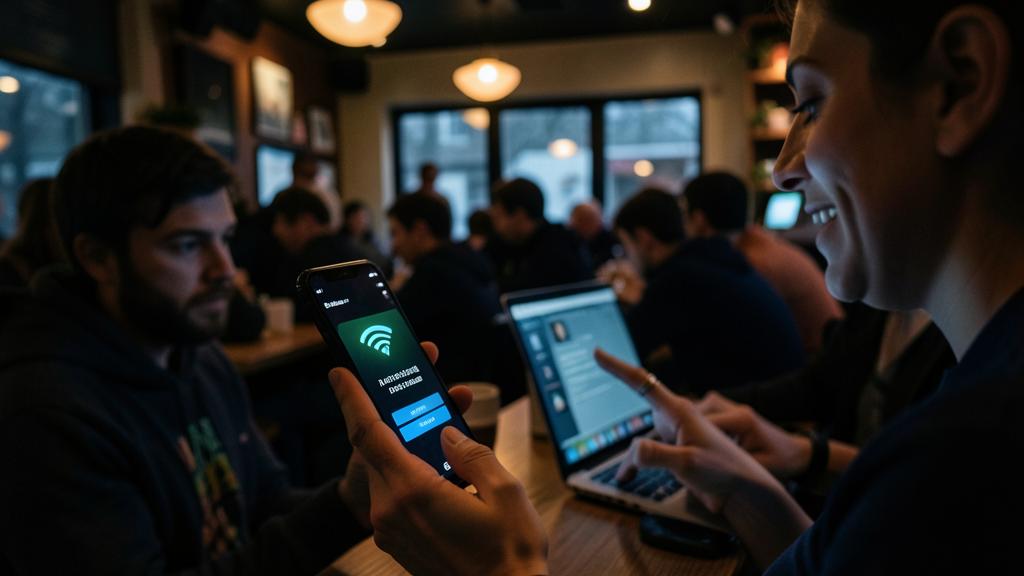
Never do this. Never perform banking operations or online purchases on unprotected public Wi-Fi. These actions expose your most sensitive financial data. If it’s essential, use your mobile connection or a trusted VPN: caution is never excessive when it comes to your money.

Frequently asked questions
Is public Wi-Fi always dangerous?
Not systematically, but the risk exists. For casual browsing on secure sites, it is generally acceptable; for anything related to your sensitive data, caution is required.
Does a site in « https » protect me?
It encrypts your exchanges with that site, which helps a lot. But it doesn’t cover everything: overall vigilance remains necessary on a public network.

What to remember
Public Wi-Fi is convenient but risky: uncontrolled networks, possible interceptions, fake access points. The golden rule is to avoid any sensitive operation (banking, purchases, important passwords) on these networks, or to use your mobile connection or a VPN. Check the network name, prefer secure sites, and adjust your device to avoid automatic connections. With these simple reflexes, you can enjoy public Wi-Fi without exposing your data.



Want flawless digital hygiene?
Leave a Reply
You must be logged in to post a comment.