
The Shortcuts app, available on iPhone, iPad, and Mac, is one of the most powerful yet least used tools in the Apple universe. It allows you to automate tasks, create your own « mini-programs » without coding, and save precious time every day. Intimidating at first glance, it is actually accessible to everyone. This guide helps you discover its potential and how to get started simply.
What is the Shortcuts app?
Shortcuts allows you to automatically chain multiple actions with a single command. In concrete terms, you create a sequence — « do this, then that » — that you trigger with a gesture, a phrase to the voice assistant, or automatically based on a context. It’s automation without code: you assemble action blocks like a construction set, with no technical skills required.
Concrete examples to understand
- A « I’m on my way » shortcut that automatically sends a message to a loved one.
- A morning shortcut that displays the weather, your schedule, and plays your music.
- A sharing shortcut that resizes and sends a photo in a few seconds.
- An energy-saving shortcut that activates multiple settings at once.
These examples show the idea: turning a series of tedious manipulations into a single instant action.
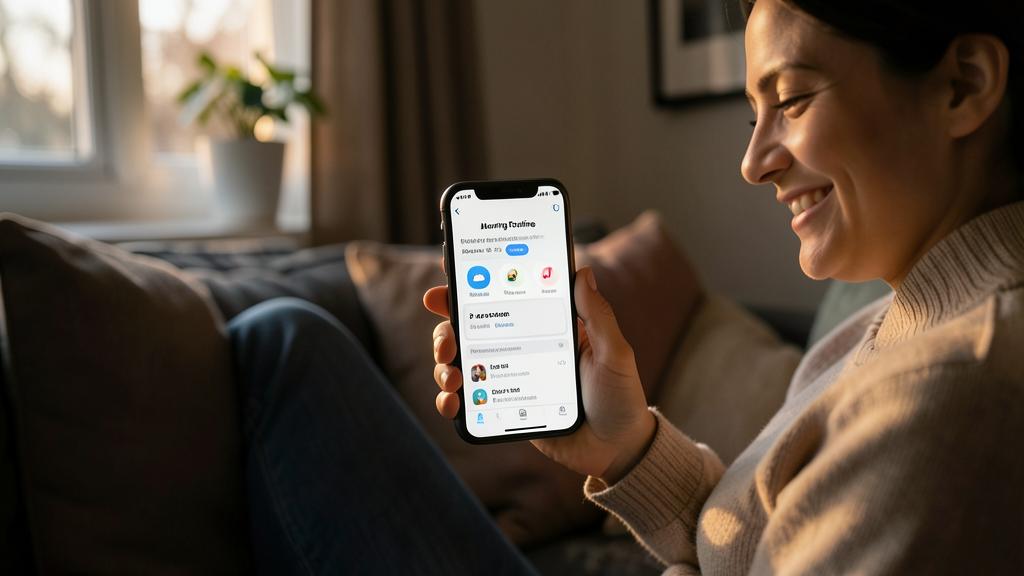
The right reflex. Don’t start from scratch: explore the gallery of ready-to-use shortcuts offered in the app. You’ll find pre-made automations that you can use directly or customize to your needs. It’s the best way to understand how it works and get started effortlessly.
Getting started without complications
The key to mastering Shortcuts is to start simple. Take a task you repeat often and that annoys you a bit, and look for an existing shortcut that handles it, or create a basic one. By manipulating, you quickly understand the logic. No need to aim for complex automations right away: a first small concrete victory gives you the desire and the references to go further.
Automatic triggering
The true magic of Shortcuts lies in the automations: shortcuts that trigger automatically based on a context — a time, a location, a device connection, a specific action. For example, activating a silent mode when arriving at work, or launching a reminder when leaving a place. These invisible automations work for you without you having to think about it, that’s their whole interest.
To keep in mind. Don’t try to automate everything at once at the risk of discouraging yourself. Shortcuts can seem complex if you aim too big too fast. Progress gradually, one useful shortcut at a time: mastery comes from practice, not from excessive ambition at the start.
The Shortcuts app lets you create simple programs without coding. You can set it up to do things automatically, like sending a message when you arrive somewhere or turning on Do Not Disturb at work. It’s like training your phone to do small tasks for you.
Imagine you always forget to turn on Do Not Disturb when you get to the office. You can create a shortcut that automatically turns it on when your iPhone connects to your work Wi-Fi. No more manual steps—your phone does it for you.
Frequently asked questions
Do you need to know how to program?
No, not at all. Shortcuts is designed to be visual and accessible: you assemble actions by drag-and-drop, without writing a single line of code.
Is it really useful on a daily basis?
Yes, as soon as you automate a repetitive task. The time saved, accumulated over weeks, is real, and the comfort of not having to repeat the same manipulations is appreciated.
What to remember
The Shortcuts app is an underrated gem of the Apple ecosystem: it allows you to automate tasks and create your own mini-programs without coding. Start simple, pick from the gallery of ready-to-use shortcuts, and explore automations triggered by context. One useful shortcut at a time, you’ll discover a tool that saves you time every day. Don’t be intimidated: behind its apparent complexity, Shortcuts is within everyone’s reach.
Want to go further in Apple automation?
Leave a Reply
You must be logged in to post a comment.