
-
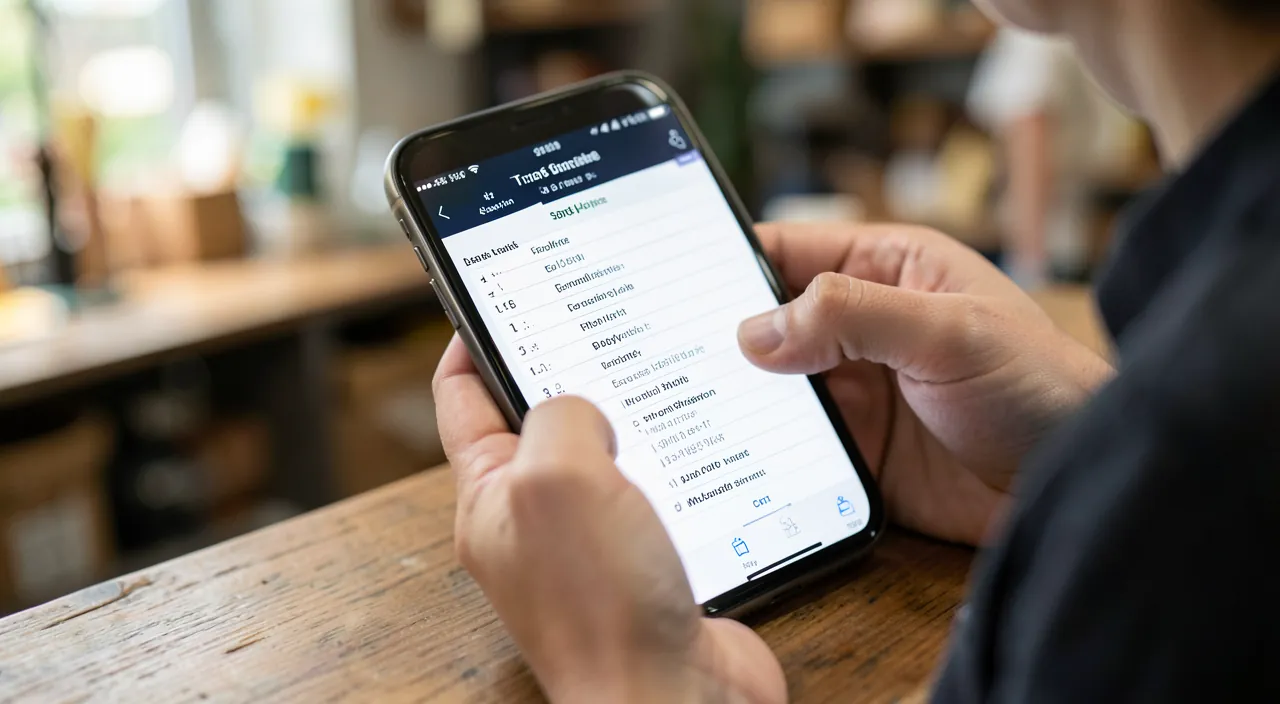
Reminders App: Lists, Shopping, and Tasks
Forget to buy bread, miss a meeting, let an important task slip—our memory has its limits, especially in a busy daily life.…
-

Health App: Tracking Activity and Well-being
Without even thinking about it, your iPhone already counts your steps, tracks your movements, and discreetly gathers information on your activity. The…
-

iPhone Keyboard: Emojis, Accents, and Typing Tips
Typing on a small screen can be frustrating: you search for accents, you don’t know how to make a “ç” uppercase, you…
-

Accessibility settings that help everyone
The word “accessibility” evokes settings reserved for people with disabilities. In reality, these options — originally designed to help those who see…
-

Clean and Speed Up Your Mac
Your Mac, once swift, is taking longer to start up, applications are sluggish, the multicolored wheel spins, and the disk shows “almost…
-

iMessage: The Hidden Functions to Know
You use Messages every day to send texts: that’s already good, but the iMessage app (Apple’s messaging service, those blue bubbles between…
-
SMS Scams: How to Spot Smishing
“Your package is pending, click here to track it”, “Your bank account has been blocked”, “You have a fine to pay”: these…
-

Detect a fake website before sharing your data
A fake website is a web page created by scammers to look indistinguishable from a legitimate site — your bank, a well-known…
-

A Stolen Password: Emergency Measures
You receive an alert “your password has been compromised”, you notice a connection you didn’t make, or you entered your credentials on…
-

Locking Your Social Media: The Right Settings
On social networks, you share your life without always realizing WHO can see it. By default, many accounts are widely open: your…
[language-switcher]
The ElpisIA blog
Tutorials, tips and news — AI, computing, web & Apple.
Notre Écosystème
Découvrez nos autres services
ElpisIA, c’est tout un univers — explorez nos autres services.