
Paperwork piles up, and finding the right document at the right time often proves to be a headache. Scanning and archiving apps transform your phone into a pocket scanner AND a digital filing cabinet: digitize your papers, organize them, find them instantly, have them always with you. No more lost documents and overflowing drawers. Here’s how to scan and archive your documents on mobile to dematerialize your paperwork calmly — and especially how to do so while protecting these often sensitive documents.
From paper to well-organized digital document
The principle is simple and liberating: instead of piling up papers, you digitize them with your phone and store them in an organized digital library. The advantages are considerable: your documents are ALWAYS with you (find a receipt or a receipt where you are), FINDABLE instantly (by search, much faster than rummaging through binders), SAFE (backed up, they don’t get lost or damaged like paper), and they free up physical space. The process breaks down into two steps: SCAN (properly digitize the document — your phone detects the edges, straightens, produces a clean PDF, like a real scanner: our guides on how to digitize your papers like a pro) and ARCHIVE (store the digital document to find it: clear name, thematic folder, or simply a good search). Many apps combine both functions, but remember that your phone often ALREADY has an integrated scanning function (in the Notes or Files app — our guides on Notes, how to digitize your papers), and organization tools. The result: dematerialized, organized, and accessible paperwork that replaces stacks of paper advantageously. Need to send a receipt? You find and share it in seconds. An old contract? A search, and it appears. It’s a real time, space, and serenity gain — provided you organize well from the start and, above all, protect these documents which are often among your most sensitive data.
Scanning turns paper into digital files. Your phone can do this, and you can organize them in folders. This saves space and makes documents easy to find. But you must back them up and keep them safe, as they often contain private information.
You receive an electricity bill. Instead of filing it in a drawer, you scan it with your phone, name it “electricity-bill-2026,” and save it in a “bills” folder. Later, you need to check a past bill—you search “electricity” and find it instantly, without digging through papers.
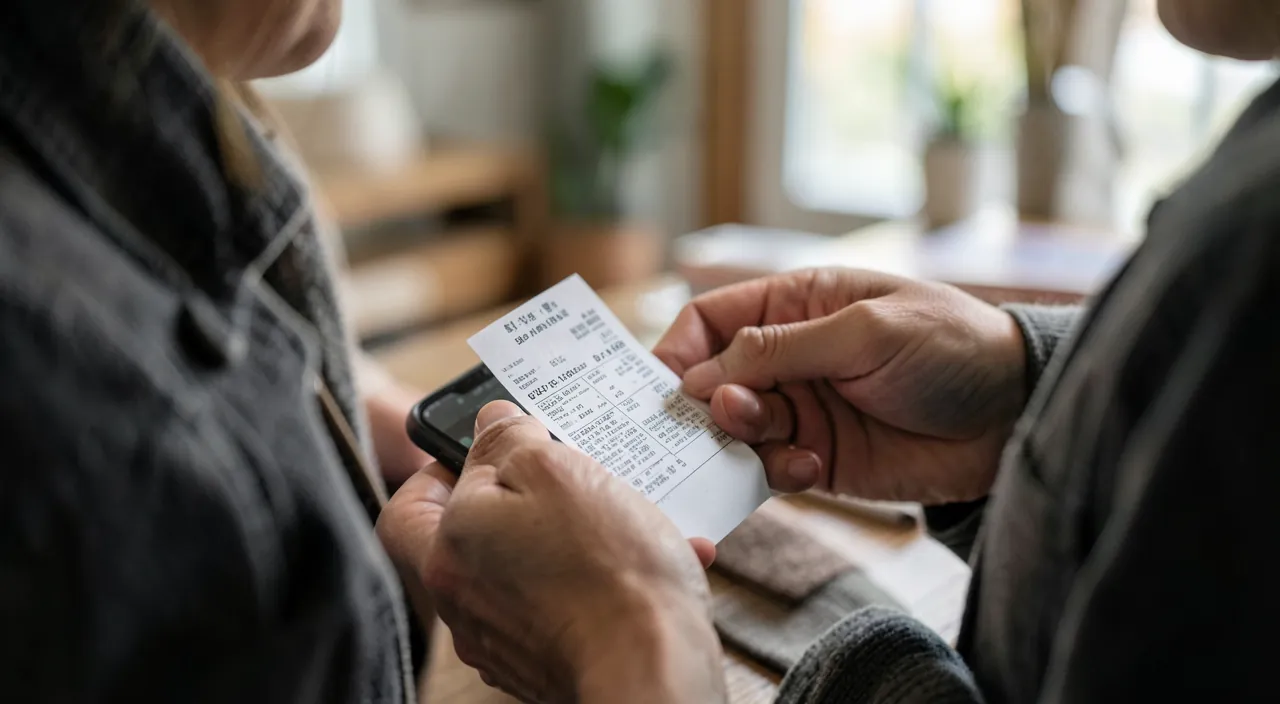
Properly scan, properly organize
For effective dematerialization: on the SCAN side, take care of the quality (good light without shadows, document flat on a contrasting background, phone parallel: our guides on how to digitize your papers), prefer the PDF format (universal, expected by administrations), and take advantage of text recognition if available (it makes documents SEARCHABLE by their content — very practical). On the ORGANIZATION side, the key is a SIMPLE system that you maintain: CLEARLY name your documents (a « electricity-bill-2026 » is found better than a « scan_042 »), create a few thematic FOLDERS that make sense (taxes, housing, health, vehicle, bills…), and date for chronological retrieval (our guides on organizing files, second brain). Don’t overdo it: a few clear folders and good names are enough, the search does the rest. Think about what you want to KEEP: important documents (administrative, contracts, receipts to keep, warranties, tax documents) deserve to be digitized and archived; there’s no need to scan everything (the superfluous clutters). A practical use: digitize AS YOU GO (as soon as an important paper arrives, you scan and file it) avoids accumulation and the big catch-up project. And think about useful functions: some apps allow you to SIGN a scanned document directly (to send it without printing — our guides on administrative procedures), or share it easily. The good system is one that is SIMPLE, that you regularly maintain, and where you easily find your documents: better a basic but followed organization than a perfect but abandoned one. The goal is not perfection in archiving, but to have your important documents digitized, findable, and protected.
The right reflex. Digitize AS YOU GO rather than wait for the big cleanup: as soon as an important document arrives (a receipt, a receipt, a contract), take thirty seconds to scan and file it in the right folder. This regular small gesture avoids the discouraging accumulation and the big catch-up project; your digital archiving builds itself, document by document. Use first the scanning function ALREADY present on your phone (in the Notes or Files app — our guides on how to digitize your papers), free, local, and often sufficient. Clearly name each document (e.g., « home-insurance-2026 ») to find it easily, and file it in a few simple thematic folders (taxes, housing, health…). Above all — and it’s essential because your documents are sensitive — make sure your digital archive is well BACKED UP (our guides on backup 3-2-1): losing years of documents with a broken or stolen phone would be catastrophic. Regular scanning, clear naming, a few folders, and a backup: this simple system transforms your paperwork into an organized digital library without effort or big project.
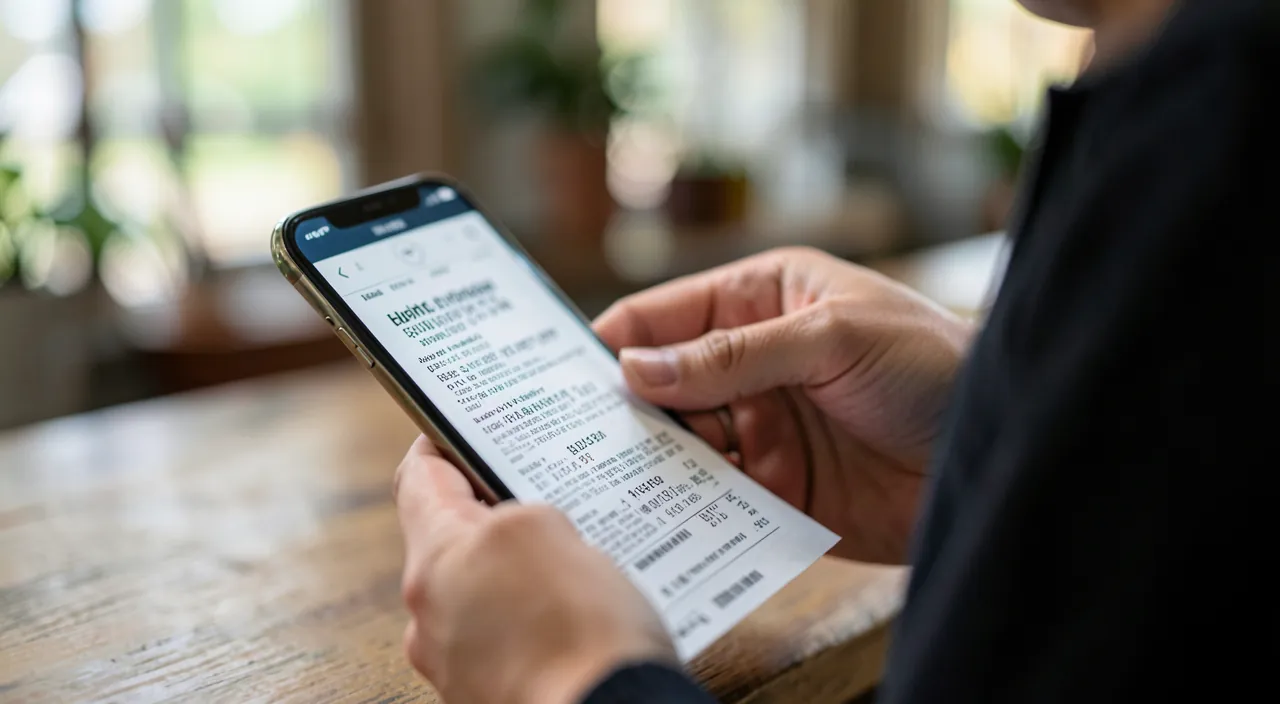
Protecting your documents: the crucial point
Your digitized documents are often among your most SENSITIVE data: identity documents, IBAN, banking documents, pay slips, medical documents, contracts. Their protection is therefore crucial, at several levels. BACKUP — your dematerialized documents must be backed up (3-2-1 rule: multiple copies, one off-site — our guides on backup 3-2-1), because losing them (broken or stolen phone) would be catastrophic; this is the counterpart of dematerialization: by removing paper, you must guarantee the longevity of the digital. CONFIDENTIALITY and choice of tool — crucial point: prefer apps that keep your documents locally on your device or a secure cloud storage where you control the security; beware of free and opaque scanning apps that send your documents to unknown servers (your sensitive papers should not end up anywhere — our guides on protecting your identity, privacy); the integrated scanning function on your phone is a safe choice (local processing). ACCESS SECURITY — protect access to your sensitive documents (device lock, password-protected folder for the most sensitive; but remember that a notes or documents app is not a password safe — banking credentials go in a dedicated manager, our guides on password managers). CAUTION in sharing — when you send a sensitive document (a receipt requested), do it through a reliable channel to a legitimate recipient (never in response to a suspicious email or message that asks for it — our guides on scams). At the core, dematerializing documents is extremely practical: organized paperwork, documents always accessible and findable, space saved. But this convenience comes with a responsibility: these digital documents concentrate sensitive information, and their protection (backup to avoid losing them, choosing safe tools that do not expose them, access security, caution in sharing) is inseparable from their digitization. Well done — high-quality scanning, simple organization, AND careful protection —, the dematerialization of your documents is a real progress in your daily life: it replaces overflowing drawers with an organized digital library, accessible and secure.
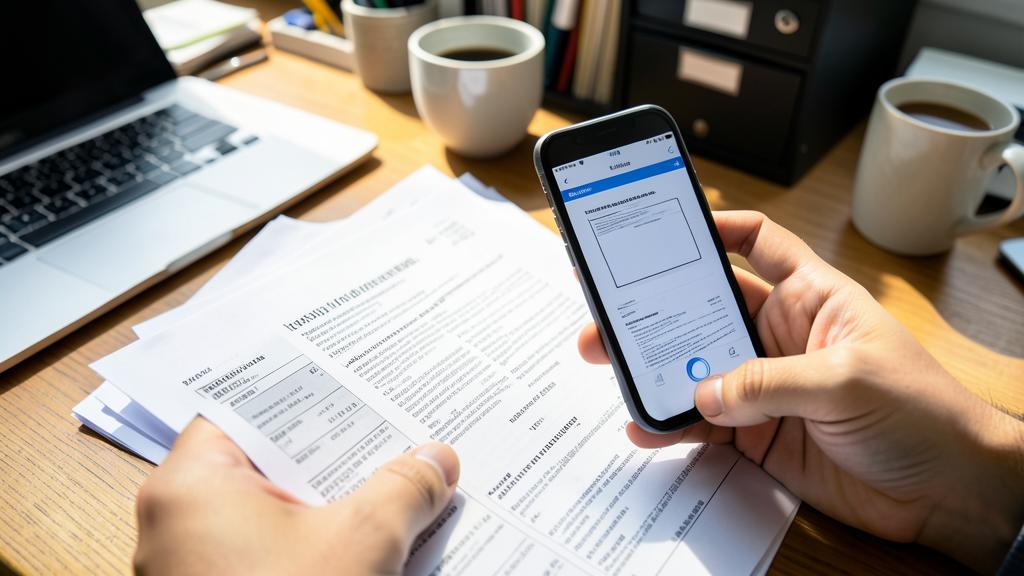
Warning: your scanned documents are sensitive — back them up and choose safe tools. A crucial point because these documents are among your most intimate data (identity documents, IBAN, banking documents, pay slips, medical documents, contracts). Three imperatives: BACKUP your digital archive (3-2-1 rule: multiple copies, one off-site — our guides on backup 3-2-1): by dematerializing, you must guarantee the longevity of the digital, because losing years of documents with a broken or stolen phone would be catastrophic. Choose SAFE tools: prefer the integrated scanning function on your phone (local processing) or apps that keep your documents on your device; beware of free and opaque scanning apps that send your documents to unknown servers (your sensitive papers should not end up anywhere — our guides on protecting your identity, privacy); protect access (device lock, password-protected folder for the most sensitive; but a documents app is not a password safe — our guides on password managers). Be CAUTIOUS in sharing: never send a sensitive document in response to a suspicious message that asks for it (our guides on scams). Dematerialization is very practical: provided you assume the responsibility of protecting these sensitive documents that you concentrate on your device.
Frequently asked questions
Do I need a special app to scan and archive my documents?
Often no: your phone generally has an integrated scanning function (in the Notes or Files app — our guides on how to digitize your papers), free, local, and with organization tools. To scan a receipt and file it, this is more than enough — and it’s safer for your sensitive documents (local processing, nothing is sent elsewhere). A dedicated app becomes useful for advanced needs (advanced document management, elaborate text recognition, signing): choose one that is recognized and respectful of your data. Start by exploring what your phone can already do: for most dematerialization needs, the built-in tool is perfect and better protects your sensitive papers.
How to organize my digital documents for easy retrieval?
Adopt a SIMPLE system that you maintain: clearly name your documents (a « electricity-bill-2026 » is found better than a « scan_042 »), create a few meaningful thematic folders (taxes, housing, health, vehicle, bills), and date for chronological retrieval. Text recognition, when available, makes documents searchable by their content (very practical). Don’t overdo it: a few clear folders and good names are enough, the search does the rest. Digitize as you go (as soon as an important paper arrives) to avoid accumulation. Better a basic but followed organization than a perfect but abandoned one: the goal is to find your documents without effort.
Is it risky to digitize sensitive documents?
It requires precautions because these documents (identity documents, IBAN, banking or medical documents) are among your most intimate data. Three rules: BACKUP your archive (3-2-1 rule: do not lose years of documents — our guides on backup 3-2-1); choose SAFE tools (the integrated scanning function on your phone processes locally; beware of free opaque apps that send your documents to unknown servers — our guides on protecting your identity); and protect access (device lock, password-protected folder for the most sensitive). Never send a sensitive document in response to a suspicious message. With these precautions, dematerialization is safe: the risk comes from opaque tools or lack of backup, not from digitization itself.
What to remember
Scanning and archiving apps transform your phone into a pocket scanner AND a digital filing cabinet: your documents are always with you, findable instantly by search, safe (backed up), and free up space. The process: PROPERLY scan (your phone detects the edges, straightens, produces a clean PDF — often via a built-in function in Notes or Files) and ARCHIVE in a findable way (clear name, a few thematic folders, search). For effective dematerialization: take care of the scan quality, prefer PDF, adopt a SIMPLE system that you maintain, digitize AS YOU GO (to avoid accumulation), and keep what deserves to be kept. But the CRUCIAL point is PROTECTION, because these documents are often among your most sensitive data (identity, IBAN, banking or medical documents): BACKUP your archive (3-2-1 rule: do not lose everything with the phone), choose SAFE tools (the integrated function processes locally; beware of free opaque apps that send your documents elsewhere), protect access, and be cautious in sharing (never in response to a suspicious message). Dematerialization replaces overflowing drawers with an organized and accessible digital library: provided you assume the responsibility of protecting these sensitive documents that you concentrate on your device. High-quality scanning, simple organization, AND careful protection: this is the recipe for calmly dematerializing your paperwork.
Want to go further with your phone and apps? Our practical trainings are for you.
Leave a Reply
You must be logged in to post a comment.