
Notifications raining down all day, personal messages popping up in the middle of meetings, professional alerts following you in the evening: our phone, meant to serve us, ends up harassing and fragmenting our attention. Apple’s Focus modes for iPhone, iPad, and Mac are the answer to this problem: they allow you to filter what you receive based on the CONTEXT — work, personal, sleep, driving. Properly configured, they give you control over your attention. Here’s how to master them to regain calm and focus.
Regaining control of your attention
The starting point: each notification interrupts, and our brain takes time to refocus after each interruption (our productivity guides in airplane mode). By default, everything reaches you all the time, without distinction: a friend’s message during your focused work time, a professional alert during dinner, trivial notifications at night. Focus modes flip this logic: instead of receiving everything constantly, you decide what can reach you BASED ON THE TIME. Concretely, a Focus mode is a set of rules you activate (manually or automatically) that FILTER what reaches you: who can reach you, which apps can notify you, the rest being silenced (but not lost: you can check it when you want). Apple offers pre-made modes (Do Not Disturb, Work, Personal, Sleep, Driving…), which you can customize, and you can create custom ones. The principle is liberating: you are no longer at the mercy of a constant stream; you choose, for each context, who and what deserves to interrupt you. It’s a profound change in posture: the phone becomes a TOOL at your service, instead of a master demanding your attention at all times. Focus modes are one of the settings that improve daily serenity the most — and yet, one of the most underutilized.
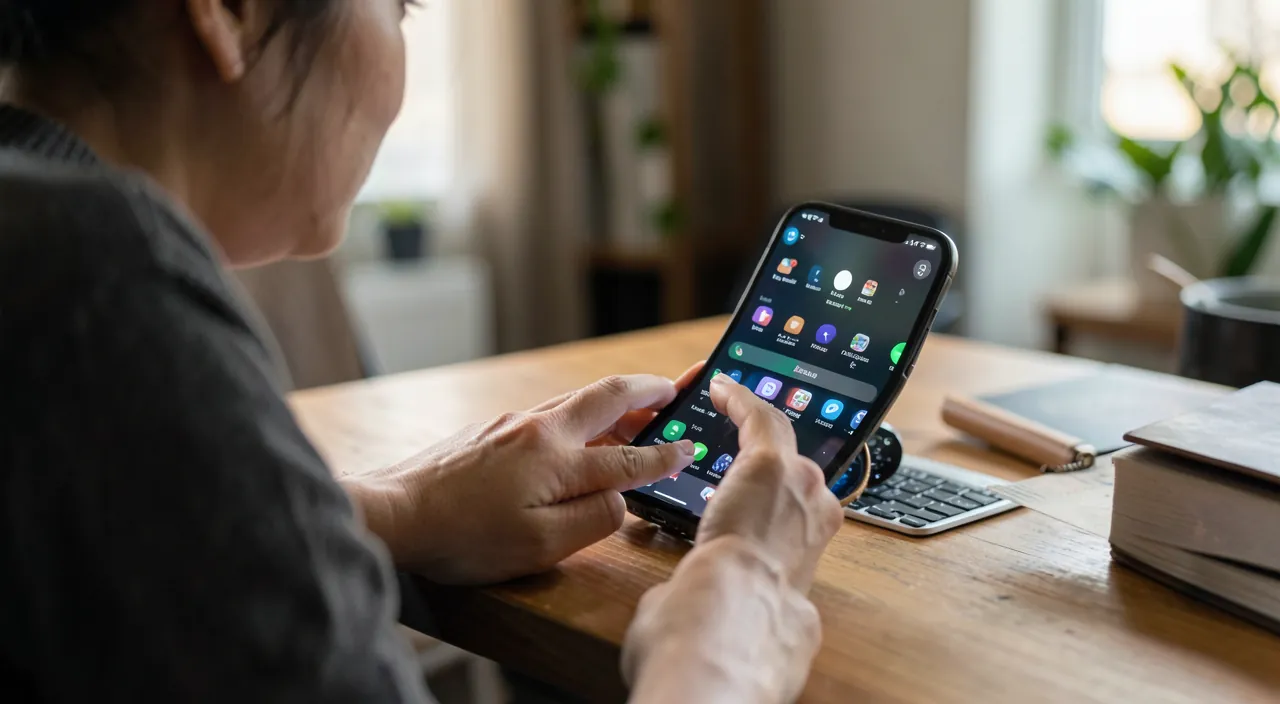
Focus modes let you decide when and who can interrupt you, instead of letting notifications control your time. They filter distractions based on what you’re doing, so you can focus better.
Imagine you’re working on an important project. With a Focus mode, only work-related messages and apps can notify you, while personal chats and social media stay silent. This way, you stay focused without missing urgent work updates.
Configure your modes according to your contexts
To use them well: first identify YOUR recurring contexts — when do you want to filter differently? (work, family time, night, a moment of concentration, sports…). Then, for each mode: choose who can reach you — who is AUTHORIZED to break the filter (your close family even in work mode? only colleagues during the day?); choose which apps can notify — important apps for this context pass through, others stay silent; automate the triggering — the major advantage: a mode can activate AUTOMATICALLY based on the time (Sleep mode at night), location (Work mode when you arrive at the office), or an open app — thus, the right filter applies without you having to think about it; personalize the screen — each mode can have its own home screen and locked screen (a clean work screen without distracting apps, a different personal screen — our widget and personalization guides); auto-replies — some modes can notify your correspondents that you are unavailable. Start SIMPLE: first configure one or two really useful modes (e.g., Sleep for uninterrupted nights, and Work or Focus for filtering during important tasks), see the benefit, then refine. Focus modes sync across all your Apple devices (our guides on device continuity): activated on the phone, the filter applies to the computer as well. There’s no need to configure everything at once: a well-thought-out one or two modes already change your daily life significantly.
The right reflex. Start by configuring the SLEEP mode — it’s the one that provides the most immediate and universal benefit: program it to activate automatically every evening at a fixed time, allowing only essential contacts to reach you (in case of family emergencies). You’ll have peaceful nights without being woken up by trivial notifications, while still being reachable for what really matters. Once you’ve tasted this calm, configure a second mode for your moments of CONCENTRATION or work, filtering distractions during your important tasks. Automation is the key: a mode that activates AUTOMATICALLY at the right moment (by time or location) protects you without effort and without you having to think about it. Two well-thought-out modes — peaceful nights and protected periods of concentration — are enough to transform your relationship with the phone: from a permanent source of interruptions, it becomes a tool that YOU control.
Finding the right balance: filtering without cutting off
Focus modes are powerful, but their proper use requires a BALANCE: filtering distractions WITHOUT cutting off what is important. Some principles: always allow the ESSENTIAL — ensure that the really important people (close family, emergency contacts) can always reach you, even in focus mode — systems are designed to allow a persistent call to break the filter in case of real emergency; don’t make yourself unreachable at the wrong time — a too restrictive mode activated when you need to be available can make you miss something important — adapt the filter to the real context; check the silenced notifications when YOU want — filtered notifications are not lost, they wait for you — you check them at your own pace, which is precisely the goal (choosing to respond rather than being interrupted); adjust with experience — if a mode filters too much or not enough, refine its settings. The goal is not to cut yourself off from the world, but to regain CONTROL: deciding when and by whom you accept being interrupted. Properly configured, focus modes provide a profound benefit: peaceful nights, protected periods of concentration, family time without the phone intruding, while still being reachable for emergencies. It’s a valuable digital hygiene in a world of constant solicitations (our guides on reducing your digital footprint, productivity). The phone should not dictate your attention; focus modes allow you to regain control, context by context — one of the most beautiful uses of technology: putting it at the service of your serenity rather than your distraction.
Warning: do not make yourself unreachable for emergencies, and check what you are filtering. The main risk of focus modes is filtering too well: by configuring a restrictive mode, ensure that the really important people (close family, emergency contacts, children’s school) can always reach you — most systems allow certain contacts to break the filter, and a persistent repeated call can signal a real emergency: configure these exceptions carefully. Also check what each mode silences: a mode activated at the wrong time (when you are waiting for an important call) or too aggressively could make you miss something crucial (an appointment, an emergency). Test your modes before relying on them fully. Remember that filtered notifications are not lost (you check them later), but a missed call at the wrong time can have consequences. The goal is to regain control of your attention, not to isolate yourself: the right setting filters distractions while letting through the essential. Take the time to define your emergency exceptions well: this is what distinguishes a liberating focus mode from a dangerous one that cuts you off from the world.
Frequently asked questions
What are Focus modes for?
To filter what you receive based on the CONTEXT, instead of receiving everything constantly: you decide, for each moment (work, personal, sleep…), who can reach you and which apps can notify you, the rest being silenced (but not lost). They give you control over your attention, fragmented by incessant notifications. Apple offers pre-made modes (Do Not Disturb, Work, Sleep…), which are customizable, and you can create your own. Properly configured, they provide peaceful nights, protected periods of concentration, and interruption-free time — while still being reachable for emergencies. They are one of the most beneficial settings for daily serenity.
How can I ensure I remain reachable in case of emergencies?
By configuring the EXCEPTIONS of each mode: allow the really important people (close family, emergency contacts) to always reach you, even in focus mode — most systems allow this. Additionally, a persistent call (repeated quickly) can be configured to break the filter, signaling a real emergency. Take the time to define these exceptions before relying on a restrictive mode: this is what allows you to filter distractions without risking missing a crucial call. The goal is to regain control of your attention, not to cut yourself off from the world: good exceptions ensure this balance.
Do Focus modes activate automatically?
Yes, and this is their major advantage: you can AUTOMATE their triggering based on the time (Sleep mode every evening), location (Work mode when you arrive at the office), or an open app. Thus, the right filter applies at the right moment without you having to think about it. Focus modes also sync across all your Apple devices (activated on the phone, the filter applies to the computer — our guides on device continuity). This automation is key to their effectiveness: a mode that triggers automatically protects you without effort. Start by automating the Sleep mode, the most universally beneficial, then add a Focus mode for your important tasks.
What to remember
Focus modes flip the logic of « everything, all the time »: instead of being subjected to a constant stream of notifications, you decide what can reach you BASED ON THE CONTEXT (work, personal, sleep…): who, which apps, the rest being silenced without being lost. To configure them properly: identify your recurring contexts, choose for each mode who can reach you and which apps can notify you, and especially AUTOMATE the triggering (by time, location, an app) — this is the key to their effectiveness. Start simple: the Sleep mode (uninterrupted nights, automatically activated in the evening) provides the most immediate benefit, then a Focus mode for your important tasks. The challenge is BALANCE: filtering distractions WITHOUT cutting off the essential — always allow important and emergency contacts to break the filter, and don’t make yourself unreachable at the wrong time. Properly configured, they give you control over your attention: the phone becomes a tool at your service rather than a master demanding your attention. A valuable digital hygiene, and one of the most beautiful uses of technology: putting it at the service of your serenity.
Want to fully exploit the potential of your iPhone, iPad, or Mac? Our Apple training courses will take you to the next level.
Leave a Reply
You must be logged in to post a comment.