
For golden weddings, 18th birthdays, farewell parties, tributes: there’s always that moment when someone says “we should make a little film with photos” — and this time, that someone is you. Good news: the memory slideshow that brings tears doesn’t require pro software or weeks of work — it requires a method: collect, choose, organize, edit simply, and project without a hitch. Here it is, from start to finish, with the free tools that are enough and the secrets that create emotion.
Collecting: the material before the tool
The film hinges on the collection — start with it, three weeks in advance if possible: the call for contributions — a message to those involved (“send your 5 to 10 favorite photos of Grandma, and a memory in one sentence”) with a SINGLE collection point: a shared album (the simplest — everyone uploads from their phone, everything arrives in original quality: our guides on shared albums) or an online drop folder — never email (photos arrive compressed and messy); the family mine — your photo libraries (face search in photo apps works wonders: the subject’s face found over twenty years), and the paper archives — the family album photographed properly on the phone (in daylight, flat, no flash — the scan mode works too: our digitization guides) — these old photos will be the film’s highlights: they’re worth the effort; and the non-photo gems — a short archive video, a saved voice message, a grandchild’s drawing photographed: a few seconds of voice or moving images among the photos multiply the emotion. Collect widely (100-200 items): the editing will make the film.
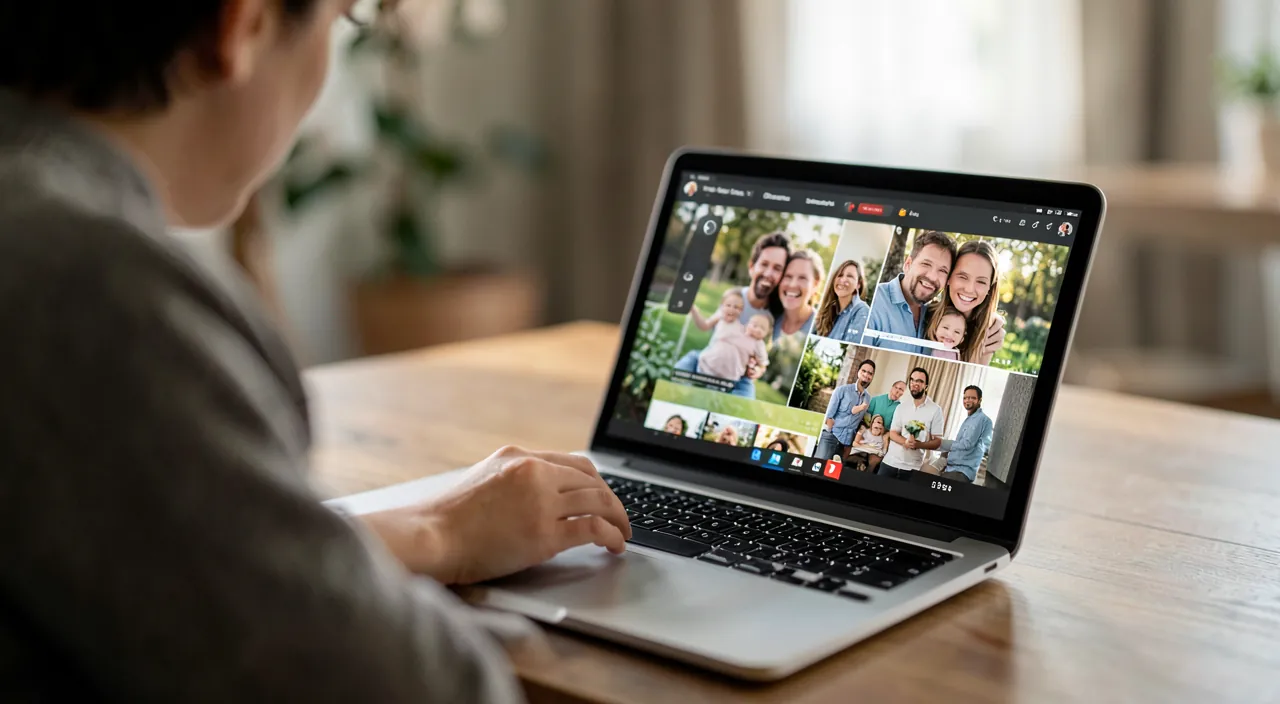
A good memory film starts with gathering as many photos and memories as possible. The more you collect, the better your final film will be. Old photos, videos, and even voice messages can make the film more emotional.
For a 50th wedding anniversary, you collect 150 photos: 50 from a shared album, 50 from family photo libraries, 30 from old paper albums, and 20 non-photo memories (a short wedding video, a voice message from the couple, and a child’s drawing). This variety ensures the film is rich and touching.
Choosing and ordering: where emotion is born
The two golden rules of the genre: short — 3 to 5 minutes maximum (the audience stands, holding a glass: at 7 minutes, they check their phones — the best slideshows slightly frustrate, that’s the sign they’re good): at 4-6 seconds per photo, that’s 40 to 70 images — not 200: editing is ruthless and that’s what makes the quality (keep the best of each moment, just one); and structured — not a chronological mess but a story in chapters: childhood (old photos at the start — guaranteed impact), major eras (wedding, career, home, travels), people (friends, the family — everyone must “see themselves” at least once: check no important person is missing, that’s THE faux pas of the genre), humor in the middle (funny failed photos, period hairstyles — two or three laughs placed between emotions), and the finale on the rise (the most beautiful recent ones, the group photo, THE photo — the one that stays on screen when the applause fades). Order them in a folder, renaming with numbers (01, 02…): the script is done — the editing will just be execution.
The right reflex. The music is chosen before editing — it’s what sets the pace and divides the chapters: two or three songs that resonate with the subject (HIS period song at the start — the madeleine effect is immediate — then a meaningful track for the heart, and emotion for the finale): then edit THE IMAGES TO the music (transitions aligned with song changes): that’s the secret that distinguishes a “edited” slideshow from a “slideshow on autopilot.” For private family viewing, your favorite tracks; for public online sharing, free music libraries avoid blocks.

Editing simply: the tools that suffice
No need for professional software — three options depending on your equipment: the free phone/tablet editing apps (iMovie and equivalents): you import the ordered photos, set the duration per photo (4-6 s), choose transitions (ONE only, subtle — the fade: whirlpools and checkered patterns instantly date the film), add the music, and chapter titles (“1958 — Childhood”): the complete film in one or two evenings, even for a complete beginner; the automatic features of photo libraries — the “memories” generated by photo apps (automatic selection + music): amazing for an impromptu birthday, too impersonal for a major event — but perfect as a DRAFT to customize; and the online or AI-assisted editing — tools that assemble based on a given theme (our AI video guides): real time savings, same caveats — human selection of photos is what makes the film. The finishing touches that elevate: the cropping of vertical photos (light zoom instead of black bars), the discreet Ken Burns effect (slow zoom on old photos — THE cinematic touch of the genre, integrated everywhere), the rare but precious captions (a date, a location, a forgotten name), and a touch of video or voice if you have it (the subject’s voice at the start or end: guaranteed chills).
On the day: projecting without drama (and after)
The classic disaster isn’t the editing — it’s the screening: export as a video file (the finished film is saved as MP4 — never “projected from the app” which may require network or account): the file locally on the phone AND on a USB key (belt-and-suspenders: the key plugs into most TVs — the backup plan that saved a thousand parties); test on-site — the day before or one hour earlier: the venue’s screen or projector, the HDMI cable (in your bag — our TV projection guides), and especially the SOUND (the universal weak link: the film’s music deserves a speaker, not the TV’s speakers at the back of the room — test the volume at full audience size); time it right — the slideshow starts at a natural lull (between main course and dessert, before speeches), announced in one sentence, lights dimmed: three minutes later, there will be laughter and wet eyes — mission accomplished; and afterwards — the film sent to loved ones the next day (share link — it will be watched ten times), archived in the family photo library AND as a file in your documents (our backup guides: this film IS now a family memory — it’s protected as such), and perhaps engraved in a photo book of the same images for those who prefer paper. The one-night slideshow becomes a generation’s archive — that’s its true value.
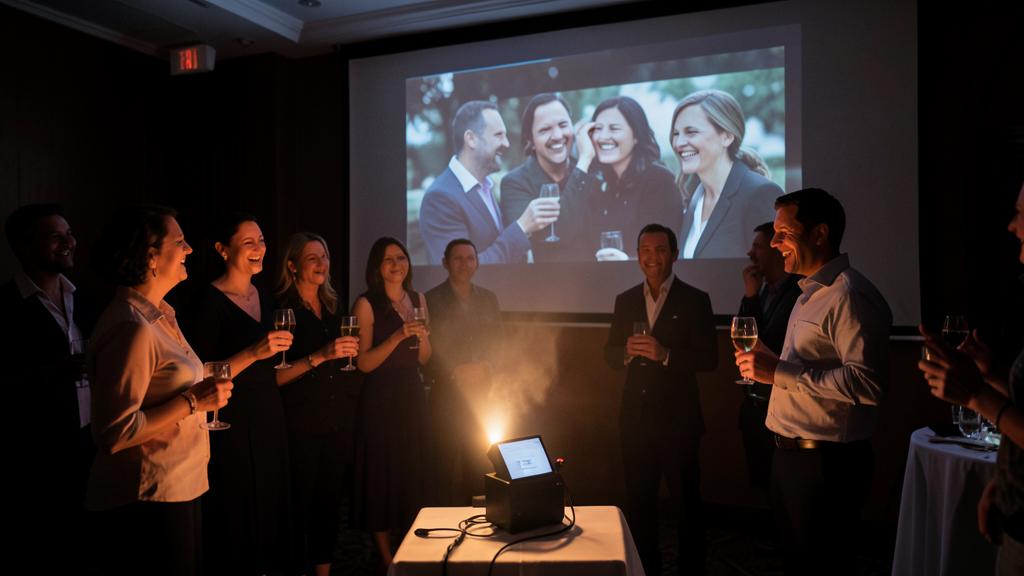
Beware of hurtful photos. The public slideshow involves faces and stories — three mandatory delicacies: the absent and the deceased (a photo of a deceased person moves or devastates depending on families and the freshness of grief: decide WITH the concerned relatives — an assumed tribute chapter is better than a surprise appearance); the embarrassing photos (the adolescence the subject hates, the ex in the group photo, the appearance of a painful era: in doubt, ask or cut — the laughter must be WITH, never AT THE EXPENSE OF); and the sharing (the film that ends up on social media exposes all the faces it contains: for any online sharing beyond the circle, the consent of recognizable people — other people’s children first — isn’t a courtesy, it’s the rule). The most beautiful film is the one where everyone looks beautiful: it’s a separate editing criterion.
Frequent questions
How much time to plan in total?
The realistic schedule: three weeks of collection (launched early — that’s the long part), one evening of editing-script, one to two evenings of editing, one hour of technical testing. That’s a very doable project in a month of calm time — and impossible in a panic the day before: the only real planning mistake is starting with the tool instead of the collection.
Damaged old photos: restore them for the film?
Yes, in moderation: modern retouching tools (our restoration guides) bring back shine and clarity to yellowed prints — spectacular on screen. Keep the patina when it tells a story (black and white, period grain are part of the emotion): we repair the damage, we don’t modernize history.
Can you involve the audience during the party?
The genre’s second screen: the party’s shared album (QR code on the tables — everyone uploads their photos of the day) projected at the end of the evening as a live slideshow of the last hours: the film of old memories at the start, the one of memories in the making at the end — the perfect loop, and the album will stay with everyone.
What to remember
The memory film that touches follows a method: collect widely and early (single shared album, photographed paper archives, one audio gem), choose short (3-5 minutes, 40-70 images, the best of each moment, no important person forgotten), build as a story (childhood at the start, chapters, laughs in the middle, rising finale) to the music chosen first, edit subtly (free app, fades, discreet Ken Burns, three captions) and project bulletproof (exported file + USB key, on-site sound test, timed moment). Add the delicacies that protect (consulted deceased, cut embarrassing photos, consented sharing) and post-archiving — because this little film of one evening is destined to outlive the party, and perhaps all of us. “We should make a little film”: now you know — and it will be magnificent.
Want to gain confidence with your digital tools? Our personalized training adapts to your level.
Leave a Reply
You must be logged in to post a comment.