
A promotion at 9:12, a “someone liked your photo” at 9:31, anxiety-inducing news at 9:47, a game that “misses you” at 10:02: the average phone receives dozens of notifications per day—only a handful of which are worth interrupting your life. Each vibration is a micro-intrusion into your attention; their accumulation creates that diffuse fatigue and the compulsive checking reflex everyone knows. Yet reclaiming control is simple: one hour of sorting, a few rules—and the phone becomes a tool that alerts you instead of a tyrant that summons you. Here’s the complete plan.
Understanding the invasion: it’s not an accident
Intrusive notifications aren’t a bug—they’re a business model: every app fights for your attention, because your return to the app is its raison d’être (audience, ads, purchases). Hence the inflation: “engagement” notifications disguised as information (“discover what you missed”), promotions dressed as alerts, game and store reminders. The first step in reclaiming control is this realization: by default, a notification serves the app that sends it—not you. The question to ask about each one isn’t “is this interesting?” (everything is designed to be) but: “did this really need to interrupt me?”. At this point, the sorting becomes obvious—and liberating.
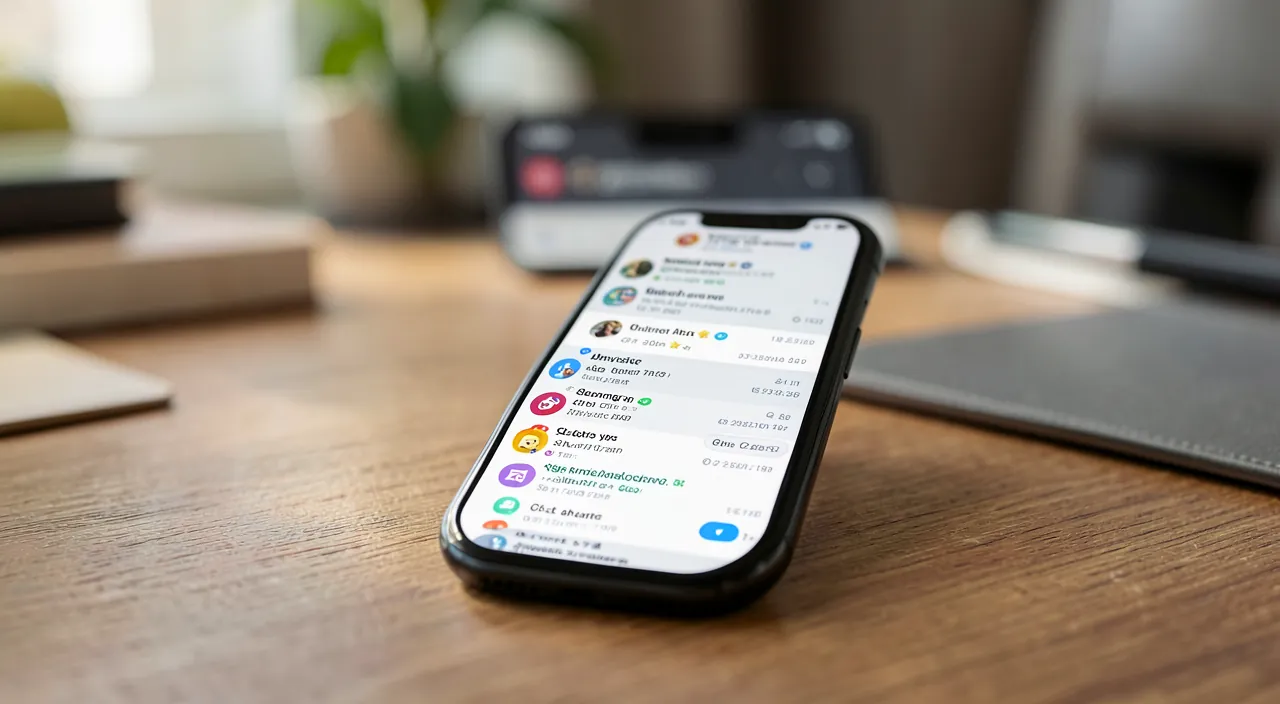
Apps send notifications to get you to open them, not because you actually need them. The key is to ask yourself: “Does this really need to interrupt me right now?”
A social media app might send 15 notifications in a day: 10 are “engagement” prompts (“Your friend posted!”), 3 are ads, and only 2 are actual messages from people you know. The app wants you to open it 15 times – but you only need to check 2.
The big sort: the three-circle method
Classify each app into one of three circles: Circle 1 — the justified interruption: the humans who reach out to you (calls, messages from loved ones), your calendar, and critical alerts (bank, security)—full notifications, with sound. Circle 2 — information without urgency: emails, chosen news, delivery tracking—silent notifications: visible in the notification center when YOU check it, without vibration or banner—the mode that changes everything, available on all phones. Circle 3 — the noise: non-essential social networks, games, stores, promotions, and all “engagement” notifications—cut off notifications, pure and simple: the app remains usable at your initiative, it just loses the right to summon you. In practice: browse the app list in notification settings, and assign each app to its circle—one hour the first time, two minutes for each new app afterward.
The right reflex. Adopt the source-level setting for each new app: when it first asks for notification permissions, the default answer is no—you’ll grant it later if a real need arises (which rarely happens). This simple reflex maintains the calm you’ve gained: the sorting never needs to be redone, it’s maintained at the door.
The fine-tuning settings that complete the reclaiming
Beyond app-based sorting, four system tools complete the calm: focus modes—work, sleep, personal: each context filters according to your rules, automatically (the sleep mode alone transforms nights and wake-ups); scheduled summaries—Circle 2 notifications delivered in batches at the times you choose, instead of drip-fed; app-specific fine-tuning—many apps let you choose WHICH notifications to send: in messaging, keep direct messages and cut “suggestions”; in banking, keep transactions and cut marketing; and the duplicate hunt—email notified by the app AND the watch AND the computer: choose the device that notifies, silence the others. Typical result of the complete plan: from dozens of daily interruptions to a handful—all legitimate.
Retraining your attention (the real gain)
The restored silence reveals the cost of the noise: compulsive checking decreases on its own when the phone stops soliciting—you consult it intentionally, no longer by Pavlovian reflex; concentration increases (each interruption cost long minutes of refocusing); and your relationship with apps reverses: you seek the information when YOU decide—social networks included, consulted at your hours rather than theirs. Many discover along the way that entire apps don’t even miss them once silenced—the notification sort then becomes an app sort: sobriety calls for sobriety. Give yourself two weeks to adapt: the fear of “missing something” fades quickly—you don’t miss anything, you choose when.
Don’t cut. Sorting has its safeguards: keep in Circle 1 security alerts (suspicious logins, banking operations, validation codes), ways to be reached in emergency by loved ones (and the feature that lets repeated calls through), and critical health notifications if applicable. The goal isn’t an unreachable fortress—it’s the intelligent filter: everything that’s truly important gets through, everything else waits for your goodwill.
Frequently asked questions
I’m afraid of missing important messages if I cut too much:
The circle-based sorting precisely protects the important: humans and the urgent remain in full interruption. What gets cut is only the manufactured—promotions, engagement, games. In two weeks, the consensus is unanimous: nothing important is ever missed.
Do silent notifications really serve a purpose?
It’s the most underrated phone mode: information remains available—stacked in the notification center—without ever interrupting. You check it all in three deliberate glances per day: informed without being harassed.
What about on the computer?
Same principles, same tools: app-based sorting, focus modes, and one golden rule in addition—the browser only grants site notifications sparingly (they’re the most neglected invasion… and scam channel). A silent workstation is a concentration multiplier.
What to remember
Intrusive notifications are a business model, not a fate: take back control with the three-circle sorting—full interruption for humans and critical alerts, silent mode for information, and shutdown for engagement noise—completed by focus modes, scheduled summaries, app-specific fine-tuning, and duplicate hunting. Defend the boundary of a “no” by default for each new app, while preserving emergency and security safeguards. One hour of reclaiming, two weeks of adaptation—and the phone takes its rightful place: a remarkable tool that speaks when useful and stays silent the rest of the time. Your attention is worth more than a 9:12 promotion.
Persistent breakdown, temperamental computer? Our remote troubleshooting service solves your problem quickly, without jargon.
Leave a Reply
You must be logged in to post a comment.