
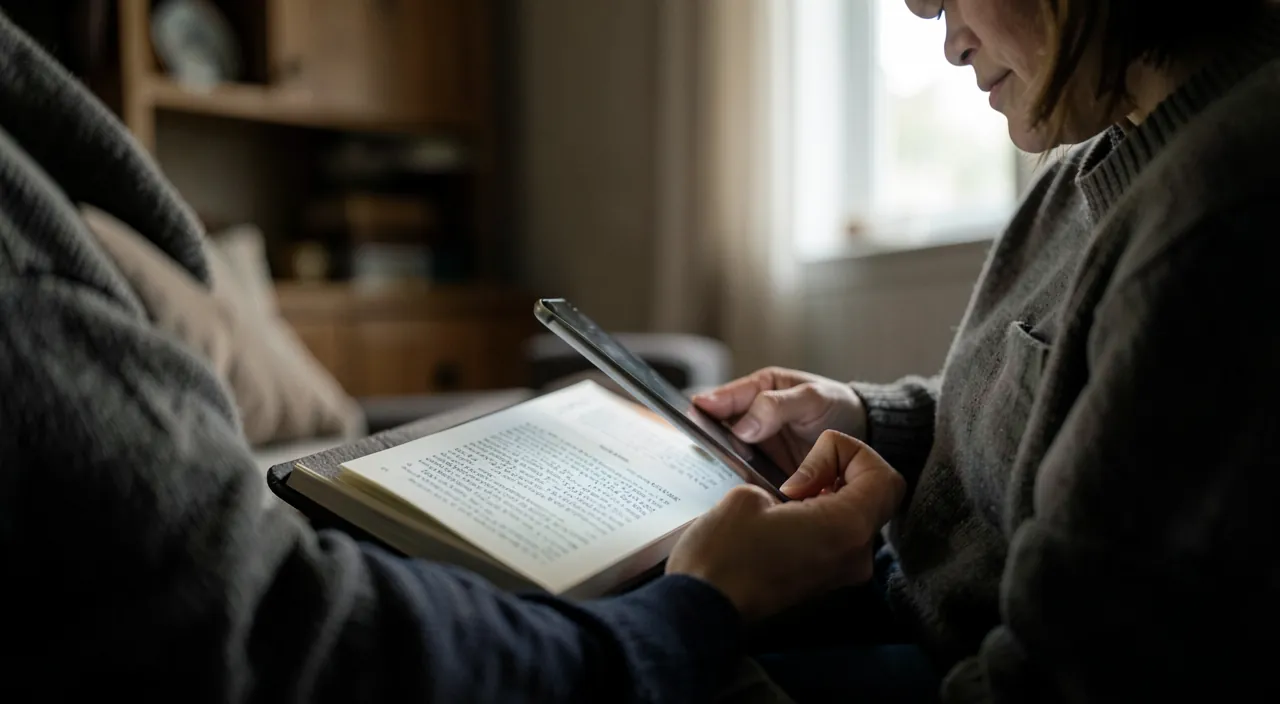
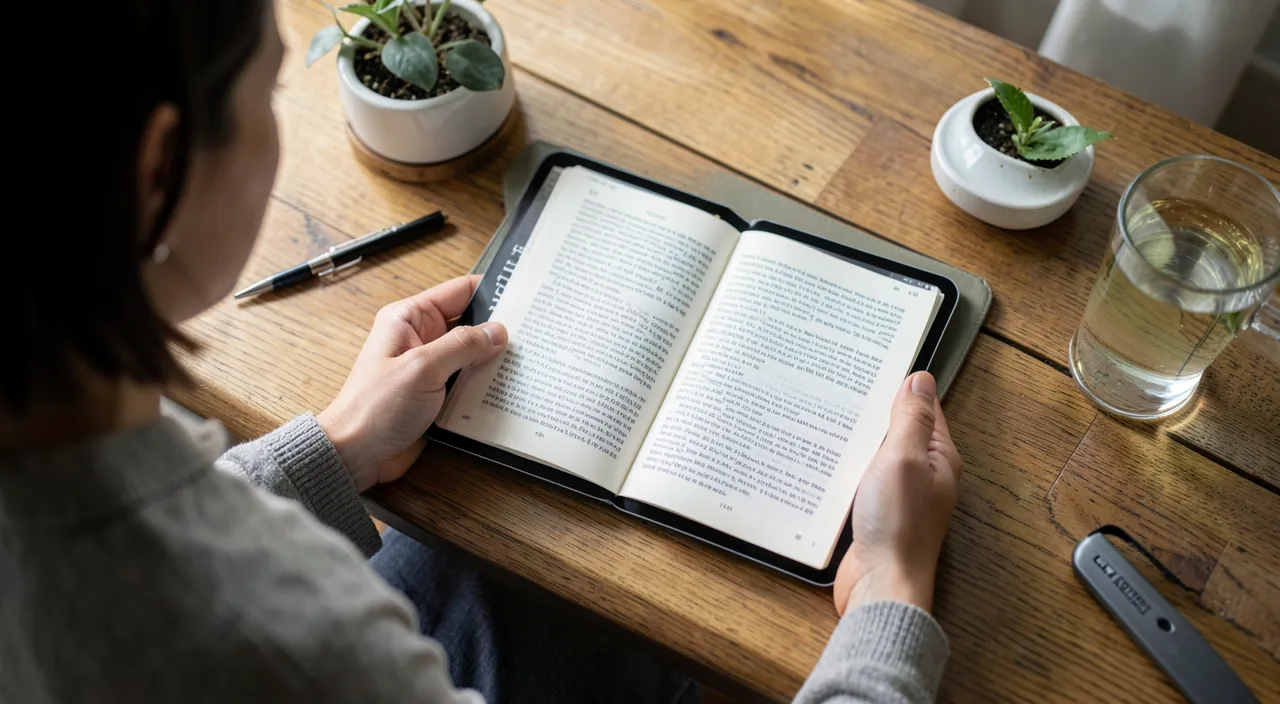
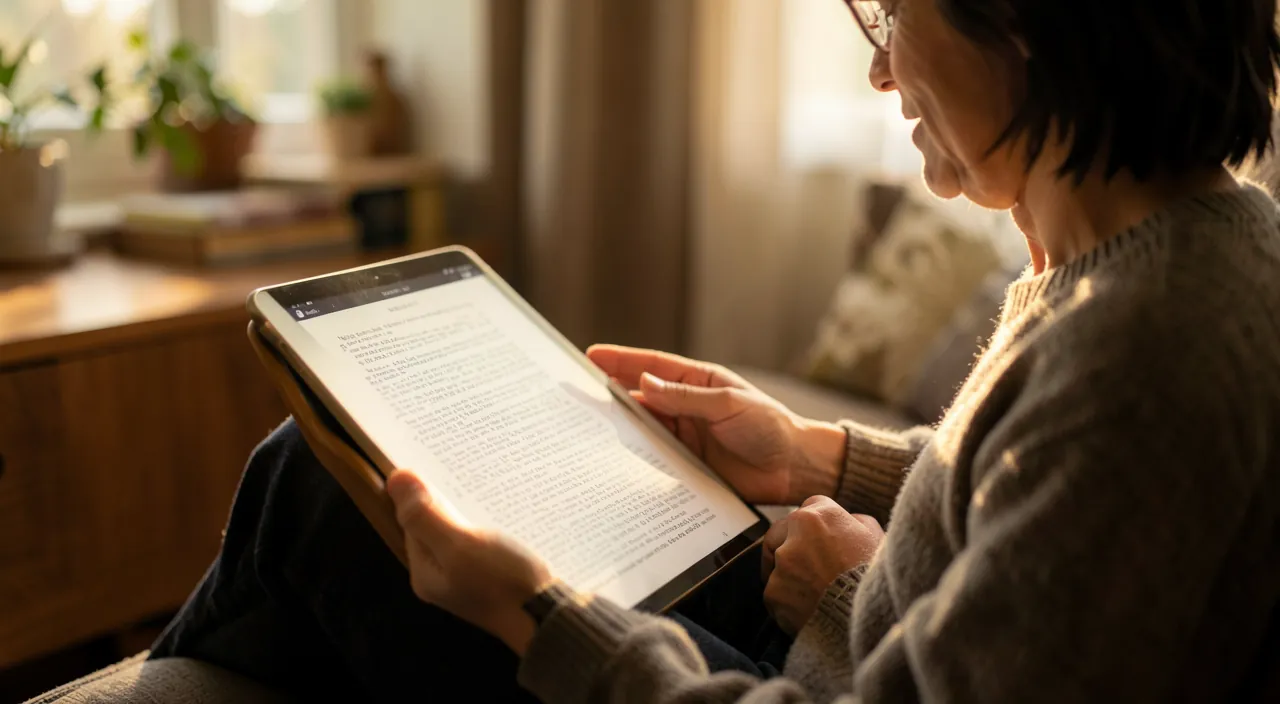
Your iPhone or iPad is also a pocket library: the Books (Apple Books) app lets you READ digital books and LISTEN to audiobooks, anywhere, without clutter. No more carrying stacks of books: hundreds of works fit in your pocket, with adjustable text size, a soothing night mode, and automatic resumption where you left off. Whether you’re a voracious reader or an occasional one, the Books app has something to offer you. Here’s how to read and listen to books on your iPhone or iPad.
The Books app: read and listen, anywhere
Let’s explore what the Books app offers, available on iPhone and iPad. TWO uses in one: the app allows you to both READ digital books (ebooks: the text appears on screen, you turn the pages) and LISTEN to AUDIOBOOKS (a voice reads the book—ideal in the car, while walking, cooking, or to rest your eyes). A POCKET LIBRARY: your books are gathered in the app, organized in your library; you can have hundreds without any physical clutter; they follow you everywhere on your device. Where to find books? The app includes a STORE to buy digital and audio books (paid, like classic books); you’ll also find many FREE books (public domain classics, excerpts, promotions); and you can import into the app digital books you already own (in PDF or ePub format, for example). The ADVANTAGES of digital reading: the TEXT SIZE is adjustable (a great comfort, especially for those who see less well—our guides make your phone more readable); the NIGHT MODE (dark background) rests your eyes at night; reading resumes automatically where you left off, even when switching devices; you can search for a word in the book, highlight passages, take notes, look up a word’s definition; and carry an entire library in your pocket. The advantages of AUDIOBOOKS: listen while doing something else (commute, chores, walking), rest your eyes, or make reading accessible to those with visual difficulties. SYNCHRONIZATION: between your Apple devices, your books, your progress, and your notes sync (via iCloud); start on the iPhone, continue on the iPad exactly where you left off. What to remember to get started: the Books app turns your iPhone/iPad into a pocket library and audio player; it suits both avid and occasional readers, with real benefits (adjustable text, night mode, automatic resumption, audiobooks for listening anywhere); and you can access both paid and many free books. Let’s explore how to take advantage of it.
Reading comfortably: the settings that make all the difference
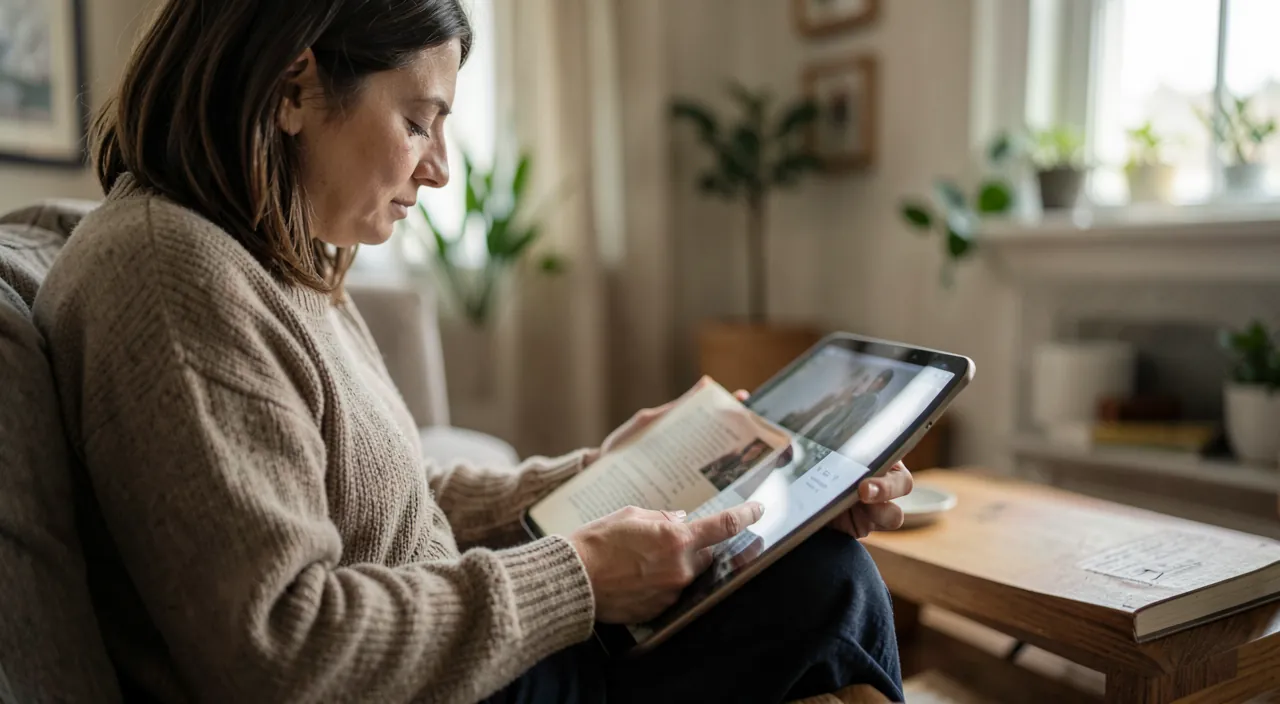
Digital reading offers comfort settings that paper doesn’t allow: learn how to use them. Adjust the TEXT SIZE: while reading, tap the screen to bring up the display options (often an icon with a small and large « A »); enlarge or reduce the text according to your comfort; a MAJOR advantage: no more small print in paperbacks; set it to the size that suits you (especially valuable if you see less well). Choose the FONT: several typographies are offered; choose the most readable and pleasant one for you. The THEME/BACKGROUND: choose a light background (like paper), sepia (warm, soothing), or DARK (night mode); the dark mode is ideal for reading at night without being dazzled (our guides activate dark mode). The BRIGHTNESS: adjustable directly in the reader, to adapt to the ambiance (lower it at night). Turning PAGES: with a tap or swipe; you can choose the animation style or continuous scrolling. NAVIGATING in the book: access the table of contents, a progress cursor, or search for a specific word/passage in the entire book (impossible on paper!). Reading TOOLS: HIGHLIGHT passages (in multiple colors), add NOTES, place bookmarks, and especially: tap a word to get its DEFINITION instantly (an integrated dictionary—great for expanding your vocabulary or understanding a term). Later, you’ll find all your highlights and notes gathered together. Automatic RESUMPTION: the app remembers where you left off; reopen the book, and you resume exactly on the right page; and if you read on multiple devices, your progress syncs. Reading GOALS: the app sometimes suggests tracking your reading time, setting a daily goal; motivating to make reading a habit. ACCESSIBILITY: beyond text size, the iPhone can READ ALOUD a digital book (text-to-speech function), useful for visually impaired people or to listen to an ebook that doesn’t exist in audio version. In summary: take advantage of the comfort settings (text size, font, light/dark theme, brightness) that digital offers; use the tools (highlighting, notes, word definition, book search); and enjoy automatic resumption and synchronization; these features make digital reading comfortable and often superior to paper in terms of practicality, especially for visual comfort.
Digital books let you adjust how you read to suit your eyes and habits. You can make text bigger, change colors, and even have the phone read aloud to you. This makes reading easier than with paper books, especially if you have trouble seeing or want to read in different situations.
Imagine you’re reading a 300-page novel on your iPhone. You can set the text to size 18 (instead of the default 12), turn on sepia mode for better eye comfort, and highlight key passages in yellow. When you switch to your iPad later, you’ll pick up exactly where you left off on page 142, with all your highlights still there.
Finding books and organizing your library
Let’s see how to get books and organize your collection. The INTEGRATED STORE: the app includes a store to browse, search, and buy digital and audio books; like classic books, most are PAID; the purchase is made via your Apple account (be careful not to buy by mistake—see below). FREE books: good news, there are many free books: the great CLASSICS that have fallen into the public domain (ancient literature), excerpts/first chapters (to try before buying), and occasional promotions; look for the free sections; enough to read a lot without spending. TRY before buying: for many books, you can download a FREE EXCERPT; practical to see if a book appeals to you before buying. IMPORT your own books: you can add to the app digital books you already own (PDF or ePub files—e.g., received by email, legally downloaded); they join your library and benefit from reading settings. ORGANIZE your library: your library displays your books (in progress, finished, to read); you can create COLLECTIONS (the equivalent of thematic shelves: « To Read, » « Novels, » « Pro ») to sort your books; sort and search in your library. BOOKS other than Apple’s: know that there are OTHER apps and digital book ecosystems (other online bookstores have their own app and store); the Apple Books app is the one integrated into the iPhone/iPad, but you’re not obliged to use it exclusively; depending on where you buy your books, you’ll use the corresponding app; a point to know, as a book bought from a given bookseller is generally read in ITS app. The PUBLIC LIBRARY: in some cases, you can also BORROW digital books from your municipal library (via dedicated services); check with your media library: digital reading can be free via borrowing. MANAGING storage: books (especially audio) take up space; you can download a book to read offline, or remove it from the device (while keeping it in your library, downloadable again) to free up space. In summary: get books via the store (paid, but also many free and excerpts), import your own files, organize your library in collections, and explore alternatives (other booksellers, borrowing at the media library); you’ll thus build a beautiful pocket library, tailored to your tastes and budget.
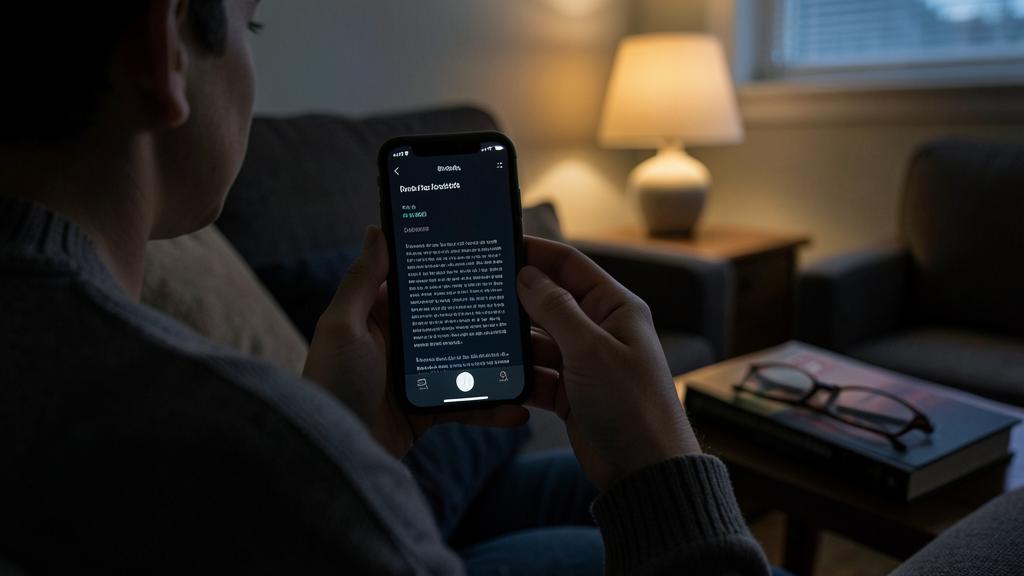
Warning: beware of accidental purchases, and know the limits of digital books. A few points of caution to enjoy the Books app peacefully. Accidental PURCHASES: the integrated store allows you to buy books in a few taps, via your Apple account; be careful not to buy by MISTAKE, or for a child to buy books without wanting to; make sure your account requires AUTHENTICATION (password, Face ID/Touch ID) before any purchase; if children use the device, activate restrictions/parental controls on purchases (our parental control guides). Clearly distinguish FREE books from PAID ones before downloading. Beware of subscriptions: some book/audiobook offers work by SUBSCRIPTION (paid monthly); read carefully before subscribing, and know how to cancel if needed; don’t let yourself be drawn into a subscription you don’t need. RIGHTS and portability: a digital book bought from a given bookseller is generally read in ITS application/ecosystem; unlike a paper book that you can lend or resell freely, an ebook bought is often tied to your account and that ecosystem; think about it (for example, a book bought in the Apple app is read in the Apple universe); it’s not a problem in itself, but a reality to know. BACKUP: your purchased books are normally linked to your account (you can redownload them), but your PERSONAL notes and highlights deserve to be preserved (iCloud sync takes care of this if activated). COMFORT and EYE HEALTH: reading for a long time on a screen can strain your eyes; use NIGHT MODE in the evening, adjust the brightness according to the ambiance, take BREAKS (our guides on eye strain from screens); note: some prefer, for long readings, an « electronic ink » e-reader (matte, non-backlit screen, more restful), even if the iPhone/iPad remains very practical. Reading before SLEEPING: a bright screen at night can disrupt sleep; night mode and a warm light filter help, but an audiobook (eyes closed) is even more restful to fall asleep (our guides on reducing blue light at night). Finally, don’t let yourself be stolen by distractions: reading on an iPhone exposes you to notifications that interrupt; activate a focus mode to read peacefully (our guides on cutting notifications). By managing purchases carefully (authentication, parental controls), knowing the portability limits of ebooks, and taking care of your visual comfort, you’ll fully and peacefully enjoy your digital library.
Frequently asked questions
What’s the difference between a digital book and an audiobook?
These are two different ways to « consume » a book, both available in the Books app. The DIGITAL BOOK (ebook) is TEXT that you READ on screen: it’s the digital equivalent of a paper book; you turn the pages, and you benefit from the advantages of digital—adjustable text size, night mode, search in the book, word definitions, highlighting, notes, automatic resumption. It’s suitable when you want to read yourself, in quiet (in the evening, in an armchair, on public transport in a seated position). The AUDIOBOOK is a SOUND VERSION: a voice (often a professional narrator) READS the book to you; you LISTEN instead of reading; it’s ideal for « reading » while doing something else (driving, walking, cooking, exercising) or to rest your eyes; you adjust the speed, pause, and can set a sleep timer. Practical differences: digital requires your eyes and visual attention; audio frees your eyes and hands but requires listening. They don’t necessarily cost the same (audio, which requires recorded narration, is often more expensive). Many people combine both depending on the moment: reading in the evening, listening during the day. Note: if you have an ebook (text) without an audio version, the iPhone can still read it aloud via its text-to-speech function (less natural voice, but a good workaround). Choose according to the situation: digital for reading quietly with all the adjustment comfort, audio for « reading » hands-free or resting your eyes; the Books app handles both, and you can switch from one to the other.
Can you read books for free?
Yes, in several ways: you can read a lot without spending. First, in the Books app store, there are many FREE books: the great CLASSICS of literature that have fallen into the public domain (ancient works, free of rights—plenty of classic literature to read for free), EXCERPTS and first chapters (to try a book before buying), and occasional promotions; look for the « free » sections of the store. Then, you can IMPORT into the app digital books you already legally own (free PDF or ePub files found on legitimate sites, or received). Another often overlooked option: BORROW digital books from your MUNICIPAL library or media library; many offer digital book (and sometimes audiobook) lending via dedicated services, free for members; check with your media library: it’s an excellent way to read digitally for free, accessing recent books. Finally, there are online libraries of public domain books accessible for free. However, RECENT books and new releases are generally PAID (like paper books); that’s normal (authors and publishers must be compensated); but between free classics, excerpts, and borrowing at the media library, you can read abundantly without spending. Just be careful to download books only from LEGAL sources (the official store, libraries, legitimate public domain sites); beware of sites illegally offering recent books « for free » (it’s piracy, and often risky). So yes: between the free books in the store, importing your files, and especially borrowing at the media library, free digital reading is entirely possible and abundant.
Are my books synchronized between my devices?
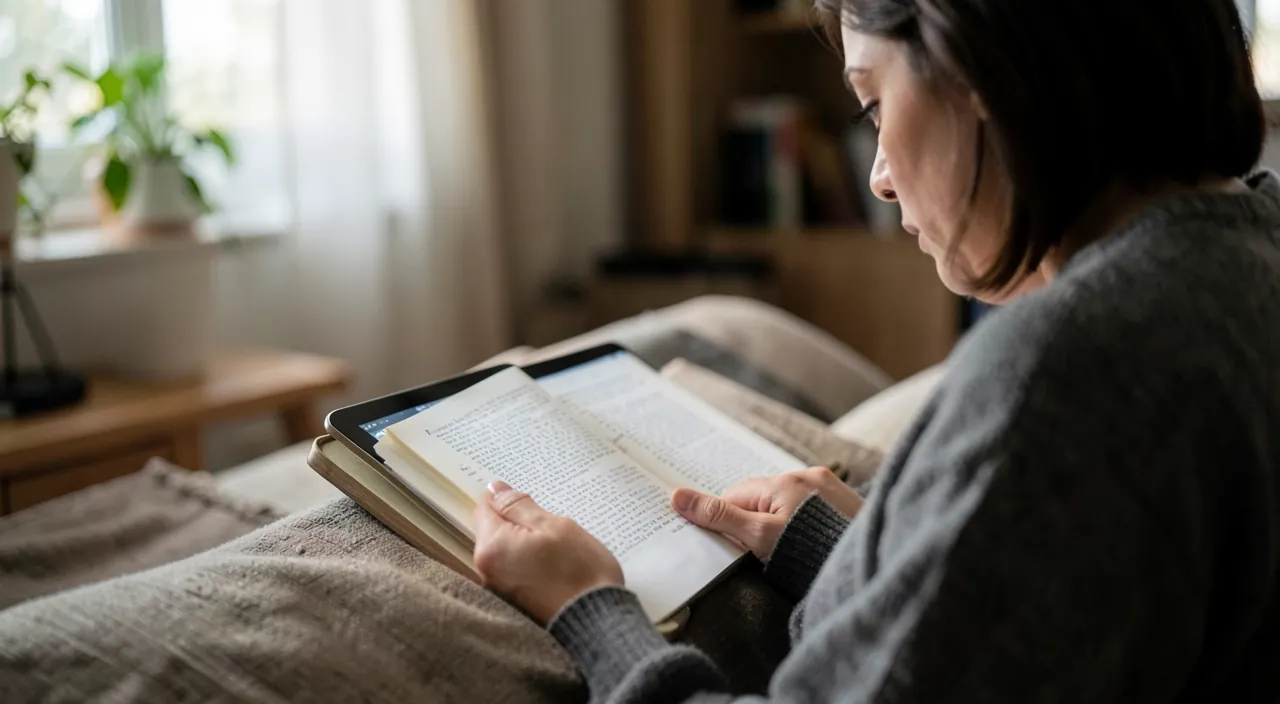
Yes, if you use the same Apple account and iCloud is enabled for Books: it’s one of the great comforts of digital reading. In practice, your books, your READING PROGRESS (the exact spot where you are), your NOTES, highlights, and bookmarks SYNC between your Apple devices (iPhone, iPad, Mac) connected to the same account. Result: you can start a book on your iPhone on the subway, then resume it in the evening on your iPad exactly where you left off, without searching; it’s automatic. Similarly, a book bought on one device appears in your library on all others. For this to work: make sure you’re logged in with the SAME Apple account on all your devices, and that Books sync via iCloud is enabled in settings. Additional advantage: your PURCHASED books being linked to your account, if you change devices or remove a book from the device to free up space, you’ll be able to REDOWNLOAD it for free (it remains in your library). This synchronization also helps preserve your notes and progress (they’re not lost if you change devices). Note: synchronization concerns the Apple ecosystem; if you read books bought from another bookseller (in another app), it’s that app that manages the synchronization of YOUR books bought from them, on the same principle (via your account with that bookseller). In summary: yes, in the Books app, your books and your progress follow you from one Apple device to another; start here, continue there, without losing the thread—a real comfort for readers who juggle between iPhone and iPad.
What to remember
The Books (Apple Books) app turns your iPhone/iPad into a pocket library and audio player: it allows you to READ digital books AND LISTEN to AUDIOBOOKS, with hundreds of works without clutter. The BENEFITS of digital reading: ADJUSTABLE text size (valuable for visual comfort), choice of font and THEME (light, sepia, or soothing NIGHT MODE in the evening), adjustable brightness, search in the book, DEFINITION of a word with a tap, highlighting and notes, and especially automatic RESUMPTION where you left off (synced between your Apple devices). The AUDIOBOOK is a revelation: a voice reads the book to you, to « read » while driving, walking, cooking, or to rest your eyes; adjust the speed, pause, set a sleep timer; it’s also a great accessibility solution. To GET books: the integrated store (paid, but also many FREE: public domain classics, excerpts to try), importing your own files (PDF/ePub), and BORROWING at the media library (often free—check with them). Organize your library in COLLECTIONS. Points of CAUTION: beware of ACCIDENTAL purchases (ensure authentication before purchase, activate parental controls if children use the device) and paid subscriptions; know that an ebook bought is tied to an ecosystem (less « portable » than a paper book); only download from LEGAL sources. For VISUAL comfort: night mode in the evening, adapted brightness, regular breaks; the audiobook is ideal for falling asleep without a bright screen. Your books and your progress SYNC between Apple devices (start on the iPhone, continue on the iPad). Whether you’re an avid or occasional reader, the Books app offers a practical, comfortable, and often economical way to read and listen to books anywhere—a whole library in your pocket.
Want to unlock the full potential of your iPhone, iPad, or Mac? Our Apple training will take you to the next level.
Leave a Reply
You must be logged in to post a comment.