
It’s seen as a simple notepad, and we overlook one of the most complete tools in the Apple ecosystem. The Notes app does much more than scribble a shopping list: it scans documents, manages checkable lists, organizes into folders and tags, shares for collaboration, locks for secrets, and finds everything — even text inside your photos. Free, synced, already installed: all you need is the method. This guide gives it to you.
The capture reflex: note everything, quickly
The value of a note-taking tool lies first in the capture speed: an unnoted idea is a lost idea. Notes excels here: from the iPhone’s locked screen, a new note opens with a gesture; on Mac, a quick note pops up from a corner of the screen; by voice, « Hey Siri, note that… » captures the idea while walking. The content accepts everything: text, photos, finger or stylus sketches, recordings, links, tables. Take this reflex: a thought, a note, in less than five seconds — sorting will come later.

Checkable lists, the king of uses
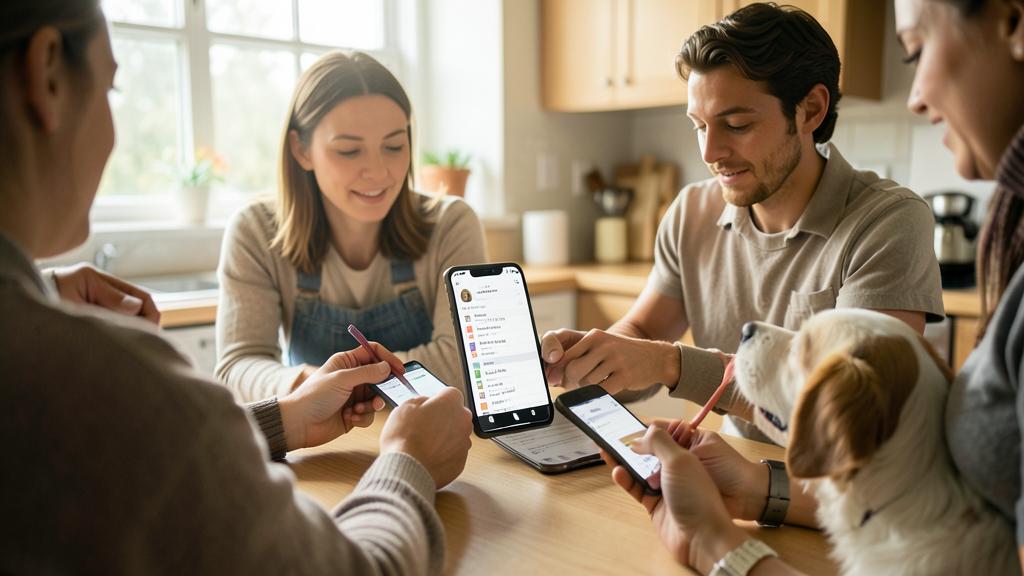
The most everyday use: checkable lists. Groceries, suitcases, party preparations, weekend tasks: each item is checked with a gesture, checked items slide to the bottom, and the list can be reused infinitely (uncheck everything, and it starts over). Share the shopping list with your partner: each person sees in real-time what the other adds or checks — no more « did you get the milk? ». This simple shared list alone justifies the app for many households.
The right reflex. Create a « Inbox » note pinned at the top: everything that comes to mind lands there without thinking, and you sort it later into the right notes or folders. Capturing without sorting on the spot is the secret of note-taking systems that last.
The built-in document scanner
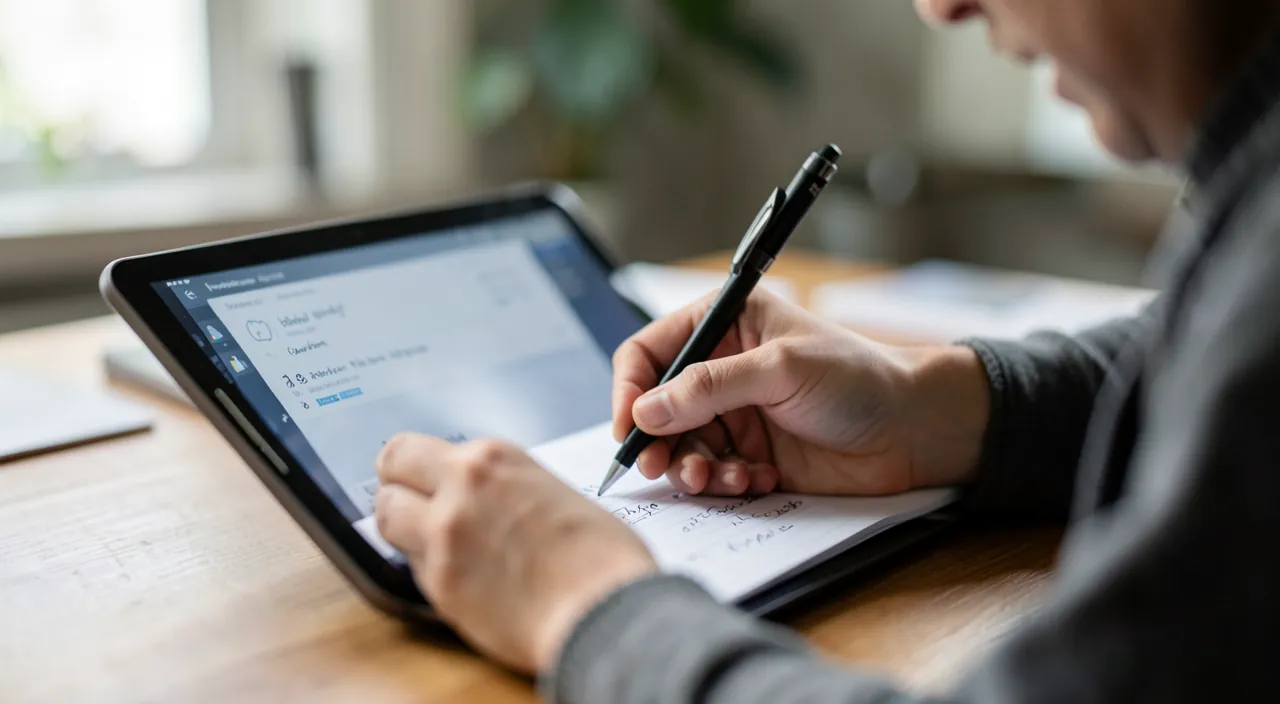
A little-known but powerful feature: Notes includes a document scanner. From a note, the camera detects the edges of the document, corrects the perspective, improves the contrast — and saves the scan in the note, ready to be annotated or shared as a PDF. Contracts, invoices, school papers, tickets to keep: everything is digitized in a few seconds, without additional apps. Combined with search (which reads the text of scanned documents!), Notes becomes a real pocket filing cabinet.
The scanner in Notes turns any paper document into a digital file you can save, edit, or share. It’s like having a photocopier in your phone, but better because you can search the text later.
You receive a paper contract at a coffee shop. Instead of carrying it around, you open Notes, scan the contract with your iPhone, and save it. Later, you can search for keywords in the contract even though it’s a photo.
Organize without exhausting yourself: folders, tags, pins
Three organization tools, to be used according to your needs: folders for broad categories (Personal, Work, Home…), tags (#idea, #urgent, #projectX) to cross-reference themes, and pins to keep a few notes at hand. Add smart folders, which fill themselves based on criteria (all notes tagged #idea, for example), and organization becomes largely automatic. But the real star remains the search: it digs through the text of notes, scanned documents, and even photos — to the point that you can find everything, even if it’s poorly organized.
Collaborate and protect
Two dimensions complete the picture. Sharing: a note or an entire folder can be shared with loved ones or colleagues, with everyone able to contribute — ideal for organizing a trip, a project, or an event with others. Locking: a sensitive note (codes, personal information, private thoughts) is protected by password or biometrics. Your confidential notes stay safe, even if the phone is unlocked in other hands.
To know. Note locking protects viewing, but it’s not an absolute safe: for passwords, always prefer a dedicated password manager designed for that. And check that your notes are synced via your account (and not just stored on the device): that’s what protects them in case of phone loss.
Frequent questions
Is Notes enough compared to specialized apps?
For the vast majority of personal uses — capture, lists, scans, sharing — yes, absolutely. Specialized tools have the advantage for complex knowledge bases or advanced project management. Start with Notes: you’ll quickly know if a real need exceeds it.
Can I find my notes on all my devices?
Yes: synced via your account, they follow you on iPhone, iPad, Mac — and even from a browser if needed. A note taken on the phone is waiting for you on the Mac.
How do I scan a document as a PDF?
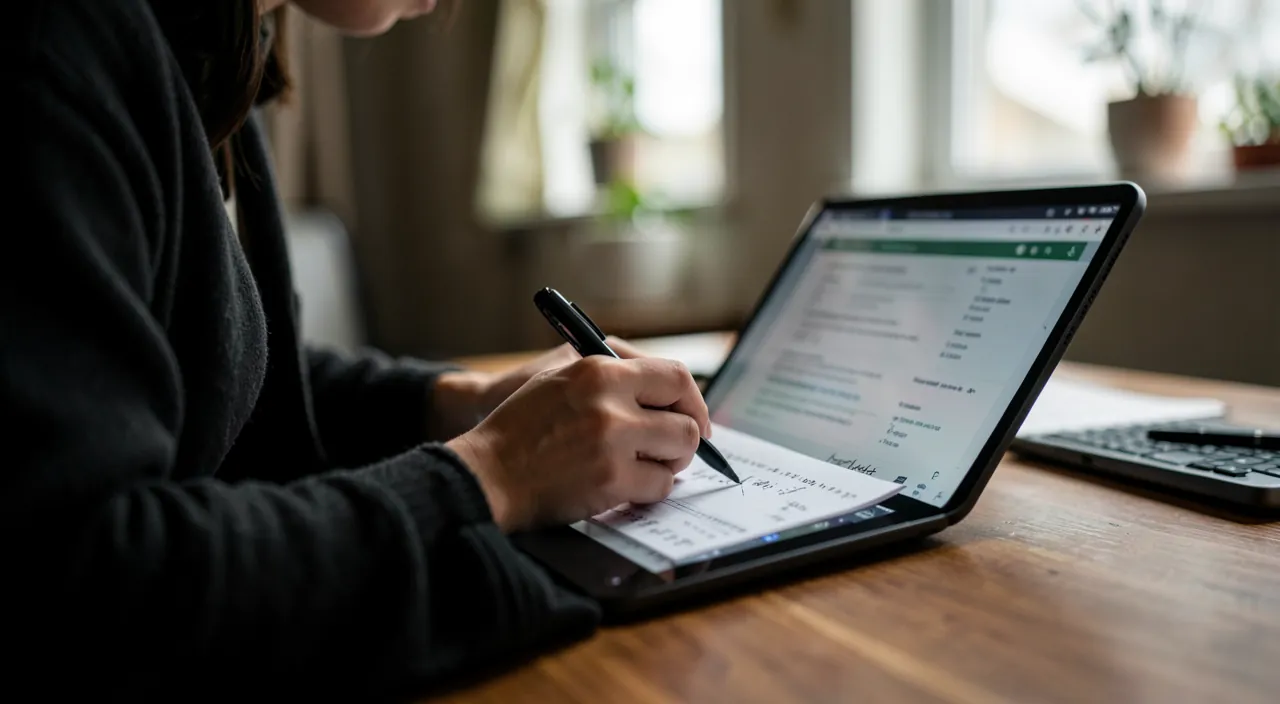
In a note, add an attachment and choose scanning: the scanned document can then be shared as a PDF. Fast, clean, no third-party app needed.
What to remember
The Notes app is an underrated Swiss Army knife: lightning capture (locked screen, Siri, quick note), checkable and shared lists (the shared shopping list!), built-in document scanner, flexible organization (folders, tags, pins, smart folders), and search that reads even the text in photos. Add sharing for collaboration and locking for privacy, and you have a complete system — free, already installed, synced everywhere. The winning method: capture quickly without sorting, organize lightly, and let search do the rest. Your external memory is already in your pocket: all you have to do is use it.
Want to get the most out of your Apple tools?
Leave a Reply
You must be logged in to post a comment.