
Our social media accounts hold a huge part of our lives: photos, messages, contacts, memories, sometimes even our professional activity. Needless to say, a hacked account is a real disaster. Yet, many people don’t protect them well. Securing your social media accounts is both simple and essential. This guide gives you the essential reflexes to keep control of your online presence and avoid the nightmare of hacking.
Why these accounts are targets
Social media accounts attract hackers for several reasons: they allow them to impersonate your identity to scam your contacts, access personal information that can be exploited, or simply cause harm. A hacked account can be used to spread scams in your name, harass others, or gain access to other accounts. The value of these accounts makes them prime targets, which is why it’s crucial to protect them well.
Basic protections
- A strong and unique password for each network: never the same as on other sites.
- Two-factor authentication: the most effective protection, which must be activated.
- A secure recovery email address: it is the backup key to your accounts.
- Vigilance regarding connections: regularly check the devices connected to your account.
Hackers want to take over your social media to steal your identity or spread scams. The best defenses are a strong password, two-factor authentication, and checking who’s logged into your account.
The right reflex. Activate two-factor authentication on all your social networks: it’s the action that makes all the difference. Even if your password is stolen, a hacker won’t be able to log in without the second factor. A few minutes of setup for decisive protection.
In 2023, a Twitter user lost access to their account after a hacker guessed a weak password. The hacker then posted scams to their 10,000 followers, causing financial losses before the account was recovered.
Mastering your privacy
Beyond account security, the privacy of what you share matters. Take the time to adjust who can see your posts, your personal information, your friends list. Limit the data visible to the public: address, phone number, places you frequent. These seemingly harmless details can be exploited for identity theft or hacking other accounts. The less you expose, the better you protect yourself.
Recognizing hacking attempts
Hackers often target social media through phishing: fake messages pretending to come from the platform, fake login links, fake alerts like “your account will be deleted.” The reflex: never enter your credentials via a link received in a message, but always log in by typing the official address yourself. Also be wary of strange messages from contacts: their account may have been hacked.
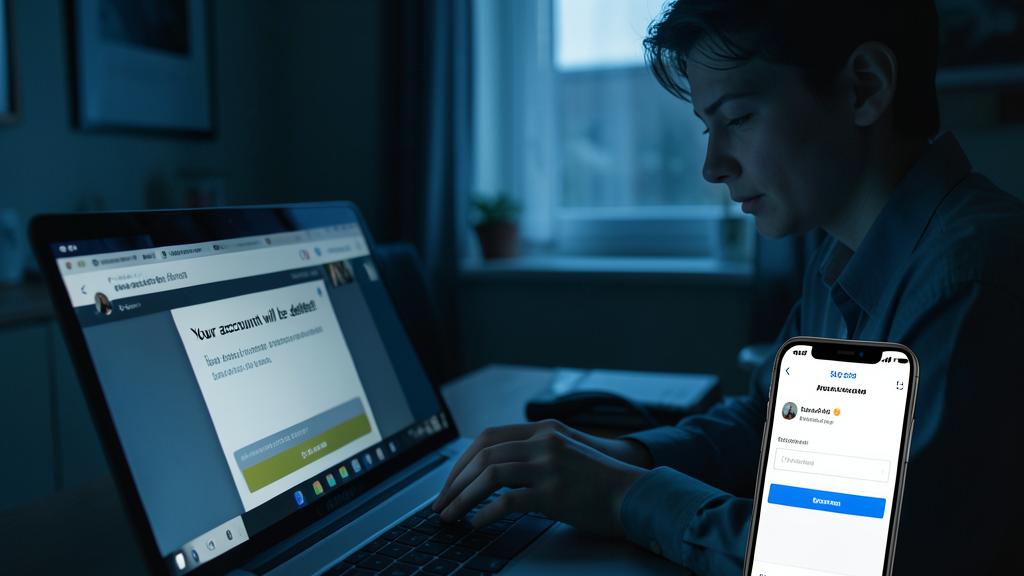
What to do if hacked. If you lose access to an account, act immediately: use the platform’s recovery procedures, warn your contacts that your account has been compromised (to prevent them from falling for a scam in your name), and check your other accounts. Speed limits the damage significantly.
Frequently asked questions
Should you have a different password for each network?
Absolutely. Reusing the same password means that a single leak compromises all your accounts. Uniqueness is the golden rule.
How do I know if my account has been hacked?
Posts you didn’t make, messages sent without your knowledge, or an unexplained logout are warning signs. Then, check the connected devices.
What to remember
Protecting your social media accounts relies on a few essential reflexes: a strong and unique password for each network, two-factor authentication activated everywhere, a secure recovery address, and vigilance against phishing. Also, control your privacy by limiting the information you expose. These simple habits protect you from the vast majority of hacks—and prevent the nightmare of your account being hijacked in your name.
Hacked account? We help you regain control.
Leave a Reply
You must be logged in to post a comment.