
Storing your photos, documents, and files « in the cloud » has become a reflex: you can access them anywhere, share them easily, and back them up. But with the different online storage services, which one should you choose? Space, price, security, integration: the criteria are not lacking. This guide helps you understand what distinguishes the main cloud services and choose the one that best suits your needs.
What is online storage for?
The cloud meets several needs: backing up your files so you don’t lose them, accessing them anywhere from any device, sharing them easily with others, and freeing up space on your devices. These seemingly simple uses transform the way you manage your data: no more files locked to a single computer or lost with a broken phone. The cloud brings flexibility and security.
Criteria for choosing
- Storage space: free then paid, depending on your actual needs.
- Integration: smooth operation with your devices and ecosystem.
- Security: encryption, account protection, data location.
- The sharing and collaboration: ease of sharing and working together.
The right reflex. Prioritize a service well integrated into your main ecosystem: daily fluidity makes a huge difference. A cloud that naturally syncs with your devices will be much more used than a technically superior but cumbersome service to handle.
The question of space and price
All services offer free space, quickly consumed by photos and videos. Beyond that, you have to pay: prices and thresholds vary. The trick is to honestly assess your real needs before committing. Many overestimate the necessary space, while others underestimate it and get stuck. Taking stock of what you actually store avoids overpaying or being caught off guard.

Don’t neglect security
Trusting your files to an online service requires vigilance. Check the level of encryption, enable two-factor authentication on your account, and find out about the location and protection of your data. For sensitive files, some encrypt their documents themselves before sending them. The cloud is convenient, but your data is entrusted to a third party: it’s better to choose a serious service and secure your access.
The cloud is like a digital safe for your files. You need to make sure it’s locked (encryption) and that only you can open it (two-factor authentication). Even the best cloud services can have risks, so always take extra steps to protect your important files.
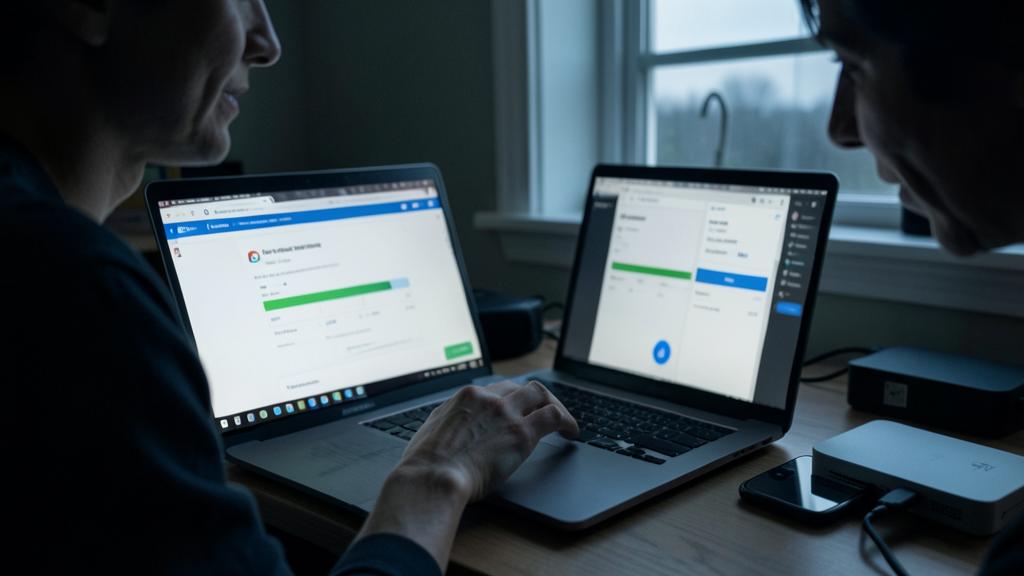
Don’t forget. The cloud is an excellent backup, but don’t rely on a single online copy as your only protection. An account can be lost or compromised. Ideally, combine the cloud with another backup: security always comes from the multiplicity of copies, not from a single service, no matter how reliable.

Frequently asked questions
Is free storage enough?
For light use, often yes. But as soon as you store a lot of photos and videos, the free space fills up quickly, and a subscription becomes necessary.
Are my data safe in the cloud?
With serious services, they are encrypted and protected. Enable two-factor authentication and choose a trusted provider to minimize risks.
A user with 50GB of photos on iCloud might find their free 5GB storage full within a few months. They’d need to upgrade to a 50GB plan (€0.99/month) or risk losing access to their latest photos. Meanwhile, a Google Drive user with similar needs might opt for 100GB (€1.99/month) to cover both photos and documents.

What to remember
Online storage has become essential for backing up, accessing, and sharing your files anywhere. To choose well, assess your real space needs, prioritize a service well integrated into your ecosystem, and never neglect security: encryption, two-factor authentication, serious provider. Remember that a single online copy is not enough: the cloud is a link in a good backup strategy, to be combined with others for real peace of mind.


Need help organizing your cloud storage?
Leave a Reply
You must be logged in to post a comment.