
It is preinstalled on every iPhone, discreet, often never opened — and yet it is one of the most valuable apps on the phone: the Health app gathers in one place your steps, sleep, heart rate, medications, and even your emergency card accessible to rescuers. A real digital health record, automatically updated, seriously protected. This guide covers what it already knows about you, what it can do more — and the settings that really matter.
What it already measures without asking
Open the Health app for the first time: surprise — it already contains months of data. The iPhone counts steps, distances, and floors climbed as soon as it’s in your pocket, without any settings or accessories; with a connected watch, the heart rate, detailed sleep (phases, regularity), blood oxygen (depending on the model), and workouts are added. The « Summary » tab presents the essentials; « Browse » gives access to dozens of categories — activity, heart, sleep, hearing (the volume of your headphones, surprisingly informative), cycle, mobility (walking speed, stability — indicators that doctors are increasingly looking at). The strength of the system: everything is automatic and centralized — compatible apps (running, nutrition, meditation) add their data to the same notebook, which becomes the overall view of your health.
The Health app collects data about your daily activities, like steps and sleep, without you doing anything. It stores everything in one place, so you and your doctor can see trends over time.
If you walk 5,000 steps a day for a month, the app will show you that your average has dropped to 4,000 steps this month. This trend could help your doctor notice if something is wrong.
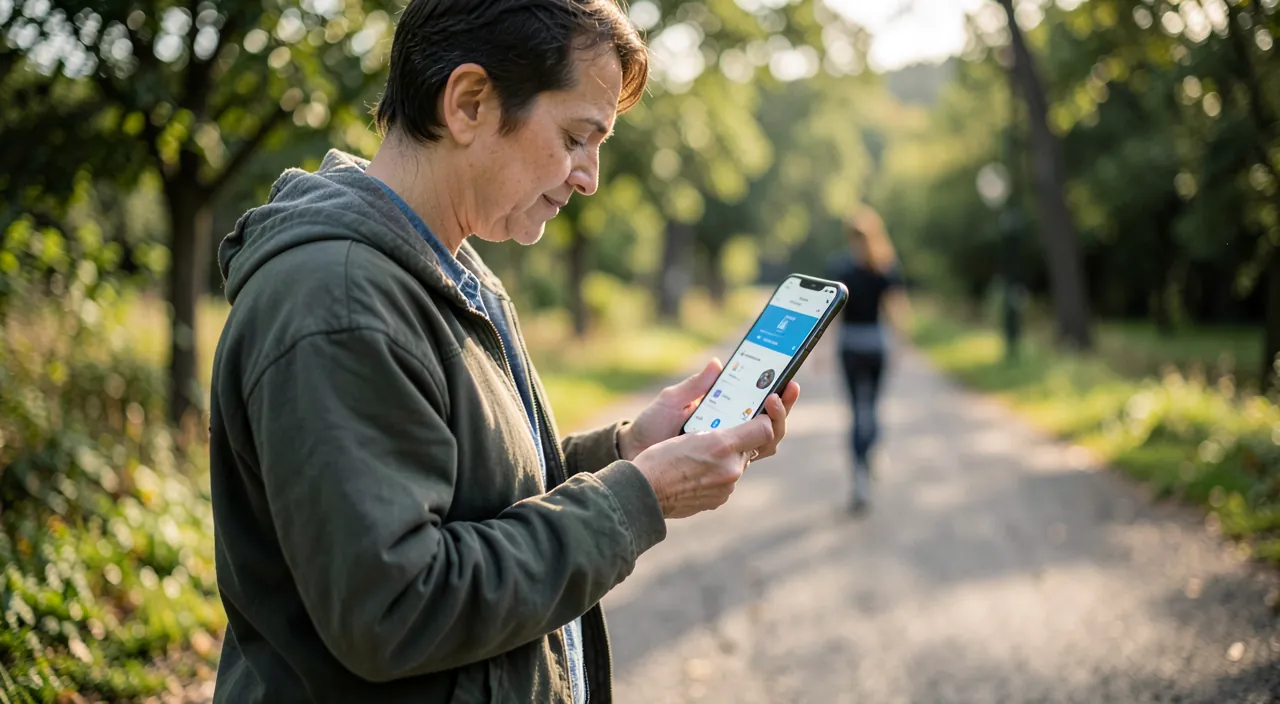
The medical record: the setting that can save
The most important action in this article takes five minutes: filling out the medical record — blood type, allergies, current treatments, emergency contacts — and activating its display in case of emergency. In concrete terms: rescuers who pick up a locked phone can display this record from the lock screen, without a code — and call your loved ones. Emergency services are trained for this; vital information (allergy to a medication, anticoagulant treatment, heart condition) arrives at the right time. Modern addition: fall and accident detection (recent watch and iPhone) can automatically call rescuers if you don’t respond. Fill out the record today — it’s the highest benefit/effort ratio of the entire phone.
The right reflex. Activate medication tracking: the app records your treatments (photo of the box, dosage, times), sends reminders, signals certain known interactions — and keeps a history that makes consultations more precise (« How long have you been taking this treatment? » will no longer be left unanswered). For elderly relatives, this is one of the most useful functions of the phone — install it with them.
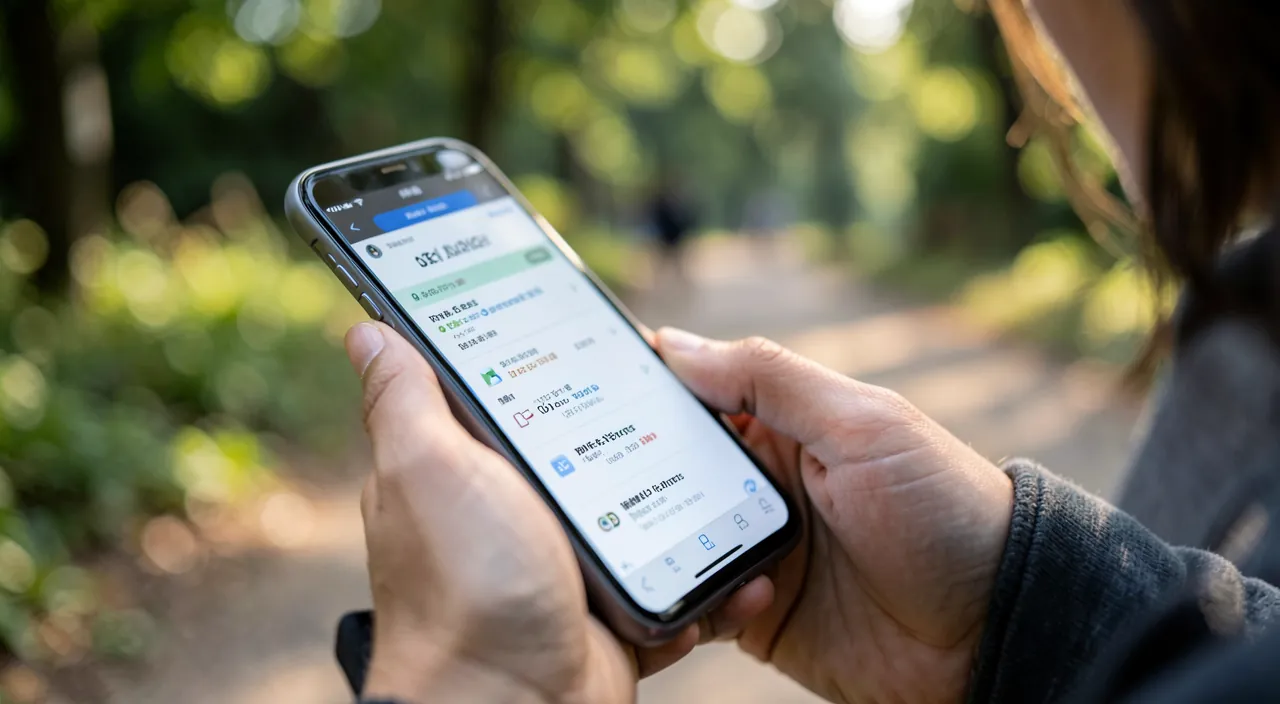
Trends: when data becomes signals
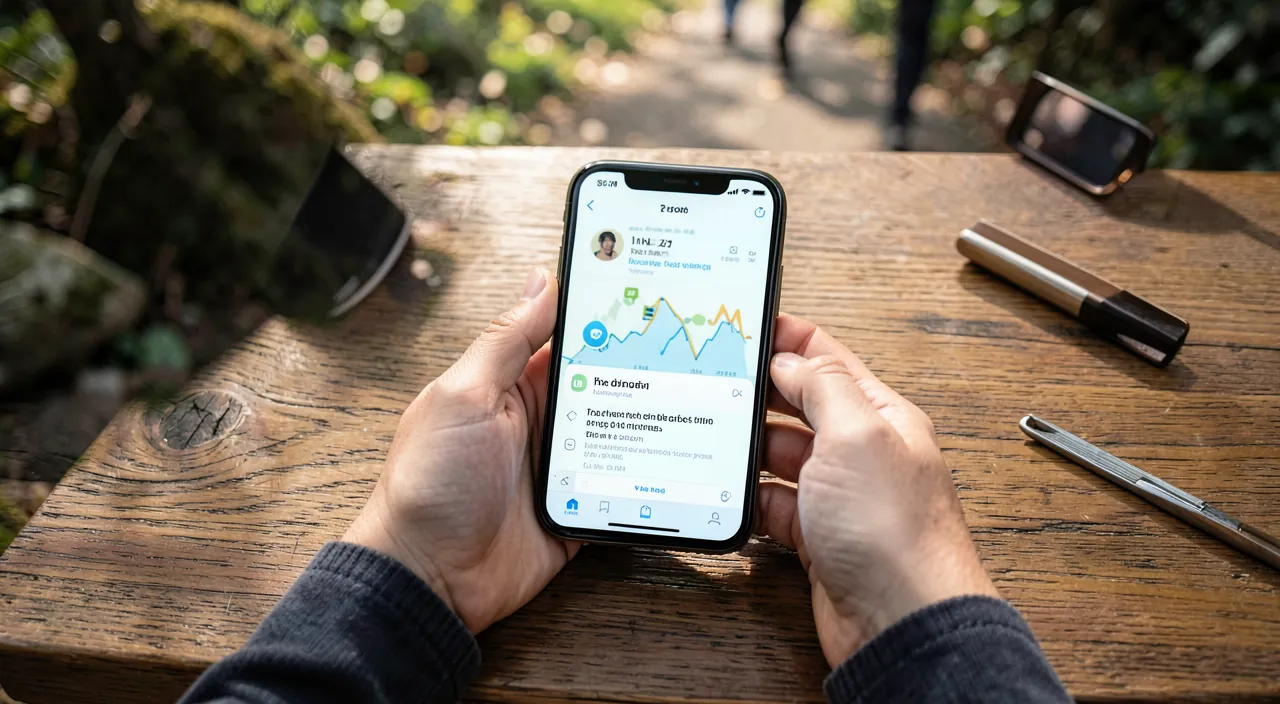
The value of the measurements is not in today’s number — it is in the trend: the app compares your recent months and signals what is changing (« your walking speed is decreasing, » « your sleep is shortening, » « your resting heart rate is increasing »). These weak signals, invisible in daily life, are exactly what a doctor likes to see in a consultation: objective data over time. Health notifications go further depending on the equipment — irregular heart rhythm, abnormally high or low resting frequency, hearing exposed to dangerous volumes. None of this replaces a diagnosis — but the early alert that prompts a consultation has already proven itself. Useful reflex: before a medical appointment, open Health and note the trends of the last few months — you arrive with facts, not impressions.
Sharing and privacy: who owns your health
Two sharing features are worth a look: sharing with a loved one — useful for keeping an eye on an elderly parent (activity trends, fall alerts) with their explicit consent; and sharing summaries with the doctor where available. On the privacy side, the contract is clear: Health data is encrypted, protected by the phone’s code, and — crucial point — each third-party app requests detailed authorization, category by category, which you can review and revoke at any time. Audit this list once a year: a wallpaper app has nothing to do in your heart data. This information is among the most sensitive that the phone holds — the system treats it as such, it’s up to you not to give it away.
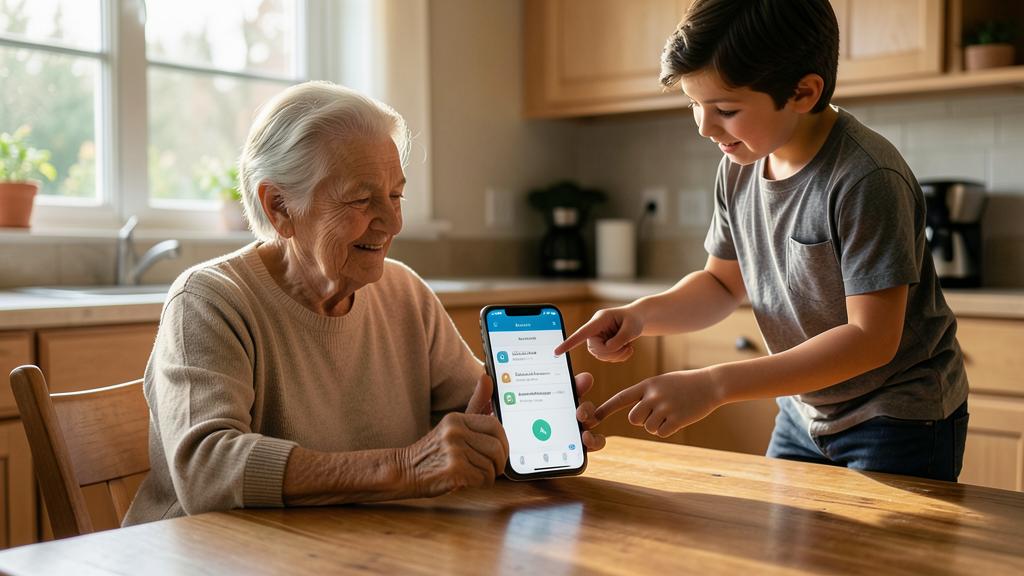
The Health app helps you share important health data with doctors or family members. It also keeps your data private, but you must check which apps have access to it.
If you share your activity data with your parent, they can see if you’ve been less active than usual, which might mean you’re not feeling well.
Warning. The Health app informs, it does not diagnose: a sensor on the wrist is not a medical exam — false positives exist (an alert does not mean a disease) as well as false negatives (the absence of an alert guarantees nothing). Never make a medical decision — stopping treatment, ignoring a symptom — based on an app. The rule is simple: the data is used to feed the conversation with a professional, never to replace it.
Frequently asked questions
Do you need an Apple Watch for the app to be useful?
No — the iPhone alone counts steps, distances, floors, tracks your medications, hosts the emergency card, and receives data from third-party apps. The watch adds heart rate, automatic sleep, and fall detection: valuable, but not essential to start.
Do my health data go to Apple or advertisers?
The data is encrypted on the device and in the backup (end-to-end encryption with modern settings); it does not fuel advertising. The real risk is elsewhere: the third-party apps to which YOU grant access — hence the annual audit of permissions.
How to recover the history if I change iPhones?
With iCloud backup (or encrypted on computer), all Health history automatically follows to the new phone. Without backup, it is lost — another reason to check that the backup is running (see our dedicated guide).
What to remember
The Health app is the health record that no one keeps up to date — except that it does it by itself: steps, sleep, heart, medications, trends over time. The five most profitable minutes: filling out the emergency medical record (accessible to rescuers from the locked screen) and activating medication tracking — for you and for your elderly relatives. Look at the trends rather than today’s numbers, bring them to the consultation, audit once a year the authorized apps — and keep the right posture: this data enlightens the medical dialogue, it never replaces it. Another tool in your pocket — and for once, one that really looks after you.
Want to unlock the full potential of your iPhone, iPad, or Mac? Our Apple training courses will take you to the next level.
Leave a Reply
You must be logged in to post a comment.