
Video has become the king format, on social networks as well as to present an activity. Good news: starting video editing has never been so accessible. No need for expensive software or long training: simple and free tools allow you to get started today. Here’s a guide to take your first steps without getting discouraged.
What video editing really is
Editing a video means assembling sequences, cutting out the unnecessary parts, adding sound, text, and transitions to tell a fluid story. The essence of the work lies in a few basic gestures: cutting, reorganizing, adjusting. No need to master complex special effects to produce a pleasant video; clarity and rhythm matter more.
Choosing your tool to get started
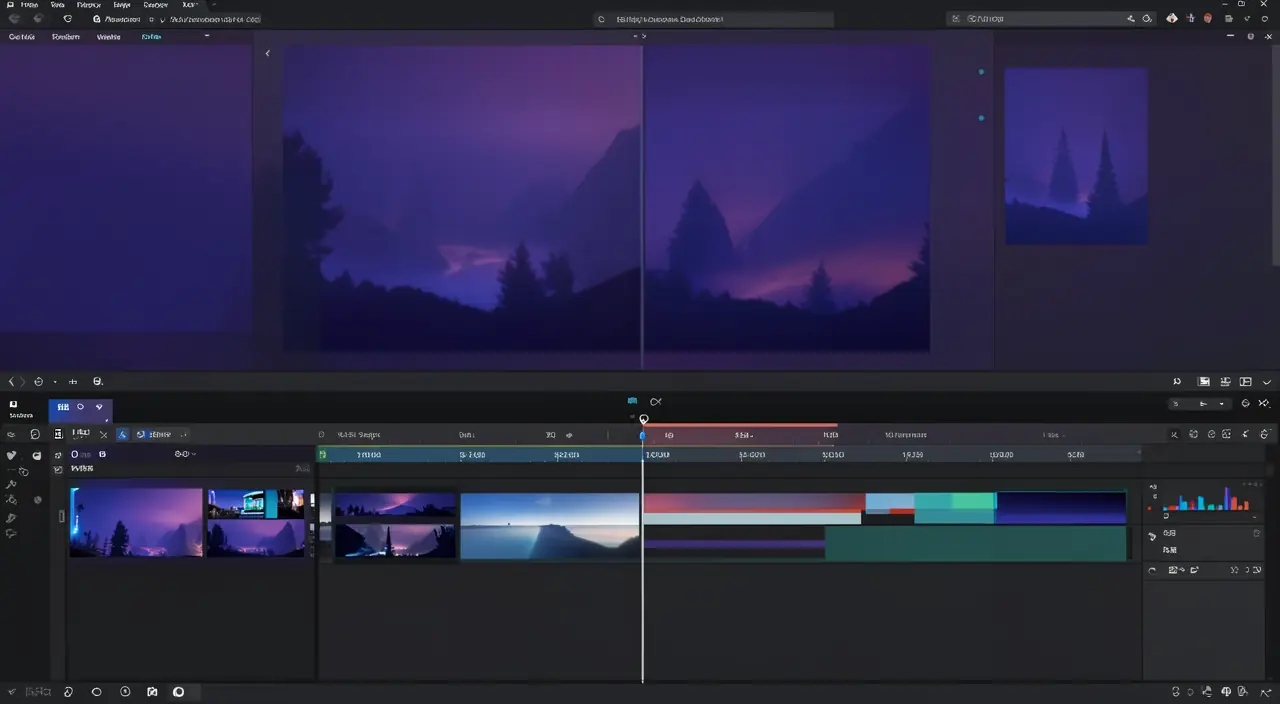
The best software to start with is the one that doesn’t overwhelm you. Several free editors offer the essentials with an easy learning curve, on both computers and mobile devices. On smartphones, apps allow you to edit directly, which is perfect for social networks. Start simple: you can switch tools later if your needs grow.
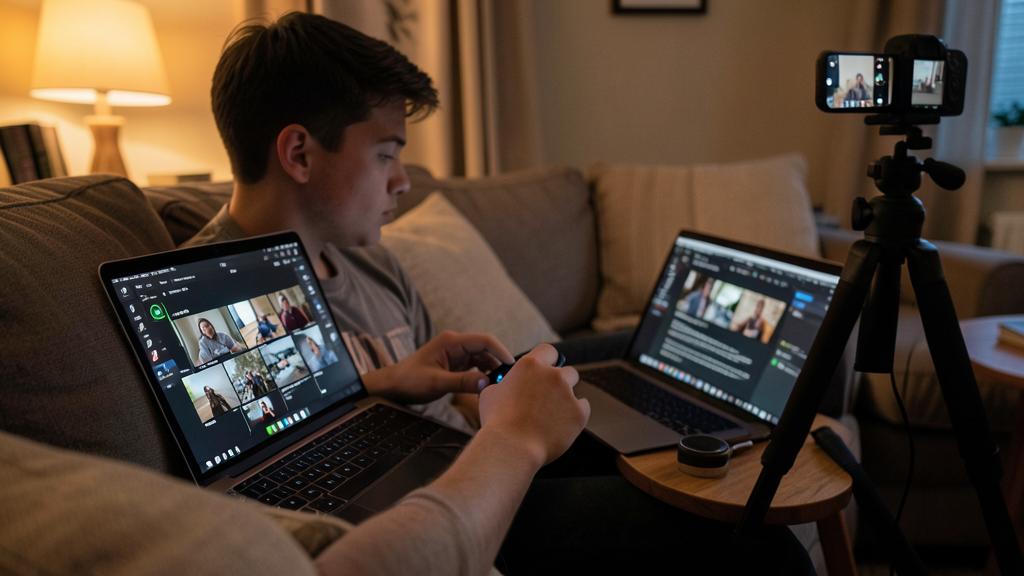
The right reflex. Before filming, think about the editing. Shoot slightly longer shots and vary the angles: you’ll then have material to cut and enhance during editing. A good edit always starts with good takes.
The steps of a first edit
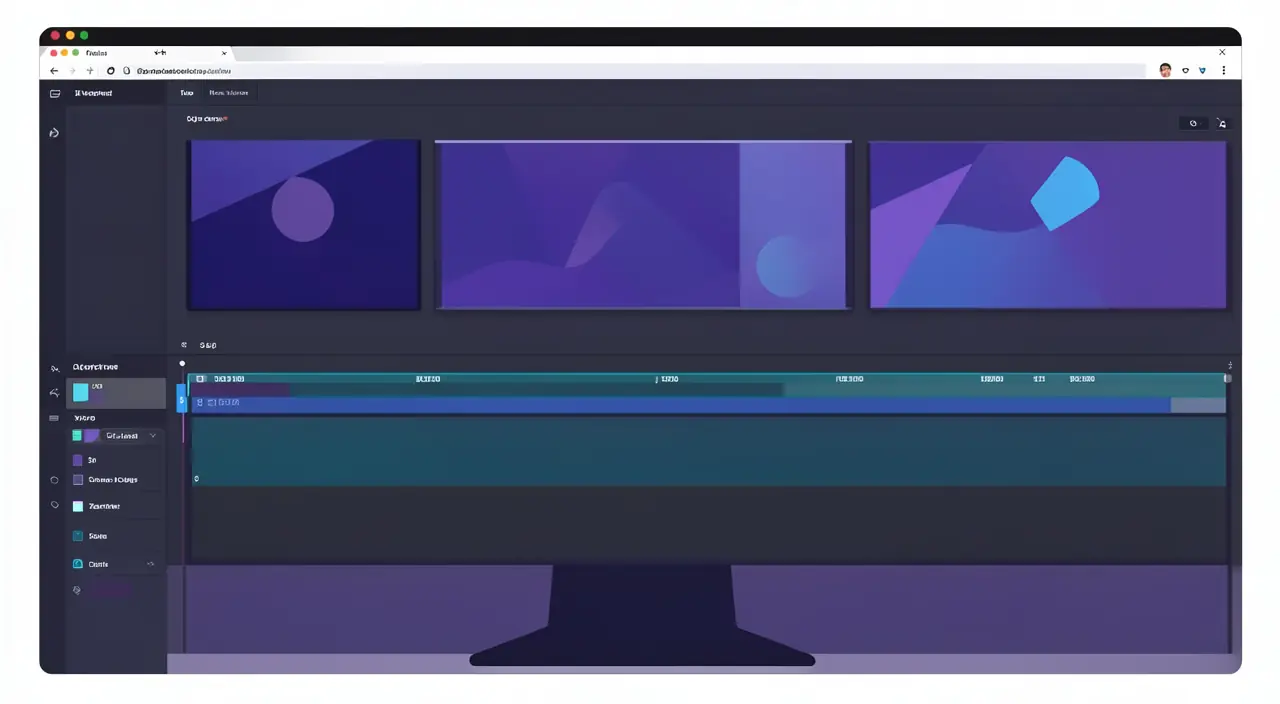
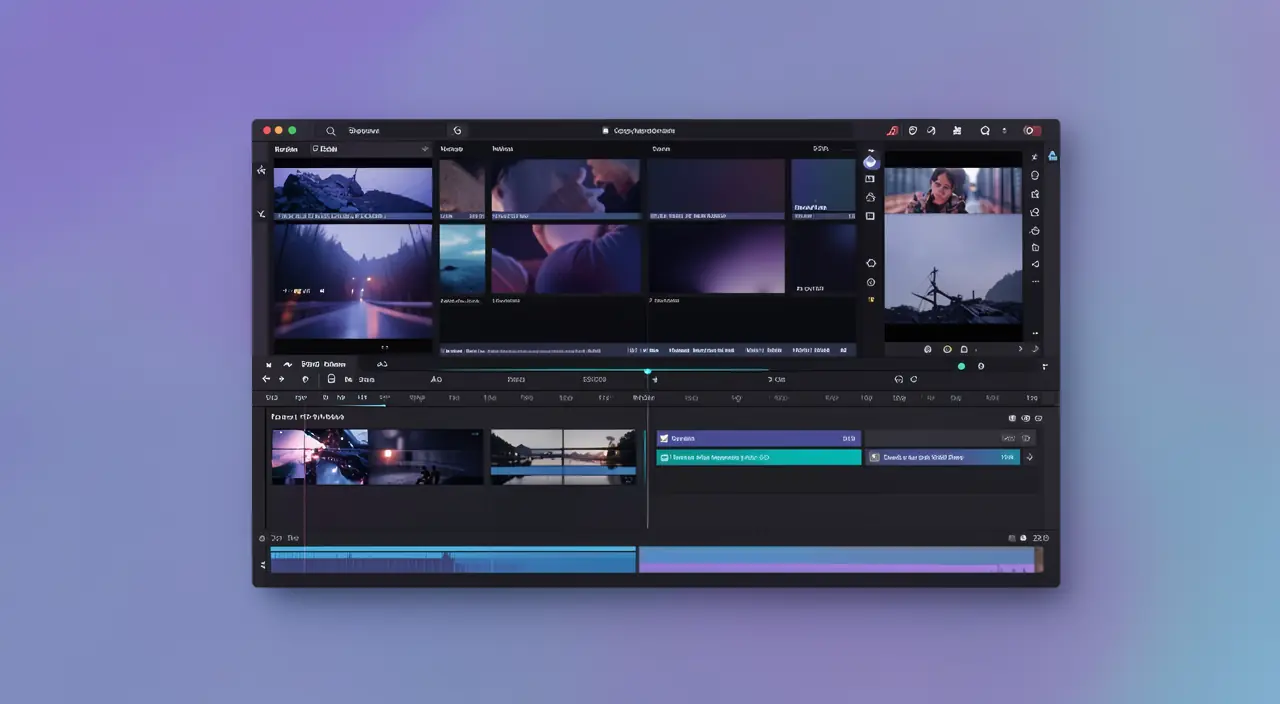
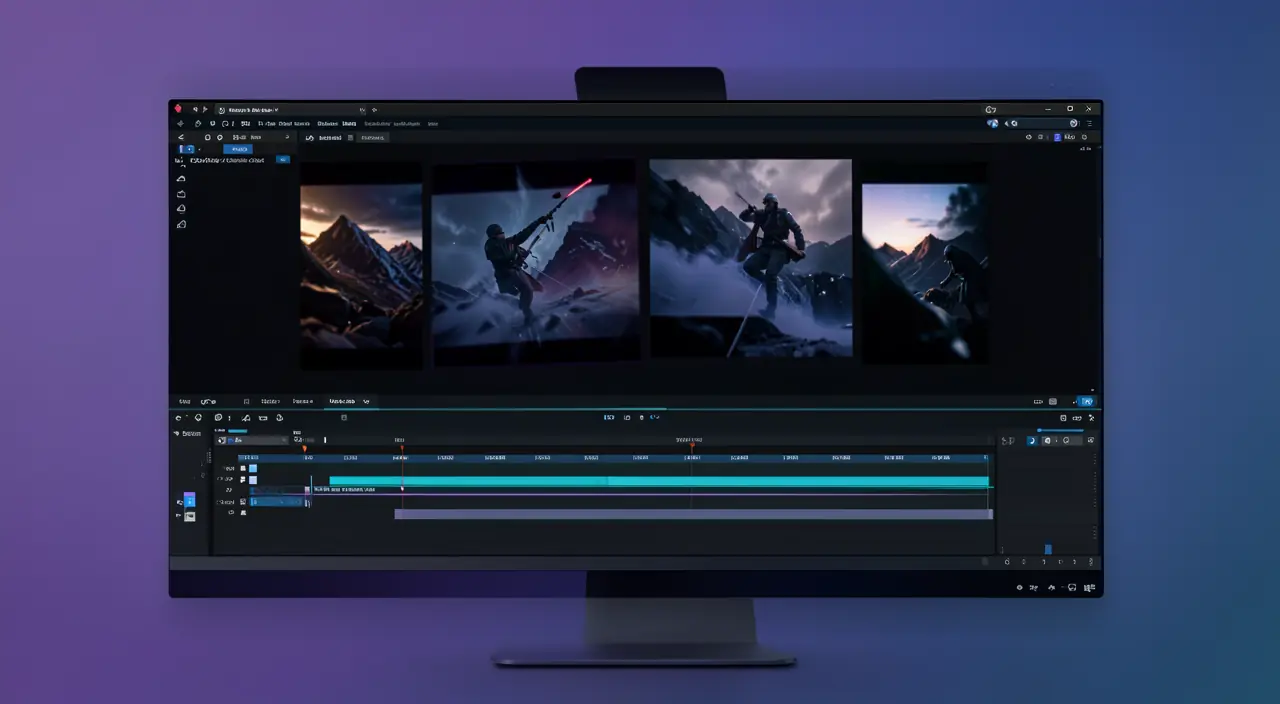
- Import your sequences into the software and place them on the timeline (the timeline).
- Cut and reorganize: remove hesitations, dead air, and arrange your shots to tell your story.
- Add sound: background music and proper voice levels radically transform the experience.
- Add text: titles, subtitles, mentions. Subtitles are essential; many people watch without sound.
- Export in the right format and resolution for your distribution platform.
Editing a video is like building a story with clips. You cut out the boring parts, add music and text, and arrange everything to keep the viewer interested. The goal is to make it clear and engaging, not just flashy.
Imagine you’re making a 1-minute travel vlog. You film 3 shots: a wide view of a beach, a close-up of a sunset, and a selfie of you smiling. In editing, you cut the shaky parts, add calming music, and add text like “My favorite beach spot!” with subtitles. The final video is smooth and tells a little story.
Common beginner mistakes to avoid
A few recurring pitfalls: shots that are too long and boring, music that’s too loud and drowns out the voice, an overuse of transitions and effects that distract, and forgetting subtitles. Keeping an edit simple and rhythmic is almost always more effective than an edit overloaded with effects.
To check. Be careful with music rights: using a protected song can get your video blocked or demonetized. Prefer free music libraries, often integrated into editing software, to avoid any issues.
Frequently asked questions
Do you need a powerful computer?
For short videos, a recent computer or even a good smartphone is enough. Power becomes useful for long projects or high-resolution work.
How long to progress?
The basics are acquired in a few hours of practice. Regularity does the rest: each video makes you faster and more comfortable.
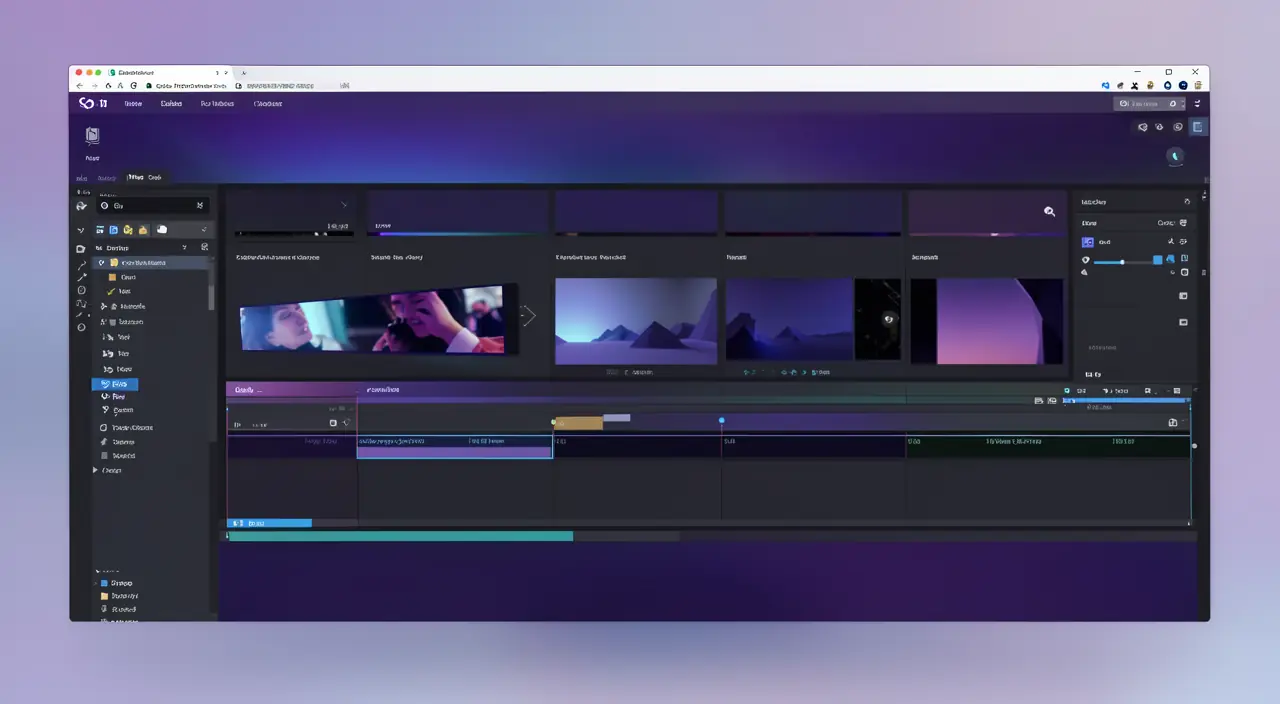
What to remember
Starting video editing is within everyone’s reach: a free and simple tool, a few basic gestures—cutting, organizing, adding sound, subtitling—and you’re done. Don’t aim for technical perfection right away: prioritize clarity, rhythm, and regularity. Each video you edit will help you progress. The most important thing isn’t having the best equipment, but starting.
Want to improve your content creation?
Leave a Reply
You must be logged in to post a comment.