
Preparing a trip is a pleasure, but also a joyful puzzle: tickets, hotel reservations, addresses to visit, train schedules, important documents, ideas gathered here and there… Without organization, this information is scattered between emails, screenshots, papers, and memory, and you end up frantically searching your phone at the airport. Travel organization apps are made for this: gathering in one place everything related to your stay, preparing your itinerary, keeping your reservations at hand, even without connection. Let’s see how these apps facilitate the preparation and execution of your trips, and how to use them well.
What a travel app can do for you
These apps accompany all the stages of a trip; here are their main services. CENTRALIZE your reservations: the flagship service; group in one place your tickets (plane, train), hotel reservations, rentals, activities; some apps even read your confirmation emails to automatically organize everything into a clear itinerary. Build an ITINERARY: plan your stay day by day — what to see, when, in what order —, with addresses, schedules, travel times; you can visualize your trip at a glance. Prepare a LIST of places to visit: spot and save the places that interest you (monuments, restaurants, activities), often on a map; you keep your wishes in one place. Access OFFLINE: crucial abroad; many apps allow you to consult your itinerary, your reservations, and sometimes maps WITHOUT internet connection; you avoid fees and the stress of being stuck without network. Manage the PRACTICAL: luggage lists, travel budget and expenses, useful information (time zone, weather, currency), important documents at hand. SHARE with your companions: some apps allow you to share the itinerary with family or friends traveling with you, or even prepare together. KEEP a memory: after the trip, some apps help keep a trace (photos, logbook, map of visited places). What it SERVES: to PREPARE calmly (everything is gathered and planned); to TRAVEL with peace of mind (your info at hand, even without network); to FORGET nothing (reservations, addresses, luggage); to ENJOY more (less time wasted searching, more to discover); and to KEEP memories. The main idea: a travel organization app gathers in one place everything related to your stay — reservations, itinerary, places to visit, practical information —, accessible even offline, which is precious abroad. It turns the scattered and stressful preparation into clear organization, and allows you to travel with peace of mind, your information at hand. From planning to memory, including the trip itself, it accompanies you at every step. The result: less stress, fewer forgetfulness, and more time to enjoy the essential — discovery.
A good travel app puts all your trip details in one place – flights, hotels, plans – and lets you access them even without internet. It helps you organize before you go and keeps everything handy while traveling, so you don’t have to stress about losing tickets or forgetting addresses.
You’re flying from Paris to Tokyo with a 3-hour layover in Dubai. Your app stores your flight numbers (AF123, EK456), hotel reservation (Park Hotel Tokyo, room 502), and metro map of Tokyo. When your flight to Dubai is delayed, you can check your Dubai hotel reservation (just in case) and Tokyo metro map offline while waiting at the gate.

How to properly organize your trip with an app
Here’s how to make the most of these apps, from preparation to return. CHOOSE an app that suits you — there are generalist apps (which centralize everything) and specialized apps (maps, itineraries, guides); some read your reservation emails to organize everything automatically; choose according to your needs and check that it works offline (our guides install an app safely). CENTRALIZE your reservations as they arrive — as you book (flight, hotel, activities), add them to the app (or let it import them from your emails); this way, everything is gathered and up to date, without being scattered. Build your ITINERARY — plan your days: places to see, logical order (group what’s close), opening hours, travel times; a good itinerary avoids running and wasting time; but leave room for the unexpected and wandering. SPOT your places on a map — save the places that interest you on a map; visualizing their location helps you organize your days by neighborhood and avoid unnecessary back-and-forths. DOWNLOAD everything for offline use — before leaving (while you still have network and Wi-Fi), download your itinerary, your reservations, and the maps of your destination for offline access; essential abroad to avoid fees and bad surprises. Prepare the PRACTICAL — make your luggage list in the app, prepare a budget, note useful information (hotel address, important numbers, useful phrases); have your important documents accessible. SHARE with your companions — if you’re traveling with others, share the itinerary so everyone knows the program; some apps allow you to prepare together. On-site, LET yourself be guided… without excess — consult your itinerary and reservations, but keep flexibility; the best of the trip is often the unexpected; the app is a support, not a master. After the trip, KEEP a memory — keep a trace of your journey if the app allows it (photos, log, map of places). In summary: choose an app (check offline), centralize your reservations as they arrive, build a flexible itinerary, spot your places on a map, download everything before leaving for offline access, prepare the practical (luggage, budget, documents), share with your companions, let yourself be guided with flexibility on-site, and keep a memory upon return. A calm preparation for a successful trip.
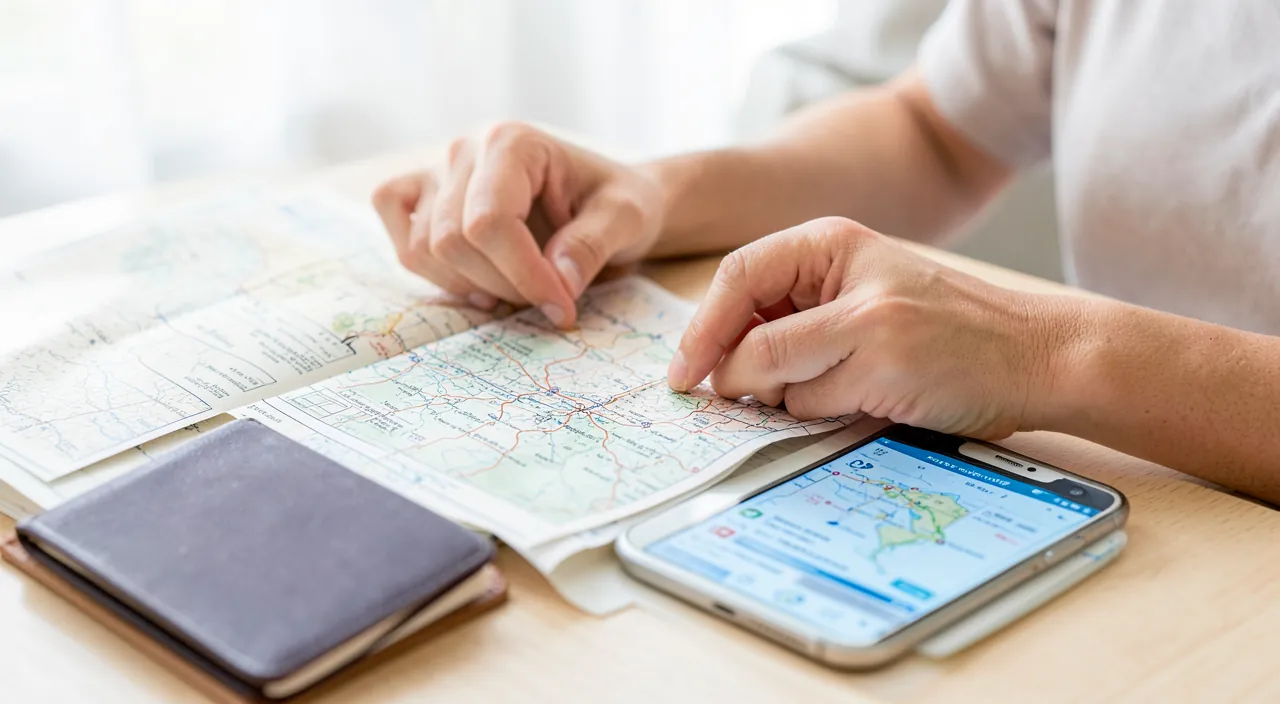
The essential reflex: offline mode. If there’s one thing not to forget before leaving, especially abroad, it’s to DOWNLOAD all your important information to access it WITHOUT internet connection. This is the gesture that will save you the most stress and bad surprises. Here’s the classic scenario: you arrive in a foreign country, your mobile plan doesn’t work or costs a fortune internationally, you don’t have Wi-Fi yet, and that’s exactly when you need to find your hotel’s address, your train ticket, or your way from the airport. Without preparation, you’re stuck, frantically searching for a network with your luggage. The solution is simple and free: BEFORE leaving, while you’re at home with a good connection, take five minutes to put everything in « offline » mode. Download in your travel app your entire itinerary and reservations (to consult without network); also download the MAPS of your destination via a mapping app that allows it (you’ll be able to orient yourself and navigate without connection, which is invaluable once on-site); and keep an offline-accessible copy of your important documents (tickets, reservations, and a copy of your ID papers stored separately, for safety). Also have a way to present your tickets and confirmations without relying on the network (screenshot, downloaded version, or paper backup: good old paper never runs out of battery or network). Complete with a second reflex: prepare in advance a small memo of vital information — hotel address and phone, local emergency numbers, embassy or consulate address, a few useful phrases in the local language — accessible offline. With this simple reflex of « everything downloaded before leaving, » you’ll arrive at your destination calmly: your reservations, your path, and your essential information will be in your pocket, available at any time, with or without network. That’s the difference between a trip that starts calmly and a trip that starts with stress. Never leave without doing this.
Precautions and the right balance
These apps are precious, but some precautions are necessary, and you must keep the right balance to avoid losing the pleasure of travel. Don’t OVER-RELY on technology: a phone can break down, run out of battery, be lost or stolen; don’t put all your eggs in one basket; keep a BACKUP of your essential information (tickets, reservations, hotel address) in another form (paper, or accessible on another device); paper never breaks down. Protect your DATA and documents: these apps contain sensitive information (identity, reservations, sometimes travel documents); lock your phone (our guides lock your phone), read the app’s privacy policy, and be wary of apps that ask for access to your emails (to import reservations) without being trustworthy. Watch out for FEES abroad: don’t use mobile data internationally without checking the costs; hence the importance of offline mode and Wi-Fi; check your plan’s options. Verify IMPORTANT information at the source: for critical elements (flight times, entry conditions into a country, document validity), don’t rely solely on the app; cross-check with official sources (company, authorities); apps can contain outdated information. Save the BATTERY: while traveling, the battery is precious; bring an external battery; don’t depend on a dead phone to find your hotel. Don’t LOCK yourself into the schedule: the trap of over-planning; an overly timed itinerary turns the trip into a race and kills spontaneity; leave room for the unexpected, wandering, and unplanned discoveries; the app should serve the trip, not the other way around. Keep your eyes UP: don’t live your trip through the screen; the app prepares and helps, but the trip is lived in the real world; put the phone away to enjoy. The COSTS of the app: some travel apps have paid features or subscriptions; evaluate what you really need (many essential features are free). In summary, the precautions: don’t totally depend on technology (backups, external battery, paper), protect your sensitive data and documents, beware of fees abroad, verify critical information at the source, and above all don’t over-plan to the point of stifling spontaneity. The app is a great preparation and safety tool; provided you keep control, a backup, and an open mind to the unexpected that makes travel exciting.
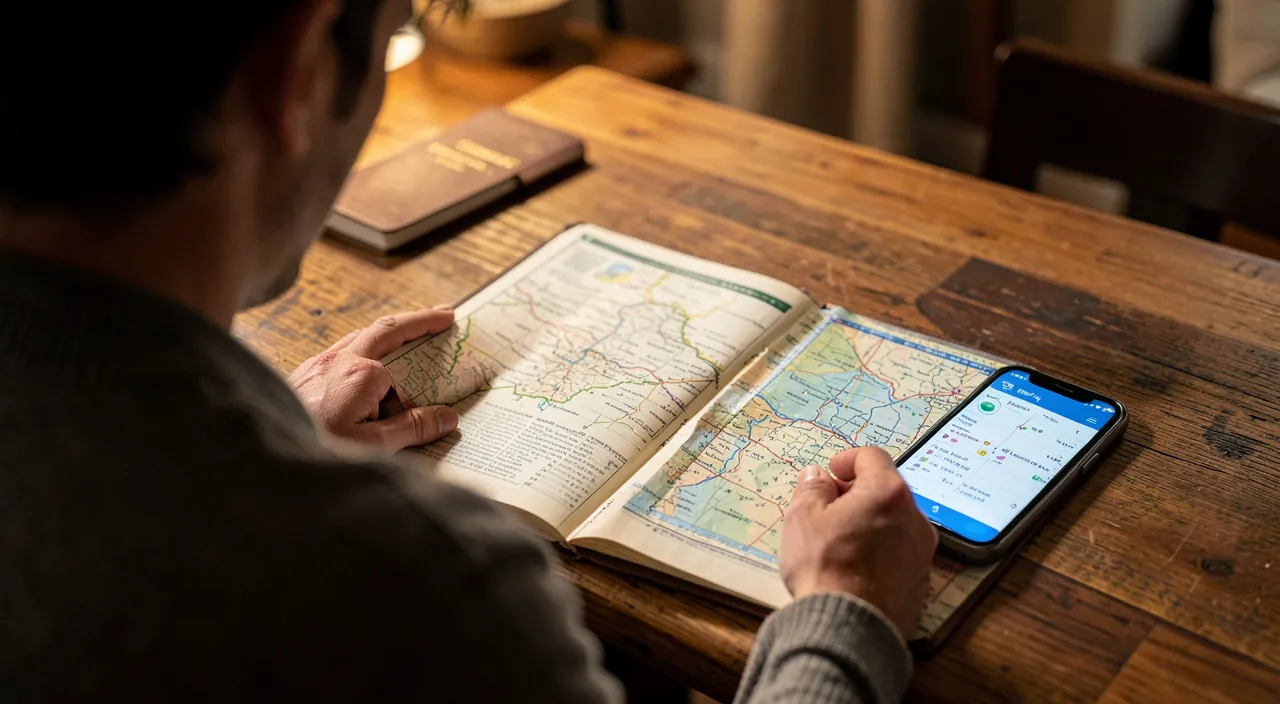
Warning: never depend entirely on your phone — keep a backup copy of your essential information, as a lost, stolen, or dead device shouldn’t ruin your trip. This is the most important precaution, often neglected in the enthusiasm of « all digital. » A travel app is wonderful for centralizing tickets, reservations, and itineraries; but it relies entirely on a fragile object: your phone. Yet while traveling, more than anywhere else, this phone can fail at the worst moment: battery dead after a long day without a power outlet, loss or theft (tourists are targets), breakdown, or drop. Imagine yourself abroad, without a working phone, with ALL your reservations and information locked inside; no access to your return ticket, your hotel address, your reservation… the situation can quickly turn into a nightmare. The golden rule is therefore to NEVER put all your eggs in one digital basket. Always keep a BACKUP COPY of your vital information in a form independent of your phone: a PAPER version of your tickets, reservation confirmations, and your accommodation address (paper never runs out of battery or network, isn’t stolen as easily, and is presented without turning on a screen); and/or a copy accessible on another device or in an online space you could consult from another device. Also note on paper, kept separately from your phone, the information you must never lose: hotel address and phone, emergency numbers, your bank’s contact in case of lost card, and a copy of your ID papers (stored separately from your real papers). Also bring an EXTERNAL BATTERY to never be left with a dead phone at the wrong time. Second point of vigilance in the same vein: the SECURITY of your data. Your travel app contains sensitive personal information — identity, itinerary (which reveals when your home is empty), sometimes documents. Securely lock your phone with a code or biometrics, so a lost or stolen device doesn’t give everything to a stranger; and be wary of apps that demand access to your email to « import your reservations » without being perfectly trustworthy, as this is a very intrusive access. Finally, for CRITICAL information (flight times, entry conditions into the country, document validity), never rely solely on the app: always verify with the official source. A well-used travel app makes the trip more serene; but it’s your foresight — backups, battery, protected papers — that really protects you from the unexpected. Prepare the digital, but always keep an offline safety net: that’s the mark of a savvy traveler.
Frequently asked questions
Do these apps work without internet connection?
Many allow it, but only if you PREPARE before leaving: the offline mode generally only works with the information you downloaded in advance, while you had network. This is a crucial point to understand. Most good travel apps are designed to be useful offline — that’s exactly one of their major interests abroad — but they can only display without network what has been saved on your device beforehand. In concrete terms: before leaving (at home, with a good connection), you must DOWNLOAD what you’ll need: your itinerary, your reservations and tickets, and especially the MAPS of your destination (via a mapping app that offers offline map downloads). Once these elements are saved, you’ll be able to consult them anywhere, without connection and without fees: your program, your confirmations, and even orient yourself and navigate on a downloaded map. What DOESN’T work offline: everything that requires real-time data — searching for new information, live updates (delays, updated schedules), last-minute reservations, non-downloaded content; for that, you need network. How to verify and do it right? Before choosing an app, make sure it offers an offline mode and learn how to activate it; then, in your last-minute preparations, take the reflex to download everything while you still have Wi-Fi. Also download the offline maps of your destination, separately, in your mapping app: this is often the most useful offline service of all. In summary, yes, many of these apps work without connection, but only for the information downloaded beforehand: prepare everything before leaving (itinerary, reservations, maps), and you’ll have the essentials offline; what requires real-time data, on the other hand, will need a connection. Offline mode is prepared: it’s the key gesture for a serene trip abroad.

Do I need an app or can I organize myself differently?
An app is not mandatory: you can perfectly organize a trip with simpler tools, or even paper; the app mainly brings centralization and convenience, it’s up to you to see if it’s useful. Let’s take stock. What the app BRINGS: centralization (everything in one place), automation (import of reservations, built itinerary), organized offline access, and practical functions (maps, budget, sharing); for a complex trip (multiple stages, many reservations, group), this comfort is appreciated and saves time. The ALTERNATIVES, just as valid: you can very well organize yourself with everyday tools — a folder in your email for confirmations, a document or note where you record your itinerary and information, a mapping app to spot and download your places, and good old paper prints for important documents; many travelers proceed this way very effectively. PAPER, moreover, has unbeatable advantages: a travel notebook, a printed itinerary, and a paper map never run out of battery or network, and constitute an excellent backup whatever happens. How to choose? According to the COMPLEXITY of your trip and your preferences: for a simple stay (one flight, one hotel), a dedicated app is probably superfluous; your confirmation emails and a note suffice. For an elaborate trip (multi-stage circuit, many reservations, with several people), a centralization app can really simplify life. Many adopt a MIXED approach, and that’s often the wisest: an app for daily convenience, completed by paper backups for safety. My advice: don’t install an app by principle; ask yourself if your trip is complex enough to truly benefit from it; if yes, choose a simple and data-respectful one; if not, your usual tools and a bit of paper will do. And whatever your choice, always keep an offline backup of the essentials. In summary, no, an app is not indispensable: you can organize yourself very well with your emails, a note, and paper, especially for a simple trip; the app shines for complex or group trips, where its centralization saves time. Choose according to your needs — the ideal often being to combine the convenience of digital and the reliability of paper backup.
Are these apps safe for my personal data?
It depends on the app: these apps handle sensitive data, so the choice of the app and some precautions are important; here’s what you need to know. Why the question ARISES: a travel app contains delicate personal information — your identity, your reservations, your itinerary (which reveals, among other things, when your home will be empty), sometimes travel documents, and possibly access to your email if the app imports your confirmations; these data deserve to be protected. How to CHOOSE a safe app: favor WELL-KNOWN and well-rated apps, with an identifiable publisher; read (at least diagonally) their privacy policy to understand what data they collect and what they do with it; be particularly wary of apps that ask for access to your EMAIL (to import reservations) if they are not perfectly trustworthy — this is a very intrusive access to grant with caution; and avoid obscure apps with excessive permissions (our guides install an app safely). The PRECAUTIONS on your side: securely lock your phone (code or biometrics), so a lost or stolen device doesn’t give your travel information to a stranger; use a robust and unique password for your account on the app, and enable two-factor authentication if offered (our guides two-factor authentication); only share your itinerary with trusted people (revealing your absence dates publicly can signal that your home is empty); and be careful with public Wi-Fi networks abroad. The right MINDSET: without being alarmist — serious travel apps are generally reliable — treat these data with the care they deserve: choose a trustworthy app, protect your access, and stay attentive to what you share. In summary, these apps can be safe for your data provided you choose them well (well-known apps, clear privacy policy, caution with email access) and protect yourself (locked phone, robust password, two-factor authentication, discretion about your itinerary); with these precautions, you enjoy their convenience while keeping control of your personal information.
What to remember
A travel organization app turns the scattered and stressful preparation of a stay into clear organization: it gathers in one place everything that matters — reservations, itinerary, places to visit, practical information —, accessible even offline, which is precious abroad. It accompanies you at every step, from planning to memory, and allows you to travel with peace of mind, your information at hand: less stress, fewer forgetfulness, and more time for the essential, discovery. To use it well: centralize your reservations as they arrive, build a flexible itinerary (group nearby places, but leave room for the unexpected), spot your places on a map, and prepare the practical (luggage, budget, documents). The essential reflex, especially abroad: before leaving, while you still have network, DOWNLOAD everything for offline access — itinerary, reservations, and especially the maps of your destination; this is the gesture that will save you the most stress on-site, where the network may be lacking or expensive. But keep in mind the most important precaution: never DEPEND entirely on your phone. A lost, stolen, or dead device shouldn’t be able to ruin your trip; always keep a BACKUP COPY of your vital information in an independent form — paper first, which never breaks down — note separately your essential information (hotel address, emergency numbers, copy of your papers), and bring an external battery. Protect your sensitive data (lock your phone, choose a well-known app, be wary of those that demand email access, be discreet about your itinerary which reveals your absence), beware of fees abroad, and always verify critical information (flights, entry conditions) with the official source. An app is by no means mandatory: for a simple trip, your emails, a note, and paper suffice; it shines especially for complex or group trips. Finally, keep the right balance: don’t over-plan to the point of stifling spontaneity, and don’t live your trip through the screen; the app prepares and helps, but the trip is lived in the real world, eyes up. Prepare the digital, keep an offline safety net, and leave room for the unexpected: that’s how you travel both calmly and freely.

Want to go further with your phone and apps? Our practical training is made for you.
Leave a Reply
You must be logged in to post a comment.