
Gmail, Drive, Docs, Calendar, Meet… The Google Workspace suite equips millions of individuals and businesses, often without exploiting a tenth of its potential. Yet, a few settings and habits are enough to transform these everyday tools into a truly fluid and well-organized workspace. Here’s how to better master Google Workspace to save time every day.
A suite, a common logic
The strength of Google Workspace lies in its integration: all the tools communicate with each other. A file created in Docs is stored in Drive, shared via Gmail, and linked to a Calendar event. Understanding this overall logic, rather than using each application in isolation, is the key to making the most of it. Everything revolves around your account and shared storage.
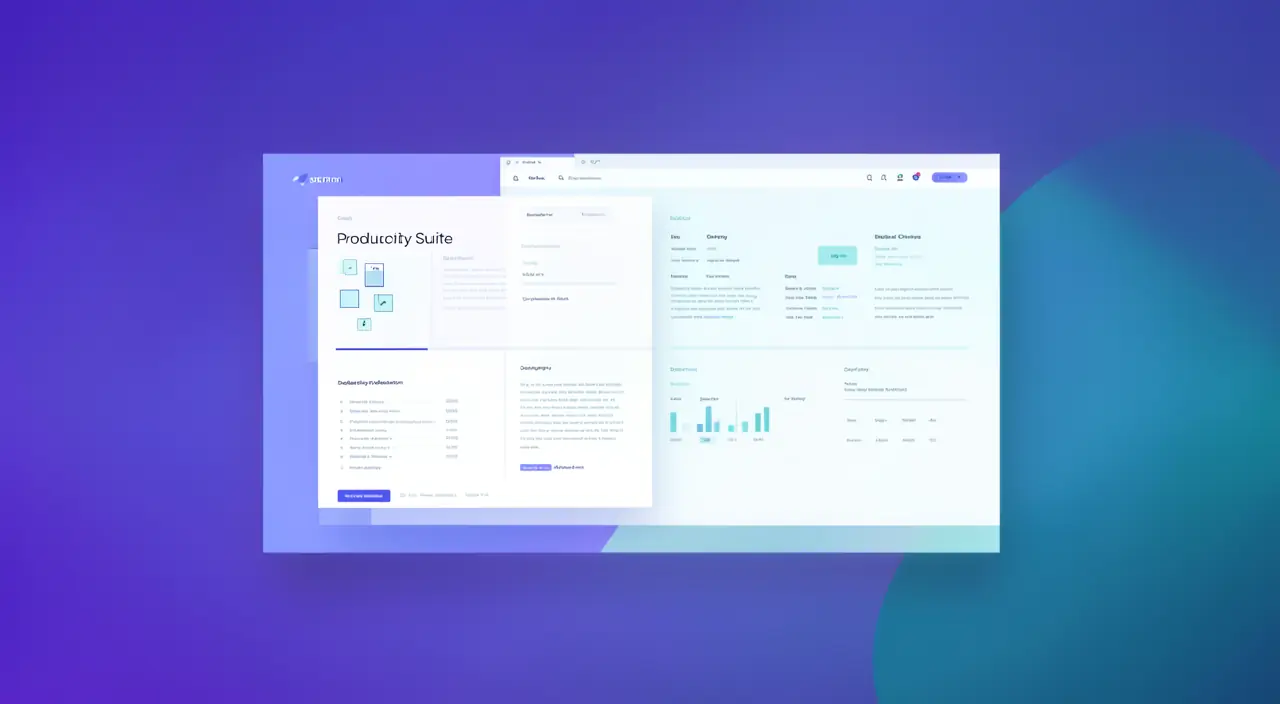
Google Workspace is like a team where everyone talks to each other. Your files, emails, and meetings are all connected, so you don’t have to switch between apps all the time. The more you use them together, the more efficient you become.
Imagine you create a project plan in Google Docs. You save it to Drive, share it with your team via Gmail, and schedule a meeting in Calendar to discuss it. All these actions happen seamlessly because the tools are linked.
Gmail: taking control of your inbox
Email is often a source of stress. A few settings change everything: create labels to categorize, use filters to sort automatically, and leverage Gmail’s powerful search instead of scrolling. Archiving rather than keeping everything in sight lightens the mental load. A well-managed inbox is already a lot of serenity gained.
The right reflex. Learn to create automatic filters: newsletters automatically classified, emails from a client filed in a dedicated label. Five minutes of setup saves you hours of manual sorting over the year.

Drive: an organization that holds
Online storage is only valuable if it’s organized. Adopt a simple and consistent folder structure, name your files clearly, and use search to instantly find a document. Sharing can be finely controlled: read-only or edit access, by person or by link. Mastered well, Drive becomes a reliable and accessible memory everywhere.
Docs, Sheets, and real-time collaboration
The main advantage of Google’s office tools is collaboration: multiple people work on the same document simultaneously, with a complete history of changes. No more files like “final_version_2_really.docx” exchanged by email. Comments and suggestions streamline teamwork, whether in-person or remote.


To watch out for. Be careful with sharing: a document shared “with anyone who has the link” can leak. Regularly check who has access to your sensitive files, and prefer named sharing for confidential documents.
Frequently asked questions
Is the free version enough?
For personal use, largely. Paid plans mainly add storage, a professional email address, and administrative features for businesses.

Are my data secure?
Data is protected and backed up, but stay vigilant about sharing and enable two-factor authentication on your account.
What to remember
Google Workspace is much more than an email service: it’s a complete and integrated workspace, often underused. By understanding its overall logic, organizing Drive, taming Gmail with filters, and leveraging real-time collaboration, you transform these familiar tools into a real productivity boost. A few good habits are enough: the rest comes with practice.

Need help mastering your tools daily?
Leave a Reply
You must be logged in to post a comment.