
Your phone fell in water, got rained on, or was splashed? Don’t panic, but act quickly and WELL: the first minutes count, and especially, some « common sense » reflexes are actually bad ideas that worsen the damage. Moisture is the enemy of electronics, but a wet device isn’t necessarily lost: well managed, it has good chances of recovering. The golden rule: take the device out of the water, TURN IT OFF, don’t TURN IT BACK ON, and let it DRY for a long time — without plugging it in, without heating it, and without the famous « rice bowl » that does nothing. Let’s see the right actions to take immediately, the mistakes to absolutely avoid, and how to give your device the best chances of survival.
The right immediate actions when the device gets wet
When facing a wet device, a few quick and correct actions make the difference; here’s the order to follow. GET OUT of the water fast: remove the device from the water immediately; limit exposure; the first essential gesture. TURN OFF the device: turn it off right away (if it’s on); avoid short circuits; crucial; important. DON’T turn it back on: above all, don’t turn it back on to « check »; current + water = damage; the golden rule; crucial. WIPE the exterior: gently dry the exterior with a soft cloth; remove visible water; simple; useful. REMOVE what can be removed: case, SIM card, memory card, battery if removable; air out and dry; useful. DON’T shake hard: avoid shaking vigorously (it spreads water inside); gentle; to know. Tilt DOWN: tilt the openings downward so the water can drain; drain; useful. DON’T plug it in: don’t put it on charge while it’s damp; danger; crucial. LET it dry for a long time: place it in a dry, well-ventilated spot for several days; patience pays off; essential. WAIT before turning it back on: only try turning it back on after complete drying (several days); don’t rush; advice. In summary, when facing a device that got wet, the right IMMEDIATE actions, in order: 1) GET IT OUT of the water right away (every second counts). 2) TURN IT OFF immediately if it’s still on (a device under power with water inside risks short circuits that damage it). 3) Above all, DON’T TURN IT BACK ON — that’s THE golden rule, we’ll come back to it later. 4) GENTLY wipe the exterior with a soft cloth, and REMOVE everything that can be removed (case, SIM card, memory card, and the battery if it’s removable) to air it out. 5) Without shaking violently (which would spread water inside), tilt the OPENINGS downward to let the water drain gently. 6) DON’T PLUG IT IN to charge (electricity in a damp device is the worst). 7) Then LET IT DRY for a long time — several DAYS — in a dry, well-ventilated spot, before any attempt to turn it back on. These simple actions, done quickly and well, give your device the best chances. The key word: turn off, don’t turn back on, and let it dry, patiently.
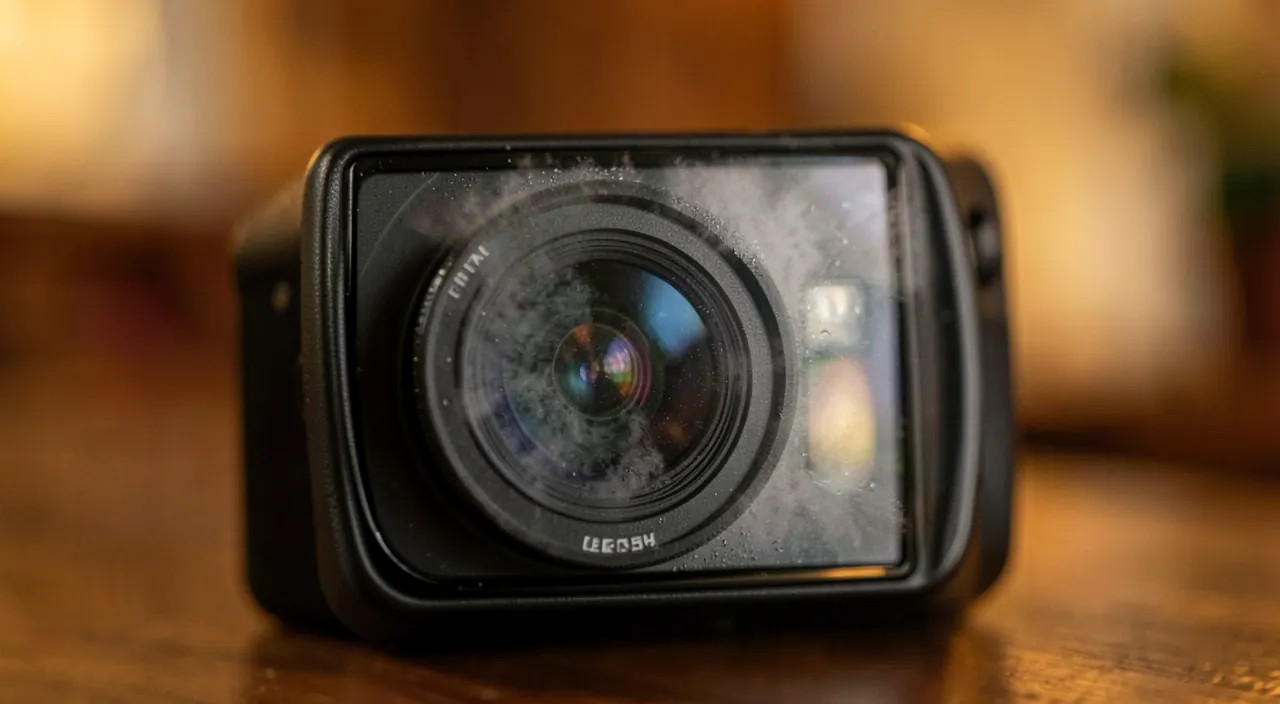
When your device gets wet, the most important thing is to act fast and correctly. Turn it off immediately, don’t turn it back on, and let it dry for several days in a dry, well-ventilated spot. Avoid common mistakes like using heat or the rice bowl, which can make things worse.
Imagine your iPhone 13 falls into a puddle. You take it out immediately, turn it off, and let it dry for 72 hours in a dry, ventilated room. After that, you check the charging port, and it’s dry. You turn it on, and it works perfectly. Patience and the right actions saved your device.
Mistakes to absolutely avoid
While some actions save the device, others destroy it; here are the mistakes to NEVER make. DON’T turn it back on « to see »: the temptation is great; but turning on a damp device often kills it; mistake #1; crucial. DON’T charge it: plugging in a wet device = possible short circuit; never do this; crucial. The HAIRDRYER: strong heat damages components and pushes water deeper; bad idea; to avoid. The OVEN, radiator, microwave: never use a heat source (oven, microwave especially!); destructive; forbidden. The RICE BOWL, myth: rice doesn’t dry better (or leaves dust); ineffective; to forget. SHAKING violently: spreads water inside; worsens; to avoid. The COTTON SWAB in the ports: pushes moisture/fuzz deeper; to avoid; advice. PRESSING the buttons: handling/pressing makes water circulate; leave it alone; to know. RUSHING the restart: turning it on too soon (still damp) dooms it; patience; crucial. ALCOHOL/products: don’t pour any product inside; useless and risky; to avoid. In summary, the MISTAKES to absolutely avoid are sometimes counterintuitive — hence the importance of knowing them. Mistake #1, the most frequent and fatal: TURNING THE DEVICE BACK ON « to see if it still works ». The temptation is huge, but it’s precisely what KILLS a wet device most often: passing current through damp circuits causes irreversible short circuits. Resist: don’t turn it back on, don’t plug it in to charge (same mistake, same danger). Second family of mistakes: HEAT. We think we’re doing well by « drying quickly » with a HAIRDRYER, a RADIATOR, an OVEN, or worse, a MICROWAVE (NEVER!): it’s a very bad idea; strong heat DAMAGES electronic components and the battery, and pushes water DEEPER into the device. Dry at AMBIENT temperature, never with a heat source. Third mistake, the famous RICE BOWL myth: contrary to popular belief, putting the device in rice doesn’t dry it BETTER than leaving it in the open air (rice absorbs internal moisture very poorly and can even leave dust/grains in the ports). Forget the rice: dry air and time work much better. Other mistakes: SHAKING the device violently (spreads water inside), pushing a COTTON SWAB into the ports (pushes moisture and fuzz deeper), PRESSING buttons frantically (makes water circulate), pouring ALCOHOL or a product, and especially RUSHING the restart (turning on a still-damp device, even after a few hours, dooms it). In summary: don’t turn it back on, don’t charge it, no heat (hairdryer, oven, microwave), forget the rice bowl (ineffective), don’t shake violently, don’t push anything into the ports, and don’t rush the restart. Avoiding these mistakes is already saving the device halfway.
The three golden rules: turn off the device and don’t turn it back on, don’t charge it, and let it dry for several days in the open air (no heat, no rice bowl). When a device gets wet, it’s not complicated actions that save it, but the respect of three simple rules — and patience. Here’s what you absolutely must remember. Golden rule #1: TURN OFF, and DON’T TURN IT BACK ON. As soon as the device comes out of the water, TURN IT OFF immediately if it’s still on. Then — and this is THE crucial point — DON’T TURN IT BACK ON, no matter how much you want to check if it works. Why? Because water and electricity don’t mix: as long as there’s moisture inside, turning on the device (or leaving it on) makes CURRENT flow through damp circuits, which causes SHORT CIRCUITS that permanently fry the components. A wet but TURNED-OFF device has good chances of surviving; the same device turned back on too soon is very often LOST. The patience of not turning it back on is your best weapon. Golden rule #2: DON’T CHARGE IT. It’s the same logic, but worse: plugging in a damp device into the mains is injecting electricity into the water — almost guaranteed short circuit, and danger (for the device, and a minimal risk for you). Don’t plug ANYTHING in until the device is perfectly dry (several days). Wait. Golden rule #3: let it DRY, for a long time, in the open air. Drying is the key, and it takes TIME. After wiping the exterior and removing what can be removed (case, SIM card, memory card, removable battery), PLACE the device in a DRY and WELL-VENTILATED spot, openings tilted downward, and LEAVE it alone — FOR SEVERAL DAYS (count at least 48 to 72 hours, more if possible). Internal moisture takes a long time to fully evaporate, much longer than we think: that’s why you must NOT rush. And especially, respect the DRYING PROHIBITIONS: NO HEAT (no hairdryer, no radiator, no oven, and — never — microwave: heat damages components and pushes water deeper), and FORGET the RICE BOWL (it’s a myth: rice doesn’t dry better than open air, and leaves residues). Slow drying, at ambient temperature, in a dry, well-ventilated spot, is the most effective. You can optionally use desiccant packets (the ones found in packaging, marked « do not eat ») in a closed box with the device: they actually absorb moisture, unlike rice. In summary, the three golden rules: 1) TURN OFF and DON’T TURN IT BACK ON (the fatal mistake is turning on a still-damp device: short circuits), 2) DON’T CHARGE IT (electricity + water = destruction), and 3) let it DRY for several days in the open air (no heat, no rice bowl: patience is the real solution). Follow these three rules, and your device will have the best chances of working again; violate them in haste, and you risk killing it. When facing water, the best action is often to DO NOTHING else but turn off, dry… and wait.
After drying: turning on and checking
Once the device is well dried (several days), here’s how to attempt turning it back on and assess the situation; let’s proceed methodically. WAIT for complete drying: really wait several days; don’t turn it back on before; the condition; crucial. CHECK the ports: make sure the charging port is dry (no visible moisture); before plugging in; advice. TRY turning it back on: after complete drying, try turning it on; the moment of truth; to do calmly. If it RESTARTS: test everything (screen, sound, touch, camera, buttons, charging); detect possible damage; useful. POSSIBLE aftereffects: even if it turns back on, issues may appear (sound, screen, battery); monitor; to know. If it DOESN’T turn back on: let it dry even longer, try again; sometimes it comes back; patience; advice. BACK UP quickly: if it works, back up your data without delay (as a precaution); secure your memories; important. CORROSION over time: water can create corrosion that causes issues later; keep an eye; to know. See a REPAIRER: if aftereffects or no restart, a professional can clean/dry in depth; useful; advice. SALTED/sugary water worse: seawater, sugary drink = more corrosive; repairer even more recommended; important. KEEP measured hope: many devices recover; no guarantee; realistic. In summary, AFTER complete drying (several days — don’t skip this step), you can attempt turning it back on. First, CHECK that the ports (especially the charging port) are DRY. Then, calmly, TRY TURNING ON the device. Two cases. If it RESTARTS: good news! Then TEST everything that might have suffered — the screen, the touch, the sound (speaker, microphone), the camera, the buttons, the charging — to detect possible aftereffects. And BACK UP your data WITHOUT DELAY (photos, contacts) as a precaution, because a device that took water may have DELAYED issues. If it DOESN’T turn back on: don’t despair right away — let it dry EVEN LONGER (sometimes several more days make the difference) and try again. Two important points of vigilance: even if it turns back on, the device may develop INTERNAL CORROSION (water, as it dries, leaves deposits that damage the circuits over time): monitor its behavior in the days and weeks that follow. And if the device took SALTED water (seawater) or SUGARY water (soda, juice), it’s much more CORROSIVE than clear water: professional repair is even more recommended. Just then: in case of AFTEREFFECTS, no restart, or contact with salted/sugary water, call a REPAIRER — they can open the device, clean and dry it IN DEPTH (much better than air drying), and neutralize corrosion. Keep a MEASURED hope: many devices recover very well when the right actions were taken, but there’s never an absolute guarantee. In summary: wait for complete drying (several days), check that the ports are dry, attempt turning it back on calmly; if it works, test everything and back up quickly; otherwise, dry it even longer; monitor delayed corrosion, and consult a repairer in case of aftereffects or salted/sugary water. Patience and the right actions maximize your chances.
Warning: salted or sugary water is much more corrosive than clear water; a « water-resistant » device isn’t eternally resistant; and don’t count on the warranty, which rarely covers water damage. Some important warnings about a device that got wet. First point: not all waters are equal. Clear water (rain, tap water) is already harmful, but SALTED water (seawater, pool) and SUGARY liquids (soda, juice, coffee, alcohol) are MUCH WORSE: they are much more CORROSIVE and leave deposits (salt, sugar) that attack the circuits and stick the mechanisms. If your device fell into seawater or a drink, the potential damage is more serious: drying alone may not be enough (salt/sugar remains inside even after the water evaporates), and PROFESSIONAL CLEANING is strongly recommended, as soon as possible. Second point: « water-resistant » doesn’t mean « watertight forever ». Many recent devices are advertised as « water-resistant » (to immersion or splashes): it’s reassuring, but DON’T overestimate this protection. It has LIMITS (a precise depth and duration), it concerns CLEAR water (not seawater, soapy, or sugary water), and especially it DECREASES over TIME and with wear (the seals age; a two-year-old device isn’t as watertight as on the first day). So don’t take unnecessary risks under the pretext that your device is « water-resistant »: avoid immersing it voluntarily, and if a resistant device gets wet anyway, still apply the right actions (dry it). Third point: don’t COUNT on the warranty. WATER DAMAGE is, in most cases, EXCLUDED from the manufacturer’s warranty (which covers manufacturing defects, not accidents). Moreover, devices often contain MOISTURE INDICATORS (small dots that change color when in contact with water) allowing the repairer to know that the device was wet. So don’t count on a free replacement: repairing water damage is usually your responsibility (unless a specific insurance). Fourth point: corrosion can strike LATER. Even if your device seems to have survived and works again, moisture can leave INTERNAL CORROSION that manifests itself days, weeks, or even months LATER: malfunctions that appear, components that gradually fail. That’s why it’s WISE, as soon as the device works again, to BACK UP your important data (photos, contacts) without delay: don’t risk losing everything if the device fails later. Fifth point: be careful about your SAFETY. Never handle a wet device PLUGGED into the mains (electric risk): unplug it first (with care). And a battery that took water can, rarely, swell or heat up: if the device heats up abnormally, swells, or gives off an odor, move it away and have it checked by a professional (don’t pierce it, don’t throw it away anywhere). Sixth point: in case of doubt, a professional QUICKLY is better than DIY. If the device has great value (precious data, expensive device), if the water was salted/sugary, or if you’re not sure of your actions, quickly entrusting the device (turned off, not turned back on) to a repairer gives the best chances: they can disassemble it and neutralize moisture/corrosion much better than home drying. In summary: SALTED or SUGARY water is much more corrosive (professional cleaning recommended), « water-resistant » has LIMITS that decrease over time (don’t overestimate this protection), the WARRANTY rarely covers water damage (moisture indicators to prove it), corrosion can strike LATER (back up your data as soon as possible), be careful about your safety (don’t handle a wet device plugged in, monitor a battery that swells/heats up), and in case of doubt or high stakes, a repairer QUICKLY is better than DIY. Caution protects your device — and you.
Frequent questions
Does the « rice bowl » really work?
No, it’s a myth: rice doesn’t absorb internal moisture better than open air, and it can even leave dust or grains in the ports; better to let the device dry in a dry, well-ventilated spot (optionally with real desiccant packets). Let’s see. A PERSISTENT myth: the rice bowl is a very widespread belief; but it doesn’t hold up; to deconstruct; important. Rice absorbs POORLY the internal: rice absorbs a bit of surface moisture, but not the water trapped inside; ineffective where it counts; to know. Not better than AIR: leaving it in dry open air dries as well, or better; rice brings nothing; observation; important. RESIDUES: grains, starch dust can enter the ports; additional risk; to avoid; disadvantage. A FALSE sense of security: we think « we’re doing something » while we’re wasting time; misleading; to know. Real DESICCANTS: silica gel packets (in packaging) actually absorb; much more effective than rice; alternative; useful. DRY air and ventilation: a dry, well-ventilated spot, at ambient temperature, openings downward; the right method; advice. TIME above all: it’s the duration (several days) that dries, not the rice; the real key; important. DON’T waste time: rather than looking for rice, turn it off and let it dry; priority to real actions; advice. FORGET the rice: remember that it’s useless; don’t count on it; to remember. The ADVICE: no, the rice bowl is a myth (it doesn’t absorb internal moisture and leaves residues); rather let it dry in dry, well-ventilated open air, several days, optionally with real desiccant packets. In summary, NO, the famous « rice bowl » doesn’t REALLY work — it’s one of the most persistent myths, and it’s useful to deconstruct it. The idea seems logical: rice is dry, so it should « pump » the moisture out of the device plunged into it. In reality, it hardly WORKS. Rice absorbs a tiny bit of SURFACE moisture, but it’s unable to suck the water TRAPPED INSIDE the device (where it’s precisely dangerous): on this point, it doesn’t do better than leaving the device in the open air — or worse, as it hinders air circulation. Worse, the rice has DISADVANTAGES: GRAINS or STARCH DUST can enter the ports (charging port, speaker) and cause other issues. And especially, the rice bowl gives a FALSE sense of security: we think « we’re doing something effective » while we’re wasting precious time. What to do INSTEAD? Count on the TWO real drying factors: DRY AIR and TIME. Place the device (turned off, wiped, opened of what can be removed) in a DRY and WELL-VENTILATED spot, at ambient temperature, openings downward, and leave it FOR SEVERAL DAYS. It’s the DURATION that does the real work, not the rice. If you want to help, use REAL desiccant packets (the small « silica gel » packets marked « do not eat », found in many packages): THEY actually absorb moisture (much better than rice); place several with the device in a closed box. In summary: no, the rice bowl is a myth (it doesn’t absorb internal moisture and can leave residues in the ports); what really dries your device is dry air and TIME (several days in a dry, well-ventilated spot), optionally helped by real desiccant packets. Don’t waste time looking for rice: turn it off, wipe it, and let it dry patiently.
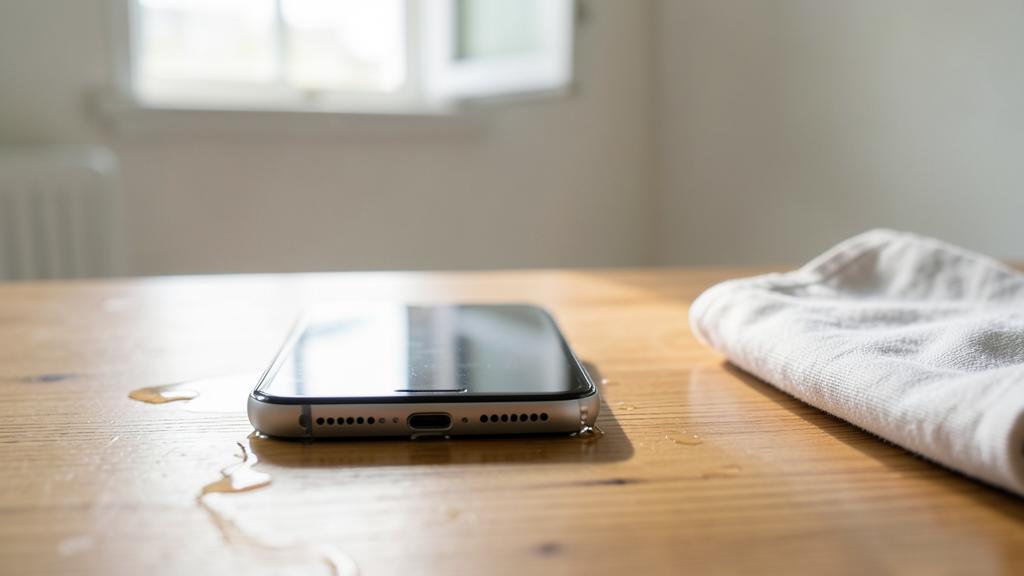
How long should you let the device dry?
AT LEAST 48-72 h: let it dry for at least two to three days; that’s a minimum, not a maximum; reference; important. LONGER = better: if you can wait longer (several more days), do it; time works for you; advice. Internal moisture SLOW: trapped water inside evaporates slowly; much slower than surface water; to know. Don’t RELY on the dry exterior: the device may seem dry outside but wet inside; don’t rush; important. Turning on TOO SOON: that’s the fatal mistake; remaining moisture + current = short circuit; to avoid; crucial. PATIENCE pays off: waiting a few more days is better than frying the device; wisdom; advice. Help the DRYING: dry spot, well-ventilated, openings downward, desiccant packets; speeds it up a bit; useful. The AMOUNT of water counts: a splash dries faster than an immersion; adapt; nuance. In case of DOUBT, wait: if you hesitate, wait longer; nothing is lost by drying more; cautious; advice. CHECK the dry ports: before turning it on, ports must be dry; final check; useful. The ADVICE: as long as possible (at least 48-72 h, more if possible); internal moisture evaporates slowly; turning it on too soon dooms the device; in case of doubt, wait longer. In summary, you must let the device dry AS LONG AS POSSIBLE: count a MINIMUM of 48 to 72 HOURS (two to three days), and don’t hesitate to wait LONGER if you can. This delay may seem long, but it’s justified: the moisture TRAPPED INSIDE the device evaporates MUCH more slowly than surface water. That’s the classic trap: the device may seem perfectly DRY on the OUTSIDE (you wiped it, it looks dry) while there’s still MOISTURE inside, invisible, in the circuits. And it’s precisely this residual internal moisture that causes problems. That’s why TURNING IT ON TOO SOON is the FATAL mistake: it’s enough to have a bit of moisture, combined with the electric current of the restart, to cause a short circuit that dooms the device. Patience is therefore your best ally: waiting two or three more days costs NOTHING, while turning it on a day too soon can ruin everything. The principle: in DOUBT, wait LONGER. To help drying during this time: place the device in a DRY and WELL-VENTILATED spot, at ambient temperature, openings tilted DOWNWARD, optionally with real DESICCANT PACKETS (silica gel) in a closed box. The duration depends a bit on the AMOUNT of water: a simple splash dries faster than a complete immersion (for an immersion, be even more patient). Before attempting to turn it back on, CHECK that the ports (especially the charging port) are DRY. In summary: dry it as long as possible (minimum 48-72 h, longer if you can, especially after an immersion); internal moisture evaporates slowly and a dry exterior doesn’t guarantee a dry interior; turning it on too soon is the mistake that dooms the device, so in doubt, wait longer. Patience, here, literally saves your device.
My device works again after drying: am I out of the woods?
GOOD sign: if it turns on and works, that’s encouraging; the right actions paid off; reassuring; positive. Not a TOTAL guarantee: water may have left traces that act later; stay cautious; important. DELAYED corrosion: water, as it dries, leaves deposits that corrode the circuits over time; possible malfunctions later; to know. Malfunctions LATER: screen, sound, battery, buttons may fail days/weeks later; to monitor; nuance. BACK UP quickly: put your photos/contacts to safety without delay; don’t risk losing everything; priority; important. TEST the functions: check screen, touch, sound, microphone, camera, charging, network; detect aftereffects; advice. MONITOR over time: keep an eye on its behavior in the following days; anticipate; useful. SALTED/sugary water: if that was the case, corrosion more likely; increased vigilance, repairer recommended; important. Professional CLEANING possible: as a precaution, a repairer can clean internal corrosion; option; useful. ENJOY but cautious: use the device, but keep an up-to-date backup; balance; advice. The ADVICE: good sign, but not a guarantee; corrosion can cause delayed malfunctions; back up your data quickly, test all functions, monitor, and think about professional cleaning if the water was salted/sugary. In summary, if your device WORKS AGAIN after drying, that’s a VERY GOOD sign — your right actions (turning off, not turning it back on, drying for a long time) paid off, and you have good chances of having saved it. But be careful: this is NOT a total guarantee of being « out of the woods », and you must stay a bit vigilant. Why? Because water, as it seeps in then dries, can leave inside deposits and CORROSION (a sort of oxidation of the circuits) that doesn’t necessarily act right away. Result: malfunctions can appear in a DELAYED way — not only the same day, but DAYS, WEEKS, or even MONTHS later: the screen starts acting up, the sound weakens, the battery drains quickly, a button fails. That’s the typical behavior of a device that took water: it works again, then sometimes develops issues later. What to do, then? First and foremost: BACK UP your DATA quickly. As soon as the device works again, put your photos, contacts, and important documents to safety (on a computer, a cloud, a disk): thus, even if the device fails later, you won’t lose anything precious. That’s precaution #1. Then, TEST all FUNCTIONS (screen, touch, sound, microphone, camera, charging, network, buttons) to detect possible immediate aftereffects. Then MONITOR the device’s behavior in the days and weeks that follow. If the water was SALTED (seawater) or SUGARY (drink), corrosion is more likely: be all the more vigilant, and consider PREVENTIVE professional cleaning (a repairer can open the device and neutralize corrosion). You can absolutely continue using the device — enjoy it! — but simply keep an UP-TO-DATE backup, as a precaution. In summary: that it works again is a good sign, but not a total guarantee; corrosion can cause delayed malfunctions (days to months later); so back up your data without delay, test all functions, monitor the device over time, and think about professional cleaning if the water was salted or sugary. You’re probably out of the woods — just be prepared.
What to remember
A device that took water or moisture isn’t NECESSARILY lost: well managed, it has good chances of recovering — but everything depends on the first actions, and some « common sense » reflexes are actually mistakes to avoid. The RIGHT immediate actions: take the device out of the water right away, TURN IT OFF, wipe the exterior, remove what can be removed (case, SIM card, memory card, removable battery), tilt the openings downward, and let it DRY. The THREE golden rules: 1) turn it off and DON’T TURN IT BACK ON (turning on a still-damp device causes fatal short circuits — that’s mistake #1); 2) DON’T CHARGE IT (electricity + water = destruction); 3) let it DRY for several days (at least 48-72 hours, longer if possible) in a dry, well-ventilated spot. The MISTAKES to absolutely avoid: no HEAT (hot hairdryer, radiator, oven, and NEVER microwave: heat damages components), and forget the RICE BOWL (it’s a myth: rice doesn’t absorb internal moisture and leaves residues — only dry air, time, and optionally real desiccant packets work). Don’t shake violently, don’t push anything into the ports, and especially don’t rush the restart (in doubt, wait longer: internal moisture evaporates slowly, and a dry exterior doesn’t guarantee a dry interior). AFTER complete drying, check that the ports are dry, attempt turning it back on calmly: if it works, test all functions and BACK UP your data without delay; otherwise, dry it even longer. Points of vigilance: SALTED (seawater) or SUGARY (drinks) water is much more corrosive (professional cleaning recommended), a « water-resistant » device has limits that decrease over time, the warranty rarely covers water damage, and CORROSION can cause delayed malfunctions (days to months later — hence the importance of backing up). In case of doubt, high stakes, or salted/sugary water, quickly entrust the device (turned off, not turned back on) to a repairer, who can dry and clean it in depth. In short, when facing a wet device, the best attitude is calm and patient: turn off, don’t turn it back on, don’t heat it, don’t believe in rice, and let it dry for a long time — that’s often what saves the device, where haste dooms it.
Persistent malfunction, capricious device? Our remote troubleshooting service solves your problem quickly, without jargon.
Leave a Reply
You must be logged in to post a comment.