
Your phone is much more than a device for calling and browsing: it’s a real toolbox always in your pocket. A flashlight to light up in the dark, a level to check if a frame is straight, a magnifier to read small characters, a measuring tape, a compass, a stopwatch, a mirror: so many everyday tools integrated into your phone, often unknown or underused. No need to look for the tool that’s always missing at the right moment: it’s probably already in your phone. Let’s look at the most useful small tools hidden in your device, how to access them quickly, and how to get the most out of them on a daily basis — with a few limits to know.
The phone, a toolbox in your pocket
Your phone is full of practical small tools; let’s discover them. The PRINCIPLE: your phone integrates many small EVERYDAY TOOLS (flashlight, level, magnifier, compass, measuring tape, stopwatch…); it replaces a bunch of objects; a toolbox in your pocket; often unknown. The FLASHLIGHT: the star tool; the camera flash serves as a flashlight; to light up in the dark, look for an object, light yourself up; always available; one of the most used (we’ll come back to it). The MAGNIFIER: to enlarge and read small characters (manuals, labels); an electronic magnifier in the phone; precious for close-up vision; check out our guides on the magnifier. The LEVEL: to check if a surface is horizontal/vertical (hanging a frame, placing a straight shelf); an electronic bubble level; useful for DIY; practical and precise. The COMPASS: to know the cardinal points (orient yourself, while hiking); an integrated compass; useful for finding your way; always there when you need it. The MEASURING TAPE (measurement): to approximately measure a distance, an object, a room; measurement apps exist; practical for troubleshooting (with precision limits; we’ll come back to it). The STOPWATCH and timer: to time, set a timer (cooking, sports, tasks); in the clock app; always at hand; a very useful basic. The CALCULATOR: for any calculation; a complete calculator in the phone; always available; a precious basic tool; don’t forget it. The MIRROR: the camera in « selfie » mode serves as a backup mirror; to look at yourself, check something; clever; a practical detour. The AMBIENT LIGHT / white screen: a screen displaying white light dimly; serves as a soft light; an improvised use; the phone adapts. Often UNKNOWN: many of these tools are unknown or underused; you have them without knowing it; discovering them makes the phone even more useful; explore your device. WHAT IT’S FOR: to always have at your disposal a bunch of everyday small tools without carrying anything else; the phone replaces flashlight, level, magnifier, stopwatch; the convenience of the « all-in-one »; the tool always there. The main idea: your phone is a real TOOLBOX always in your pocket, integrating a bunch of everyday small tools often unknown. The FLASHLIGHT (the flash that lights up in the dark), the MAGNIFIER (to read small characters), the BUBBLE LEVEL (to hang a straight frame), the COMPASS (to orient yourself), a MEASURING TAPE (to measure approximately), the STOPWATCH and the timer, the CALCULATOR, and even a backup MIRROR (the camera in selfie mode): so many objects that your phone replaces, without you having to carry anything else. No need to look for the tool that’s always missing at the right moment: it’s probably already in your device. These tools are easy to use and quickly accessible (often via the quick access panel). Some have precision limits (the measuring tape, the level) to know, but for everyday and troubleshooting use, they provide real services. Discovering these hidden tools means getting much more out of your phone on a daily basis.
The most useful tools and how to access them
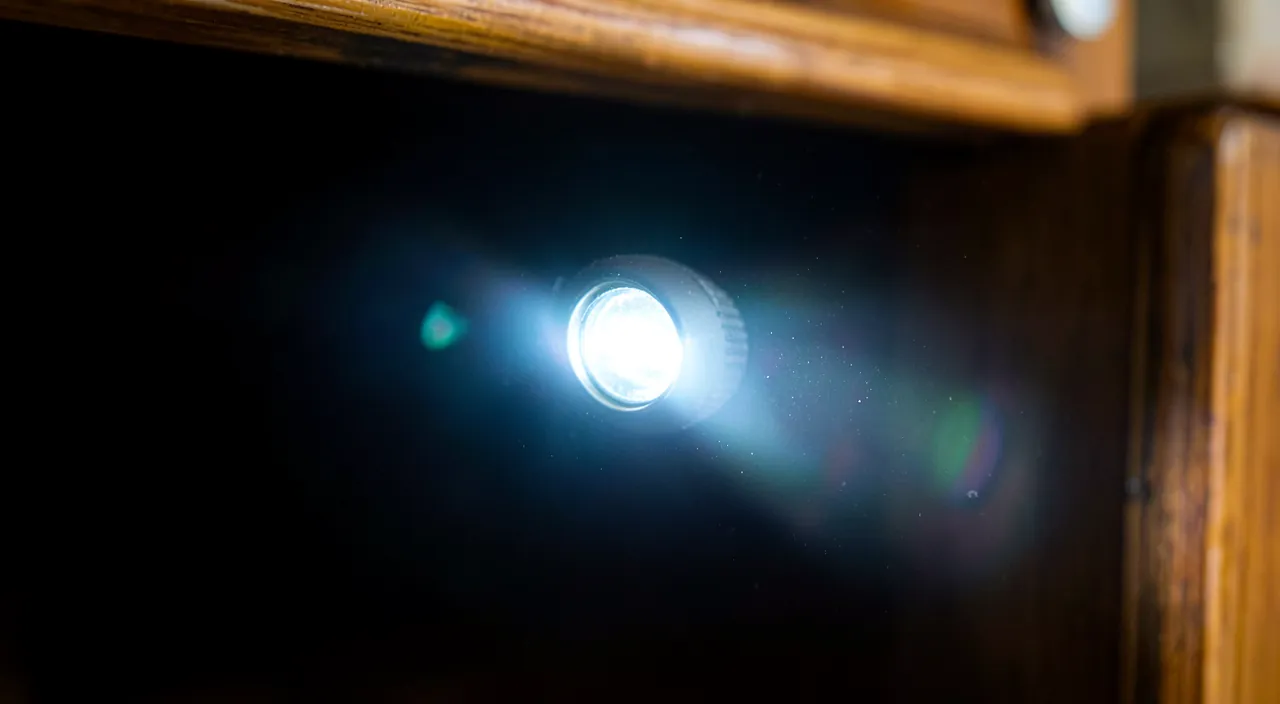
Here are the most practical tools and how to use them quickly. The FLASHLIGHT — quick access: the flashlight is often accessible in one gesture, via the QUICK ACCESS PANEL (Control Center) — a simple tap; it’s the most used tool, to have at hand; learn this gesture (we’ll come back to it). Adjusting the INTENSITY of the flashlight: on many phones, you can adjust the intensity of the flashlight (long press on its icon); a softer or stronger light depending on the need; customize the lighting. The MAGNIFIER — access and usage: the magnifier is activated via the accessibility settings (to be put in quick access); point at text to enlarge it; precious for reading up close; check out our guides on the magnifier. The LEVEL — where to find it: the bubble level is often found in the « Measurements » app (or compass); place the phone on the surface, read if it’s straight; practical for DIY; look for this function. The COMPASS: the Compass app indicates the cardinal points; hold the phone flat, orient yourself; useful outdoors; calibrate it if requested (move the phone in an « 8 ») for precision. The MEASURING TAPE (Measure app): a measurement app (using the camera) measures distances/objects approximately; follow the instructions; practical for troubleshooting; beware of precision (we’ll come back to it). The CLOCK — stopwatch, timer, alarm: the Clock app groups stopwatch, timer, alarm, time zones; to time cooking, measure, wake up; very useful basics; to know. The CALCULATOR: easily accessible (quick access, dedicated app); for any calculation; some also do conversions; a basic tool; keep it at hand. The QUICK ACCESS PANEL: many tools (flashlight, timer, calculator) are in the quick access panel (which you open with a swipe); customize it to add your favorite tools; access in one gesture (we’ll come back to it). SEARCH and widgets: search for a tool via the phone’s search, or add widgets/shortcuts to your frequent tools; customized access; adapt to your uses; save time. In summary, the most useful tools and their access: the FLASHLIGHT (via the quick access panel, in one gesture; adjustable intensity), the MAGNIFIER (accessibility, to be put in quick access), the BUBBLE LEVEL and the MEASURING TAPE (in the « Measurements » app), the COMPASS (dedicated app, to calibrate), the CLOCK (stopwatch, timer, alarm), and the CALCULATOR. The key to convenience: the QUICK ACCESS PANEL (which you open with a swipe), to be customized to place your favorite tools, complemented by the phone’s search and widgets/shortcuts. These tools, once located and within reach, provide real services; the flashlight, the level, the magnifier, and the clock are among the most useful on a daily basis.
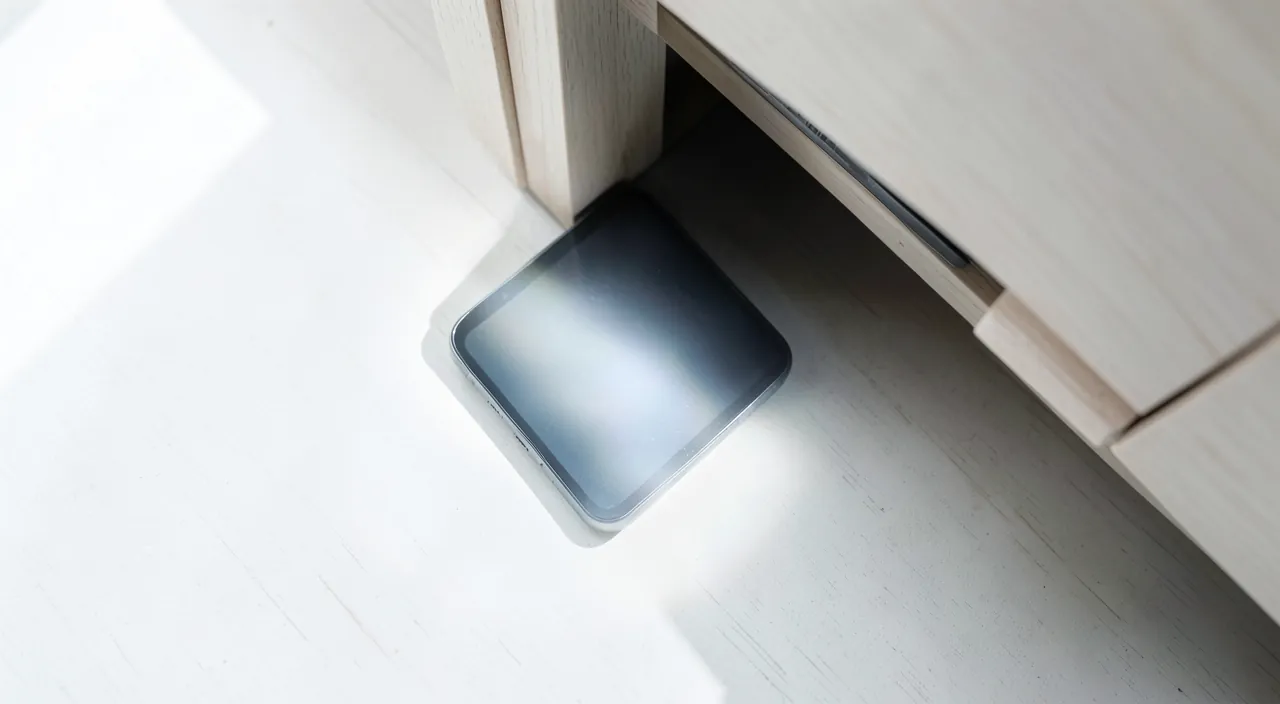
The smart move: put your favorite tools in the quick access panel, to pull them out in an instant. Having all these tools in your phone is only really useful if you can pull them out INSTANTLY, at the exact moment you need them — in the dark for the flashlight, in front of a crooked frame for the level, in front of a tiny manual for the magnifier. If you have to dig through the apps or settings every time, you won’t use them. The key to convenience is therefore to make your favorite tools accessible IN ONE GESTURE, and this goes through the QUICK ACCESS PANEL (the « Control Center »). This panel, which you open with a simple swipe of the finger from the edge of the screen, groups shortcuts to frequent functions and tools — and above all, it is CUSTOMIZABLE. Take a few minutes, once, to configure it according to your needs: add the tools you use the most. The FLASHLIGHT is almost always part of it by default (it’s the most used tool): a swipe, a tap, and you light up — ideal in the dark, to look for your keys under a piece of furniture, read a number in the dim light, or light yourself up in case of a power outage. Add according to your uses: the TIMER (for cooking, a break), the CALCULATOR, the MAGNIFIER (precious if you often read small characters), the stopwatch, or any other tool you use regularly. For the MAGNIFIER in particular, which is in the accessibility settings, think about adding it to the quick access panel (or associating it with a shortcut): that’s what makes it really practical on a daily basis (otherwise, it remains buried and unused). Another smart move for the flashlight: on many phones, a LONG PRESS on the flashlight icon (in the panel) allows you to ADJUST ITS INTENSITY — a soft light to avoid blinding at night, or stronger to light up well. Test this possibility. Beyond the quick access panel, two other means complete the quick access to your tools: the SEARCH of your phone (type the name of the tool — « level », « compass », « timer » — to find and open it directly, practical for less frequent tools), and the WIDGETS or SHORTCUTS that you can place on your home screen for your favorite tools. Some phones also allow you to associate a tool (like the flashlight or the magnifier) with a gesture or a button (for example an accessibility shortcut, or touching the back of the device). The general idea: identify the two or three tools you use the most, and put them within immediate reach (quick access panel, widget, shortcut), rather than leaving them buried in the menus. Once this small configuration is done, you will quickly get into the habit of « drawing » your phone like a toolbox: the flashlight in the dark, the level for a frame, the magnifier for a manual, the timer for cooking — all in one gesture. It’s this immediate accessibility that transforms these tools « that you know exist somewhere » into tools you actually use and that are useful every day.
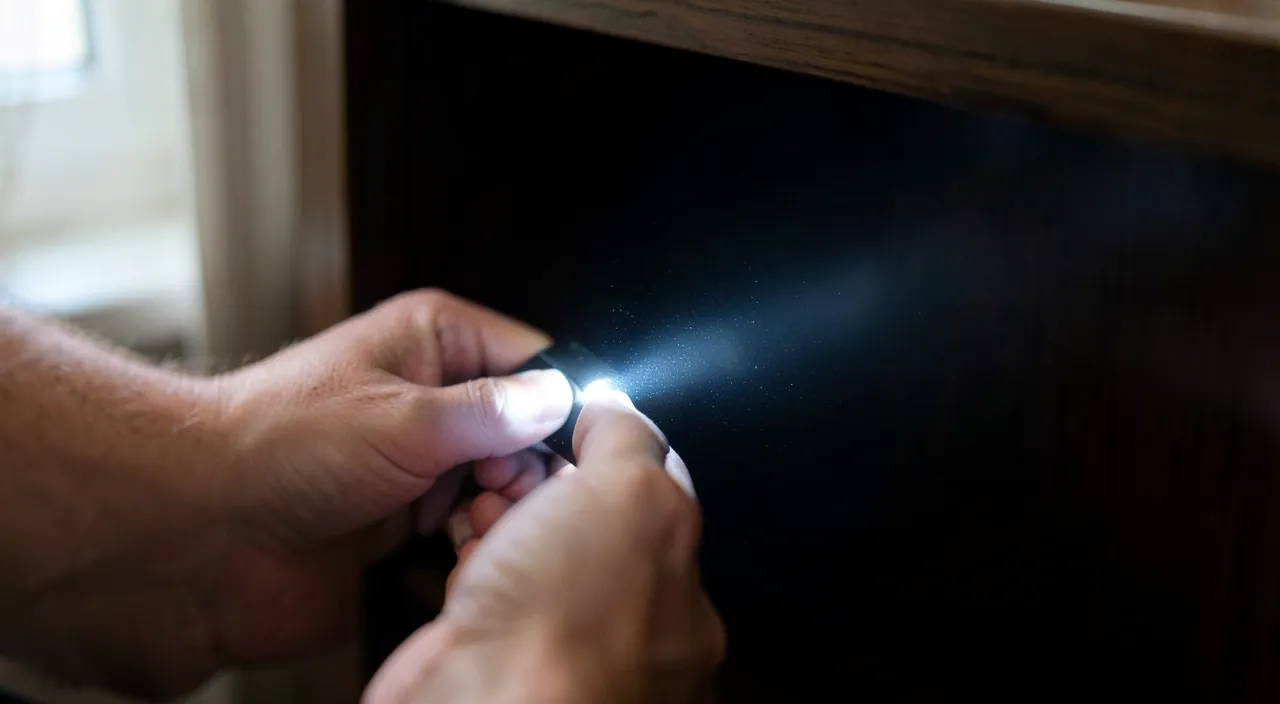
Your phone replaces many physical tools you might carry. The flashlight, level, magnifier, and compass are all built-in features. These are handy for everyday situations but aren’t as precise as dedicated tools. The main advantage is having them always with you, ready to use in a second.
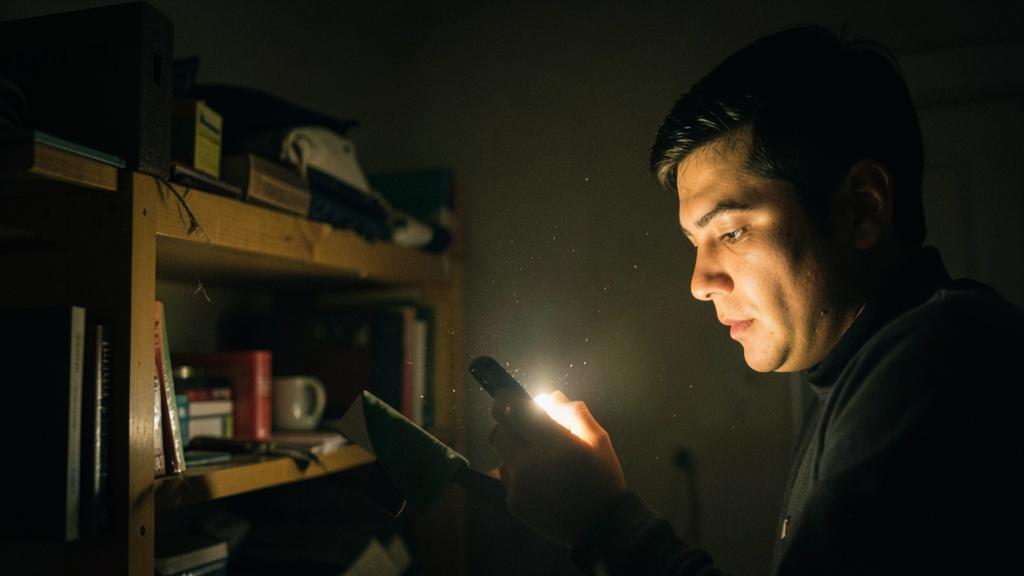
Imagine you’re hiking at night and need to check a map. Your phone’s flashlight helps you see, the compass shows you which way is north, and the magnifier lets you read tiny map details. You don’t need to carry separate tools – everything is in your pocket.
Using these tools well and knowing their limits
These tools are practical, but some have limits to know; here’s how to get the most out of them. The FLASHLIGHT, beware of the BATTERY: the flashlight consumes battery and heats up if left on for a long time; turn it off after use; for prolonged use (long power outage), think about it; occasional use is fine; manage the battery. The MEASURING TAPE, LIMITED precision: measurement apps give an APPROXIMATE measurement (practical for troubleshooting), but NOT the precision of a real measuring tape; for an exact measurement (precise DIY), use a real measuring tape; an order of magnitude, not precision (we’ll come back to it). The LEVEL, to VERIFY: the electronic level is practical but depends on calibration and the surface of the phone; for precise work, a real level is safer; the phone’s level is great for everyday use; calibrate it. The COMPASS, to CALIBRATE: the compass can be disturbed by metallic/magnetic objects nearby; calibrate it (move the phone), move away from disturbances; it gives the north reliably once calibrated; beware of interference. The MAGNIFIER, a real help: the magnifier is very useful for reading up close (with lighting, contrast); a real help in everyday life; few limits; take full advantage of it; check out our guides on the magnifier. Using the RIGHT tool: these tools are great for everyday use, but for demanding work (precise measurement, professional level), a real tool is preferable; the phone complements, doesn’t always replace; adapt to the requirement. The COMFORT of « always there »: the great advantage is that these tools are ALWAYS with you; even if they’re approximate, they help when you don’t have the real tool at hand; availability often takes precedence; better than a tool left at home. EXPLORE your phone: take the time to discover the tools of YOUR phone (they vary depending on the models); explore the built-in apps (Measurements, Clock, Compass, accessibility); you’ll be surprised at what it contains; discover. Be wary of DUBIOUS « tool » apps: be wary of third-party « flashlight » or « tools » apps that ask for too many permissions (a flashlight doesn’t need your contacts!); the built-in tools often suffice; check out our guides on app data (we’ll come back to it). KEEP the right SENSE: these tools are practical aids, not professional precision instruments; use them for what they are (troubleshooting, everyday use); common sense about their capabilities; appreciate them at their true value. In summary, to use these tools well: manage the BATTERY with the flashlight (turn it off after use), know the LIMITED precision of the measuring tape and the level (approximate: perfect for troubleshooting, but a real tool for precise work), CALIBRATE the compass (beware of metallic interference) and the level, and take full advantage of the magnifier (few limits). The great advantage is that these tools are ALWAYS with you (they help even if they’re approximate). Explore the tools of your phone (they vary), be wary of third-party « tool » apps that are too greedy for permissions (the built-in tools often suffice), and keep common sense about their capabilities (practical aids, not precision instruments). Well understood in their strengths and their limits, these tools provide real services on a daily basis.
Warning: these tools are for troubleshooting but don’t replace a precision instrument; and beware of « tool » apps that ask for too many permissions. Two points of vigilance to enjoy these tools without bad surprises. The first concerns their PRECISION LIMITS: these tools built into the phone are great for TROUBLESHOOTING and for EVERYDAY USE, but they don’t replace real precision instruments for demanding work. Take the MEASURING TAPE (measurement apps that use the camera): it’s very practical to get an ORDER OF MAGNITUDE (the approximate size of a piece of furniture, a room, to know if an object will fit), but the measurement is only APPROXIMATE — it can have a non-negligible margin of error. For precise DIY (cutting a board to the right size, placing a piece of furniture to the millimeter), trust a REAL measuring tape, not the app. Similarly, the electronic LEVEL is great for checking if a frame is more or less straight, but for demanding work, a real bubble level is more reliable (the phone’s level depends on its calibration and the flatness of its case). The COMPASS, for its part, can be disturbed by metallic or magnetic objects nearby, and must be calibrated to be reliable. The general principle: these tools are PRACTICAL AIDS, not professional instruments — use them for what they are. Their immense advantage compensates for their approximation: they are ALWAYS with you. An approximate measuring tape in your pocket is better than a precise one left at home when you’re in a store in front of a piece of furniture. So adapt the tool to the requirement: the phone for troubleshooting and everyday use, a real tool when precision is really necessary. Don’t take an approximate measurement from the phone for an exact measurement, at the risk of a bad surprise (a board cut too short!). The second point of vigilance concerns THIRD-PARTY « TOOL » APPS, especially fake « flashlight » apps. It’s a classic trap: you download a « flashlight » or « toolbox » app, and it asks for PERMISSIONS totally disproportionate to its function — access to your CONTACTS, your LOCATION, your MIC, your photos. Yet a simple flashlight has NO NEED for your contacts or your location to light up! These excessive permissions are a sign of an app that actually seeks to COLLECT your personal data (to exploit or sell them), the « flashlight » being just a pretext. The right reflex: most of the time, you DON’T need to install a third-party « tool » app, because these tools (flashlight, level, compass, magnifier, measuring tape, stopwatch) are ALREADY built into your phone, for free, without abusive data collection — use those in priority. If you really want a third-party app for a particular function, apply the rule of caution: check the permissions it asks for (a permission unrelated to its function is a warning sign: why would a flashlight want your contacts?), check its reviews and its publisher, and refuse apps that are too greedy. In summary, keep these two vigilances in mind: these built-in tools are perfect for troubleshooting but don’t replace a precision instrument for demanding work (adapt the tool to the requirement — a real measuring tape for a precise measurement), and beware of third-party « tool » apps with excessive permissions (the tools already built into your phone often suffice, without risk to your data). Thus, you can fully enjoy the toolbox of your phone, knowing its strengths (always there, practical) and its limits (approximate, beware of fake apps).

Frequently asked questions
What are the most useful hidden tools in my phone?
The most useful ones on a daily basis: the flashlight, the magnifier (reading up close), the bubble level (DIY), the compass (orienting yourself), the stopwatch/timer, the calculator, and an approximate measuring tape; explore your device to discover them. Let’s detail them. The FLASHLIGHT: the star tool; light up in the dark, look for an object, light yourself up in case of a power outage; accessible in one gesture (quick access panel); the most used; indispensable. The MAGNIFIER: enlarge and read small characters (manuals, labels, menus); a real help for close-up vision; to be put in quick access; very useful on a daily basis. The BUBBLE LEVEL: check if a frame, a shelf is straight; in the « Measurements » app; practical for everyday DIY; great for troubleshooting; convenient. The COMPASS: know the cardinal points, orient yourself (hiking, city); dedicated app; useful outdoors; always there; remember to calibrate it. The STOPWATCH and timer: time, set a timer (cooking, sports, breaks); in the Clock app; very used basics; at hand; essential. The CALCULATOR: any calculation, sometimes conversions; always available; a precious basic tool; don’t forget it; simple and useful. The MEASURING TAPE (measurement): measure a distance, an object approximately; « Measurements » app; practical for troubleshooting (approximate; not for precision); great for troubleshooting; useful in stores. The BACKUP MIRROR: the camera in selfie mode serves as a mirror; look at yourself, check something; clever; a practical detour; always there. The ALARM and clock: wake-up, alarms, time zones; in the Clock app; everyday functions; useful; to know; check out our guides on the alarm. EXPLORE according to your model: the tools vary depending on the phones; explore the built-in apps (Measurements, Clock, Compass, accessibility, Calculator); discover what YOUR phone contains; you’ll be surprised; explore. The ADVICE: among the most useful; the flashlight, the magnifier, the level, the compass, the stopwatch/timer, the calculator, the approximate measuring tape; explore the built-in apps of your phone to discover and put them within reach. In summary, your phone hides many everyday small tools, the most useful of which are: the FLASHLIGHT (the star tool, to light up in the dark, look for an object or light yourself up; accessible in one gesture), the MAGNIFIER (to enlarge and read the small characters of manuals, labels, and menus; a real help for close-up vision), the BUBBLE LEVEL (to check if a frame or a shelf is straight; practical for everyday DIY, in the « Measurements » app), the COMPASS (to know the cardinal points and orient yourself), the STOPWATCH and TIMER (for cooking, sports, breaks; in the Clock app), the CALCULATOR (for any calculation), and an approximate MEASURING TAPE (to roughly measure a distance or an object, practical for troubleshooting — but without the precision of a real measuring tape). Add to this some very convenient detours, like the BACKUP MIRROR (the camera in selfie mode). The exact tools and their location vary depending on the phone models: the best is therefore to EXPLORE your own device — browse the built-in apps (Measurements, Clock, Compass, Calculator, and the accessibility settings for the magnifier) — to discover everything it contains (you’ll often be surprised by the richness of this toolbox). Once these tools are spotted, think about putting your favorites within immediate reach (via the quick access panel): that’s what makes them really useful on a daily basis.
Is the phone’s measurement or level precise?
They are great for everyday use, but give an APPROXIMATE precision: for demanding work (precise DIY), use a real measuring tape or a real level; the phone gives a good order of magnitude, not the precision. Let’s nuance. An APPROXIMATE precision: the phone’s measurement tools (measuring tape via the camera, electronic level) give an APPROXIMATE measurement; they are practical but not perfectly precise; understand this limit; they are aids, not exact instruments. Perfect for TROUBLESHOOTING: for everyday and troubleshooting use (will this piece of furniture fit? Is this frame more or less straight? What approximate size?), the phone is great; the order of magnitude often suffices; useful when you don’t have the real tool. Not for PRECISION: for demanding work (cutting a board to the right size, placing to the millimeter, professional level); the phone’s precision is insufficient; use a real measuring tape/level; precision requires the real tool. The MEASURING TAPE, margin of error: the measurement app (via the camera) can have a non-negligible margin of error (depending on the light, the surface, the handling); good for estimating, not for cutting to the millimeter; estimate with it, measure precisely with a real measuring tape; distinguish. The LEVEL, to calibrate: the electronic level depends on its calibration and the flatness of the phone’s case; calibrate it, but for precise work, a real bubble level is more reliable; the phone for « more or less straight »; the real level for demanding work. VERIFY in case of doubt: for an important measurement, verify with a real tool (or measure several times); don’t blindly trust the approximation for a precise issue; cross-check for the important; verification avoids mistakes. The COMFORT of « always there »: the phone’s advantage is that it’s always with you; an approximate measuring tape in your pocket is better than a real one left at home; availability compensates for the approximation; practical when traveling. ADAPT to the use: use the phone to estimate/troubleshoot, the real tool for precision; adapt according to the issue; the right tool according to the requirement; complementary. Don’t RELY blindly: don’t take an approximate measurement for an exact measurement (risk: board cut too short!); keep in mind the approximation; common sense about precision; don’t overestimate the tool. The ADVICE: the phone’s measuring tape and level are great for everyday use (good order of magnitude), but for precise work, use a real measuring tape or level; adapt the tool to the requirement, and verify for important measurements. In summary, the measurement and level of your phone give an APPROXIMATE precision: they are practical aids, not exact instruments. They are GREAT for TROUBLESHOOTING — knowing if a piece of furniture will fit in a space, checking if a frame is more or less straight, estimating the size of an object, getting an order of magnitude —, which is often more than enough, especially when you don’t have the real tool at hand. On the other hand, for DEMANDING WORK (cutting a board to the right size, placing a piece of furniture to the millimeter, professional level work), their precision is insufficient: trust a REAL MEASURING TAPE or a REAL BUBBLE LEVEL. The measurement app (which uses the camera) can have a non-negligible margin of error depending on the light, the surface, and your handling; and the electronic level depends on its calibration and the flatness of the phone’s case. For an important measurement, verify therefore with a real tool (or measure several times), and never take an approximate measurement from the phone for an exact value — at the risk of a bad surprise. That said, keep in mind the phone’s immense advantage: it’s ALWAYS with you. An approximate measuring tape in your pocket is better than a precise one left at home when you’re in a store. The right approach is therefore to ADAPT the tool to the requirement: the phone for estimating and troubleshooting (where the order of magnitude suffices), a real instrument when precision is really necessary. Thus used appropriately, these tools provide real services, provided you know their limits.
Should I install a « flashlight » or « toolbox » app?
Generally no: these tools are already built into your phone (free, without abusive collection); beware of third-party « flashlight » apps that ask for excessive permissions (contacts, location). Let’s see. The tools are ALREADY built in: most of the tools (flashlight, level, compass, magnifier, measuring tape, stopwatch, calculator) are ALREADY in your phone, for free; no need to install a third-party app; use the built-in ones in priority; they often suffice. The TRAP of fake flashlights: a classic trap; third-party « flashlight » or « toolbox » apps ask for ENORMOUS permissions (contacts, location, microphone) unrelated to their function; it’s suspicious; beware. ABSURD permissions: a simple flashlight has NO NEED for your contacts, your location, your microphone to light up; these excessive permissions betray data collection; the « flashlight » is a pretext to suck up your info; the discrepancy alerts. DATA COLLECTION: these fake « tool » apps often serve to collect and sell your personal data; you « pay » for the free tool with your data; an abusive model; check out our guides on app data. USE the built-in tools: for the flashlight and everyday tools, use those built into your phone; they are safe, free, without abusive collection, and accessible in one gesture; no need to install anything else; the native one suffices. If really a THIRD-PARTY APP: if you want a third-party app for a particular function that the phone doesn’t have; check its permissions (no absurd request), its reviews, its publisher; apply the usual caution; only take the serious and justified. CHECK the permissions: for any « tool » app, the rule; are the requested permissions consistent with its function? A flashlight that wants your contacts? No; common sense decides; refuse the inconsistent. The RISK of permissions: granting permissions to a fake flashlight app is giving it access to your data; the risk is not the flashlight, but what it sucks up; protect your data; don’t give unnecessary access. UNINSTALL fake apps: if you’ve installed such an app (greedy flashlight), uninstall it and use the built-in tool; clean your phone of these fake apps; the native one advantageously replaces. The ADVICE: no, generally no need; the tools are already built in (free, safe); use them; beware of third-party « flashlight »/ »tools » apps with excessive permissions (they collect your data); if you install one, check its permissions. In summary, no, you generally DON’T need to install a « flashlight » or « toolbox » app: these tools (flashlight, level, compass, magnifier, measuring tape, stopwatch, calculator) are ALREADY built into your phone, for free, safely, and without abusive data collection — and they are accessible in one gesture. Use those in priority. On the other hand, beware of THIRD-PARTY « flashlight » or « tools » apps, which are a classic trap: many ask for PERMISSIONS totally excessive and absurd compared to their function — access to your CONTACTS, your LOCATION, your MICROPHONE. Yet a simple flashlight has no need for your contacts or your position to light up! These disproportionate permissions betray an app that actually seeks to COLLECT and sell your personal data, the « flashlight » being just a pretext to make you install a data sucker. The real risk is therefore not the flashlight itself, but what you give it access to. The rule of caution: for any « tool » app, check that the requested permissions are COHERENT with its function (a permission unrelated is a warning sign), check its reviews and its publisher, and refuse apps that are too greedy. If you’ve already installed such an app, uninstall it and use the built-in tool instead. In short, your phone already contains an excellent free and safe toolbox: take advantage of it, and only install a third-party app if it brings a really missing function and if it is serious and reasonable in its permissions.
What to remember
Your phone is a real TOOLBOX always in your pocket, integrating a bunch of everyday small tools often unknown or underused: the FLASHLIGHT (light up in the dark, look for an object), the MAGNIFIER (read small characters), the BUBBLE LEVEL (hang a straight frame), the COMPASS (orient yourself), an approximate MEASURING TAPE (measure roughly), the STOPWATCH and TIMER (cooking, sports), the CALCULATOR, and even a backup MIRROR (the camera in selfie mode). No need to look for the tool that’s always missing at the right moment: it’s probably already in your device. The key to really enjoying it is QUICK ACCESS: these tools are only useful if you can pull them out instantly. So configure, once, the QUICK ACCESS PANEL (which you open with a swipe) to place your favorite tools there — the flashlight (often already present, sometimes with adjustable intensity by long press), the timer, the calculator, and think about adding the MAGNIFIER (which, otherwise, remains buried in the accessibility settings). Complete with the phone’s search (for less frequent tools) and widgets or shortcuts on your home screen. Two points of vigilance to know. First, these tools are GREAT for everyday use, but they don’t replace PRECISION INSTRUMENTS for demanding work: the phone’s measuring tape and level give a good order of magnitude (perfect for knowing if a piece of furniture will fit, if a frame is more or less straight), but for an exact measurement (cutting a board, placing to the millimeter), use a real measuring tape or a real level. Adapt the tool to the requirement, and don’t take an approximate measurement for an exact value — while enjoying the phone’s immense advantage: it’s ALWAYS with you (an approximate tool in your pocket is better than a precise one left at home). Then, beware of THIRD-PARTY « flashlight » or « toolbox » APPS: you generally don’t need them (the tools are already built in, free, and safe), and many ask for ABSURD permissions (your contacts, your location) unrelated to their function — a sign that they actually seek to collect your personal data. Use the built-in tools in priority, and if you install a third-party app, check that its permissions are consistent with its function. Also think about managing the battery with the flashlight (turn it off after use), calibrating the compass (disturbed by metallic objects), and exploring the tools specific to your model (they vary). In short, your phone contains a free, practical, and always available toolbox that replaces a bunch of everyday objects: take the time to discover these tools, put your favorites within immediate reach, use them appropriately (knowing their precision limits), and prefer the built-in tools to dubious third-party apps. You’ll thus get much more out of your device, always having with you the flashlight, the magnifier, the level, or the timer you need.

Want to go further with your phone and your apps? Our practical training courses are made for you.
Leave a Reply
You must be logged in to post a comment.