
Your internet box, your surveillance camera, your connected printer, your router, some connected devices: many of these devices come with a « default » password — a password set by the manufacturer at the factory, often identical for all devices of the same model, sometimes even a simple sequence like « admin » / « 0000 » / « password ». The problem: these default passwords are known, published, and represent a wide security flaw. Leaving them in place is like installing a reinforced door but leaving the key under the doormat for everyone to see. Changing these default passwords is one of the simplest and most important security measures. Let’s see why they are so dangerous, which devices are affected, and how to change them.
Why default passwords are dangerous
Factory passwords are a major flaw; let’s understand why. What is a DEFAULT PASSWORD: it’s the password set by the MANUFACTURER at the factory on a device (box, camera, router, connected object); it’s there right out of the box; often simple and generic; it’s the starting point. They are KNOWN: the main problem; these default passwords are often IDENTICAL for all devices of the same model, and PUBLISHED (in manuals, on the internet); anyone can know them; that’s the core of the danger (we’ll come back to it). Often SIMPLE: many are trivial sequences; « admin », « 0000 », « 1234 », « password », or the manufacturer’s name; easy to guess in addition to being known; a double weakness; change them. The KEY under the doormat: leaving a default password is like having a lock whose key is known to everyone; the protection is illusory; the device is open to anyone who knows the standard password; a wide flaw. What it EXPOSES: an intruder can take control of the device; access your network (via the box/router), spy (camera), use the device for malicious purposes; the consequences are serious; access opens everything. The CAMERAS, a sensitive case: connected cameras with default passwords can be accessed by strangers (some sites even list accessible cameras!); your privacy exposed; a particularly serious case; change it absolutely. The BOX/router, the gateway to the network: the box/router controls access to your entire network; a default administration password allows an intruder to control your network; a major issue; secure it. Automated ATTACKS: malicious programs SEARCH automatically for devices with default passwords on the internet and compromise them en masse; it’s not « it only happens to others »; the attacks are automatic and massive; the risk is real. A SIMPLE and crucial gesture: changing these passwords is easy and quick, and it’s one of the most important security measures; a small effort to fill a big flaw; profitable; do it. Often NEGLECTED: many leave the default password out of ignorance or laziness; it’s a very common flaw; awareness helps; don’t make this mistake. What it SERVES to understand: realizing that these passwords are known to everyone and actively sought motivates you to change them without delay; awareness of the danger triggers action. The main idea: a « default » password is the one set by the manufacturer at the factory on a device (box, camera, router, connected object). The major danger: these passwords are often IDENTICAL for all devices of the same model, PUBLISHED (manuals, internet), and often TRIVIAL (« admin », « 0000 », « password »). Leaving them in place is like having a lock whose key is known to everyone: anyone can take control of the device, access your network (via the box/router), or spy on you (camera — a particularly serious case, some poorly protected cameras being accessible to strangers). Worse, malicious programs SEARCH automatically, en masse, for devices left with default passwords to compromise them: the risk is real and active, not theoretical. Yet changing these passwords is a SIMPLE, quick, and one of the most important digital security measures — yet often neglected. Understanding that these passwords are known to everyone and actively sought motivates you to change them without delay.
Default passwords are factory-set codes that are often the same for all devices of a model and published online. Leaving them unchanged is like leaving your door unlocked – anyone can access your devices, network, or cameras. Automated hacking tools constantly scan for devices with default passwords, so changing them is one of the easiest ways to protect yourself.
In 2018, security researchers found that over 150,000 IP cameras in the US alone were still using default factory passwords. Hackers exploited this to create a botnet of 400,000 cameras that launched massive DDoS attacks. Many of these cameras were in homes, allowing strangers to spy on private spaces.
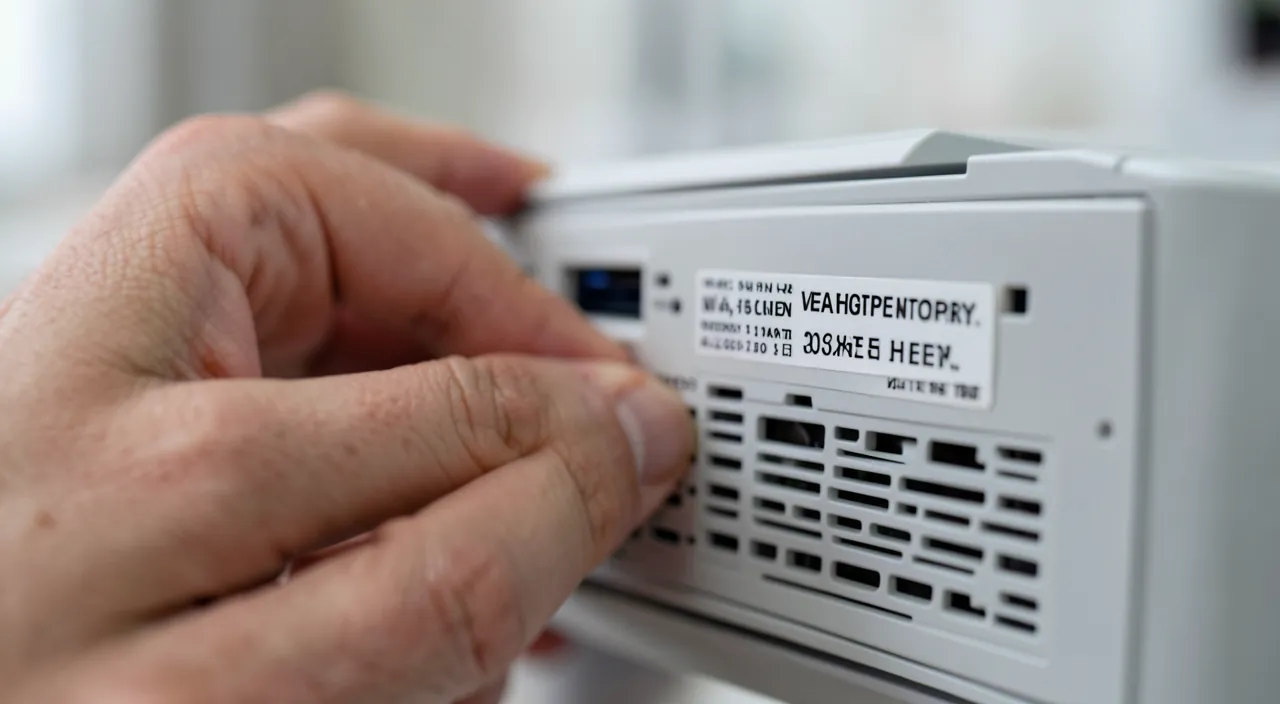
Which devices are affected and how to change
Many devices are affected; here are which ones and how to change their password. The INTERNET BOX / the router: the most important device to secure; it often has a default ADMINISTRATION password (to access its settings) and a WiFi password; change both if necessary; it’s the gateway to your network (we’ll come back to it). Connected CAMERAS: surveillance cameras, connected baby monitors; with default passwords, they can be spied on; change it IMPERATIVELY; a critical case for your privacy; absolute priority. Connected OBJECTS: connected plugs, bulbs, thermostats, assistants, connected appliances; many have a default password/account; secure them; they are part of your network; don’t forget them. Connected PRINTERS and NAS: network printers, network storage disks (NAS); often a default access; to secure (they can contain/expose data); check them. ROUTERS and WiFi repeaters: additional routers, repeaters, access points; administration interface with default password; secure them like the box; everything that manages the network counts. FIND the setting: to change, access the DEVICE SETTINGS (via its application, its web interface, or the device screen); look for « password », « security », « administration »; consult the manual if needed; accessing the settings is the starting point. CHANGE to a SOLID password: replace the default password with a SOLID (long, not obvious) and UNIQUE password; not another trivial password; a real password protects; consult our guides on strong passwords. Also change the USERNAME if possible: some devices allow you to change the default administration username (« admin ») as well; doing so strengthens; don’t leave the default username+password pair; secure both. Do it RIGHT AWAY: the best time is AS SOON AS a new device is set up; get into the habit of changing the default password during installation; don’t put it off; integrate it into the unboxing. CHECK existing devices: for your already installed devices, check and change any remaining default passwords; go through your connected devices; it’s never too late; audit the existing. In summary, the affected devices: the BOX/the router (the most important — administration password AND WiFi), connected CAMERAS (critical for privacy, must be changed imperatively), connected OBJECTS (plugs, bulbs, thermostats, assistants), printers and network disks, routers/repeaters. To change: access the DEVICE SETTINGS (application, web interface, or screen; consult the manual), find the password option, and replace the default password with a SOLID and UNIQUE password (also change the administration username if possible). Do it AS SOON AS a new device is installed, and check your existing devices. This simple gesture fills a major flaw; the box, cameras, and any connected device must leave their factory password.
- Internet box/router (administration and WiFi passwords)
- Connected cameras (absolute priority for privacy)
- Connected objects (plugs, bulbs, thermostats, etc.)
- Network printers and NAS (data exposure risk)
- Additional routers and repeaters (network management)
The absolute priority: the internet box and connected cameras. If you need to change the default passwords of your devices (and you must!), start with the two most critical, as they are the ones that expose the most in case of negligence: the internet box (or the router) and the connected cameras. Priority number one: the INTERNET BOX / THE ROUTER. It’s the most strategic device in your digital home, as it controls access to YOUR ENTIRE NETWORK — all your connected devices (computers, phones, connected objects) go through it. An important point to understand: your box actually often has TWO distinct passwords. On one side, the WiFi password (the one you enter to connect a device to the network): change it if it’s still the original, especially if it’s a simple sequence. On the other, and this is most often forgotten, the ADMINISTRATION password (the one that gives access to the box’s SETTINGS, its configuration interface): this one is frequently a trivial default password of the type « admin » / « admin », known to everyone. Yet, if an intruder accesses your box’s administration, they can take control of your entire network (modify settings, intercept your traffic, open access). So, change this administration password imperatively for a solid password. Securing the box is protecting the gateway to your entire digital universe. Priority number two, just as urgent and sensitive for your privacy: CONNECTED CAMERAS (surveillance cameras, connected baby monitors, video intercoms). This is a particularly serious case, as a camera left with a default password can be accessed by STRANGERS: there are even sites that list poorly protected cameras, accessible to anyone on the internet, broadcasting live the inside of homes without their owners’ knowledge. Imagine that a stranger could see your living room live, your child’s room (via a connected baby monitor), or monitor your comings and goings: that’s exactly what a default password not changed makes possible. It’s a major violation of your privacy and security. So, as soon as a connected camera is installed, the very first thing to do — even before using it — is to CHANGE its default password for a solid and unique password; and check that your already installed cameras haven’t been left with the factory password. Never take this subject lightly: a camera is meant to LET YOU monitor, not to let strangers monitor you. After these two priorities, continue with the other connected devices (connected objects, printers and network disks, additional routers and repeaters), which also need to be secured. But if you only do one thing today, do this: check and change the default passwords of your BOX (including administration) and your CONNECTED CAMERAS. These are the two devices whose negligence has the most serious consequences — control of your entire network for one, violation of your privacy for the other. A few minutes to fill these two major flaws: it’s one of the best security investments you can make.
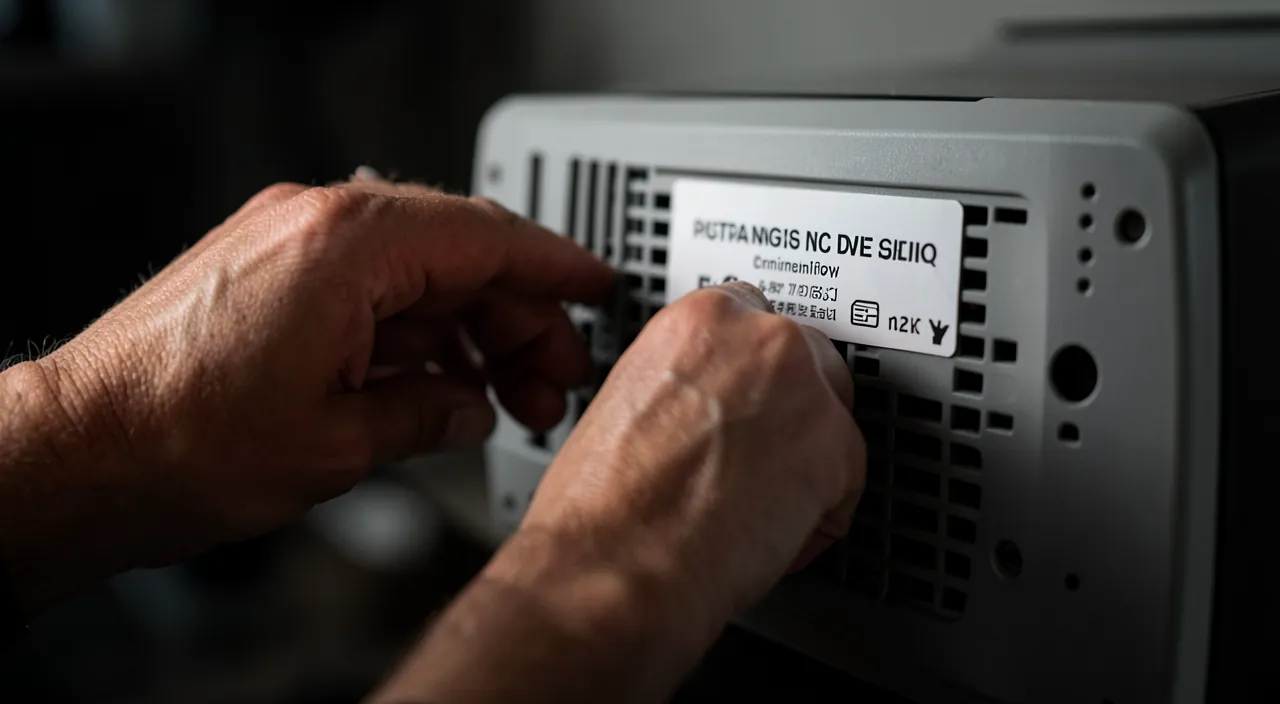
Good practices and vigilance
Beyond changing, a few good practices strengthen the security of your connected devices; here’s the essential. Change RIGHT AWAY: get into the habit of changing the default password of each new connected device AS SOON AS it’s set up; integrate this gesture into the unboxing; don’t put it off; the habit prevents forgetting. A SOLID and UNIQUE password: always replace with a REALLY solid password (long, not obvious) and preferably UNIQUE; don’t put another trivial password; the quality of the new password matters; consult our guides on passwords. MAKE an inventory of your devices: go through all your connected devices (box, cameras, objects, printers, routers); you often have more than you think; check each one; the inventory prevents forgetting. KEEP your devices UPDATED: keep your connected devices UP TO DATE (their software/firmware); updates fix security flaws; an outdated device is vulnerable; updates also protect these devices. The GUEST NETWORK for objects: consider connecting connected objects to a « guest » network separate from your main devices; if an object is compromised, it doesn’t access the rest; a good practice of compartmentalization; consult our guides on the network. Disable UNNECESSARY remote access: some devices allow remote access (from the internet); if it’s unnecessary, disable it (it increases the attack surface); only open what’s necessary; limit exposure. Check CAMERAS regularly: for cameras, regularly check that they are well secured (password changed, up to date, remote access controlled); their sensitivity justifies particular vigilance; monitor them. NOTE your passwords securely: as you change several passwords, note them in a safe place (password manager); don’t forget them (you’ll need them for settings); manage them; organization prevents blockages. BUY serious devices: prefer connected devices from serious brands (better security, updates); beware of very cheap objects without follow-up; quality influences security; choose well. RAISE awareness among your entourage: talk about it around you; many are unaware of this risk; helping a loved one secure their box, their cameras is useful; awareness protects the family; share. In summary, good practices: change the default password AS SOON AS each device is installed, always for a SOLID and UNIQUE password, make an INVENTORY of all your connected devices (you often have more than you think), keep them UPDATED (updates fix flaws), consider a GUEST NETWORK for connected objects (compartmentalization), disable unnecessary remote access, regularly check cameras (the most sensitive), note your passwords in a safe place, prefer devices from serious brands, and raise awareness among your entourage. These practices strengthen the long-term security of your connected devices; changing right away, updates, and compartmentalization are the keys.
Warning: a device left with a default password is actively sought by automated attacks — this is not a theoretical risk. It’s important to understand that the danger of default passwords is not theoretical or exceptional: it’s a REAL and ACTIVE threat, to which all devices that ignore it are constantly exposed. Many people say « why would someone be interested in MY box or MY camera? I’m not a target. » This is a dangerous misconception, as it misunderstands how these attacks work. Intruders don’t choose targets one by one: they use AUTOMATED programs that constantly scan the internet on a large scale, looking for connected devices (boxes, cameras, routers, connected objects) left with their default password. These programs automatically try the known factory passwords (which are published and listed) on millions of devices, and compromise en masse those that haven’t been secured. You don’t need to be a « target » or an important person to be affected: it’s enough that your device is connected to the internet with its default password for it to be, sooner or later, spotted and compromised by these automatic and blind attacks. It’s exactly like leaving your key under a doormat in a street where thieves systematically test all doormats: it’s not « if » but « when ». The consequences can be serious depending on the device. A compromised box or router: the intruder controls your network, can intercept your traffic, access your other devices, or use your connection for malicious purposes (in your name). A compromised camera: strangers can SPY on you live — see inside your home, your child’s room via a connected baby monitor — a major violation of your privacy (some sites publicly list poorly protected cameras accessible to everyone). Compromised connected objects: they can be hijacked (for example, unwittingly enrolled in networks of hacked devices used for attacks), or serve as a gateway to the rest of your network. Faced with this very real threat, the conclusion is clear: NEVER leave a connected device with its default password, thinking that « it only happens to others. » It happens to everyone, precisely because the attacks are automatic and make no distinction. The good news is that the solution is extremely simple and effective: changing the default password for a solid password is enough to get you out of the radar of these automated attacks (which only look for devices with known passwords). A few minutes of your time, once per device, against a real and serious risk: the calculation is quick. Complete with keeping your devices up to date (to fix other flaws) and disabling unnecessary remote access (which reduces the attack surface). In summary: never underestimate the danger of default passwords under the pretext that you wouldn’t be a « target »; automated attacks actively and massively seek all negligent devices, without distinction. Change these passwords without delay: it’s a simple gesture that protects you from a very real, constantly active threat.
Frequent questions
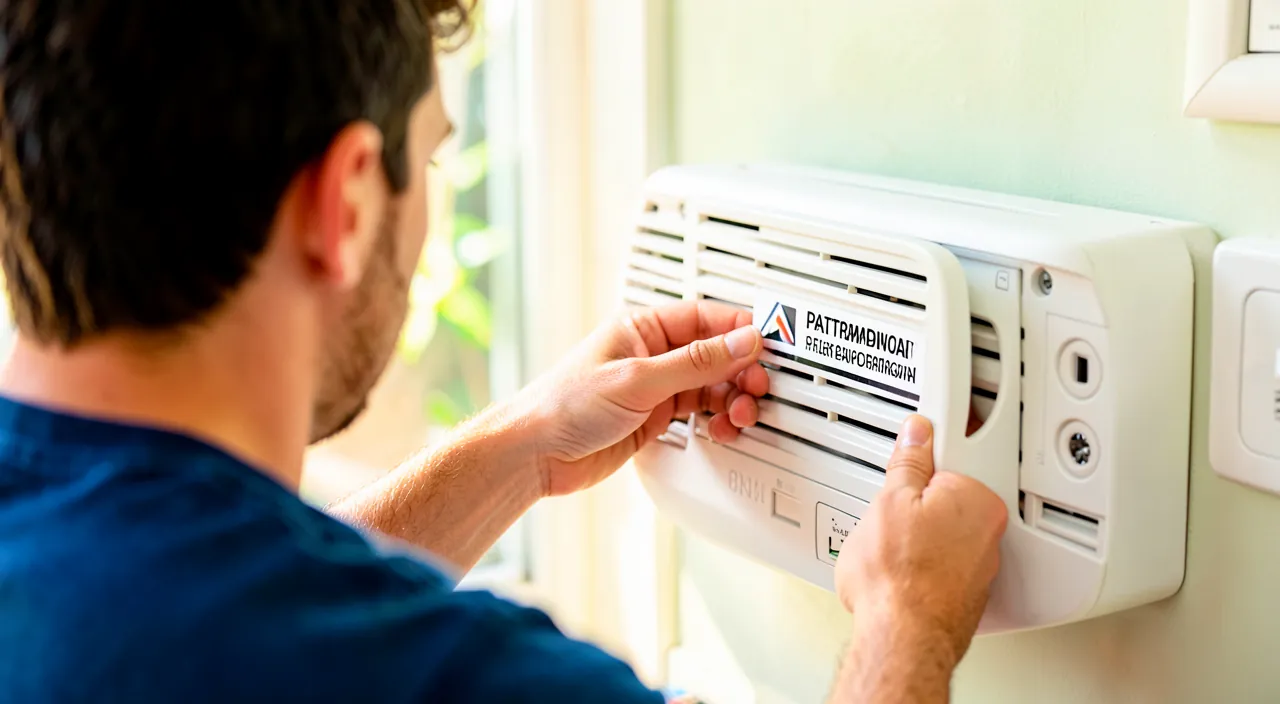
How to know if my box still has its default password?
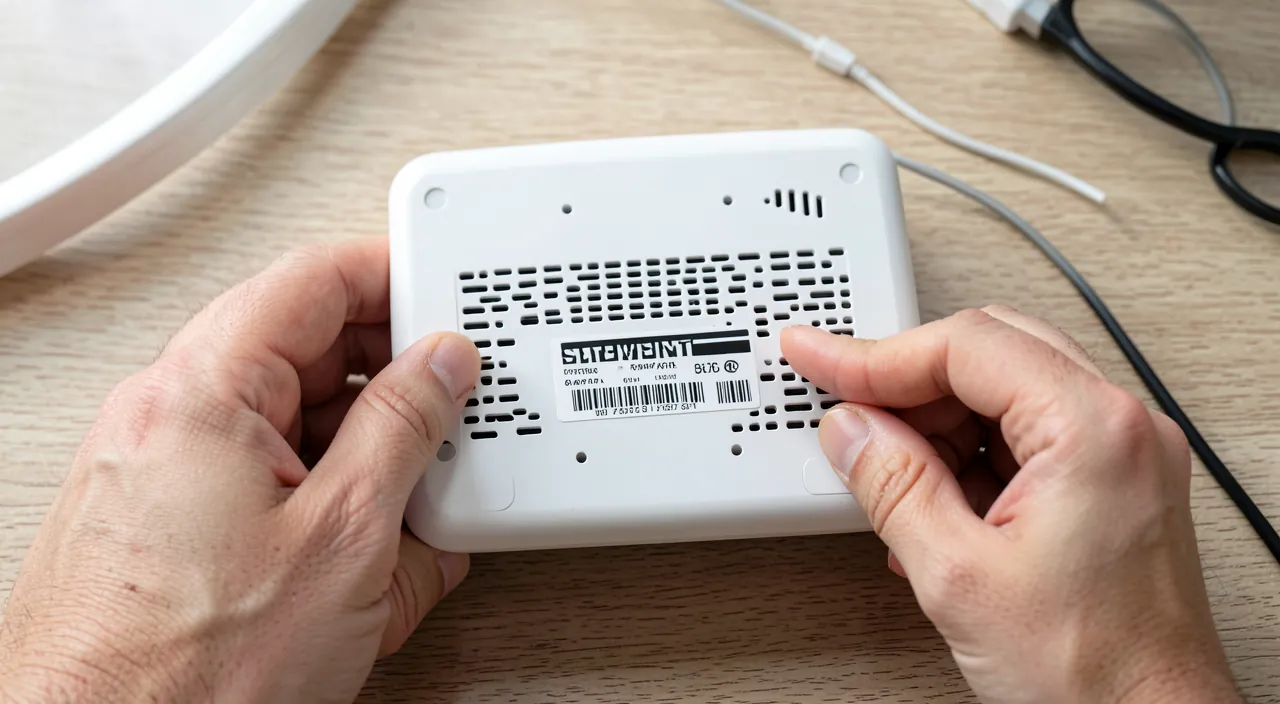
Check in the box settings (via its application or its administration interface): if the administration password is still « admin », the one printed on the label, or a trivial sequence, change it. Let’s see how. Distinguish the TWO passwords: reminder; the box often has the WiFi password (to connect to the network) AND the ADMINISTRATION password (to access its settings); check especially the latter, often forgotten; two distinct passwords. ACCESS administration: access the settings/administration of your box; via its DEDICATED APPLICATION, or by typing its administration address in a browser, or its screen; consult your box’s manual; that’s where you check and change. The ORIGINAL password: if to access administration you’re still using « admin », a trivial password, or the one printed on the BOX LABEL (often the default), it’s that it hasn’t been changed; these cases indicate a default password. The box LABEL: many boxes have a label with the original WiFi password and sometimes the administration password; if you’re still using these values, they’re the defaults; the label reveals the starting point; compare. TRIVIAL values: if the password is « admin », « 0000 », « 1234 », « password », the provider’s name, or empty; these are obvious defaults to change; these values are clear signals; change them. WiFi too: also check the WiFi password; if it’s the original (label) and especially if it’s simple, consider changing it too for a solid password; both deserve attention; secure the network. In case of DOUBT, change: if you’re not sure whether you’ve changed the password, or in case of doubt, change it (for a solid one); better to do it as a precaution; an extra change doesn’t hurt; in doubt, act. ASK the provider: if you don’t know how to access your box’s administration, contact your internet service provider (they guide you) or consult the manual; official help makes it easier; don’t get stuck; ask. NOTE the new one: when you change, note the new password in a safe place (you’ll need it for future settings); don’t forget it; manage it; organization prevents blockages. The ADVICE: access your box’s administration (application, web interface, or manual); if the administration password is still a default (admin, trivial, the one on the label), change it for a solid one; also check the WiFi; in doubt, change, and note the new one. In summary, to know if your box still has its default password, you need to access its SETTINGS (its administration): via its DEDICATED APPLICATION, by typing its administration address in a browser, or via its screen — consult your box’s manual or your internet service provider if you don’t know how to do it. Distinguish well the TWO passwords of the box: the WiFi password (to connect devices to the network) and especially the ADMINISTRATION password (to access the settings), the latter being most often forgotten. You probably still have the default password if, to access administration, you’re still using « admin », a trivial sequence (« 0000 », « 1234 », « password »), the provider’s name, or the password printed on the BOX LABEL (which is precisely the factory value). These cases indicate a default password to change urgently for a solid password. Also check the WiFi password (if it’s the original and simple, change it too). In case of doubt about having already changed the password, change it as a precaution: an extra change doesn’t do any harm, and you’ll be sure to be protected. Finally, think to note the new password in a safe place (you’ll need it to access the settings in the future). This small check of your box is essential, as it’s the gateway to your entire network.
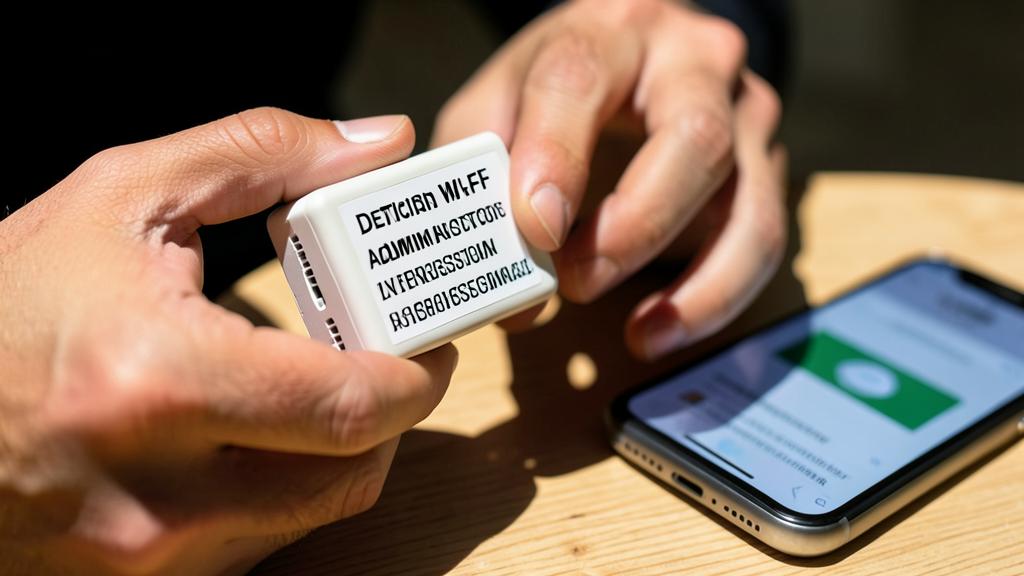
Is it really necessary for all connected objects?
Yes, as much as possible: any connected device with a default password/account is a potential flaw; prioritize the most sensitive ones (box, cameras), but secure everything that can be. Let’s nuance. The GENERAL principle: any device connected to the internet or your network, if it has a default password or access, is a potential flaw; securing it is desirable; the principle applies to all; don’t neglect any accessible device. PRIORITIZE the most sensitive ones: some devices are much more critical; the BOX (network gateway) and the CAMERAS (privacy) at the top; start with them; prioritize according to risk; urgency isn’t the same everywhere. Objects AT RISK: cameras, baby monitors, boxes, routers, connected locks, network disks, everything that touches security, privacy, or the network; these objects deserve strong attention; the risk is high. Less CRITICAL objects: an isolated connected bulb presents less risk than a camera; but even an « innocuous » object, if compromised, can serve as a gateway to your network; don’t neglect them completely; secure as much as possible. The ENTRY point: even a less sensitive object, if compromised, can give access to your network (and therefore to the rest); that’s why every connected object counts; the chain is as strong as its weakest link; compartmentalize (guest network). What is POSSIBLE: some objects don’t allow you to change the password, or work via an account (to secure instead); do the best you can with what each object allows; adapt to the device; secure what can be. The GUEST NETWORK for objects: a good strategy; put connected objects on a separate « guest » network; thus, a compromised object doesn’t access your main devices; compartmentalization limits damage; global protection. COMMON SENSE: prioritize according to risk (box and cameras first), secure everything that can be easily, and compartmentalize objects; no need to panic, but don’t neglect anything sensitive; discernment guides. Don’t FORGET objects: we think of the computer, the phone, but we forget connected objects (plugs, bulbs, appliances); they are part of the network; include them in your vigilance; complete inventory. The ADVICE: yes, secure as much as possible any connected device with a default password; prioritize the most sensitive ones (box, cameras), secure the rest easily, compartmentalize objects on a guest network, and don’t forget any accessible device. In summary, yes, it’s necessary to change the default passwords of ALL connected devices as much as possible, as each device with a default password or access is a potential flaw. That said, you need to PRIORITIZE according to risk: some devices are much more critical than others. At the top of the list, the BOX/the router (which controls your entire network) and the CONNECTED CAMERAS (which affect your privacy) — these are the ones to secure first and imperatively, along with other sensitive objects (baby monitors, connected locks, network disks). Objects that seem more « innocuous » (a bulb, a connected plug) present a lower risk taken in isolation, but you shouldn’t neglect them completely: even a less sensitive object, if compromised, can serve as an ENTRY POINT to your network and therefore to the rest of your devices (the security of a network is that of its weakest link). An excellent strategy for these objects is to connect them to a SEPARATE « GUEST » NETWORK from your main devices: thus, if one of them is compromised, it won’t access your computers and data. Do the best you can with what each object allows (some don’t let you change the password, or work via an account to secure instead). The important thing is to apply common sense: secure first and imperatively the sensitive devices (box, cameras), secure easily everything that can be, compartmentalize connected objects, and above all, don’t FORGET these objects in your vigilance (we think of the computer and the phone, but connected objects are also part of the network). No need to panic, but don’t leave any sensitive device with its factory password.
What to do if I can’t change the password of a device?
First, look well for the option (via the application or the manual); if really impossible, isolate the device (guest network), limit its remote access, and beware of a device that allows no securing. Let’s see. LOOK well first: before concluding that it’s impossible, look well for the option; in the APPLICATION of the device, its interface, its settings, and especially in its MANUAL (or online); the option is sometimes hidden; make sure it really doesn’t exist. Consult the MANUAL/support: the manual or the manufacturer’s support indicates how to change the password; look for the instructions there; sometimes the procedure is specific; official help clarifies; inform yourself. The case of an ACCOUNT rather than a password: some objects are secured via an ACCOUNT (application) rather than a local password; in this case, secure this account (solid password, double authentication); security goes through the account; adapt. If REALLY impossible — ISOLATE: if the device doesn’t allow any change, ISOLATE it on a separate « guest » network; thus, if it’s compromised, it doesn’t access your main devices; compartmentalization limits damage; an effective workaround. LIMIT remote access: disable any remote access (from the internet) of this device if it’s not essential; without exposure to the internet, the risk decreases; reduce its attack surface; limit exposure. KEEP it UPDATED: keep it up to date (its firmware); updates sometimes fix flaws, or even impose a password change; updates can improve its security; update. BEWARE of a non-securable device: a device that allows NO SECURING (unchangeable fixed password) is a bad sign (unserious manufacturer); beware; consider not using it on a sensitive network; non-securability is a flaw. CONSIDER replacing it: for a sensitive device (camera) that can’t be secured, consider replacing it with a safer model; security is worth replacing for critical objects; don’t keep a sensitive non-securable device. BUY better in the future: for your future purchases, choose devices from serious brands that allow you to change the password and provide updates; anticipate securability at purchase; the lesson for the future. The ADVICE: look well for the option (application, manual, support); if the device is secured via an account, secure the account; if it’s really impossible, isolate the device (guest network), limit its remote access, update it, and beware (or replace) a sensitive non-securable device. In summary, if you can’t change the password of a device, first LOOK well for the option before concluding it’s impossible: it’s sometimes hidden in the device’s application, its interface, or especially its MANUAL (also consult the manufacturer’s online support). Note that some objects are secured not by a local password, but via an ACCOUNT in an application: in this case, it’s this account that you need to secure (solid password, double authentication). If changing is really IMPOSSIBLE, several workarounds: ISOLATE the device on a « guest » network separate from your main devices (thus, if it’s compromised, it won’t access your computers and data), DISABLE any unnecessary remote access (to reduce its internet exposure), and keep it UPDATED (updates sometimes fix flaws). Above all, BEWARE of a device that allows NO SECURING (unchangeable fixed password): this is a sign of an unserious manufacturer, and for a sensitive device like a camera, it’s better to consider REPLACING it with a safer model rather than keeping a permanent flaw. Finally, learn from this for your future purchases: prefer connected devices from serious brands, which allow you to change the password and provide security updates. The ability to secure a device should be a purchase criterion, especially for everything that affects your network or your privacy.
What to remember
Many connected devices — internet boxes, routers, surveillance cameras, baby monitors, printers, network disks, connected objects — come with a « default » password set by the manufacturer. The major danger: these passwords are often IDENTICAL for all devices of the same model, PUBLISHED (in manuals, on the internet), and often TRIVIAL (« admin », « 0000 », « password »). Leaving them in place is like having a lock whose key is known to everyone: anyone can take control of the device, access your network, or spy on you. And this risk is not theoretical: AUTOMATED malicious programs constantly, on a large scale and without distinction, search for devices left with default passwords to compromise them en masse — you don’t need to be a « particular target » to be affected, it’s enough to have neglected this step. Changing these passwords is therefore one of the simplest and most important security measures. Start with the two PRIORITY devices, whose negligence has the most serious consequences: the INTERNET BOX / the router (which controls your entire network — think to change not only the WiFi password, but ESPECIALLY the ADMINISTRATION password, often forgotten and still in « admin »), and the CONNECTED CAMERAS (whose default password can allow strangers to spy on you live — a major violation of privacy, to be avoided absolutely from installation). Continue with the other connected devices (connected objects, printers, network disks, additional routers and repeaters). To change: access the device settings (via its application, its web interface, or its screen; consult the manual), and replace the default password with a SOLID and UNIQUE password (also change the administration username if possible). Adopt good practices: do it AS SOON AS each new device is installed, make an INVENTORY of your connected devices (you often have more than you think), keep them UPDATED (updates fix other flaws), consider a GUEST NETWORK to compartmentalize connected objects (a compromised object won’t access the rest), disable unnecessary remote access, note your new passwords in a safe place, and prefer devices from serious brands (which allow you to change the password and provide updates). If a device really doesn’t allow you to change its password, isolate it on a guest network, limit its remote access, and beware (or replace) any sensitive non-securable device. In short, NEVER leave a connected device with its factory password thinking « it only happens to others »: automated attacks strike without distinction, and the solution is extremely simple. A few minutes to change these passwords, in priority on your box and your cameras, fill a wide flaw and protect you from a very real threat: it’s one of the best security investments you can make, within everyone’s reach.
Doubts about your security, a device to check or clean up? Our support service accompanies you step by step.
Leave a Reply
You must be logged in to post a comment.