
Your phone is getting hot, slowing down, draining its battery at an alarming rate, and sometimes displaying a temperature warning? Abnormal overheating is uncomfortable and concerning—but rest assured, it’s rarely serious, and the cause is usually identifiable and fixable: intensive use, exposure to heat, an app running wild, or charging under poor conditions. Understanding why your phone is heating up and adopting the right reflexes protects your device and your comfort. Here’s how to react when your phone overheats.
Why does a phone overheat?
First, let’s distinguish the NORMAL from the ABNORMAL: every phone heats up a bit in certain situations, and it’s harmless. It’s NORMAL for a phone to warm up: during INTENSIVE use (demanding games, prolonged GPS navigation, video recording/editing, long video calls), during CHARGING (especially fast charging), during major UPDATES or initial setup, or in high ambient heat; in these cases, mild warmth or even moderate heat is expected and harmless, as long as it’s temporary and the phone remains usable. Becomes ABNORMAL: EXCESSIVE heat (phone burning, uncomfortable to hold), PERSISTENT (it heats up constantly, even at rest), or that occurs WITHOUT apparent reason (no intensive use or charging); accompanied by symptoms: slowdowns, battery draining abnormally fast, temperature warning on screen, shutdown. The CAUSES of abnormal overheating: an APP that’s running wild (a buggy or overly demanding app running full throttle in the background, constantly straining the processor); too many apps or processes running simultaneously; exposure to HEAT (direct sunlight, hot car, heat source—major aggravating factor); CHARGING under poor conditions (under a blanket, in the sun, with an unsuitable charger, while playing); a COVER that’s too insulating, preventing heat dissipation; a SOFTWARE issue (bug, failed update, system lagging); an aging or faulty BATTERY; more rarely, a hardware issue. The VICIOUS CIRCLE: heat → the phone throttles its performance to protect itself (hence the slowdowns) → the battery degrades → sometimes a safety shutdown. What to remember for starters: mild warmth during intensive use or charging is normal; excessive, persistent, or unexplained heat is abnormal and usually has an identifiable cause (runaway app, external heat, poor charging); in most cases, a few simple reflexes fix the problem and protect the device. Heat is the enemy of components and the battery (our guides on preserving your phone’s battery), so it’s worth addressing. Let’s see how.
Your phone gets hot because it’s working too hard (like a car engine under heavy load) or it’s in a hot environment. Normal heat happens during games, charging, or updates. Abnormal heat is when it’s burning, happens without reason, or keeps happening. Most causes are fixable: close bad apps, avoid heat, charge properly, or restart your phone.
On a summer day, you leave your Samsung Galaxy S23 in a parked car (ambient temperature 40°C/104°F) while running a GPS navigation app. The phone’s processor struggles with the navigation task while the car’s interior temperature rises. After 30 minutes, the phone reaches 45°C/113°F, displays a temperature warning, and slows down. This is abnormal overheating caused by heat exposure and intensive use.
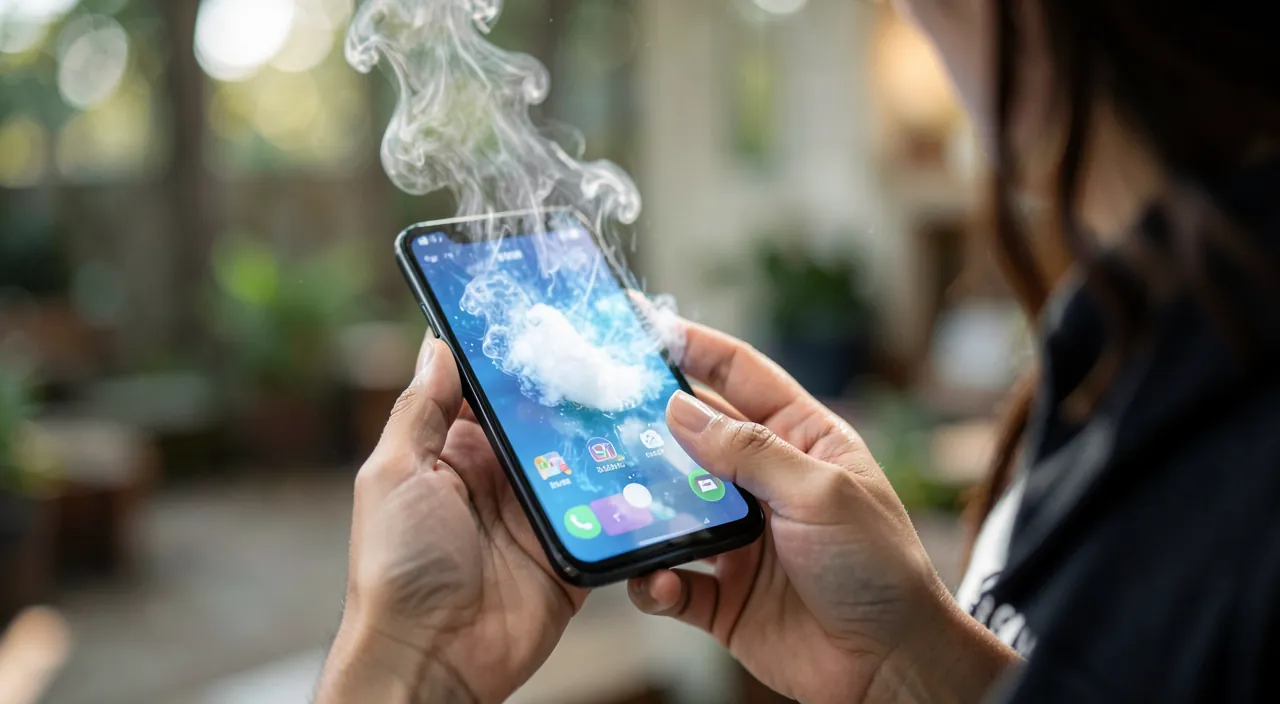
Reacting in the moment and identifying the cause
When faced with an overheating phone, here are the immediate actions and then the diagnosis. REACT in the MOMENT (burning phone): REMOVE it from any heat source (sun, car, radiator); place it in a COOL, shaded area (but NOT in the refrigerator or freezer! The thermal shock and condensation would damage it—just let it cool down to room temperature). REMOVE the cover (especially if it’s thick/insulating) to help with heat dissipation. STOP the intensive activity in progress (close the game, video, GPS). UNPLUG it if it was charging. Let it COOL DOWN for a few minutes, possibly turned off; don’t use it while it’s burning. IDENTIFY the cause: once it’s calmed down, figure out why. Is there an APP involved? An app that heats up the phone as soon as you open it, or one running in the background; the phone’s BATTERY settings show which apps consume the most—a suspiciously power-hungry app is a red flag; close it, update it, or uninstall it if it’s problematic. Was the phone exposed to HEAT (sun, car)? Then the cause is external: avoid these exposures. Does it heat up while CHARGING? Check the charging conditions (see below). Too many apps OPEN or processes running? Close what you’re not using. Did this happen after an UPDATE or app installation? The culprit might be there. CHECK the overall condition: is the phone UP TO DATE (updates fix bugs that cause overheating)? Is the battery aging (our guides on preserving the battery)? RESTART: a simple restart stops runaway processes and often resolves software-related overheating (our guides on why restarting fixes most bugs); it’s a very effective reflex if the heat came from an app or a stuck process. In summary, in the moment: move away from heat, remove the cover, stop intensive activity, unplug, let it cool down (in the air, never with sudden cold); then identify the cause (power-hungry app via battery settings, heat exposure, charging conditions, software bug) and act on it (close/update/uninstall the app, restart, update the system). These steps resolve the vast majority of overheating issues.
The best daily anti-overheating habits. Prevention is better than cure: a few simple habits prevent most overheating and protect your phone (and its battery) in the long run. AVOID HEAT: it’s the number one factor; NEVER leave your phone in direct sunlight (on a terrace table, a beach, a car dashboard), in a closed car in summer (where temperatures skyrocket), or near a heat source (radiator, oven); external heat, combined with use, quickly raises the temperature. DON’T CHARGE under poor conditions: avoid charging your phone under a blanket or pillow (heat doesn’t dissipate—and it’s also a safety precaution), in the sun, or while using it intensively during charging (playing while charging makes it heat up a lot); charge it placed in the open air, on a hard surface, with a suitable charger. LET it BREATHE: a thick or insulating cover traps heat; if your phone often overheats, remove the cover during intensive use or charging; place it on a hard surface (not on fabric, a bed, or a sofa that block heat dissipation). MODERATE demanding USAGE: long gaming sessions, GPS navigation, or video recording make it heat up; in high ambient heat, take breaks; these are the most demanding uses. MONITOR APPS: close power-hungry apps when you’re not using them; check occasionally, in the battery settings, if an app is consuming abnormally (sign that it’s running wild); update or uninstall problematic apps. KEEP the system UP TO DATE: updates fix bugs that can cause overheating. RESTART occasionally: this clears lingering processes and prevents runaway issues. These habits—avoiding external heat, charging properly, letting it breathe, moderating intensive use, monitoring apps, staying updated—prevent the vast majority of abnormal overheating. They also protect your BATTERY, whose main enemy is heat (our guides on preserving your phone’s battery): a cool phone lasts longer. Adopt them daily: it’s simple, free, and preserves both your comfort and your device’s longevity.
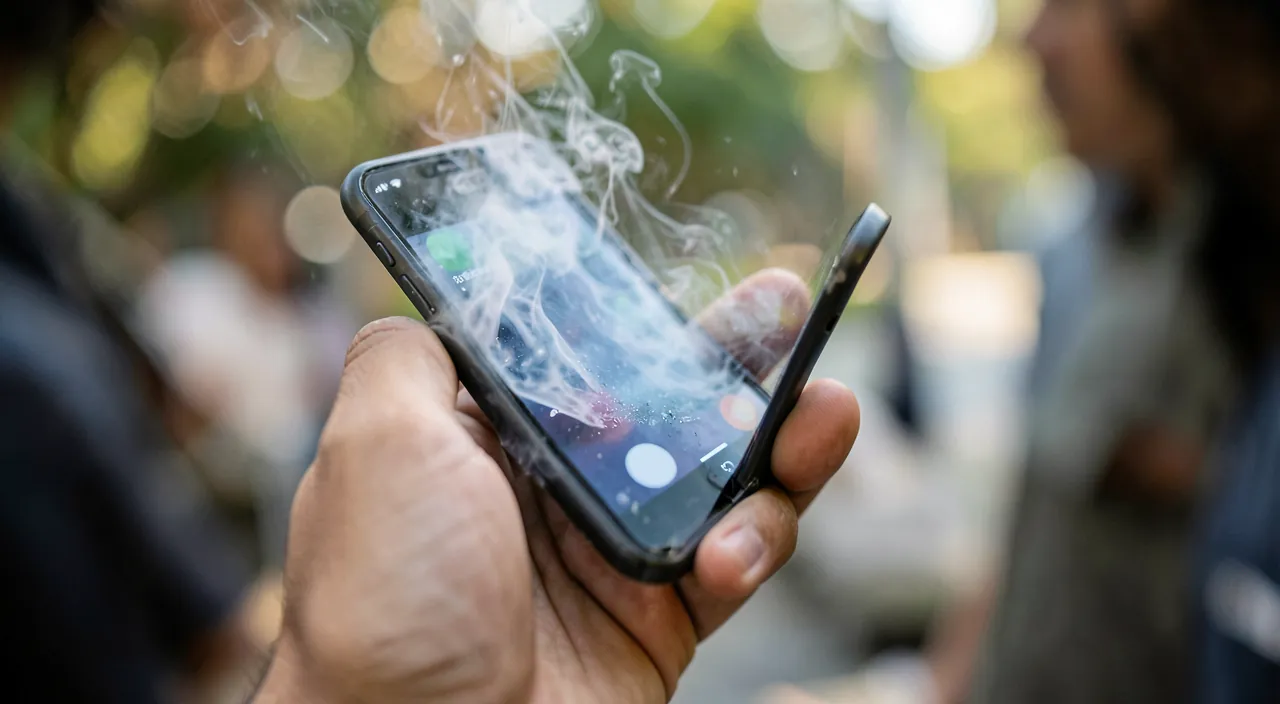
When overheating persists or is concerning
If your phone keeps overheating despite good habits, here’s how to investigate and when to worry. Find the CULPRIT APP: if overheating is linked to a specific app (the phone heats up as soon as you open it, or an app consumes a lot in the battery settings), it’s probably that one; try to UPDATE it (the bug might be fixed), REINSTALL it, or UNINSTALL it if it remains problematic; sometimes a single buggy app is to blame. Check for UPDATES: a system or apps that are up to date have fewer bugs; install pending updates. The case of an aging or swollen BATTERY: a worn-out battery may overheat more; above all, a SWOLLEN battery (phone deforming, screen or back lifting, device no longer lying flat) is a SERIOUS signal not to ignore: stop using the phone and have it checked by a professional as soon as possible (a swollen battery can be dangerous). Reset as a last resort: if software-related overheating persists with no identifiable cause, back up and then reset the phone to start fresh (but it’s a heavy operation, reserved for stubborn cases—our guides on backing up your data). SIGNALS that should alert you and push you to consult: the phone heats up strongly WITHOUT reason (at rest, no intensive use or charging); it heats up CONSTANTLY despite all habits; it SHUTS DOWN on its own due to heat, or restarts; the battery drains abnormally fast IN ADDITION to overheating; a VISIBLE SWELLING; an odor, deformation. In these cases, it may be a hardware issue (faulty battery, component) requiring a professional (our guides on when to call a repairer). The RISKS of repeated overheating: it prematurely wears out the battery and components, degrades performance, and in extreme cases can damage the device; hence the importance of not neglecting it. Back up your data: as a precaution, if your phone shows concerning signs, back up your important data (photos, contacts) in case it fails (our guides on backing up your data). In summary: if overheating persists, track down the culprit app, update everything, consider the battery (watch out for swelling!), and as a last resort, reset; consult a professional if the phone heats up without reason, constantly, shuts down, or if the battery swells. Occasional overheating is harmless; persistent abnormal overheating deserves finding and treating the cause.
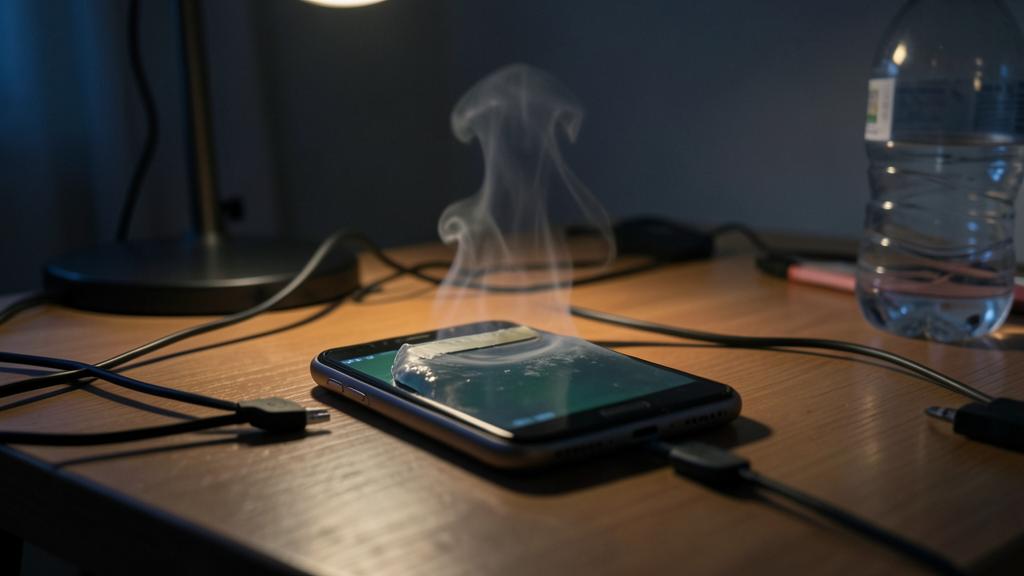
Warning: never cool your phone abruptly, and take warning signs seriously. A few important precautions when facing overheating. NEVER cool a burning phone BRUTALLY: don’t put it in the refrigerator or freezer, don’t run it under cold water, and don’t place ice cubes on it; thermal shock and especially CONDENSATION (moisture forming inside) can seriously damage it, far more than the heat itself; just let it cool down to ROOM TEMPERATURE, in the shade, possibly turned off and without a cover; patience is the right method. DON’T CHARGE under poor conditions: charging under a blanket, pillow, or in a pile of clothes prevents heat dissipation and also poses a safety risk (overheating, and in very rare cases, fire); always charge in the open air, on a hard, non-flammable surface; use a SUITABLE charger (preferably the original or high-quality one; beware of cheap counterfeit chargers, which can cause overheating—our guides on choosing your accessories). TAKE a SWOLLEN BATTERY SERIOUSLY: if your phone deforms, if the screen or back lifts, or if the device no longer lies flat, it’s probably a swollen battery; STOP using and charging it, and quickly take it to a professional: a swollen lithium battery is weakened and potentially dangerous; don’t pierce it, don’t bend it, and don’t try to remove it yourself. DON’T ignore PERSISTENT abnormal overheating: if the phone heats up strongly without reason, constantly, shuts down on its own due to heat, or combines overheating and abnormally fast battery drain, these are signs not to ignore; consult a professional, as this may indicate a hardware issue (our guides on when to call a repairer). BEWARE of “anti-overheating” or “phone cooler” apps: these apps that promise to “cool” your phone are for the most part USELESS (an app can’t physically cool a device), or even counterproductive (they consume resources and can themselves cause overheating!) or suspicious; don’t install them; the real fixes are physical (move away from heat, remove the cover) and common sense (close power-hungry apps, restart). Finally, NEVER leave a phone in a CAR in the sun: the temperature becomes extreme and can permanently damage the device and its battery. By avoiding abrupt cooling, charging correctly, reacting seriously to swelling, and not relying on miracle apps, you protect both your phone and your safety.
Frequent questions
Is it normal for my phone to heat up?
Some heat is normal in certain situations; excessive or constant heat is not. It’s NORMAL and harmless for your phone to warm up, or even heat up moderately, during: INTENSIVE use (demanding games, prolonged GPS/navigation, video recording or editing, long video calls), CHARGING (especially fast charging), major UPDATES or setting up a new phone, or in high ambient heat; in these cases, temporary heat is expected, as long as the phone remains usable and cools down afterward. Becomes ABNORMAL: EXCESSIVE heat (phone really burning, uncomfortable to hold), PERSISTENT (it heats up constantly, even at rest without doing anything), or UNEXPLAINED (no intensive use or charging), especially if accompanied by slowdowns, a battery that drains abnormally fast, temperature warnings, or shutdowns. How to tell the difference? Ask yourself: am I heavily using the phone right now (game, GPS, charging, ambient heat)? If yes, moderate and temporary heat is normal. If the phone heats up while doing “nothing,” or constantly, or in a really excessive way, it’s abnormal and you should look for the cause (often a runaway app, heat exposure, or charging issue). In summary: warmth during intensive use or charging = normal; burning, constant, or unexplained heat = abnormal, to be diagnosed.
What to do immediately if my phone is burning?
Act to cool it down, but WITHOUT thermal shock. Immediate actions: MOVE it away from any heat source (remove it from the sun, car, radiator); place it in a COOL, shaded area. REMOVE the cover (especially if it’s thick) to help heat dissipate. STOP the current activity (close the game, video, GPS that was making it heat up). UNPLUG it if it was charging. Optionally, TURN IT OFF to let it cool down faster and more reliably. Place it on a HARD surface (not on a bed, sofa, or fabric that retain heat). Then let it COOL DOWN quietly for a few minutes, at room temperature. What you MUST NOT do: put it in the refrigerator or freezer, run it under cold water, or place ice cubes on it; thermal shock and condensation (internal moisture) would seriously damage it; cooling must be NATURAL and gradual, never abrupt. Once the phone has cooled down, look for the CAUSE to prevent it from happening again: a power-hungry app running wild (check battery settings, close/update/uninstall the suspicious app); exposure to heat; poor charging conditions; a software bug (a RESTART stops runaway processes and often resolves the issue). If the phone was just burning after intensive use or in the sun, it should return to normal once cooled and the cause removed. If it keeps overheating without reason, or shows concerning signs (swelling, shutdowns), consult a professional.
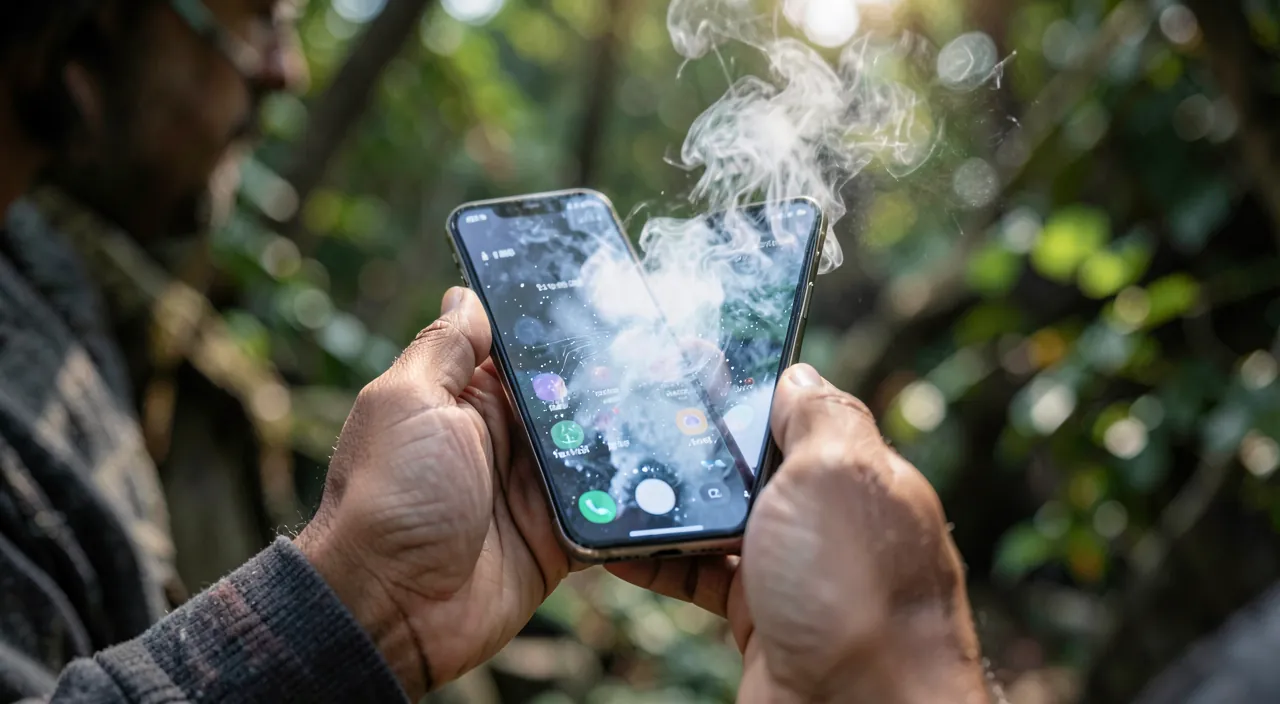
Are “phone cooler” apps useful?
No: they are mostly useless, even counterproductive, and should be avoided. These apps that promise to “cool” or “refresh” your phone are based on a misunderstanding: an app CAN’T physically lower your device’s temperature (it has no way to act on component heat; heat is a physical phenomenon). At best, they close a few background apps (which you can do yourself, for free); at worst, they are outright COUNTERPRODUCTIVE: by running, they themselves consume resources and can MAKE the phone heat up; many are also loaded with ads, demand excessive permissions, or are suspicious. Don’t install them: they provide nothing real and can worsen the situation or pose security issues (our guides on avoiding unwanted software). The REAL fixes for overheating are physical and common sense: move the phone away from heat, remove the cover, stop intensive activity, let it cool down in ambient air; and to prevent: close power-hungry apps yourself, restart the phone (which stops runaway processes), keep the system updated, avoid heat exposure and poor charging conditions. No app will do better than these simple steps; on the contrary. So: beware of “coolers” and other “miracle optimizers”; save space and trouble they represent, and trust the physical, free reflexes that actually work.
What to remember
A phone that heats up isn’t always abnormal: mild warmth, or even moderate heat, is NORMAL during intensive use (games, GPS, video), while charging, during major updates, or in high ambient heat. Becomes ABNORMAL: excessive heat (burning), persistent (even at rest), or unexplained, especially with slowdowns, battery draining fast, warnings, or shutdowns. The CAUSES of abnormal overheating: a runaway app (buggy/demanding), exposure to external heat (sun, car—major factor), charging under poor conditions, an overly insulating cover, a software bug, or an aging battery. In the MOMENT (burning phone): move it away from heat, remove the cover, stop intensive activity, unplug, and let it COOL DOWN to room temperature—NEVER in the refrigerator, under water, or with ice cubes (thermal shock and condensation would damage it). Then IDENTIFY the cause: power-hungry app (via battery settings: close/update/uninstall), heat exposure, charging conditions; a RESTART stops runaway processes and often resolves software-related overheating. DAILY, prevent: avoid heat (never in the sun or closed car), charge in the open air (not under a blanket, with a suitable charger), let the phone breathe, moderate prolonged demanding usage, monitor apps, keep the system updated; these habits also protect the battery (whose enemy is heat). If overheating PERSISTS: track down the culprit app, update everything, and as a last resort, reset (after backup). CONSULT a professional if the phone heats up without reason, constantly, shuts down on its own, or if the battery SWELLS (serious signal: stop using it). Beware of “cooler” apps: useless or counterproductive; the real fixes are physical and free. Occasional overheating is harmless; abnormal overheating has an identifiable cause worth addressing, for your comfort and your device’s longevity.
Persistent issue, temperamental device? Our remote troubleshooting service quickly resolves your problem, without jargon.
Leave a Reply
You must be logged in to post a comment.