
A new computer is a promise — of speed, cleanliness, a fresh start. But you must not waste it on the first day: rushed setup, unnecessary software kept, backups postponed to « later, » ignored security. An hour of methodical startup saves months of frustration — and prepares for the distant but inevitable day when this machine will also have its issues. Here is the complete checklist to get started on the right foot, step by step.
Step 1: A calm startup
At boot-up, the setup assistant asks questions that matter — take five extra minutes. The account: log in with your main account (or create it properly) — it will be used for backups, syncing, and recovery; note its credentials in your password manager. Privacy options: the assistant often offers optional data sharing — read and uncheck what you don’t agree with: now or never. Updates: let the machine download all of them from the start, even if it takes time — an up-to-date system is the foundation of everything else.

Step 2: The big cleanup of preinstalled software
New computers often come loaded with bloatware — trial antivirus that will nag you in 30 days, duplicate manufacturer utilities, games, and partner offers. This « bloatware » slows things down and clutters: uninstall everything you didn’t choose (keeping the manufacturer’s drivers and update tools, which are useful). On security: modern systems’ built-in protection is enough for most uses — the preinstalled trial antivirus can be removed without regret, just avoid installing two.
Bloatware is unnecessary software that slows down your computer. It’s best to remove it right away to keep your machine running smoothly.
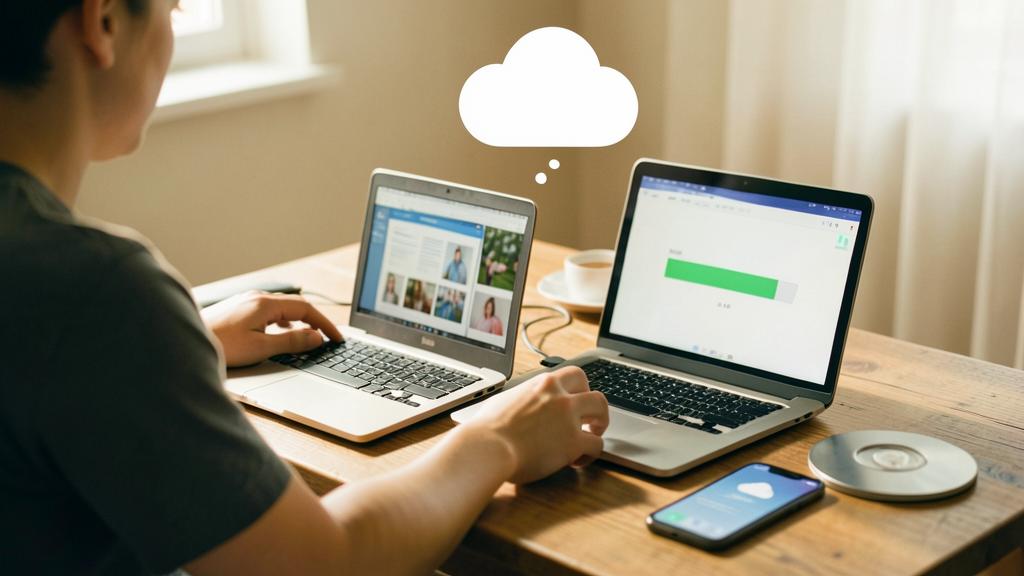
The right reflex. Before installing anything, enable automatic backup — the system’s built-in tool to an external drive or the cloud. This is THE setting everyone postpones and everyone regrets. On a new machine, it takes five minutes and will run for years: the day of trouble, this step will be worth all the others combined.

Imagine you buy a new laptop with 1TB of storage. After removing 50GB of bloatware, you have more space for your files and the system runs faster. This small effort makes a big difference in performance.
Step 3: Your tools, properly
Then install your software — yours, not random ones: preferred browser (with bookmark and password sync), password manager, office suite, email clients, business tools. Two hygiene rules: download only from official sites or the system’s store (third-party download sites add unwanted extras), and install only what you need — each unnecessary software is a future slowdown and attack surface. Take the opportunity to pin your essentials and organize startup: disable automatic launch for apps that don’t need it — your future fast boot starts now.
Step 4: Recovering your universe
Now comes the transfer from the old machine: documents, photos, music. Three options depending on your setup — cloud sync (if your files lived there, everything comes back automatically: modern magic), external drive (copy from the old PC, paste to the new one — a chance to declutter: don’t carry ten years of mess), or the system’s migration tools. Check classic oversights: browser bookmarks, installed fonts, document templates, software licenses. And keep the old machine intact for a few weeks — the « missing file » is always hiding there.
Don’t forget. Set up session security on the first day: strong password or biometrics, automatic lock, disk encryption enabled (often offered by default — check). A stolen laptop; an encrypted and locked one gives nothing away. Add device location if available: finding it starts with having it activated.
Frequently asked questions
How much time to do everything properly?
One to two hours, including updates — ideally in two sessions: the basics (account, updates, cleanup, backup) on the first day, then the transfers. It’s the most profitable investment in the machine’s life.
Should you install a third-party antivirus?
For careful use, recent systems’ built-in protection is usually enough — complemented by good habits (official sources, caution with attachments). If you install one, just one, reputable.
What to do with the old computer?
After a few weeks of safety: complete erasure (not just deletion), then second life — donation, resale, recycling at a collection point. Never in the trash, and never with your data inside.

What to remember
Properly setting up a new computer comes down to five actions: a careful startup (account, privacy, full updates), the big cleanup of forced software, automatic backup enabled before anything else, your tools installed properly from official sources, and your data transferred with decluttering. Add session security — lock, encryption, location — and your machine is set for years of smooth service. One hour of method on the first day: it’s the best gift to give to your future self — the one who, one day of trouble, will find everything, backed up.

Want to gain confidence with your digital tools? Our personalized training adapts to your level.
Leave a Reply
You must be logged in to post a comment.