
QR codes are everywhere: in restaurants for the menu, on posters, packaging, tickets, payment terminals. These small black and white squares, scanned with a smartphone, give access to a website, information, or payment in an instant. Practical, they have become indispensable—but they can also be misused by scammers. Here’s how to understand and use QR codes easily, and especially how to scan them safely, without falling into the traps that are multiplying.
QR code: a shortcut to information
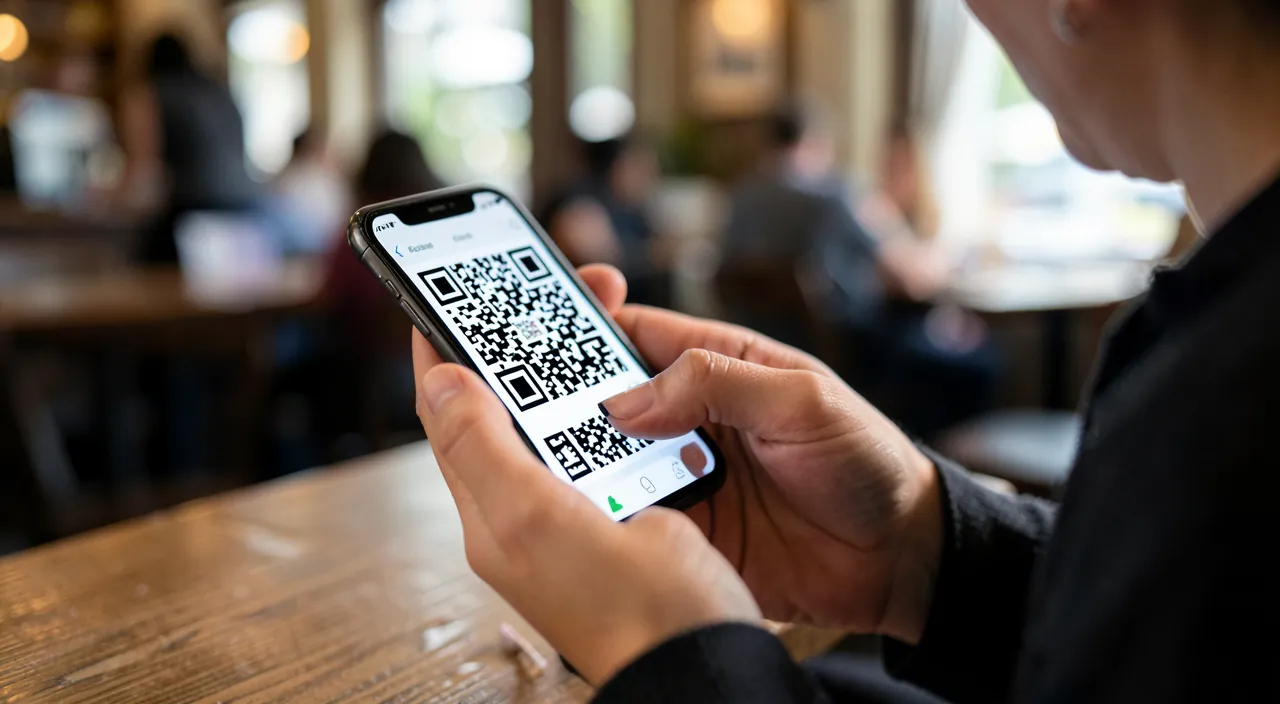
A QR code is simply a CODE that, once scanned by a phone, triggers an ACTION: most often, opening a website (a menu, an information page, a form), but also making a payment, adding a contact, connecting to Wi-Fi, downloading an app. It’s a shortcut: instead of typing a long address or searching, you scan and access directly. How to scan? It’s very simple: most recent phones scan QR codes directly with the CAMERA — open the camera, aim at the QR code, and a notification appears offering to open the link (no need to install an app in most cases). On older phones, a small QR code reading app may be necessary. Daily uses have become commonplace: checking a menu at a restaurant, accessing information on a poster or product, validating a ticket or a ticket, making a payment, easily connecting. The QR code has exploded because it is practical: it bridges the physical world (a poster, an object, a place) and the digital world (a website, an action) with a simple scan. It’s a useful daily tool, easy to use. BUT—and this is the important point—because a QR code triggers an action (often opening a link) without easily showing where it leads, it can be misused for malicious purposes: this is where vigilance comes in (we’re getting to that).
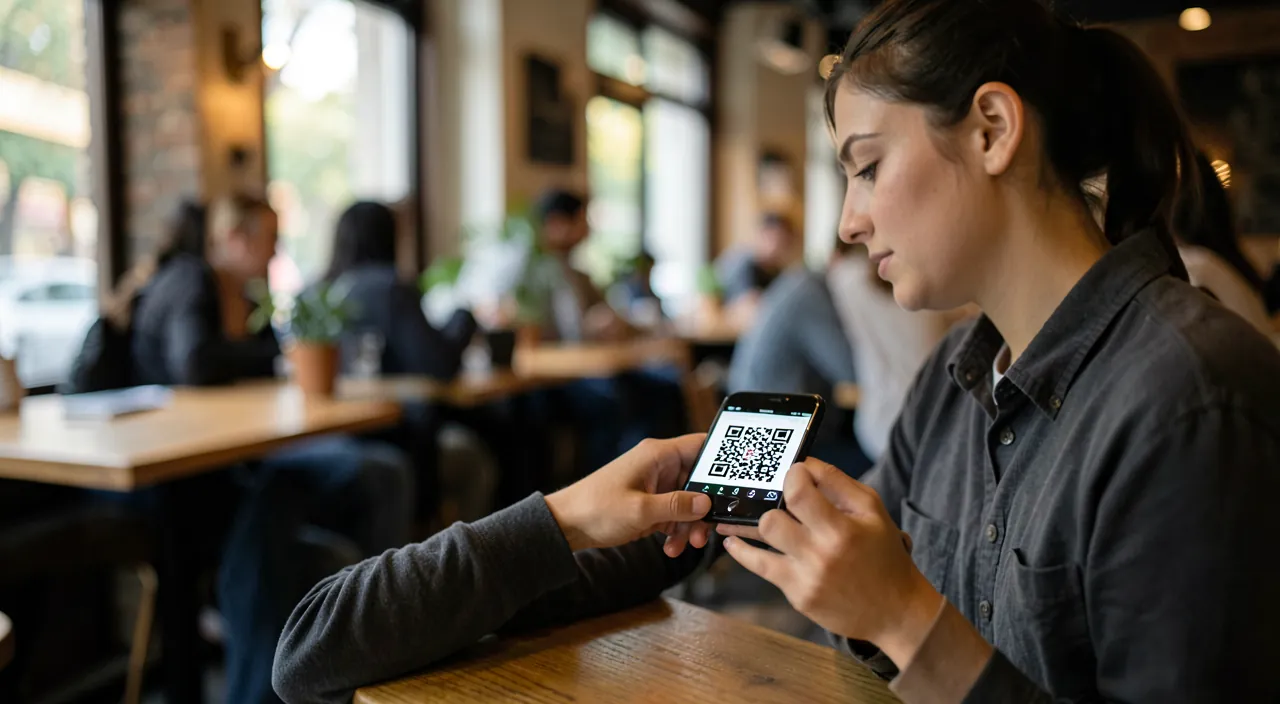
A QR code is like a secret link. You scan it, and it takes you somewhere—but you don’t know where until you click. Scammers can trick you by making fake QR codes that look real. Always check the link before opening it, just like you would with any unknown website.
Scanning safely: the traps to know
The main risk of QR codes: as it’s not easy to see where a QR code leads before scanning it, scammers misuse them—this is sometimes called a « trapped QR code ». Common scams: a FAKE QR code glued over a real one (on a payment terminal, a parking meter, a poster), leading to a fake site to steal your data or payment; a QR code on a poster or fraudulent letter imitating official communication; a QR code leading to a PHISHING site (imitating a real site to get your login or banking data—our guides to recognize phishing, detect a fake site); or triggering the DOWNLOAD of a malicious app. Safe scanning habits: CHECK THE LINK before opening it—when you scan, your phone usually displays the website address; check it: does it match what you expect, without a strange address or typo? (our guides to recognize a fake site); BE CAREFUL OF UNASKED QR codes—any QR code received in an email or unexpected letter, or in a suspicious context, deserves the same caution as an unknown link; BE CAREFUL OF PAYMENT QR codes—on a terminal, a parking meter, check that no fraudulent sticker has been glued over the original, and use official payment methods if in doubt; NEVER ENTER SENSITIVE INFORMATION (banking data, passwords) on a site reached via a QR code without being certain of its legitimacy; and if in doubt, DO NOT SCAN—access the official site yourself by typing its address. The vast majority of QR codes are safe and practical (a menu, information); the risk is in the contexts at risk (payment, unsolicited, sensitive): by checking the link and being wary of the unexpected, you can enjoy QR codes without falling into the trap.
Imagine you’re at a café and want to pay with a QR code on the table. A scammer might have placed a fake sticker over the real QR code, linking to a fake payment site. If you scan it, you could accidentally send money to a thief instead of the café. Always check the link before paying!
The right reflex. Treat a QR code like an unseen link: apply the same caution to it. When you scan, your phone usually displays the WEBSITE ADDRESS before opening it: take a second to look at it—does it match what you expect, without a strange address, typo, or suspicious domain name? (our guides to recognize a fake site). Be especially wary in three contexts: PAYMENT QR codes (on a terminal, parking meter—check that no fraudulent sticker has been glued over the original, a common scam); UNASKED QR codes (received in an email or unexpected letter—same caution as an unknown link); and anything asking for SENSITIVE information (never enter banking data or passwords on a site reached via a QR code without being certain of its legitimacy). If in doubt, do not scan: access the official site yourself by typing its address. The vast majority of QR codes are safe and practical (a menu, information); the risk comes from the contexts at risk and the fake codes. By checking the link and being wary of the unexpected, you can enjoy daily QR codes without falling into the trap.
Creating and using QR codes with discernment
Beyond scanning, you can also CREATE QR codes: free tools allow you to generate a QR code to your website, business card, Wi-Fi, useful for a professional (displaying a QR code to your website or reviews—our guides to link your website to your social media) or personal use. To use QR codes effectively in daily life: prefer the INTEGRATED SCANNER of your phone (the camera) over a third-party app (some free QR code reading apps are full of ads or dubious—use the integrated scanner, which is safe and sufficient—our guides to security). Keep in mind the CONTEXT: a QR code displayed in an official and reliable place (a restaurant, an administration) is generally safe; a QR code in an unusual or unsolicited context deserves more caution. Think also about CONFIDENTIALITY: scanning a QR code can lead you to a site that collects data; stay alert to what you share (our guides to privacy). And remember that a QR code is just a SHORTCUT: you can always access it another way (type the address, search yourself), which is safer in case of doubt. In summary, QR codes are a practical and indispensable tool of daily life: they bridge the physical and digital worlds with a simple scan, to consult information, validate a ticket, pay, connect. Most phones scan them directly with the camera, without installing anything. But because a QR code is an unseen link, it can be misused by scammers (fake codes glued on, phishing, fake payments): vigilance is essential. The precautions: check the link before opening it, be wary of unasked QR codes and risky contexts (payment, sensitive), never enter sensitive information without certainty, and if in doubt, access the official site yourself by typing its address. Use the integrated scanner of your phone, which is safe and sufficient. With these precautions, you can fully enjoy the convenience of QR codes without falling into the trap: practical in daily life, as long as you maintain the same discernment as for any link.
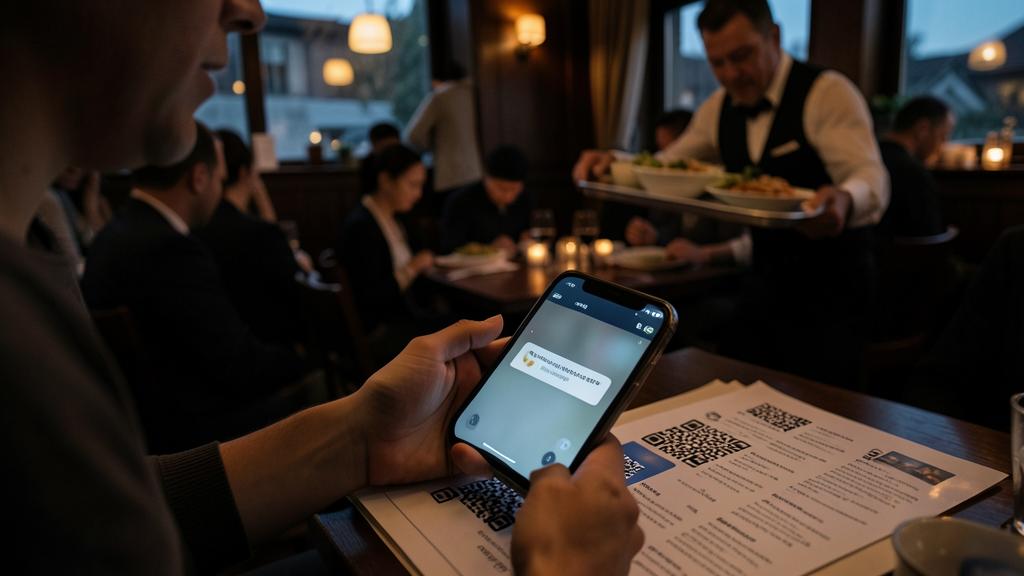
Warning: a QR code is an invisible link—check before opening, beware of fake codes and payments. The risk of QR codes: as it’s not visible where they lead before scanning, scammers misuse them. Common traps: a FAKE QR code glued over a real one (on a payment terminal, parking meter, poster) leading to a fake site to steal data or payment; a QR code to a PHISHING site imitating a real site (our guides to recognize phishing, detect a fake site); an unasked QR code in a fraudulent email or letter; or triggering the download of a malicious app. Safety precautions: CHECK the displayed link before opening (correct address, no typo or strange domain name); be wary of unasked QR codes (same caution as an unknown link); be careful of payment QR codes (check that no fraudulent sticker has been glued over the original, prefer official payment methods in doubt); never enter sensitive information (banking data, passwords) on a site reached via a QR code without certainty; and if in doubt, do not scan—access the official site yourself by typing its address (our guides to scams). Use the INTEGRATED SCANNER of your phone (the camera), which is safe, rather than a dubious third-party app. Most QR codes are safe and practical (a menu, information); the danger comes from the risky contexts and fake codes. Treat a QR code like an unseen link: the same caution protects you.
Frequently asked questions
How to scan a QR code?
On most recent phones, it’s very simple: open the CAMERA, aim at the QR code, and a notification appears offering to open the link—no need to install an app. On older phones, a small QR code reading app may be necessary (choose a safe one, or use the integrated scanner if it exists). The QR code triggers an action: most often opening a website (menu, information), but also paying, connecting to Wi-Fi, adding a contact. Before opening the link, get into the habit of checking the displayed address: this is your protection against trapped QR codes. Use the integrated scanner of your phone rather than an unknown third-party app: it’s safe and sufficient for daily use.
Are QR codes dangerous?
The vast majority are safe and practical (a menu, information, ticket). The risk comes from the fact that a QR code is an unseen link: scammers can misuse it (fake code glued over a real one on a payment terminal, QR code to a fake phishing site, unasked fraudulent code). The solution: check the displayed link before opening (correct address, no typo or strange domain name), be wary of unasked QR codes and risky contexts (especially payment: check that no fraudulent sticker has been glued over the original), never enter sensitive information without certainty, and if in doubt, access the official site yourself by typing its address. Treat a QR code like a received link: with the same caution. Thus, QR codes remain a practical tool of daily life, without falling into the trap of the rare malicious codes.
How to recognize a fake QR code?
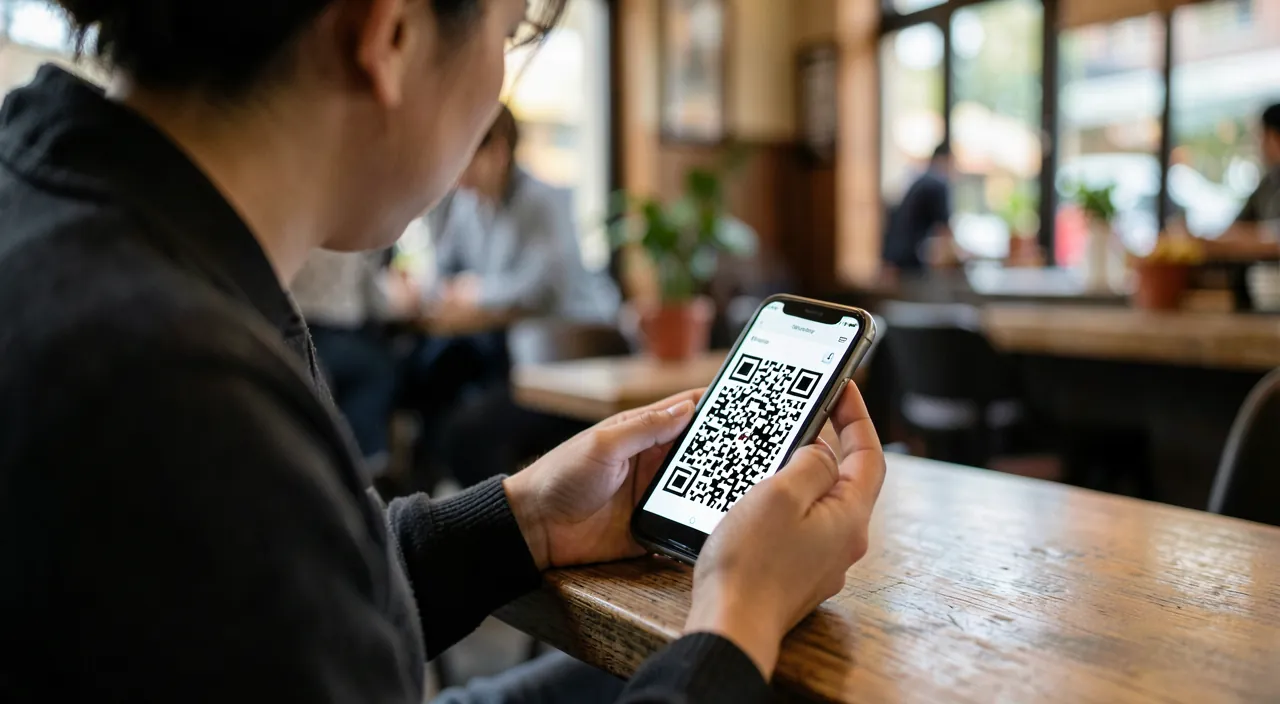
You can’t see the difference on the square itself: vigilance is on the CONTEXT and the LINK. Be wary of a QR code where an STICKER seems glued over the original (especially on a payment terminal, parking meter—a common scam), of an unasked QR code in an email or letter, or in an unusual context. Especially, after scanning, CHECK the displayed address before opening: a strange address, with typos or a domain name that doesn’t match, is a warning sign (our guides to recognize a fake site). And never enter sensitive information on a site reached via a QR code without certainty. If in doubt, do not scan and access the official site yourself by typing its address. The suspicious context and the doubtful link are your clues: in doubt, abstain.
What to remember
QR codes are a practical and indispensable tool of daily life: these small squares that are scanned make the bridge between the physical (a poster, an object, a place) and the digital (a website, an action) with a simple scan—to consult a menu, access information, validate a ticket, pay, connect. Most recent phones scan them directly with the CAMERA, without installing anything: aim, a notification offers to open the link. BUT because a QR code is an unseen link, it can be misused by scammers: fake code glued over a real one (on a payment terminal, parking meter), QR code to a fake phishing site, unasked fraudulent code, malicious download. Vigilance is essential, with the same precautions as for any link: CHECK the displayed address before opening (correct, no typo or strange domain name), be wary of unasked QR codes and risky contexts (especially payment: check that no fraudulent sticker has been glued over the original), never enter sensitive information without certainty, and if in doubt, access the official site yourself by typing its address. Use the INTEGRATED SCANNER of your phone (safe) rather than a dubious third-party app. The vast majority of QR codes are safe and practical; the risk comes from the rare malicious codes and risky contexts. By checking the link and being wary of the unexpected, you can fully enjoy the convenience of QR codes without ever falling into the trap: practical in daily life, as long as you maintain the same discernment as for any link.
Want to become more comfortable with your digital tools? Our personalized training adapts to your level.
Leave a Reply
You must be logged in to post a comment.