
The Wi-Fi password, that of the family streaming account, access to a shared service, the codes that the entire household uses: in a family or couple, there is a need to share some passwords. And we often end up sending them via message, writing them on a note stuck to the fridge, or saying them out loud—methods that are not very practical and secure. There is, however, a simple and secure way to share passwords within the family. Here’s how, without compromising your security or that of your loved ones.
Why common methods pose a problem
Sharing a password by common means has real drawbacks: PAPER (written somewhere, stuck to the fridge)—not very practical (you have to retype it), and not very secure (visible to everyone, including visitors); MESSAGE (sent by SMS or messaging)—the password lingers in conversations, potentially accessible if the phone is seen or compromised; the PASSWORD spoken out loud—quickly forgotten, repeated endlessly; and the password chosen « for everyone to remember »—often weak and reused, a bad security practice. The real underlying problem: sharing a password in an insecure manner, or choosing weak passwords to make them easy to share, weakens the security of the entire family. Some shared accounts give access to important things (a service with a registered payment method, personal data). Therefore, you must be able to share what should be shared securely, while keeping strong passwords. The good news: modern tools allow exactly this—securely sharing passwords within the family without weakening or exposing them. The solution lies in the PASSWORD MANAGER (our guides on password managers, switch to a manager), which, beyond storing your passwords, often offers a family sharing function designed for this purpose.
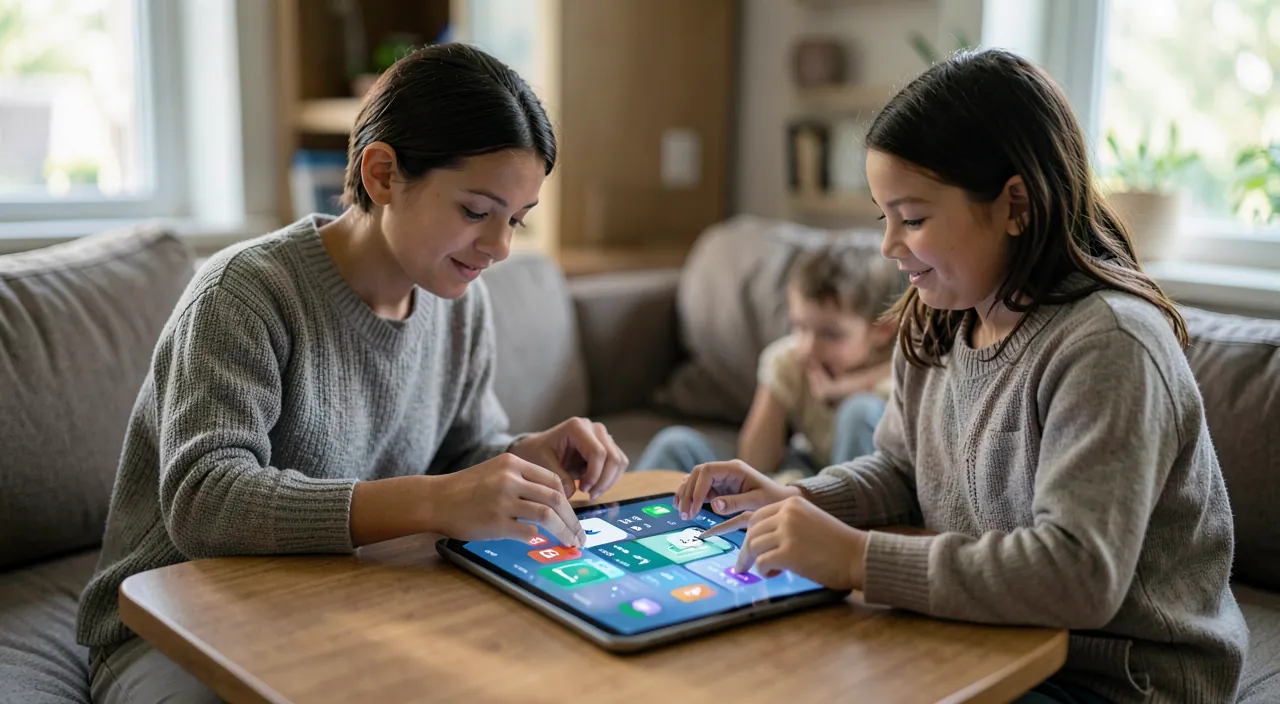
Secure sharing via the password manager
The modern and secure solution: password managers often offer a SHARING function (family or between close ones), designed to share passwords securely. The principle: instead of sending a password in plain text by message, you SHARE it through the manager with your family members; they access it in their own manager without the password lingering in a conversation or on paper. The advantages are significant: the sharing is SECURE (the password remains encrypted, transmitted securely); it is PRACTICAL (authorized people access it easily with auto-fill); it allows you to keep strong passwords (no need to choose a weak password « for everyone to remember »: the manager keeps it for them); it is MANAGEABLE (you choose who has access to what, and can remove access if needed); and it avoids EXPOSURE (the password is no longer visible on paper or in a message). Some managers offer « shared safes » (a common space for the family’s passwords) and « family plans » (linked accounts). Concretely: each member has their own manager (with their personal master password), and you only share the passwords that should be shared via the secure sharing function. It is both simpler (no more retyping or repeating), more practical (auto-fill for all authorized users), and much more secure (strong passwords, never exposed). A good example: the Wi-Fi password or the family streaming service password, shared once through the manager, accessible to all authorized members without lingering anywhere. The password manager thus resolves the family sharing dilemma: share what is necessary, securely, without weakening.
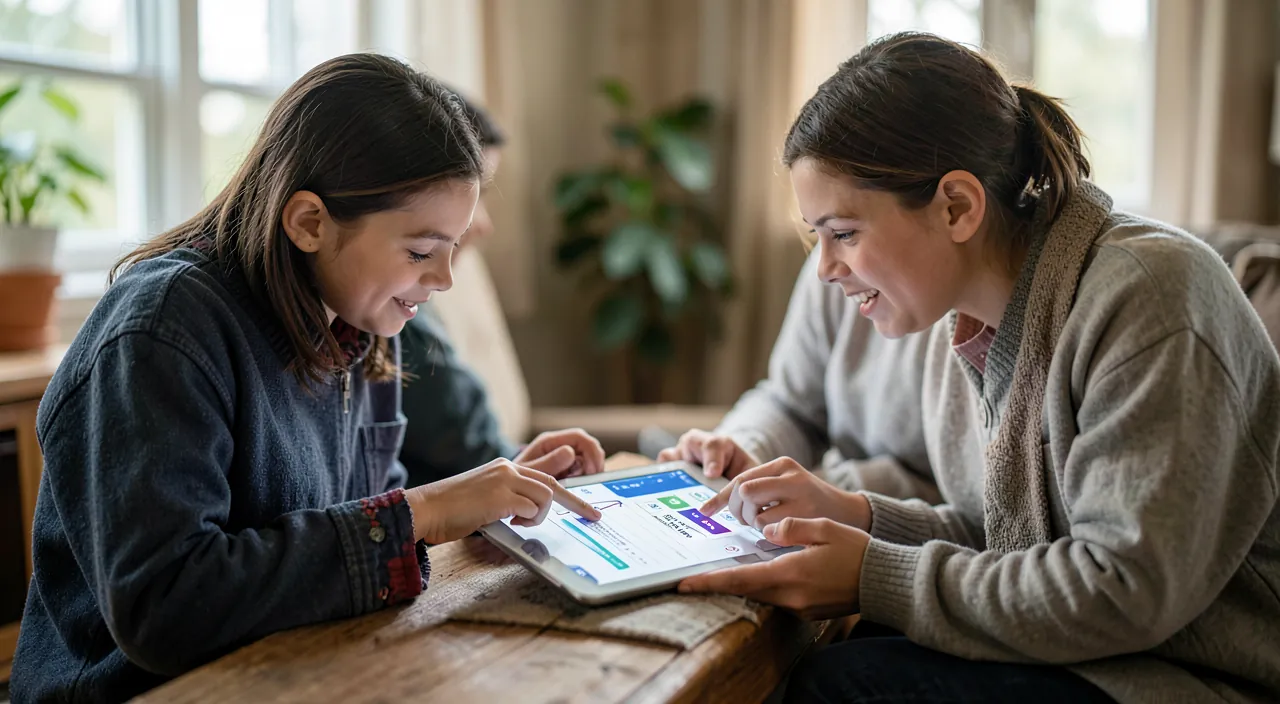
A password manager lets you share passwords safely with family. Instead of writing them down or sending them in messages, you share them through the manager. This keeps them encrypted and secure, while making them easy to use. Everyone gets their own access, and you control who can see what.
Imagine your family uses a shared Netflix account. Instead of writing the password on a sticky note, you share it through a password manager like Bitwarden or 1Password. Now, every family member can log in automatically without seeing the password. If someone leaves the family, you can instantly revoke their access without changing the password.
The right reflex. Adopt a PASSWORD MANAGER for the whole family, and use its sharing function rather than paper, messages, or voice. Each member has their own manager (with their personal master password), and you only share the passwords that should be shared (Wi-Fi, family streaming service, shared accounts) via the secure sharing function: the password remains encrypted, never lingers, and everyone accesses it easily with auto-fill. This is the best of three worlds: simpler (no more retyping or repeating), more practical (easy access for authorized users), and much more secure (you keep strong passwords without having to choose a weak password « for everyone to remember »). You choose who has access to what, and can remove access at any time. Start with the passwords you share most often in the family: by putting them in the manager once, you stop sending them by message or writing them on paper. It’s also an opportunity to introduce your loved ones to this good security practice (our guides on password managers, switch to a manager). A family manager finally resolves password sharing: secure, practical, and without ever compromising anyone’s security.
Good practices and vigilance for sharing
Some principles for secure and healthy family password sharing. Share only the NECESSARY: some passwords are naturally shared (Wi-Fi, common services), others remain PERSONAL (your email, your bank, your individual accounts are not shared—everyone has their own private access). Keep unique and strong passwords for each account (the manager allows this, even for shared passwords—our guides on password managers). Secure the MANAGER itself: each member has a strong master password (a passphrase—our guides on passphrases) and ideally two-factor authentication (our guides on two-factor authentication). Manage ACCESS: remove a share when it is no longer needed, and think about changing a shared password if the situation changes. Be careful with CHILDREN: family sharing should be adapted to age; some access is not suitable for younger ones, and security education is part of the support (our guides on accompanying children on the internet). And beware of unsafe methods that return by habit: once the manager is in place, do not fall back to sending by message or writing on the fridge. One last point: family password sharing is part of a good overall home security hygiene (manager, two-factor authentication, secure home network—our guides on securing your router and home network). In summary, sharing passwords within the family is a real need, but common methods (paper, messages, voice, weak passwords) are not very practical and secure. The modern solution: the password manager and its family sharing function, which allows you to share what is necessary securely, practically, and without weakening passwords. Each member has their manager, you only share what should be shared, passwords remain strong and encrypted, never exposed. Share only the necessary (the personal remains personal), keep unique and strong passwords, secure the manager, manage access, and adapt to children. Thus, family sharing becomes simple, practical, and secure—without ever compromising the security of your loved ones.
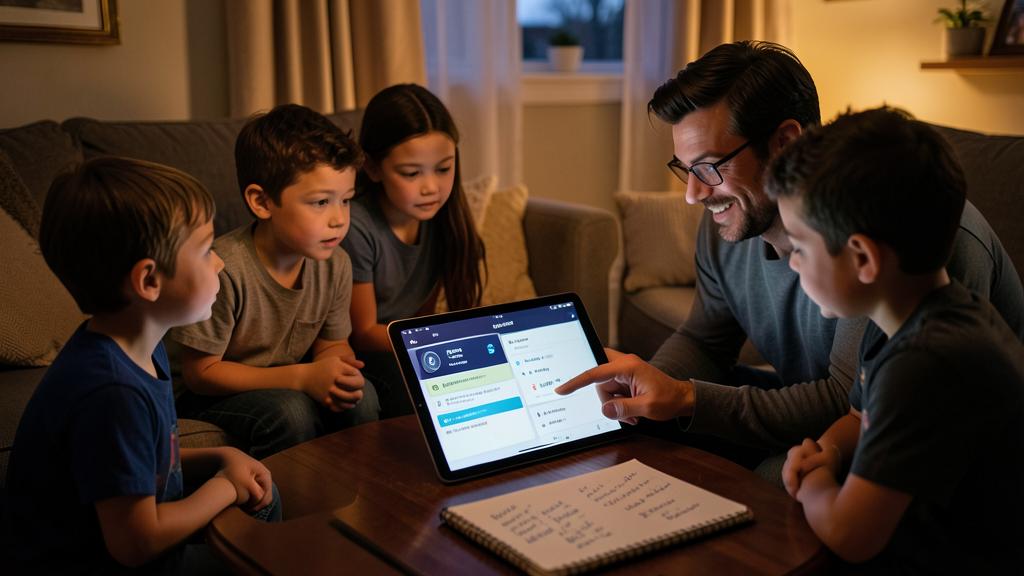
Caution: do not share by message or paper, share only the necessary, and keep the personal personal. Three vigilances: avoid unsafe methods—sharing a password by SMS/messaging (it lingers in conversations), on paper (visible to everyone), or by choosing a weak password « for everyone to remember » weakens the family’s security; use instead the sharing function of a password manager (the password remains encrypted, never exposed—our guides on password managers). Share only the NECESSARY—some passwords are naturally shared (Wi-Fi, common services), but your email, bank, and individual accounts remain PERSONAL and are not shared—everyone has their own private access. Keep unique and strong passwords for each account (the manager allows this even for shared passwords): never weaken a password to facilitate sharing. Secure the manager itself (strong master password, two-factor authentication—our guides on two-factor authentication), manage access (remove unnecessary shares), and adapt sharing to children’s age (some access is not suitable for younger ones—our guides on accompanying children on the internet). Family password sharing is a real need: done through a manager, it becomes secure, practical, and without weakening; done through common methods, it exposes the entire family. Share the necessary, securely, via the right tool.
Frequently asked questions
How can you share a password securely within the family?
Through a PASSWORD MANAGER and its family sharing function: each member has their own manager, and you only share the passwords that should be shared (Wi-Fi, family streaming service, shared accounts) via the secure sharing function. The password remains encrypted, does not linger in a conversation or on paper, and everyone accesses it easily with auto-fill. It is safer (strong passwords, never exposed), more practical (easy access), and simpler (no more retyping or repeating) than paper, messages, or voice. Some managers offer « shared safes » or « family plans. » You choose who has access to what and can remove access at any time. This is the modern solution to family password sharing.
Should everything be shared within the family?
No: share only the NECESSARY. Some passwords are naturally shared (Wi-Fi, common services and accounts for the whole household), but others remain PERSONAL and are not shared—your email, bank, and individual accounts. Everyone keeps their private access: this is important for the security and privacy of each member. A manager precisely does this: each has their personal safe (with their private accounts), and only shared passwords are shared via the sharing function. You manage who has access to what, and can remove access when it is no longer needed. Family sharing does not mean putting everything in common: it is about sharing what should be shared, while keeping the personal personal.
Can a shared password remain strong and unique?
Yes, and this is precisely the advantage of the manager: you no longer need to choose a weak password « for everyone to remember, » as the manager keeps it for each person. A shared password can therefore remain long, unique, and strong—the manager fills it in automatically for all authorized members without them having to remember it. This is a major security gain compared to common methods, which often push you to weaken passwords to share them. With a manager, sharing rhymes with security: each account, even shared, keeps a strong and unique password, never exposed. This is the best of both worlds: share easily, without ever weakening.
What to remember
Sharing passwords within the family is a real need (Wi-Fi, common services, shared accounts), but common methods—paper on the fridge, sending by message, password spoken out loud, or weak password « for everyone to remember »—are not very practical and weaken the security of the entire household. The modern and secure solution: the PASSWORD MANAGER and its family sharing function. The principle: each member has their own manager (with their personal master password), and you only share the passwords that should be shared, via the secure sharing function—the password remains encrypted, does not linger anywhere, and everyone accesses it easily with auto-fill. Advantages: secure (strong passwords, never exposed), practical (easy access for authorized users), simple (no more retyping), manageable (who has access to what, remove access). You keep strong and unique passwords even when shared (the manager keeps them). Good practices: share only the NECESSARY (the personal—email, bank, individual accounts—remains personal), secure the manager (strong master password, two-factor authentication), manage access, and adapt to children. Once the manager is in place, do not fall back to unsafe methods. Family password sharing becomes then simple, practical, and secure—without ever compromising the security of your loved ones. Share the necessary, securely, via the right tool: this is the key.
Want to become more at ease with your digital tools? Our personalized training adapts to your level.
Leave a Reply
You must be logged in to post a comment.