
Your internet box and Wi-Fi are the gateway to all your digital home: computers, phones, TV, smart devices, everything passes through them. An insecure network is like an open door: a neighbor benefiting from your connection, or even access to your devices and data. Yet, securing your box and home network is within everyone’s reach with a few simple settings. Here’s how to protect your home network and make your Wi-Fi a trusted environment.
Why secure your home network
The home network is often neglected because it seems to work « on its own » once installed. However, its security is crucial: it’s the point through which ALL your devices connect to the internet, and to each other. An insecure network can allow: a NEIGHBOR or passerby to connect to your Wi-Fi (using your connection, slowing down your bandwidth, and potentially committing acts under your connection); an intruder to more easily access your connected devices and the data that circulates; and compromise your smart devices (cameras, assistants — our home surveillance camera guides). Conversely, a well-secured network becomes a TRUSTED environment: at home, on your own protected network, you are much safer than on an unknown public Wi-Fi (our public Wi-Fi guides). The good news: modern boxes are generally delivered with a basic correct security (a Wi-Fi password, encryption); but some settings allow significantly strengthening this protection, and certain habits avoid classic pitfalls. Securing your home network is not reserved for experts: it’s just a few accessible settings in your box’s interface, once done, protect your entire digital home for good. It’s a small investment of a few minutes for lasting peace — and a fundamental base for your home digital hygiene.
Your home network is the door to all your devices. If it’s not secure, strangers can use your internet, steal your data, or even hack your smart devices. But fixing it is easy: just change a few settings on your internet box.
Imagine your neighbor connects to your Wi-Fi without permission. They could slow down your internet, watch your security camera feed, or even commit illegal activities using your connection. Changing your Wi-Fi password and enabling encryption would stop this.
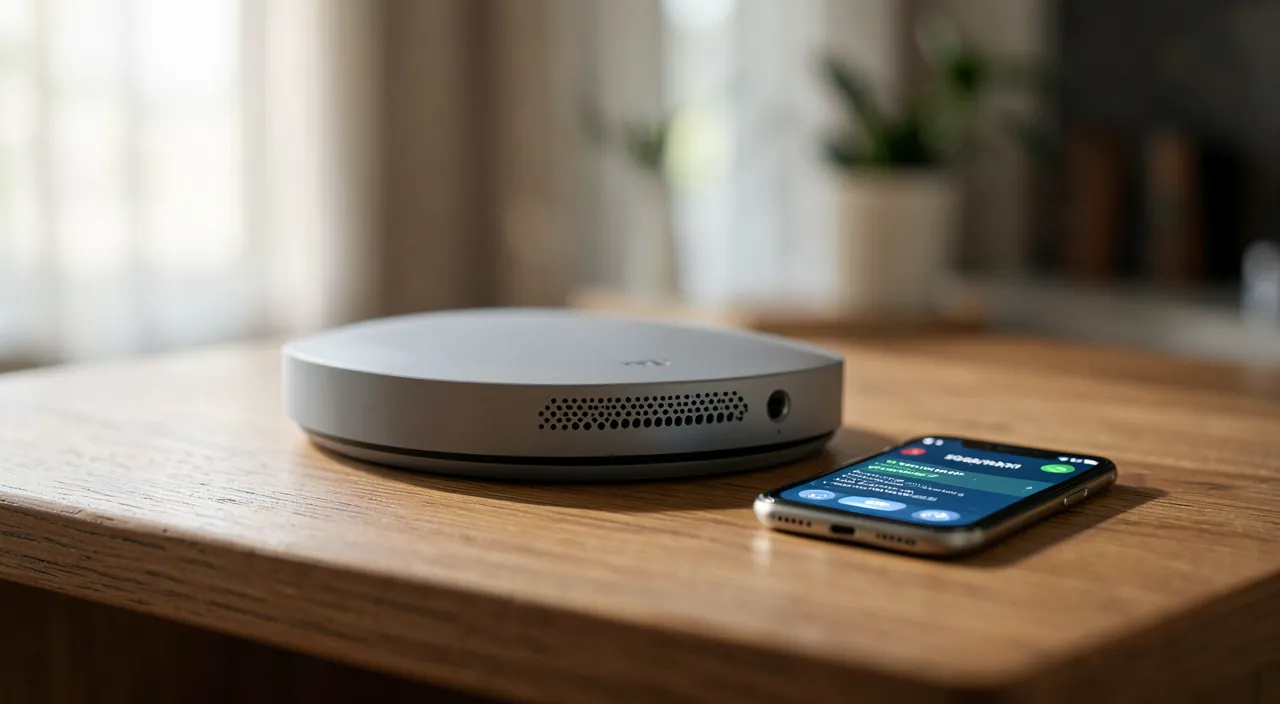
Essential settings to secure your network
Here are the key actions, accessible in your box settings:
- CHANGE THE DEFAULT Wi-Fi PASSWORD — if your Wi-Fi is still using the default password (the one on the label), replace it with a STRONG and unique password (a passphrase is ideal — our passphrase guides);
- USE MODERN ENCRYPTION — ensure your Wi-Fi uses a recent encryption (modern boxes do this by default; avoid old outdated protocols if offered);
- CHANGE THE DEFAULT ADMIN PASSWORD OF THE BOX — often overlooked: the box itself has an admin password (different from Wi-Fi) — if it’s still the default, change it (otherwise, anyone accessing your network could modify your settings);
- KEEP YOUR BOX UPDATED — boxes receive security updates (often automatic, but check); an updated box is better protected;
- CREATE A GUEST NETWORK — many boxes allow creating a second Wi-Fi « guest » network for visitors (and ideally for smart devices) — this isolates these connections from your main network where your sensitive devices are;
- DISABLE USELESS FEATURES — certain convenience features (like some automatic connection modes) can present vulnerabilities — if you don’t use them, disabling them strengthens security;
- MONITOR CONNECTED DEVICES — the box interface often shows a list of devices connected to your network — an unknown device may signal an intruder.
These settings, once set, significantly strengthen the security of your network. The most important ones: changing the default passwords (Wi-Fi AND box admin) and keeping the box updated. You don’t need to do everything at once or be an expert — start with the passwords, the essentials are there.
The right reflex. The two most important actions: change the DEFAULT PASSWORDS. First, the Wi-Fi password (if you’re still using the default one from the label), for a strong and unique password — a passphrase is ideal (our passphrase guides). Then, the box admin password (which gives access to its settings, often overlooked as different from Wi-Fi): if it’s still the default, anyone who knows the box model could access your settings. These two changes, made once in your box’s interface, close the most common doors. Take the opportunity to check that your box is UPDATED and to create a GUEST NETWORK (a separate Wi-Fi for visitors and smart devices, isolating these connections from your sensitive devices). A few minutes of settings for durable protection of your entire digital home: it’s one of the most cost-effective security investments, as it protects all the devices in the house at once.
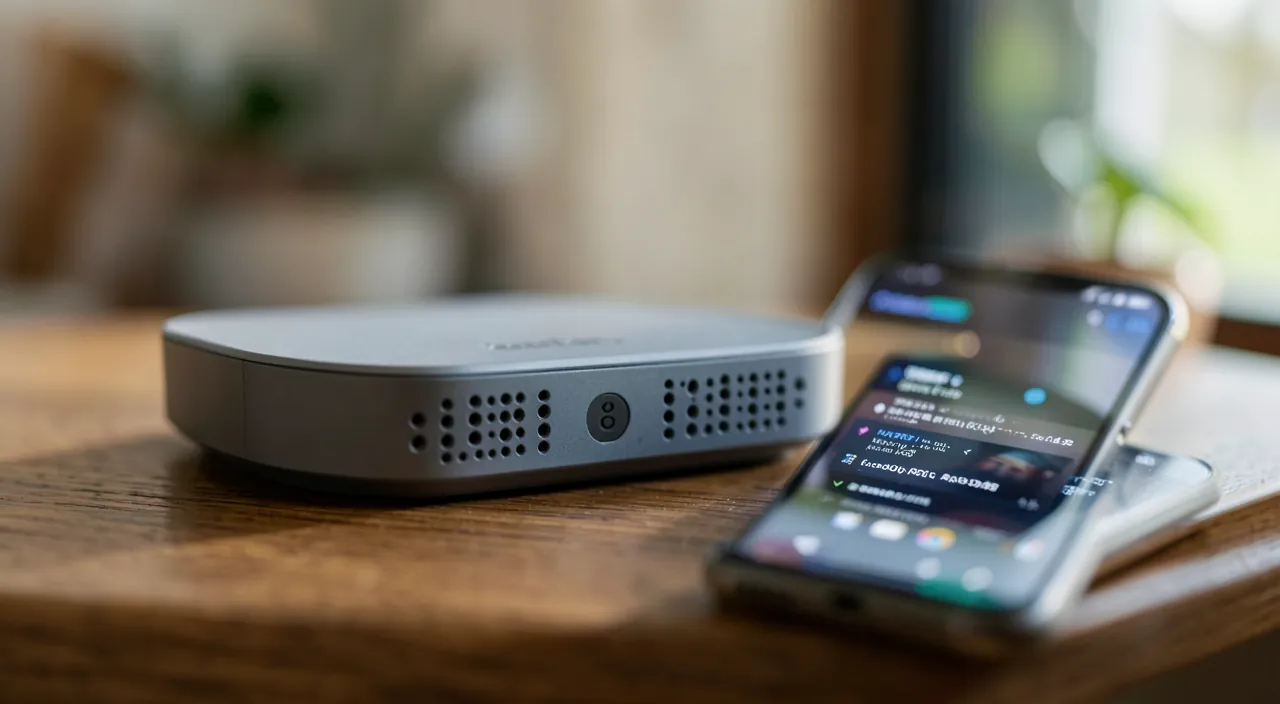
Smart devices and ongoing vigilance
An increasing challenge for home network security: SMART DEVICES. More and more devices are connecting to your network — surveillance cameras, voice assistants, thermostats, TVs, appliances, connected toys (our smart home, surveillance camera guides). Yet, these devices are often LESS SECURE than your computers and phones (default weak passwords, rare updates), and can become entry points for an intruder. Some precautions: change the default passwords of your smart devices (many keep a factory default password that’s too weak — a major point of vigilance), keep them UPDATED when possible, isolate them ideally on a separate guest network (so a compromised device doesn’t open access to your sensitive devices), and be wary of cheap smart devices from unknown brands (their security can be non-existent). At the core, securing your home network is part of a broader home digital hygiene: a protected network (changed passwords, updated box) is the foundation; the devices that connect to it must also be secure (strong passwords, updates — our security guides); and your data and accounts must be protected (password manager, two-factor authentication — our password manager, two-factor authentication guides). All this forms a coherent whole. A final point: occasional checks are useful — periodically check the devices connected to your network (via the box interface), ensure the box is updated, and stay vigilant. Securing your home network is not a one-time action but a light and ongoing vigilance. With these few settings and habits, your home Wi-Fi becomes a trusted environment, protecting all your devices and data: the solid foundation on which all your home digital life rests.
Caution: default passwords and smart devices are the main vulnerabilities. Two major points of vigilance: DEFAULT PASSWORDS are the most common vulnerability — whether it’s the Wi-Fi password, the box admin password (often forgotten, different from Wi-Fi), or the factory default passwords of your smart devices, an unchanged default password is an open door (anyone who knows the model can often guess it) — change them imperatively. Second point: SMART DEVICES (cameras, assistants, thermostats, connected toys) are often the weak link in home security: less secure, rarely updated, sometimes from dubious origin — change their default passwords, keep them updated, isolate them on a separate guest network if possible (so a compromised device doesn’t open access to your sensitive devices), and be wary of very cheap devices from unknown brands with questionable security (our surveillance camera home guides). Keep your box UPDATED and occasionally check the devices connected to your network (an unknown device may signal an intruder). Home network security rests on these foundations: changed passwords, updated box, managed smart devices. Neglecting these points leaves the door open to all your home’s digital life.
Frequently asked questions
How to secure my internet box?
The essential actions, accessible in your box settings: change the default Wi-Fi password (the one on the label) for a strong and unique password; also change the box admin password (often forgotten, different from Wi-Fi); ensure modern encryption; keep the box updated; create a guest network for visitors and smart devices; and occasionally monitor connected devices. The most important ones are changing the default passwords and keeping the box updated. You don’t need to be an expert or do everything at once: start with the passwords, the essential protection is there. A few minutes to secure your entire digital home.
Why create a guest network?
A guest network is a separate Wi-Fi from your main network: it allows isolating certain connections from your sensitive devices. Two useful uses: for VISITORS (they access the internet without being on the same network as your computers and data), and especially for SMART DEVICES (cameras, voice assistants, thermostats), often less secure: by putting them on the guest network, a compromised device doesn’t open access to your main devices. It’s a good practice of compartmentalization, easy to set up on most modern boxes. It significantly strengthens security by separating sensitive devices (your devices) from less secure ones (smart devices, guests).
Are smart devices a risk to my network?
They can be: smart devices (cameras, voice assistants, thermostats, connected toys) are often LESS SECURE than your computers and phones (default weak passwords, rare updates), and can become entry points for an intruder. Precautions: change their default passwords (essential), keep them updated when possible, isolate them on a separate guest network, and be wary of very cheap devices from unknown brands with questionable security (our surveillance camera home guides). Properly managed, smart devices bring comfort without compromising your security; neglected (factory default passwords, no updates), they become the weak link in your home network.
What to remember
Your internet box and Wi-Fi are the gateway to all your digital home: securing them protects all your devices and data. It’s within everyone’s reach with a few accessible settings in the box interface. Essential actions: change the DEFAULT PASSWORDS — Wi-Fi (for a strong password, a passphrase is ideal) AND box admin (often forgotten) —, ensure modern encryption, keep the box UPDATED, create a GUEST NETWORK (to isolate visitors and smart devices from your sensitive devices), disable unnecessary features, and monitor connected devices. Priorities: the default passwords (the most common vulnerability) and updates. An increasing challenge: SMART DEVICES (cameras, assistants, thermostats), often the weak link — change their default passwords, keep them updated, isolate them on the guest network, and be wary of devices from dubious origin. Securing your home network is part of a broader home digital hygiene (protected network, secure devices, protected accounts with password manager and two-factor authentication), and requires a light but ongoing vigilance. A few minutes of settings to make your Wi-Fi a trusted environment: one of the most cost-effective security investments, as it protects all the devices in the house at once.
Any doubts about your security, a device to check or clean? Our support service will guide you step by step.
Leave a Reply
You must be logged in to post a comment.