
The idea that an unknown person could be watching you through your computer’s webcam or listening to you through your microphone is concerning—and it’s not science fiction: malicious software exists that can do just that. Should we live in fear or cover all our webcams? Neither paranoia nor negligence: the real risk is real but manageable with a few simple steps. Here’s how to protect your webcam and microphone from prying eyes and ears, whether on a computer or a phone.
The real risk: spying through malicious software
The danger of being spied on through the camera or microphone is real but precise: it mainly comes from MALWARE installed on your device without your knowledge, capable of discreetly activating the webcam or microphone to watch and listen to you, or capture images. These programs typically install themselves through conventional means: a maliciously embedded attachment, a downloaded software from a dubious source, a malicious link (our security guides, scams). Another risk, more insidious: legitimate applications that are too curious, which you have granted (sometimes without thinking) access to the camera or microphone, and which abuse or use them more than you would like (our cleaning guides on permissions). However, it is important to RELAX this to avoid paranoia: targeted webcam spying remains relatively rare for the average individual, and modern systems have protections (light indicators when the camera is active, explicit permission settings). The risk is neither zero nor omnipresent: it is a real risk that can be PREVENTED by good security hygiene (not installing anything suspicious, managing permissions, keeping devices up to date). Understanding this allows for the right attitude: neither constant fear over covering the webcam, nor completely ignoring the issue, but applying some simple and proportionate precautions that reduce the risk to almost nothing.
Hackers can spy on you through your webcam or mic if they install malicious software on your device. But this is rare for regular people. Just use common sense: don’t install sketchy apps, check permissions, and keep your devices updated.
Simple and effective protections
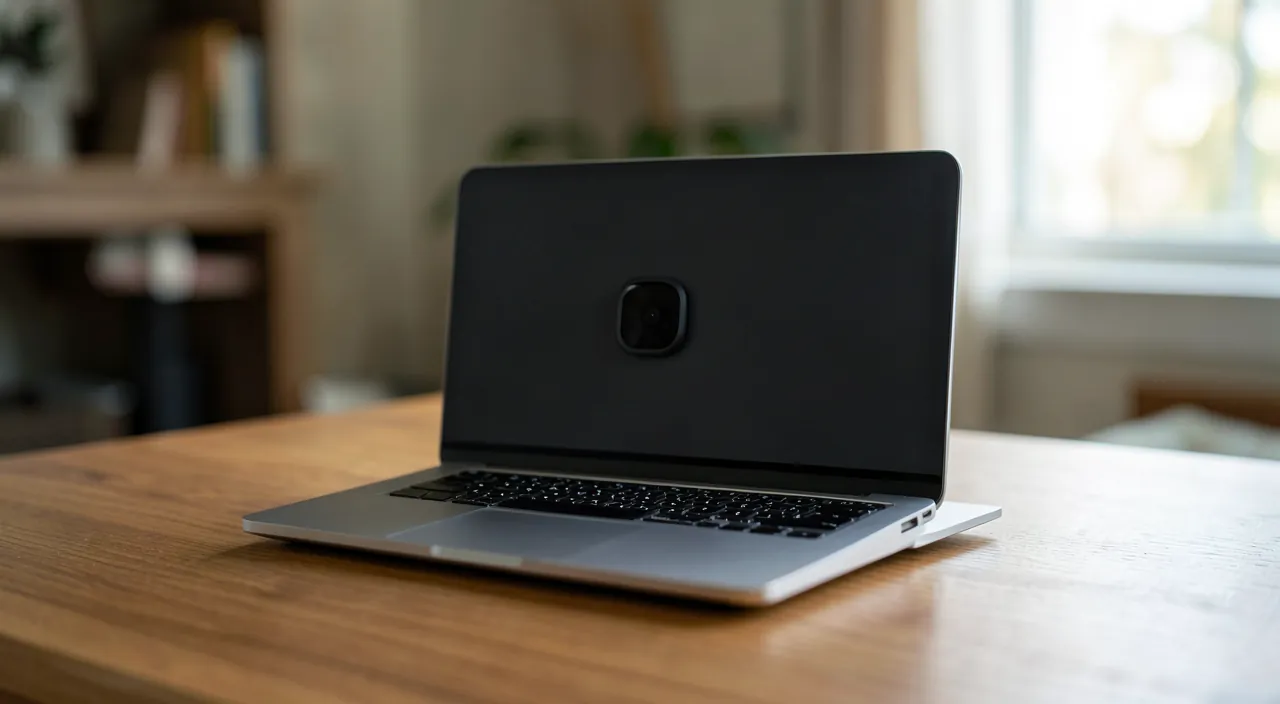
Several steps, from the simplest to the most technical, effectively protect: 1. PHYSICAL WEB-CAMERA COVER — the simplest and most radical protection against visual spying: a small cover (sliding or even a piece of opaque tape) over the webcam; camera covered, no one can see you, no matter what; it is 100% effective with no effort (many recent computers come with one); 2. MANAGE PERMISSIONS — check which applications have access to your camera and microphone (in privacy settings), and remove access from those that don’t need it (why would such an application need access to your microphone? — our cleaning guides on permissions); 3. MONITOR INDICATORS — modern devices display a light or indicator when the camera or microphone is active; if this indicator lights up when you are not using anything that justifies it, it is a warning signal; 4. INSTALL ONLY TRUSTED SOFTWARE — the best prevention against spyware: download only from reliable sources (official stores, recognized publishers), be wary of suspicious attachments and links (our security guides, scams); 5. KEEP YOUR DEVICES UP TO DATE — updates correct vulnerabilities that could be exploited; 6. FOR THE MICROPHONE — harder to « cover » physically, but managing permissions and the absence of malicious software protect it; some computers allow physical disabling of the microphone. These simple measures reduce the risk to almost nothing. The physical webcam cover and managing permissions are the most effective steps: the former ensures you are not seen, the latter limits who can technically access your camera and microphone. With good overall security hygiene (no suspicious software, devices up to date), you are very well protected.
Imagine you install a free game from an unknown website. Later, you notice your laptop’s camera light turns on randomly. This could mean the game secretly installed spyware. A physical cover would block the camera, and checking permissions would reveal the game’s unnecessary access.
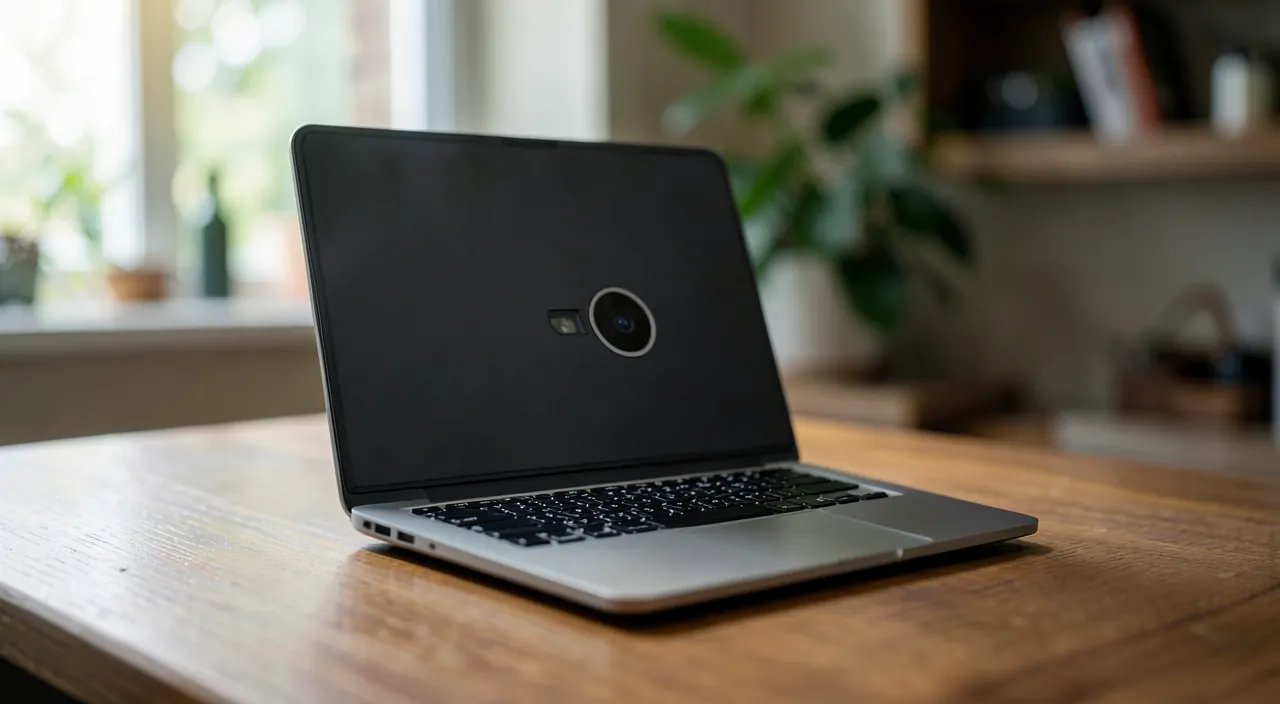
The right reflex. The simplest and most effective step for the webcam is the PHYSICAL COVER: a small sliding cover (a few euros) or even a piece of opaque tape over the lens. Camera covered, no one can see you—no matter the threat, it is a 100% radical protection with no setup or software. Many recent computers come with one; otherwise, it is the least expensive and most reassuring security purchase. Complete this with managing PERMISSIONS: go to privacy settings to see which applications have access to your camera and microphone, and remove access from those that don’t need it. These two steps—the physical cover on the webcam, and cleaning permissions—protect against the main risk of spying, for minimal effort. The former ensures you are not seen; the latter limits who can technically access your sensors. Simple, effective, and enough to sleep soundly.
Neither paranoia nor negligence: the balanced approach
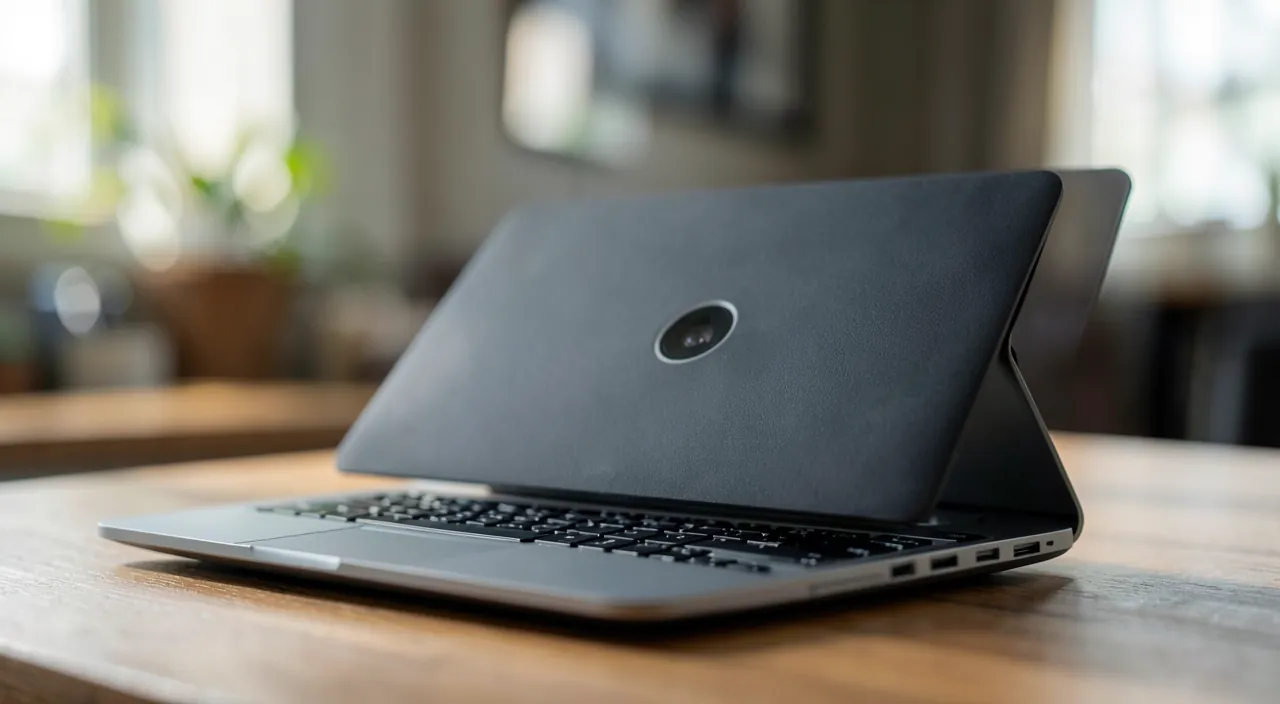
As often in security, the right posture avoids two extremes. Negligence: installing any software, granting all permissions without thinking, ignoring updates—leaving the door open to spyware. Paranoia: living in constant fear of being spied on, compulsively covering all devices, depriving yourself of normal usage—while the real, but manageable, risk remains relatively rare for the average individual. Between the two, the balanced attitude: applying some simple and proportionate precautions (webcam cover, managing permissions, trusted software, devices up to date) that reduce the risk to almost nothing, without anxiety. This approach fits into overall security hygiene: the best protection for your webcam and microphone is, in essence, the same as for all your devices—avoiding malicious software (our security guides). A point to note: the question applies to ALL your devices with cameras and microphones—computer, phone, tablet, but also connected objects (home surveillance cameras, voice assistants, connected toys deserve the same vigilance on their access and security—our home surveillance camera guides). Think also, during video conferences, about what your camera and microphone capture and transmit, and turn them off when you are not using them (our video conference guides). In summary, protecting your webcam and microphone requires neither expensive equipment nor expertise: a physical cover, careful management of permissions, and good overall security hygiene are enough to eliminate most of the risk. Technology surrounds us with cameras and microphones; by keeping control of who can access them, we can enjoy their uses without fearing prying eyes. Neither fear nor carelessness: just some good reflexes.
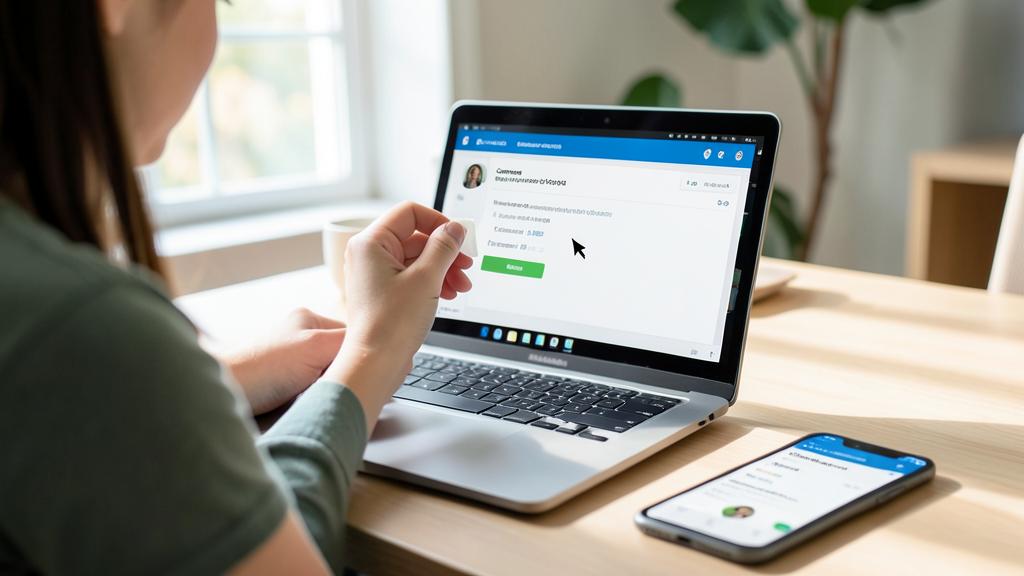
Caution: the real threat comes from malicious software and abusive permissions—and think about ALL your devices with cameras and microphones. The risk of being spied on through the camera or microphone mainly comes from MALWARE (installed via a maliciously embedded attachment, a dubious software, a malicious link) or applications that are too curious and abuse access you granted without thinking. The best prevention is therefore to install only TRUSTED SOFTWARE (only from reliable sources), carefully manage camera/microphone permissions (remove access from applications that don’t need it—our cleaning guides on permissions), and keep your devices up to date. Monitor the ACTIVITY indicators (camera/microphone lights): if they light up for no reason, it is a warning signal. Don’t forget that ALL your devices with cameras and microphones are concerned—not just the computer, but also the phone, tablet, and especially connected objects (surveillance cameras, voice assistants, connected toys) whose security and access deserve the same vigilance (our home surveillance camera guides). Finally, neither paranoia nor negligence: the risk is real but manageable; a physical webcam cover and good overall security hygiene are enough to reduce it to almost nothing, without living in fear.
Frequently asked questions
Can someone really spy on me through my webcam?
It is technically possible, but it usually requires that MALWARE has been installed on your device (via a maliciously embedded attachment, dubious software, a malicious link), or that a too-curious application abused access you granted without thinking. For the average individual, targeted spying remains relatively rare, and modern systems have protections (light indicators, explicit permissions). The risk is real but manageable: the best protection is a physical webcam cover (no one can see you), carefully managing permissions, and good overall security hygiene (no suspicious software, devices up to date). Neither fiction nor fatalism: a risk that can be simply prevented.
Should I cover my webcam?
It is the simplest and most effective step against visual spying: a sliding cover or a piece of opaque tape, and no one can see you, no matter the threat. It is a 100% radical protection with no effort or setup; many recent computers come with one. It is not paranoia but a simple and reassuring precaution. Complete this with managing permissions (remove access to camera/microphone from applications that don’t need it) to cover the software side as well. For the microphone, harder to cover physically, the key protections are managing permissions and the absence of malicious software. A physical webcam cover is a small investment for great peace of mind.
How to protect your microphone?
The microphone is harder to « cover » physically than the camera, but it can be effectively protected otherwise: manage PERMISSIONS (check which applications have access to your microphone and remove access from those that don’t need it—our cleaning guides on permissions), install only trusted software (to avoid spies), monitor the microphone activity indicator (if it lights up for no reason, be cautious), and keep your devices up to date. Some computers also allow physical disabling of the microphone. The key, as with the camera: prevent malicious software from entering and control who can technically access the microphone. Good overall security hygiene protects the microphone as effectively as the camera.
What to remember
The risk of being spied on through your webcam or microphone is real but manageable: it mainly comes from MALWARE installed without your knowledge, or applications that are too curious and abuse access you granted. For the average individual, targeted spying remains relatively rare, and modern systems have protections (activity indicators, explicit permissions). Simple and effective protections: a PHYSICAL WEB-CAMERA COVER (the 100% radical protection against visual spying—a sliding cover or tape), managing camera/microphone permissions (remove access from applications that don’t need it), monitoring activity indicators, installing only trusted software, and keeping devices up to date. These two key steps—physical cover and cleaning permissions—eliminate most of the risk for minimal effort. Adopt the right attitude: neither negligence (installing anything suspicious), nor paranoia (living in constant fear), but simple and proportionate precautions. Think about ALL your devices with cameras and microphones (computer, phone, but also connected objects: surveillance cameras, voice assistants). The best protection for your webcam and microphone is, in essence, the same as for all your devices: avoiding malicious software. A few good reflexes, and you can enjoy technology without fearing prying eyes.

Any doubts about your security, an appliance to check or clean? Our support service will guide you step by step.
Leave a Reply
You must be logged in to post a comment.