
You plug in your phone, and an hour later, the battery barely moved? An abnormally slow charge is frustrating, and one too quickly assumes the battery is « dead » or that you need a new device. However, in the vast majority of cases, the cause is simple and harmless: a worn-out cable, a clogged port, or an incompatible charger. Before spending money or panicking, run a diagnosis: methodically, you almost always identify the real culprit. Here’s how.
Understanding why charging can slow down
Charging a phone involves a CHAIN of components: the wall outlet, the charger (adapter), the cable, the phone’s port, and finally the battery. A weak link anywhere in this chain slows down the entire process. That’s good news: it means the issue is often a SIMPLE and replaceable element (cable, charger, port to clean), not necessarily the battery itself. Causes are distributed as follows: the charging equipment (cable, charger, outlet), the phone (clogged port, software, usage during charging), and finally the battery (real wear, but that’s far from always the case). The winning approach is to test the chain LINK BY LINK, from the most common and simple to the rarest, rather than immediately concluding « dead battery. » Another important point: charging speed also depends on the charger’s POWER—a weak or outdated charger charges a recent phone slowly, without anything being « broken. » Many « slow » charges are actually normal for the equipment used. Before dramatizing, you must distinguish an abnormally slow charge from a simply modest one due to an insufficiently powerful charger.
Charging depends on a chain of parts. If one part is weak (like a bad cable or old charger), the whole process slows down. Most of the time, it’s not the battery’s fault—it’s something easier to fix.
You have a modern smartphone that supports 30W fast charging, but you’re using an old 10W charger. Even if the battery is fine, the phone will charge slowly because the charger can’t deliver enough power. Switching to a 30W charger fixes the issue instantly.
Step-by-step diagnosis
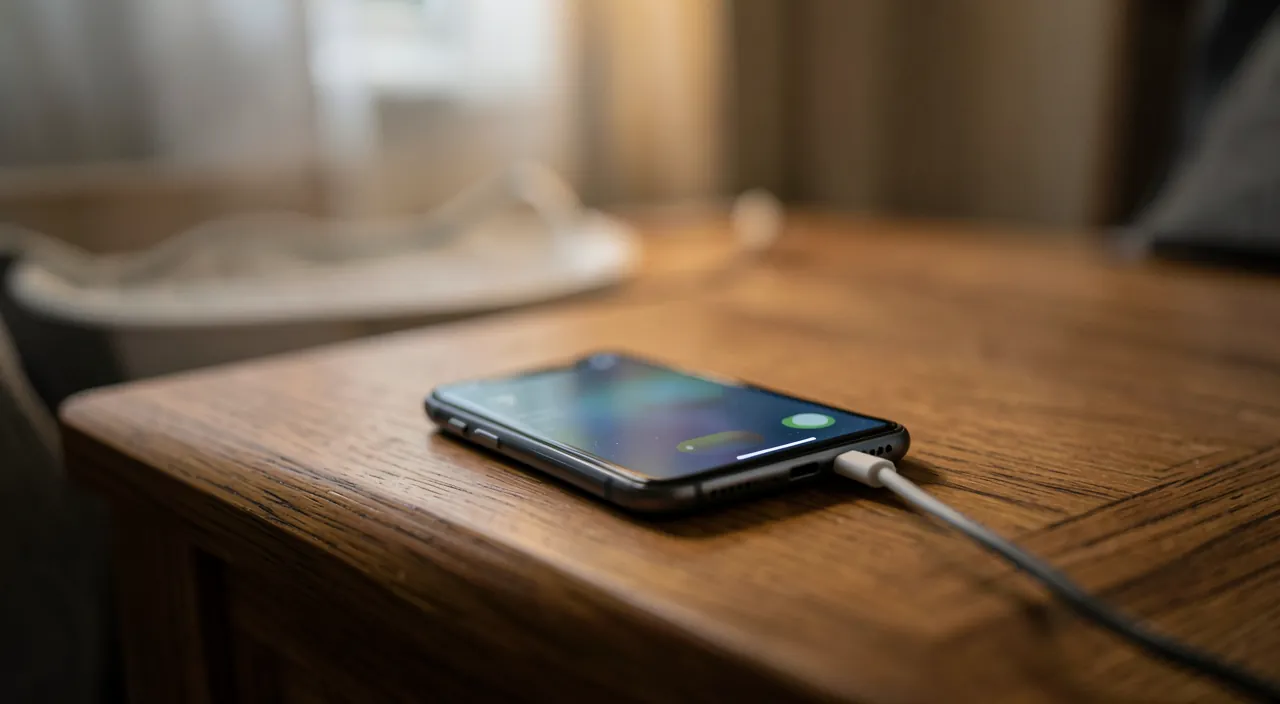
Test in this order: 1. The CABLE — the most frequent culprit: cables wear out, bend, and fray internally; try ANOTHER high-quality cable: if charging returns to normal, you’ve found it (a damaged or low-quality cable is the number one cause); 2. The CHARGER (adapter) — test another one, with power suitable for your phone: a weak or faulty charger charges slowly; preferably use a charger matching what your device supports; 3. The OUTLET or source — charge from a wall outlet rather than a computer’s USB port or a power strip (these sources often deliver less power); 4. The PHONE’S PORT — often neglected: dust and lint accumulate in the charging port and prevent proper contact; inspect it in the light and clean it GENTLY (device turned off, carefully, with no metal or sharp objects); 5. USAGE during charging — intensively using the phone while charging (games, videos) slows it down (it consumes power at the same time): leave it alone to charge quickly; 6. SOFTWARE — a restart sometimes fixes temporary glitches; an updated system manages charging better; 7. The BATTERY — only if everything else is ruled out: a very worn-out battery (after years) charges poorly and drains quickly; some phones display its health status in settings. This logical progression identifies the culprit in the vast majority of cases—and often, it’s the cable or the port, fixed in minutes without cost.
The right reflex. First, change the CABLE and inspect the PORT: these are, by far, the two most common causes of slow charging, and the easiest to rule out. Try another high-quality cable (cables are consumables that wear out: bends, invisible internal faults)—if charging returns to normal, that was the issue. And look INSIDE the charging port in the light: you’ll often find a buildup of lint and dust from pockets, preventing the cable from connecting properly; a gentle cleaning (phone turned off, carefully, with nothing metal or sharp) will fix it. These two free and quick checks resolve most slow charging issues: no need to conclude « dead battery » or rush to buy a new device before trying them.
Good habits and when to worry
For healthy and long-lasting charging: use QUALITY and compatible equipment (a good cable and a charger matching your phone; beware of very cheap, questionable accessories, which may be ineffective or even risky), keep the PORT clean (avoid lint buildup), don’t use the device intensively while charging if you want it fast, and keep the system UPDATED. To preserve the BATTERY long-term, a few habits help (avoid extreme temperatures, don’t keep it constantly empty or full at 100% all the time—our guides on preserving the battery). But when should you really worry? If, AFTER ruling out the cable, charger, outlet, port, and usage, charging remains abnormally slow AND the battery drains very quickly: battery wear is then likely (especially on an older device); check its health status if your phone displays it, and consider a battery replacement (often much cheaper than a new phone). If the port itself seems damaged (charging only in a certain position, unstable connection despite cleaning), a repair may be necessary. In these cases, a professional will diagnose precisely and offer the right solution. But remember: before all this, slow charging is most often just a cable or port issue—the reflex of a methodical diagnosis saves you worry and unnecessary expenses.
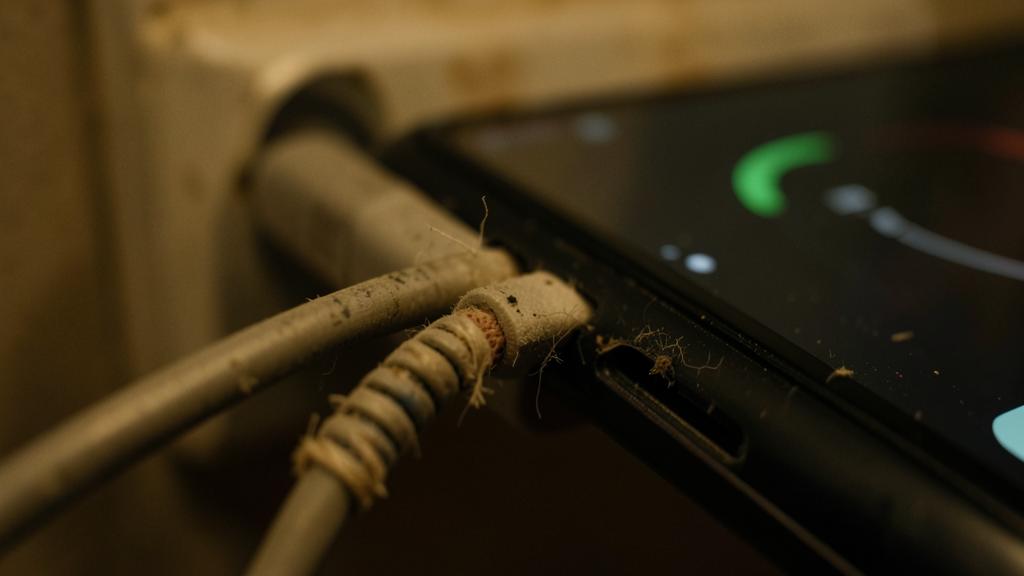
Warning: clean the port carefully, and beware of questionable accessories. Two warnings: CLEANING the charging port must be GENTLE—phone turned off, never insert a metal, sharp, or cutting object (needle, paperclip) that could damage internal contacts or cause a short circuit; proceed gently, in the light, to dislodge lint without forcing. And for CHARGING EQUIPMENT: avoid very cheap, questionable cables and chargers; beyond often being ineffective (slow charging), non-compliant chargers can pose risks (overheating, poor manufacturing quality): opt for quality equipment, compatible with your device. Finally, before concluding a « dead » battery or replacing your phone, methodically rule out simple causes: people too often replace or spend money on what was just a worn-out cable or a clogged port. If doubt persists after a full diagnosis, a professional will precisely assess the battery or port condition before any costly decision.
Frequent questions
Is my phone charging slowly because the battery is dead?
Rarely, in reality: slow charging most often comes from a worn-out cable, a weak charger, a low-power source (computer port), or a charging port clogged with lint—not the battery. Before concluding, test the chain: change the cable, try another charger on a wall outlet, gently clean the port. In the vast majority of cases, one of these steps resolves the issue. Only if all this is ruled out AND the battery also drains very quickly (on an older device) does its wear become likely: a methodical diagnosis avoids many hasty conclusions.
Why is my phone charging more slowly than before?
Several possibilities: a cable that has worn out over time (bends, internal faults), a port gradually clogged with lint, or a charger that has become inadequate. Intensive use during charging also slows it down. Rule out these causes first (new cable, cleaned port, charging from a wall outlet without using the device). If the slowdown persists and battery life has significantly decreased, the battery may have worn out over the years: check its health status if your phone displays it. But always start with the cable and the port: they explain most gradual slowdowns.
Can I clean the charging port myself?
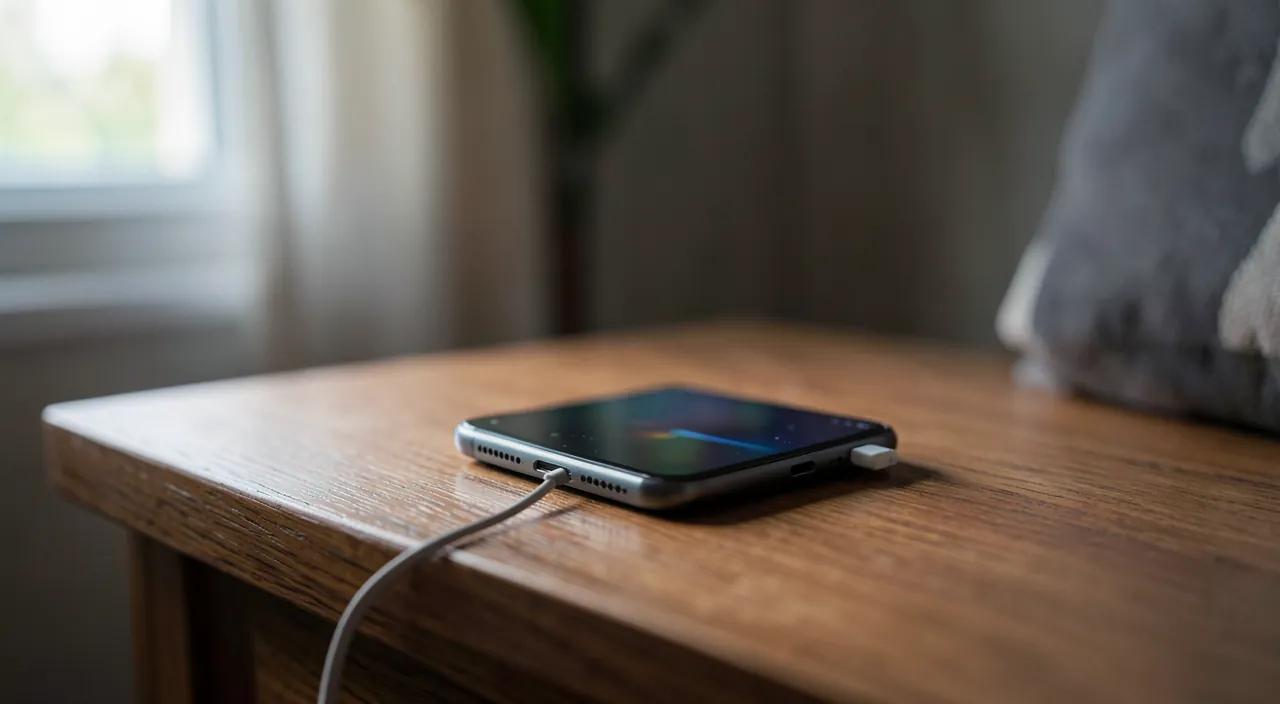
Yes, with CAUTION: phone turned off, look in the light (you’ll often see a buildup of lint at the bottom), and gently dislodge the dirt WITHOUT any metal, sharp, or cutting object that could damage the contacts or cause a short circuit. A gentle puff of dry air can help. Proceed gently, without forcing. It’s a simple step that resolves many slow charging issues. However, if the port seems physically damaged (unstable charging, only works in a specific position despite cleaning), don’t insist: a professional repair is then preferable to avoid worsening the issue.
Key takeaways
Slow charging almost always comes from a weak link in the charging chain (outlet, charger, cable, port, battery)—and most often from a simple, free-to-fix element, not the battery. The approach: test link by link, from most common to rarest. The cable (worn-out, low-quality) is the number one culprit: try another high-quality one. The lint-clogged charging port is the second: inspect and gently clean it (device turned off, with nothing metal or sharp). Then check the charger (compatible power), the source (wall outlet rather than USB port), usage during charging, and software (restart, update). The battery comes LAST, only if everything else is ruled out and battery life has significantly decreased (older device)—a battery replacement is then often much cheaper than a new phone. Beware of very cheap, questionable accessories. By running this methodical diagnosis before panicking, you resolve most slow charging issues in minutes, without cost or unnecessary worry.
Persistent issue, temperamental device? Our remote troubleshooting service quickly resolves your problem, without jargon.
Leave a Reply
You must be logged in to post a comment.