
A failing disk, a stolen phone, ransomware, a false manipulation: the day your data disappears, years of photos, documents, and memories vanish—and it’s then too late. Backup is the only insurance that truly matters, and professionals summarize the right method in three numbers: the 3-2-1 rule. Simple to understand, it protects against almost all loss scenarios. Here’s how to implement it at home, concretely, without being a computer expert.
The 3-2-1 rule explained simply
Three numbers, almost complete protection: 3 copies of your important data (the original + two backups); 2 different media (for example, the computer’s disk + an external disk: if one type of media fails, the other survives); 1 off-site copy (somewhere other than your home: in the cloud or on a disk stored in another location—to survive theft, fire, or water damage that would take EVERYTHING in the same place). Why this redundancy? Because each threat has its countermeasure: a single copy protects against nothing (the disk fails, everything is lost); two copies in the same place fall together in case of theft or disaster; the off-site copy is what saves you from the worst. The beauty of 3-2-1: it makes data loss almost impossible, as THREE copies, on TWO media, in TWO locations, would have to disappear at the same time—an extremely unlikely scenario. It’s the professionals’ standard, applicable at home without expensive equipment.
The 3-2-1 rule means keeping three copies of your data on two different types of storage, with at least one copy stored somewhere else. This way, if one copy is lost or damaged, you still have others to fall back on. It’s like having a safety net for your files.

Setting it up at home
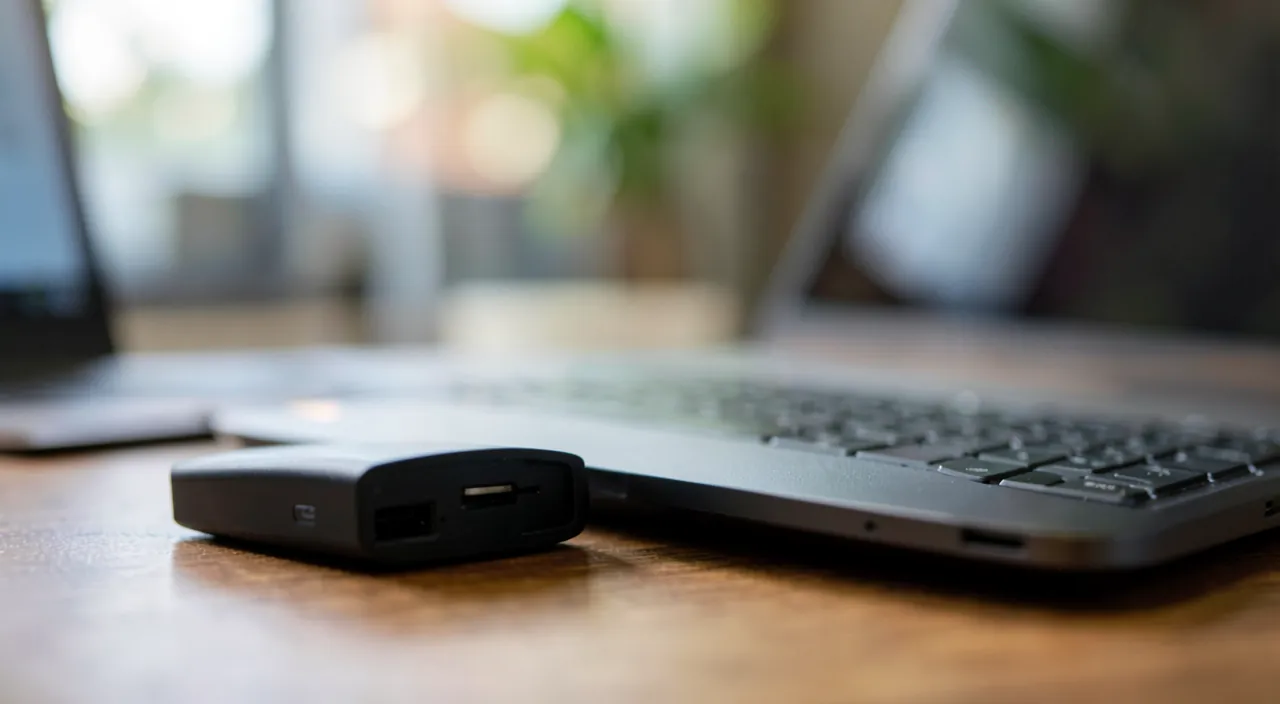
In practice, for an individual: Copy 1 — the original lives on your computer and phone (nothing special to do). Copy 2 — the external disk: an external hard drive or SSD (a few dozen euros), connected regularly, on which you back up—ideally AUTOMATICALLY via the tool built into your system (scheduled backup that runs on its own: our organization guides). Copy 3 — the off-site, to choose: the cloud (an online storage service that syncs or automatically backs up your files and photos—the easiest, always active), OR a second external disk that you keep ELSEWHERE (at the office, at a relative’s) and bring back occasionally to update. For the phone: enable automatic cloud backup (photos, contacts, data)—it’s often just a checkbox that covers the most valuable. The goal: for everything to happen AUTOMATICALLY, because a manual backup that’s forgotten doesn’t protect. Once configured, 3-2-1 works for you silently.
The right reflex. Automate everything that can be, then TEST your backups—the classic mistake is to believe you’re protected without ever checking. Schedule the external disk backup (the system tool does it alone) and enable cloud sync for your photos and documents, to avoid relying on any forgotten manual action. Then, once per quarter, do the test that counts: try RESTORING a file from each backup (open a photo from the external disk, retrieve a document from the cloud). A backup that’s never tested may be empty, corrupted, or incomplete—and you only discover that at the worst moment. True security is a restoration that WORKS, not just a copy that exists.
Choosing what to back up and how often
Not everything has the same value or urgency: first identify the IRREPLACEABLE—family photos and videos (the real treasures, impossible to recreate), important personal and administrative documents (papers, invoices, scanned contracts—our digitizing guides), creations and work (what you’ve produced). These data deserve full 3-2-1 and FREQUENT backups (cloud in real-time, external disk weekly). The reinstallable (software, downloadable movies) is less of a priority. As for frequency: the more often data changes, the more often it’s backed up (daily photos in real-time; frozen archives, less often). Also think about organization: well-organized files back up and are found more easily (our second brain, photo organization guides). And regularly check that everything is running—a scheduled backup can fail without warning (full disk, unplugged cable, expired cloud subscription). 3-2-1 isn’t “configure once and forget”—a quick check now and then ensures the safety net is ready when you need it.
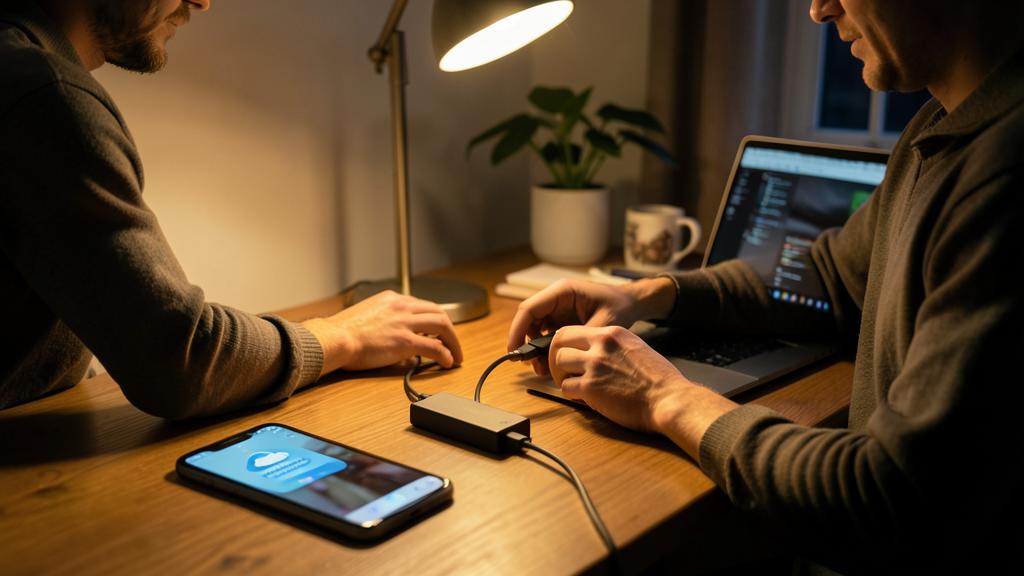
Imagine you have 500 GB of family photos on your computer. You keep the originals on your PC, back them up to a 1 TB external SSD (Copy 2), and sync them to a cloud service like Google Photos (Copy 3). If your computer crashes, you can restore from the external SSD. If your house burns down, the cloud copy is still safe. This way, you’re protected against both hardware failure and disasters.
Warning: synchronization is NOT a backup, and off-site is vital. Two common traps: the sync/backup confusion—a synced folder (like a “mirror” cloud) also copies deletions and corruptions: if ransomware encrypts your files or you accidentally delete them, sync spreads the disaster everywhere (our ransomware guides). A real backup keeps recoverable PREVIOUS VERSIONS: check that your solution allows going back in time, not just reflecting the present. And NEVER neglect the off-site—two disks sitting side by side on the same desk protect neither from theft, nor fire, nor water damage: it’s the copy elsewhere (cloud or distant disk) that saves you from the worst. A local-only backup covers hardware failure; you need off-site to cover disasters. 3-2-1 works because of its THREE combined conditions—neglecting one leaves a door open on the day of bad luck.

Frequently asked questions
Is the cloud enough as the only backup?
It’s already much better than nothing, but the cloud alone has its limits: if it’s just SYNC, it copies your errors and corruptions (a deletion or ransomware spreads). The ideal remains full 3-2-1: original + local external disk (fast to restore, internet-independent) + off-site cloud. The cloud excels as a distant copy; combined with a local versioned backup, it forms a much stronger safety net than used alone. Diversifying media and locations is the whole point of the rule.
How much does proper backup cost?
Modest compared to what it protects: an external disk costs a few dozen euros (one-time purchase), and sufficient cloud storage for photos and documents costs a few euros per month. Compared to the value of ten years of family photos, impossible to repurchase at any price. Backup is the cheapest and most profitable digital insurance: you only realize its value on the day of trouble—and that day, it’s priceless.

How often should you back up?
The best is AUTOMATIC and CONTINUOUS for frequently changing data: cloud sync for photos happens in real-time, external disk backup can run daily or weekly without intervention. The rule: the more valuable and frequently changing the data, the more often it’s backed up. The key is to rely on no manual action you might forget: a scheduled backup that runs alone protects much better than a “when I remember” copy, which often never happens.
What to remember
Backup is the only true insurance against data loss, and the 3-2-1 rule gives the recipe: 3 copies, on 2 different media, with 1 off-site. At home: the original on your devices, an automatic backup on an external disk, and an off-site copy in the cloud (or a disk kept elsewhere). Prioritize the irreplaceable (photos, personal documents, creations), automate everything to avoid forgetting, and above all TEST the restoration regularly—a copy that exists isn’t a copy that works. Keep in mind the two traps: sync isn’t a backup (it copies errors and ransomware—you need recoverable versions), and off-site is vital (two disks in the same place fall together). Configured once and monitored from afar, 3-2-1 makes data loss almost impossible: on the day of a dead disk or theft, you’ll smile instead of crying.

Want to gain confidence with your digital tools? Our personalized training adapts to your level.
Leave a Reply
You must be logged in to post a comment.