
The day someone **disappears**, their digital life remains — locked: photos from thirty years in a cloud with no password, accounts withdrawing into the void, profiles sending heartbreaking « happy birthday » messages, processes blocked behind two-factor authentication that rings on a switched-off phone. The digital legacy is the unfinished project that no one wants to open — and one of the most beautiful gifts to give your loved ones: two hours of organization while living save months of lock picking in grief. Prepare your own, manage a loved one’s: the complete guide without pathos.
Measure the stakes: what is truly lost
The inventory of what disappears with a password: the memories — cloud photo libraries (decades of images — the top family legacy: our guides — sometimes disappear after inactivity periods if no one accesses them), messages, documents; the money — online accounts and neobanks (which the family sometimes ignores — the inventory of assets goes through official channels, but exotic and crypto accounts escape: real sums sleep forever due to lack of inventory), savings, loyalty programs, and the subscriptions that withdraw the void (our guides’ list of accounts — post-mortem cancellations are a journey: each documented subscription is a step saved); the administrative — the key email account (our guides: without it, each account recovery becomes a file — energy, insurance, bank: our guides family passwords lay the infrastructure); and the identity that continues — social profiles living their posthumous life (anniversary reminders to the bereaved, hackable profiles — deceased profiles are targets: no one monitors alerts anymore): each category has its solution — and all require the same thing: being thought about beforehand.
When someone dies, their digital accounts and files can become locked forever. Photos, money, and important documents can be lost if no one knows how to access them. The best way to avoid this is to organize your digital life while you’re still alive, so your family doesn’t have to struggle later.
Prepare your own: the two-hour kit
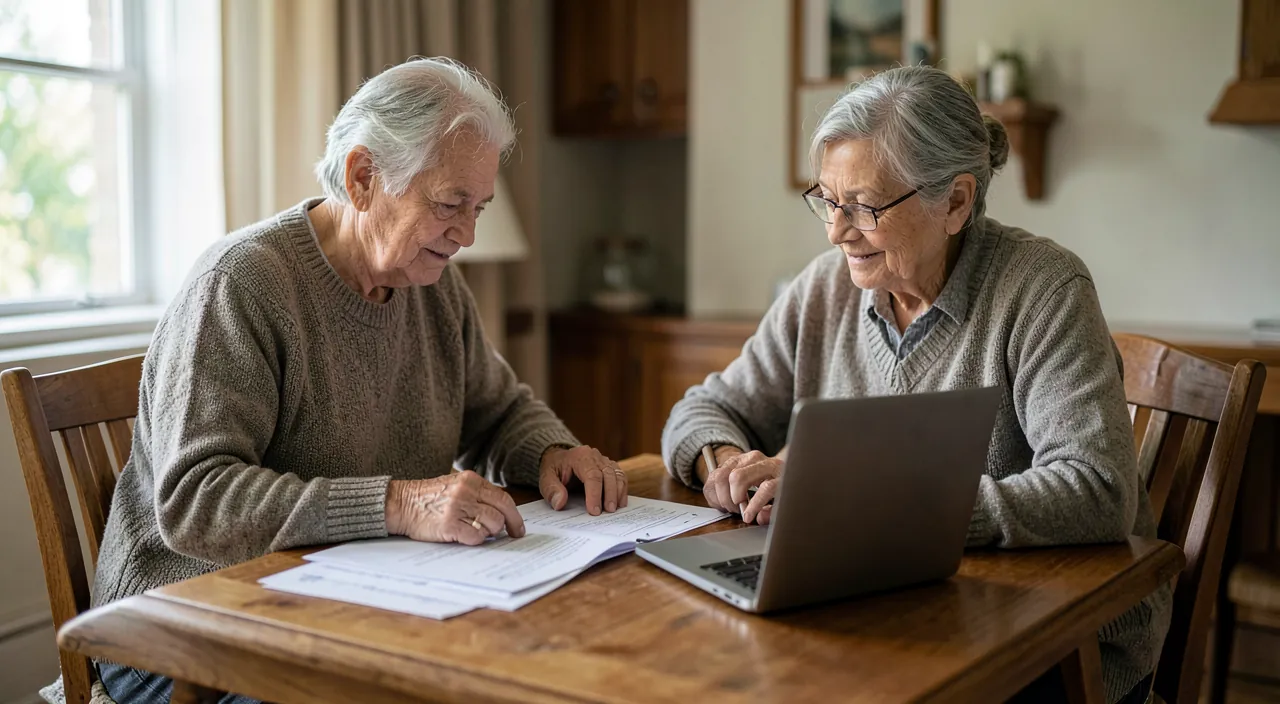
The complete system, layer by layer: Layer 1 — official platform tools (ten minutes each, to do this weekend): the Apple legacy contact (Settings → Your Name → Security and Privacy — the designated person accesses the data with the death certificate: photos, notes, backups — without your passwords: the proprietary mechanism), its Google equivalent (inactivity management — data transmitted or deleted according to YOUR choices after a defined inactivity period), memorialization settings for networks (memorial account or deletion — your choice, declared); Layer 2 — password manager as central safe (our guides: emergency access — the designated close one who can request access, granted after a delay — or the master password in Layer 3’s system); Layer 3 — the envelope (or safe) — the sealed document: the master password, the phone code, the list of important accounts (banks — including online ones, insurance, crypto and their access mechanism, subscriptions to cancel), and digital wills (what is kept, what is deleted — say it: loved ones guess poorly): a row where important papers are stored, known to the trusted person, UPDATED when the master changes (annual reminder — our guides); Layer 4 — the notary for what weighs (significant digital assets — cryptos foremost — mentioned in dispositions: the will can include the digital, and unorganized crypto assets are lost by design — that’s their architecture): four layers, two hours — and a conversation: the system ANNOUNCED to your loved ones is worth double (they know it exists and where).
The right reflex. Do the « bus tomorrow » test — the clear exercise that reveals everything: if you disappeared tomorrow, would your spouse (or your reference person) know — unlock your phone? access the email? pay household bills? find the photos? list the money accounts? Each « no » is a kit item to do — and the same test IN THE OTHER DIRECTION (would you know for them?) completes the picture: the household’s digital legacy is prepared in two, on a winter evening — less fun than a movie, infinitely more loving.

Manage a loved one’s: the survivor’s journey
The order of digital steps when grief comes: the short-term urgency — the deceased’s phone PRESERVED (do not reset it or let the battery die for months: it is the 2FA key of everything — charged, in a safe place; and if its code is known, legitimate access to the succession settlement passes through it), the mobile line MAINTAINED for a few months (validation SMS — too quick a line cancellation is the classic mistake that locks everything: the operator offers suspensions), and the mapped withdrawals (bank statements — the list of subscriptions to handle); then the official channels — the legacy contact if designated (the death certificate opens Apple/Google data properly), the platform’s « death » procedures (all have them — justifications: act, family relationship — they eventually conclude, slowly), the bank and organizations through the notary (the classic route — which also lists assets); the memory choices — memorialized or closed networks (according to stated wishes or family sentiment — memorialization stops cruel reminders while keeping the page), the email kept open for the settlement period (bills and contacts transit there) then closed, and the photos repatriated — the heart’s project: downloaded photo libraries and transferred to the family’s heritage (our guides — the shared archive with loved ones: the most beautiful digital legacy, not left to inactivity); and the accepted time — a digital life is settled in months: by importance (money and administration first, then memory, the rest later), without guilt for what awaits — servers are patient, grief has its priorities.
Imagine a family where the father, John, passes away. His phone is immediately preserved, and his mobile line is kept active for six months. His wife, Sarah, uses the Apple legacy contact to access his iCloud photos, which she downloads and shares with the family. She also cancels his subscriptions and closes his social media accounts according to his wishes. The process takes several months, but by prioritizing financial and administrative tasks first, Sarah can handle everything without feeling overwhelmed.
Special cases that deserve a word
Specific situations: the cryptocurrencies — the radical case: without transmitted keys, nothing exists (no customer service, no death certificate — the design itself: self-custody is a transmission responsibility: the recovery phrase in the sealed document, explained to the trusted person, or assets on regulated platforms that DO have procedures — our crypto guides enrich this with a succession criterion); the online activity — the site, store, networks of an independent (our guides: documented function access — a site of a deceased artisan that continues to take orders is an avoidable distress: the access binomial works for singles too — the spouse or partner knows to cut/announce), and the animated communities (the forum, group — designated co-administrators in life: the community survives its founder if someone has the keys); divorce and separations — the digital legacy has a cousin: the digital separation (the shares to untangle, accesses to revoke, shared photos to share fairly — our photo library guides: the exit mechanisms exist: know them cold); and preparing the elderly — the kit made WITH the elderly parents (our guides: the most useful conversation — their digital wishes collected, the envelope made together, the legacy contact designated: offer it as a service, not a memento mori — « we did it for ourselves, we help you do it ») — each generation of the household deserves its own system — and it’s often the youngest who installs it for everyone.
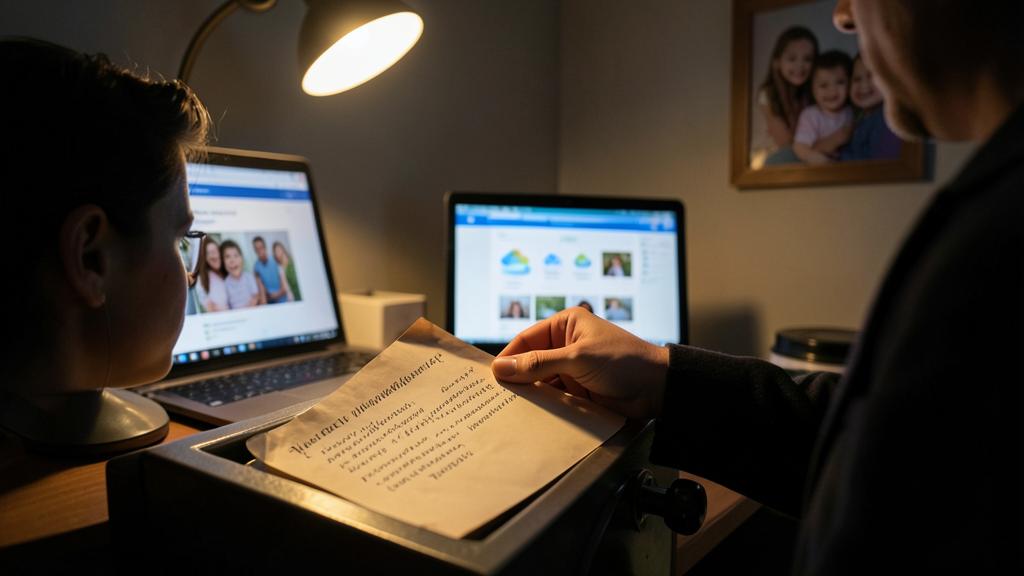

Be wary of the pitfalls of digital bereavement. Three documented traps: the destructive rush — the device reset « to give it away » before everything is recovered (the order is: inventory, recover, THEN close — nothing ever rushes enough to erase); the scavengers — scams exist for families in grief (fake « account recovery for the deceased » services — official procedures are FREE; public death notices inform burglars and phishers: be cautious about what the notice publishes — addresses, dates of funerals — are real precautions); and the wild access — connecting to the deceased’s accounts with your passwords « because you have them » navigates in gray zones (tolerated for family emergencies, problematic beyond — official channels exist precisely to legitimize access: use them for what matters, and document what you do): digital bereavement is traversed like the rest — slowly, regularly, without predators.
Frequently asked questions
Does the legacy contact see my data while I’m alive?
No — nothing, never: designation gives NO access while alive (he receives a key that only works with the death certificate — the mechanism is made for this): that’s precisely what makes it so simple to do this weekend, without second thoughts — ten minutes, reversible, invisible, and decisive on the day it comes.

And if I want some things to DISAPPEAR?
It’s a right that is also prepared: Google’s inactivity management allows pure deletion, written wishes guide loved ones (« the diaries are deleted without being read » is respected if said), and in-life sorting remains the safest (what should not survive does not have to wait — our guides digital ménage: the light archive is also a modesty). Digital legacy is not just transmission — it’s the CHOICE of what is transmitted.
A model of « envelope »: what to put exactly?
A single page suffices: 1) phone code + master password of the password manager; 2) the list of MONEY accounts (banks, online savings, cryptos and their access); 3) subscriptions to cancel (or « see the password manager, subscription file »); 4) wishes (networks: memorial or closure; photos: to whom; what is deleted); 5) useful contacts (notary, trusted person). Dated, sealed, stored with important papers — and an annual reminder in the calendar to keep it true: a stale envelope lies.

What to remember
Digital legacy is played while alive, in two hours and four layers: the official tools (Apple legacy contact, Google inactivity management, network memorialization — ten minutes each, no live access), the password manager as central safe (designated emergency access), the sealed envelope (master, money accounts, subscriptions, wishes — updated annually), the notary for what weighs (cryptos mainly — without transmission, they no longer exist). For the survivor: preserve the phone and line (the 2FA keys), map, go through official free channels, repatriate photos before deadlines, choose memory — slowly, in order, without scavengers. The bus test tells where you are; a two-person evening fills the gaps. We now bequeath passwords too — as much as we loved, think of others first.
Any doubts about your security, an appliance to check or clean? Our support service guides you step by step.
Leave a Reply
You must be logged in to post a comment.