
The Music app is open every day — and used simply as a player: start, listen, skip. Yet under the hood, a library is being built (yours — not the algorithm’s), smart playlists, family sharing that avoids paying twice, karaoke lyrics, spatial audio, music throughout the house, and settings that change listening habits daily. The full circle of music in the Apple ecosystem — with or without a subscription, from morning earbuds to living room speakers.
Library or tap: take control of YOUR music
Streaming has a flipside: we no longer LISTEN, we let it flow — taking control starts with the library: the plus that ADDS the loved album (the library is your record collection — one you find, play, that defines you: the act of adding is the new act of buying — free but meaningful), albums listened to as albums (the work as a whole — the rediscovery of long listening is a delightful small resistance to channel surfing), and sorting that keeps the house tidy (overnight adds are removed — the library is not the history); two-tier playlists — yours (the playlist builds by long-pressing any track — classics: the aperitif, the drive, the workout, the Sunday… named and with covers chosen) and collaborative (shared playlists where everyone adds — the vacation soundtrack built by the whole car, the wedding prepared by six hands: the invitation is sent as a link — our guides gain a festive tool); the tamed algorithm — suggestions learn (the heart « like » and its opposite feed personalized mixes — weekly stations become TRULY your own when you vote), and the listening history is kept conscious (the « do not influence » mode for lullabies in loops — the setting that saves your recommendations from the invasion of lullaby songs); and the search by lyrics — three heard words find the title (the function that resolves twenty years of « what’s that song again? »).
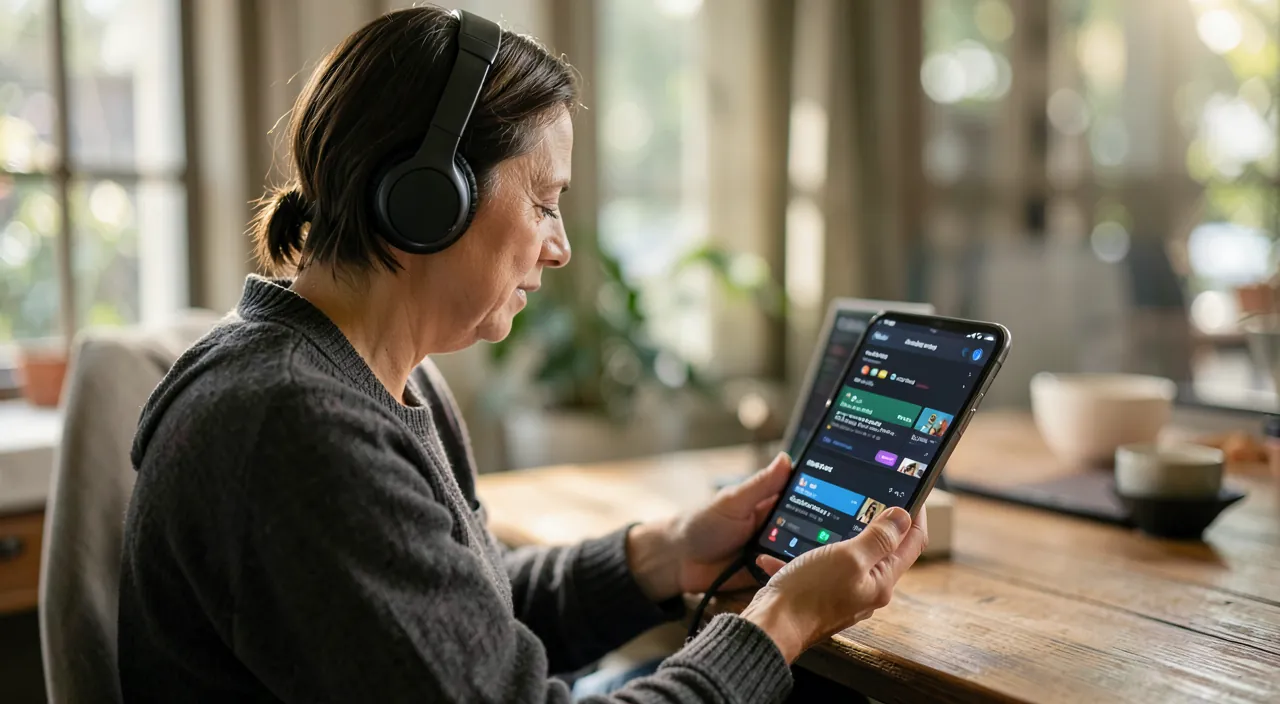
Your music library is like your own personal collection. You can add albums, create playlists, and even share them with others. The app learns what you like and suggests music based on your tastes. It’s not just about streaming—it’s about making music personal again.
Imagine you’re on a road trip with friends. You create a shared playlist where everyone adds their favorite songs. By the end of the trip, you have a custom soundtrack of the journey. Later, you can listen to it again and remember the fun moments.
The listening functions no one activates
The collection of settings that change the ear: real-time lyrics — the dedicated icon during playback (built-in karaoke, word by word — known to evenings; language learning too: the song read while listening is a disguised course — our guides), and sharing an EXTRACT of lyrics in a message (the phrase that says it all, sent as an elegant card); spatial audio — the sound enveloping on compatible earbuds (blowing on mixed albums for — try on a recent track to understand, adjust according to taste: the head-following is disabled for those who prefer a fixed scene); the chained fade (settings → the transition between tracks — the evening without pauses); the equalizer (preset by genre — and « Late Night » that compresses to hear low without losing details — the setting for nighttime listens); the headphone volume limit (our guides audition — the setting adjusts, especially on devices of young users); the sleep timer (via the Clock app: « stop reading » — fall asleep to music without playing all night); and Siri as DJ — « play some calm jazz, » « turn up the volume, » « what’s this song? » (integrated music recognition — the song from the coffee playlist added in one phrase: the native Shazam gesture everyone has and forgets).
The right reflex. Enable family sharing of the subscription — the obvious economy that entire households miss: the family plan covers up to six accounts (each with THEIR library, THEIR recommendations, THEIR history — the drama of mixed tastes resolved: no more shared account where lullabies pollute dad’s metal), for barely more than two solo subscriptions — and it often extends to other services in the bundle (our guides subscriptions: the family vs solo calculation takes a minute and counts in tens of euros per year). Each member on their own account, the shared subscription at the family level — the correct configuration of the music-loving household.
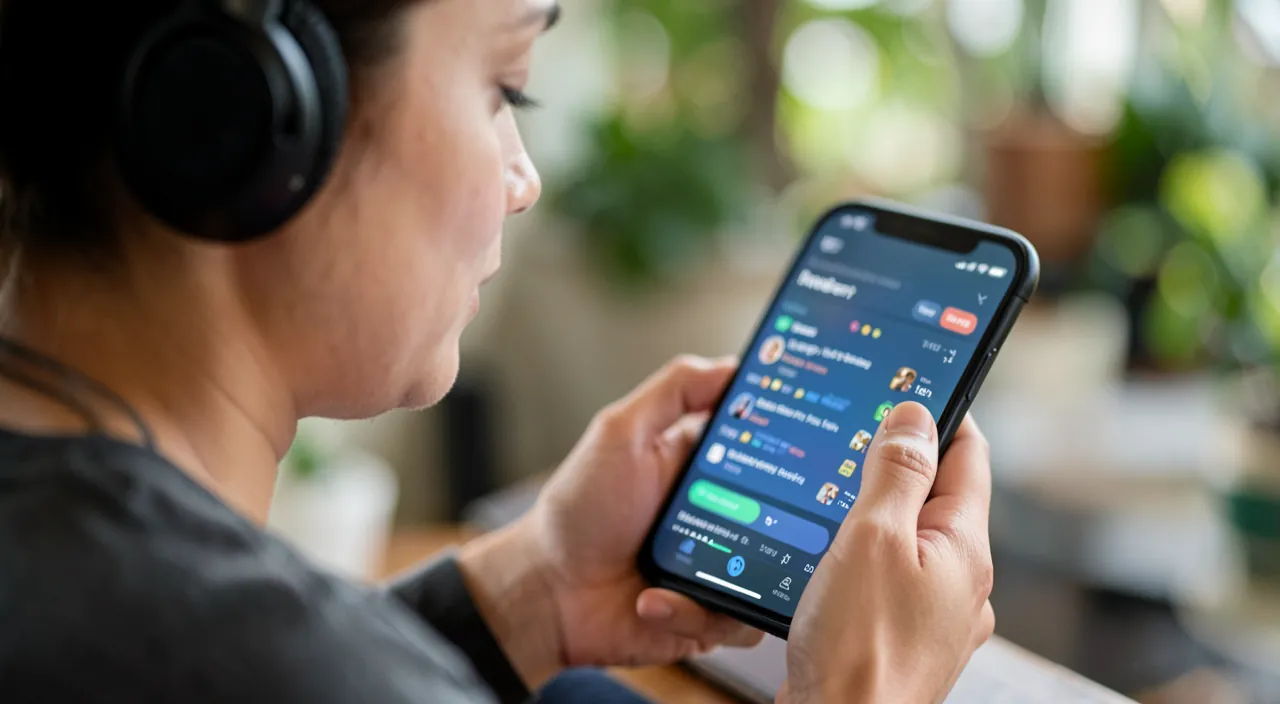
Music in the home (and in the car, and on the wrist)
The app goes beyond the headphones: multiroom — music sent to compatible speakers (AirPlay — our guides projection: the track from the phone to the kitchen speaker, the TV in the living room, or SYNCHRONIZED across multiple rooms: Sunday morning in the whole house — the output selector lists everything that can sound), and the HomePod as a family jukebox (voice requests from the whole table — with voice recognition so each keeps their recommendations, and the transfer from phone to speaker when the device approaches — the fluid gesture of returning home); the car — CarPlay and its large-button playlists (our guides: the « Drive » playlist prepared avoids fiddling), and shared control (the guest DJ of the trip via the shared queue); the wrist — the watch that pilots (our guides) and carries (the synchronized playlist on the watch: run without a phone); offline — downloads for flights and dead zones (the album, the playlist, or the entire library depending on space — the « download automatically » setting for adds, and cleaning dormant downloads when storage is full — our guides); and the managed queue — « next » vs « last » (the nuance that avoids breaking the current album), the readable listening history, and multi-device resumption. Music is the most cross-platform service in the ecosystem — every screen, every room, every journey: as much as everything talks.
With or without a subscription: honest options
The app serves ALL plans: the subscriber to the full catalog (the case covered above — with the annual version and comparisons of offers — our guides); the owner — your MP3s and historical purchases live in the same app (the imported library from the computer syncs — the online library option by plan: the digitized CDs of a lifetime join the cloud), and the one-time purchase still exists (the album you OWN — our guides digital ownership: for works that matter, ownership keeps its supporters, and its arguments); the smart free — the radio and stations without a subscription, and especially the free ecosystem next door: the reading of local libraries (our guides libraries: music is borrowed there too), worldwide radios in apps, concerts from video platforms; and the podcast and audiobook in their sister apps (the usage frontier — our audio guides: each content has its home, the car and the watch serve it the same). The cross-platform advice for sobriety: the music subscription is JUDGED by real listening (the check of our guides subscriptions — the daily listener amortizes it ten times; the morning radio listener may not); music deserves a choice, not an overlooked deduction.
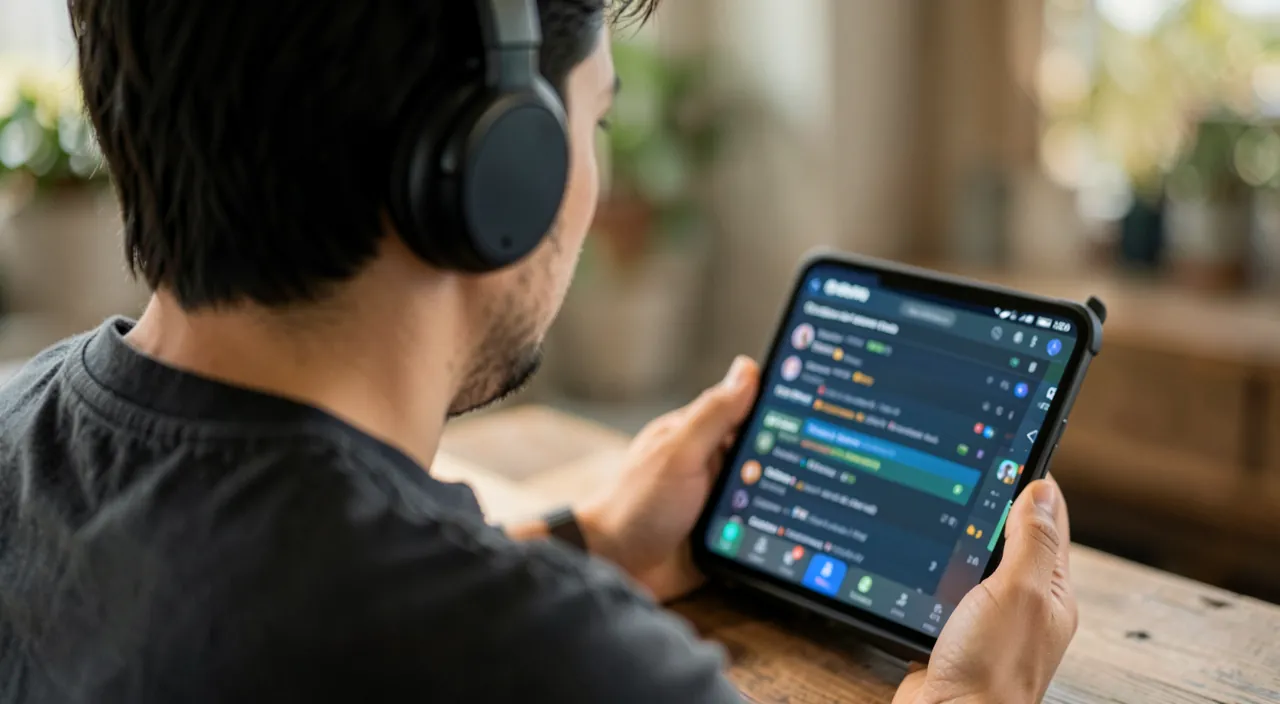
Beware the library you think you own. Two digital musician’s insights: the streaming library is a collection of SHORTCUTS — the subscription stopped, it turns off (the playlists survive as ghosts — the export of titles to list is done BEFORE cancellation: the list of your playlists saved somewhere is the small musical testament to make once), and removed titles from the catalog also disappear from your playlists (the grayed-out track — the reminder that the tap is not a cellar); and the sync that can bite — the online library activated FUSIONS your local files with the cloud — generally valuable, handled with backup for rare digitized collections (the original files kept in backup before activation — the altered tales of historical libraries exist: our backup guides are worth for the music of a lifetime). The music you truly love deserves two insurances: the exported list, and the original kept.
Frequently asked questions
Apple Music or the competitors (Spotify and co.)?
The catalogs are comparable — the choice is on the ecosystem (Siri/HomePod/watch integration for Apple, social playlists and multi-platform for others), the family (compared plans), and the inertia of YOUR playlists (playlist migration tools between services exist and work — moving is no longer a prison: our guides). The important is elsewhere: one subscription at a time, judged by real listening.
How to manage children’s music (content and intrusive lullabies)?
The family shared child account (content restrictions — explicit content filters by age of lyrics), dedicated downloaded playlists (the car without network or negotiation), « do not influence history » mode for looped listens, and the headphone volume limit (the listening of little ones — non-negotiable). And the family HomePod recognizes voices: the lullabies requested by the child pollute only THEIR recommendations.
I have hundreds of CDs: is it worth digitizing them?
For the collection that matters, yes (our guides digitization — an external reader and an afternoon per batch): rare albums and missing editions from streaming exist ONLY through you, and the imported library lives in the app with the rest. For the streamable current collection: adding to the library suffices — digitize the rare, stream the ordinary, and keep the originals of treasures.
What to remember
The Music app rewards treating it as a disco rather than a tap: the built library (adding as a collecting act, the album rehabilitated, the algorithm educated by the heart), two-handed playlists (yours and collaborative — the party and family tool), activated listening functions (real-time lyrics, spatial audio, chained fade, nighttime equalizer, sleep timer, Siri-Shazam), sound-fitted home (AirPlay multiroom, HomePod with voice recognition, autonomous watch, offline travel), and chosen plan (shared family — obvious economy —, purchases for what you want to own, and the two musician’s insurances: exported playlists, kept originals). Music is the oldest digital companion of daily life — the app that carries it deserved better than pause-play: it has just rediscovered its twenty functions. Yours starts with a heart on the next loved track.
Want to fully exploit the potential of your iPhone, iPad, or Mac? Our Apple training courses will take you to the next level.
Leave a Reply
You must be logged in to post a comment.