
Two pre-installed, discreet, underused apps — and together, they replace the paper agenda, the to-do list, the fridge post-its, and half of your mental load: Calendar for things with a TIME, Reminders for things with a DEADLINE — the foundational distinction that few make, and that changes everything. Recurring events, location-based reminders, shared lists, family invitations: Apple’s organization duo, explained as a complete system — from the first setup to the automations that ensure nothing slips through.
The distinction that underpins everything: event or reminder?
The universal mistake: putting everything in the calendar (the « fake events » like « call the plumber » that clutter your days) or keeping everything in your head — the simple rule: the Calendar holds what happens AT A MOMENT (the appointment, the kid’s match, the birthday, the train: what structures the day and blocks other commitments); the Reminders hold what must be DONE (the call to make, the paper to return, the medication: what waits for its moment — and politely follows you until you check it off): the agenda stays readable (real days appear), tasks stop getting lost (the unchecked reminder COMES BACK — the past event disappears: that’s the whole difference, and why « call the plumber Tuesday at 10 AM » as an event fails: at 10:20 AM, it’s gone from view — as a reminder, it persists). The duo complements itself naturally: the week is VIEWED in Calendar, the day is CHECKED in Reminders — and Siri feeds both by voice (« add a dentist appointment Thursday at 2 PM » / « remind me to call the plumber tomorrow morning »: voice input is THE MAIN WAY to use these apps — three seconds, without opening anything: our voice guides).
The calendar is for things that happen at a specific time, like meetings or birthdays. Reminders are for tasks that need to be done but don’t have a fixed time, like calling a plumber or buying groceries. This way, your calendar stays clean, and tasks keep nagging you until you finish them.
You have a doctor’s appointment at 3 PM on Tuesday. That goes in the calendar. But you also need to call the plumber sometime before Friday. That’s a reminder. If you put the plumber call in the calendar for 10 AM Tuesday, it disappears after 10:20 AM. As a reminder, it keeps popping up until you mark it done.
Calendar: the settings that make the agenda serious
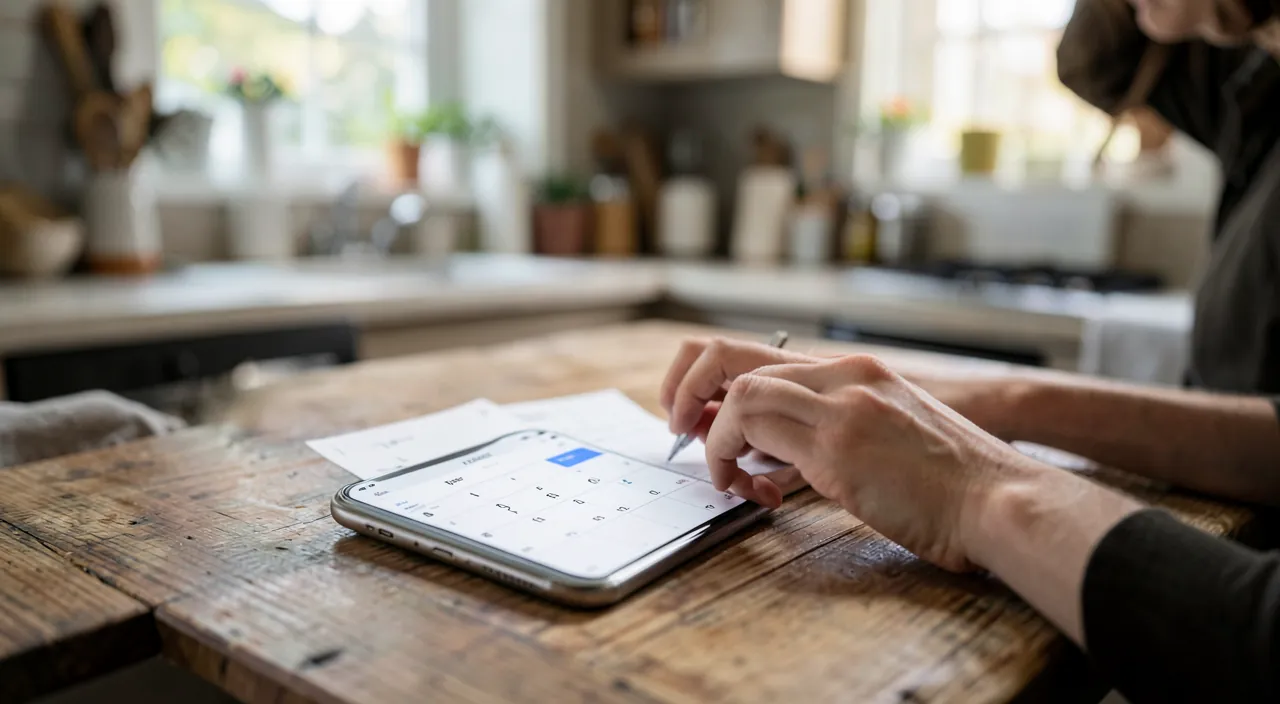
Start with the foundations: multiple calendars, not one — Personal, Work, Family (shared — our organization guides), each with its own color: the week is read at a glance (pink for family, blue for work), and each calendar can be shown or hidden (weekend without the work calendar — our concentration guides go further); the invitations — the event with guests (the « Guests » field): everyone receives, accepts, and the event lives in ALL agendas (changes propagate — a rescheduled appointment notifies everyone: the mechanism for families and organized teams); the default alerts set (Settings → Calendar: 1-hour alert for appointments, the day before for all-day events — and the « travel time » alert that rings WHEN YOU NEED TO LEAVE, traffic included: the century’s underrated feature for the always-late — activate the location on your events, the app does the rest); the recurrences mastered (the Tuesday class, the birthday, the trash pickup — and the custom recurrence: « the first Saturday of the month »); and the subscribed calendars — school holidays in your area, the team’s matches, the tide calendar: public agendas that add and update themselves (search « ICS calendar + [subject] » — and beware of suspicious subscriptions: see the box). Everything synchronized everywhere — iPhone, iPad, Mac, and the iCloud web as a backup.
The right reflex. Use location-based reminders — the magical feature nobody uses: « remind me to buy batteries WHEN I ARRIVE at the supermarket », « …to take out the trash WHEN I LEAVE the house », « …to return the book when I get to work »: the reminder that rings in the RIGHT PLACE rather than at the wrong time (the 6 PM time-based reminder rings on the subway — the location-based one rings in the store parking lot: where it’s actionable). By voice via Siri or in the reminder (Details → Location): three location-based reminders to try this week, and you won’t go back.
Reminders: more than just a shopping list
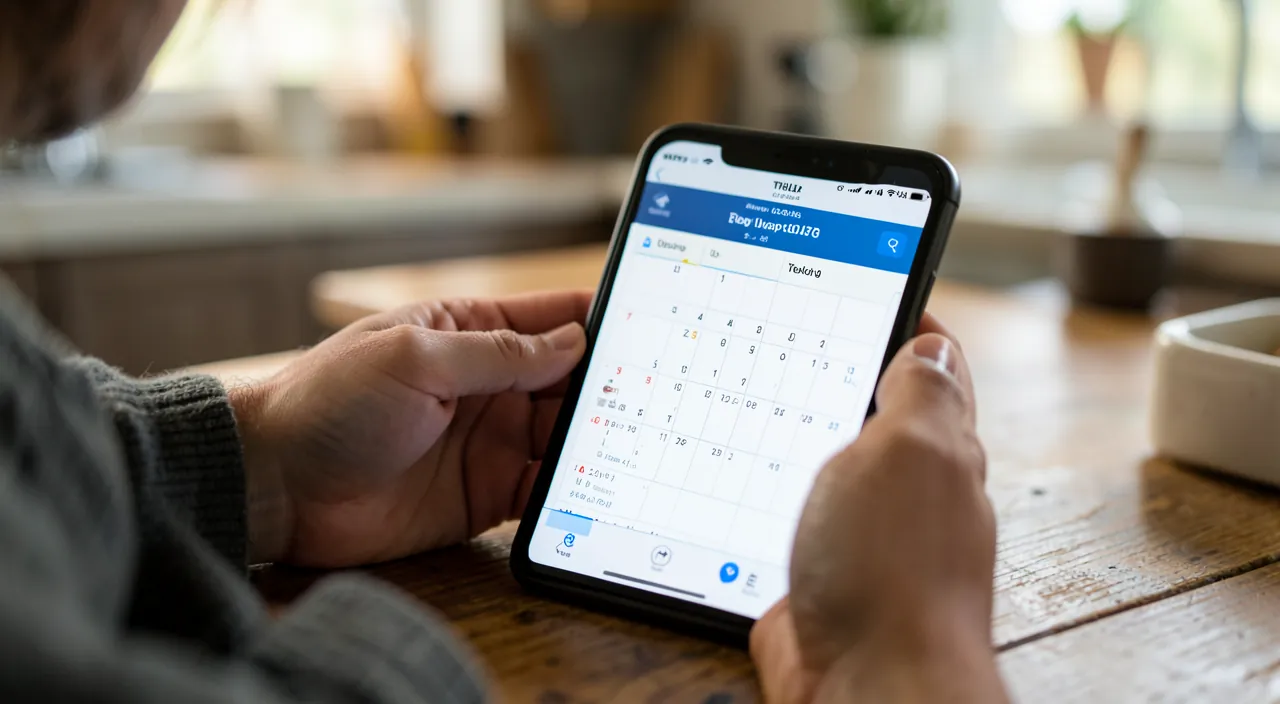
The Reminders app has grown into a full-fledged task manager: the lists by category (Groceries, Home, Work, Admin — and the shared list for the household: THE shared shopping list from our guides, which gets checked off in real-time at the store); the sections and smart grocery sorting — the « Groceries » type list that SORTS ITSELF by aisles (items added randomly get filed under produce/dairy/grocery: the automatic sorting that follows the store layout); the dates, priorities, and indicators (the dated reminder appears in « Today » — the view that serves as a morning dashboard), the subtasks (« prepare for vacation » broken down into ten items), the attachments (the photo of the product to rebuy, the document to process); the templates — the reusable list (the standard suitcase, the vacation rental checklist: created once, regenerated every time — our travel guides dreamed of this); the assignment in shared lists (the task assigned to the other person — who sees it in THEIR « Today »: the task distribution from our mental load guides, natively equipped); and the conversation-based reminder — « remind me to talk to Marie WHEN I MESSAGE HER »: the reminder that pops up when opening the Messages conversation (the hidden feature that impresses). The free pre-installed app now does what paid task managers promise — the difference is that it’s ALREADY IN EVERYONE’S POCKET.
The system on autopilot: rituals and integrations
Tools are only as good as the habits — the minimal system: the immediate and voice-based input (everything that enters your mind GOES TO THE APP within ten seconds — Siri, the widget, sharing from other apps: the email turned into a reminder via the share menu, the web page to process sent to the list); the morning glance (the Today view in Reminders + the day’s Calendar — thirty seconds that replace the diffuse anxiety with a finite list); the Sunday review (ten minutes — the upcoming week looked at together for the household: our guides make this THE conflict-avoidance ritual, and the shared Calendar + assigned Reminders duo is its infrastructure); the widgets (the day’s calendar and the Today list on the home screen — visible organization without opening anything), the watch (the wrist that vibrates at the right time, the task checked off on the wrist), and CarPlay (voice reminders in the car — our guides); and the automated birthdays — birthdates entered in Contacts feed the Birthdays calendar automatically (with the 7-day alert for the gift: the setting that saves friendships). The complete system fits into three habits and two widgets — and it lasts for years without maintenance: that’s its strength over all paper planners.

Beware of calendar spam — the trap invitation. The discreet scam: unsolicited invitations that appear in your agenda (« You’ve won… », repeated suspicious appointments) — sent en masse to iCloud addresses, they clutter and LURE (the link in the event): don’t click on the links or « Decline » (which confirms your existence) — delete via « Report as Junk » (the dedicated option exists for suspicious invitations) and check Settings → Calendar to restrict invitations. Same vigilance for malicious SUBSCRIBED calendars (the subscription accepted on a shady site that floods the agenda with promotional events — the classic « my iPhone shows viruses in the calendar »): Settings → Calendar → Accounts: the unknown subscription is DELETED, and everything disappears with it. The agenda is an entry point like any other — it’s guarded the same way.
Frequently asked questions
Apple Calendar/Reminders or Google (the family is mixed)?
Both worlds coexist: Google accounts are added in Apple’s Calendar app (Google calendars visible and editable — the mixed household then shares a GOOGLE CALENDAR displayed everywhere), and vice versa. The practical rule: the SHARED CALENDAR lives with the provider common to the household; the apps remain each person’s choice. Reminders, however, is more Apple-exclusive — the mixed shared list will go through a third-party multiplatform app.
My reminders don’t ring:
The checklist: does the reminder HAVE A DATE/TIME (a reminder without a deadline never rings — it waits in its list), are Reminders app notifications allowed (Settings → Notifications), is the focus mode letting them through (our guides), and is the list stored in the right place (the active iCloud account). The location-based reminder also requires « always » location permission for the app — the setting you may have declined without thinking.
How to note « maybe » events (the unconfirmed outing option)?
Two approaches: the event created by default (ready to delete — the agenda shows the option that blocks the slot) with a « ? » in the title, or the dated reminder (« confirm the outing Saturday ») that pushes to decide BEFORE. The worst being the « maybe » that exists nowhere — and turns into double booking or forgetting: note the doubt, that’s already organizing it.
What to remember
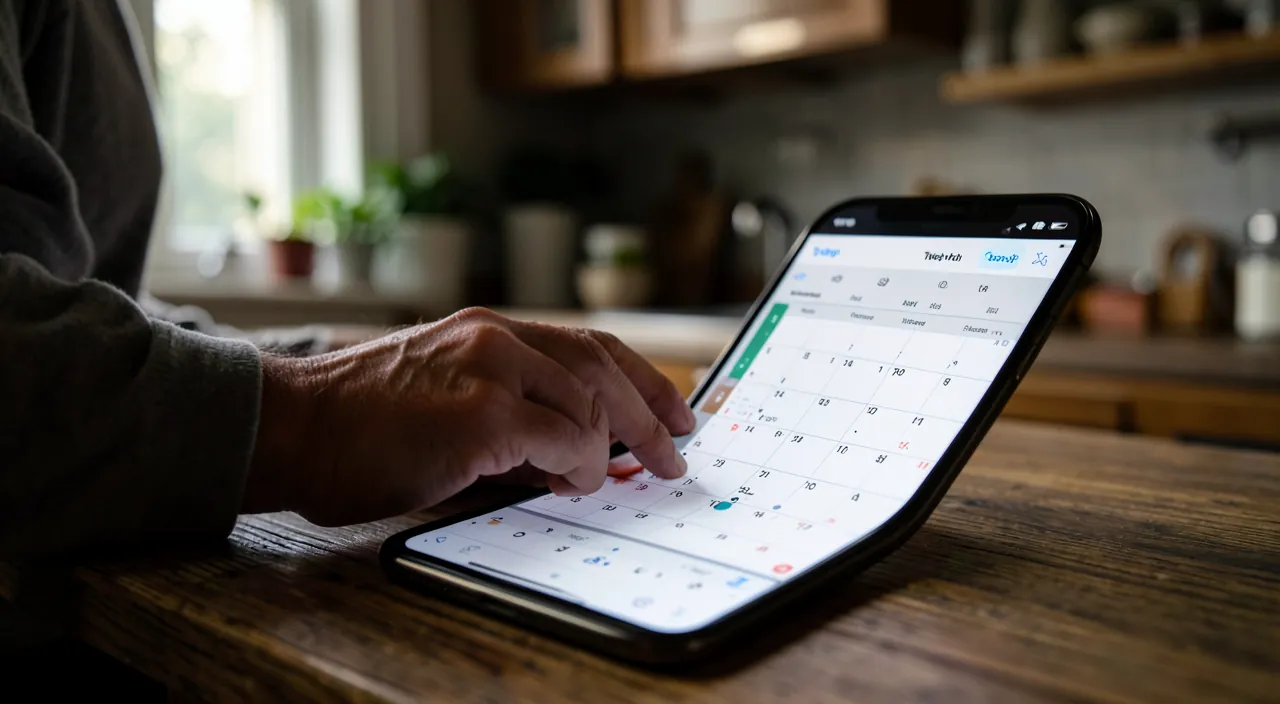
The Calendar-Reminders duo is based on ONE DISTINCTION — time vs. deadline: events structure (color-coded calendars by life, invitations that sync the family, travel alerts that make you leave on time, recurrences, and subscriptions), reminders pursue (shared and assigned lists, auto-sorted groceries, geolocation — the reminder that rings in the RIGHT PLACE —, reusable templates). The system works through immediate voice input, the morning glance, the Sunday review, and two widgets — and protects against invitation spam and trap subscribed calendars. Two free apps, already installed, synced everywhere: the externalized mental load didn’t need a €30 notebook or a subscription app — just the foundational distinction, and three habits. « Add it to the calendar » or « remind me about it »: from now on, you’ll always know which one to say.
Want to unlock the full potential of your iPhone, iPad, or Mac? Our Apple training courses take you to the next level.
Leave a Reply
You must be logged in to post a comment.