
A whiteboard with no walls or edges — where you throw out ideas, pin photos, draw arrows, stick post-its, alone or with others, from an iPhone, iPad, or Mac: that’s Freeform, the most underrated app in the Apple ecosystem. Free, pre-installed, no learning curve — and yet capable of replacing the project notebook, the corkboard, and the brainstorming meeting. Here’s how this infinite space can structure your ideas, projects, and family or professional discussions.
The principle: an infinite space, zero imposed structure
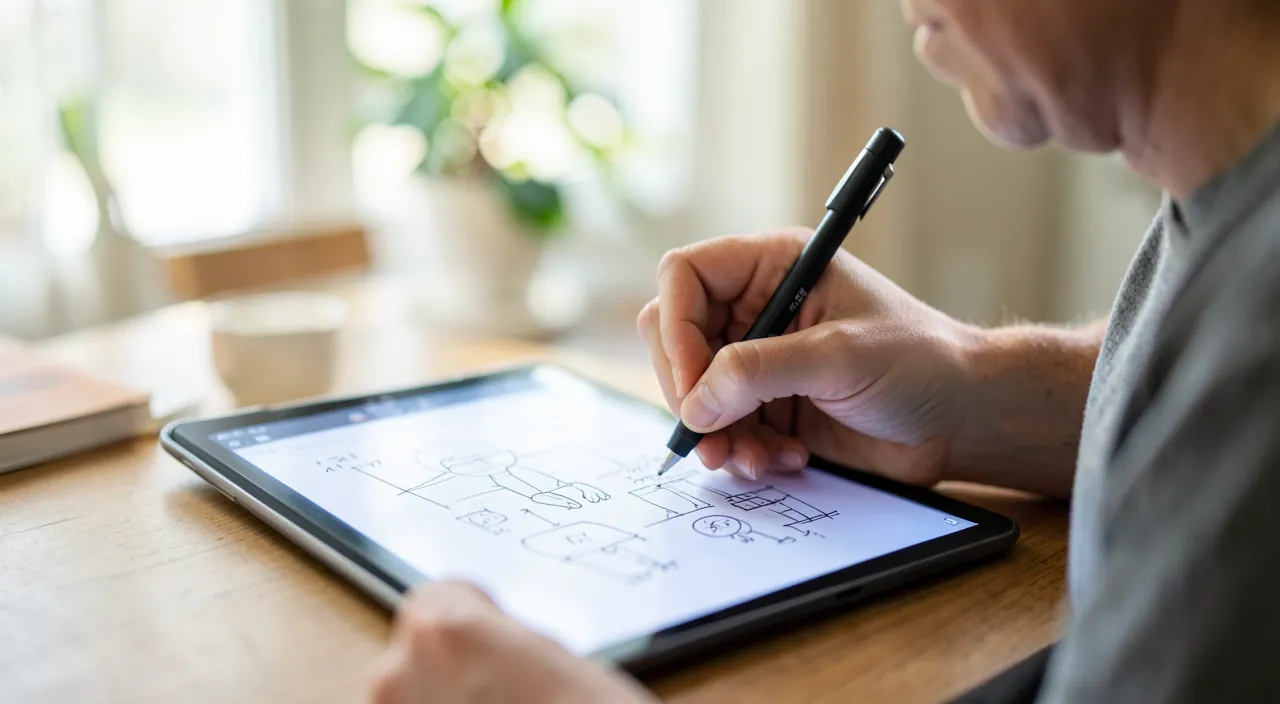
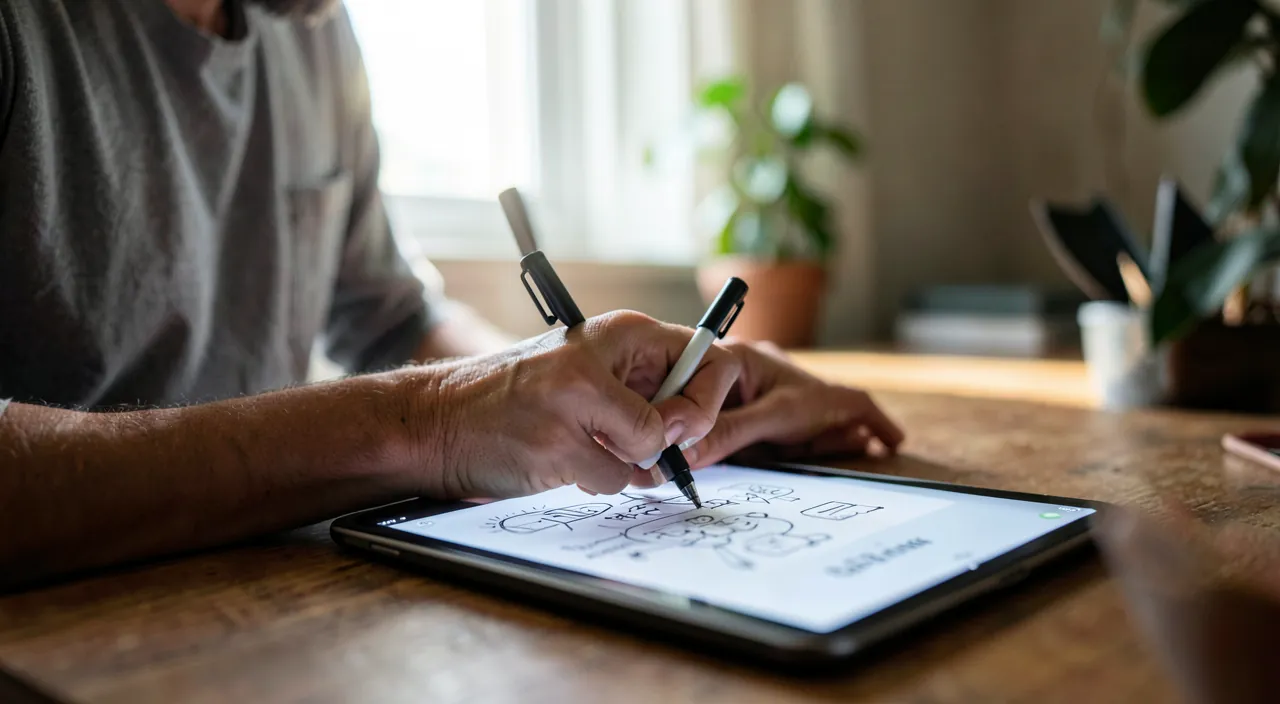
Freeform is based on a simple idea: an unlimited canvas in all directions, on which everything is placed freely — colored sticky notes (the digital post-it), text, shapes and arrows, photos and videos, web links (with preview), documents (PDFs viewable on the spot), drawings by finger or stylus, lists… You zoom from the overview to the detail with a pinch, you move everything as you wish, guides align the elements naturally. No pages, no mandatory template, no imposed structure: unlike word processors that force linearity, the board follows networked thinking — ideas are placed first, organized later. That’s precisely what makes it so effective in the reflection phase: the tool imposes no order before you find one.
Freeform is like a giant digital whiteboard where you can put anything—notes, pictures, drawings—anywhere you want. You don’t have to organize things right away; you just throw ideas on the board and sort them out later. It’s perfect for brainstorming because it lets your thoughts flow freely.

What we really use it for: the use cases that work
The use cases where Freeform excels: project preparation — home renovations (photos of the existing, inspirations, rough plan, budget in post-its, links to craftsmen), travel (map, steps, pinned reservations, everyone’s ideas), family event; brainstorming — all ideas in a mess in sticky notes, then grouped by themes by moving them (the professional workshop method, within reach of the family); visual explanation — a flowchart drawn live to explain an organization, a reasoning, an assembly; the inspiration board — decor, style, gifts: images collected side by side; and review — mind maps of courses, timelines, annotated diagrams for students. The common point: every time a subject is too visual for a list and too free for a document, the board wins.
Imagine planning a family vacation. You create a Freeform board and add photos of potential destinations, a map with pins, a list of activities, and budget notes. Everyone in the family can add their ideas in real time, and you rearrange everything until you have a clear plan. It’s much faster than discussing back and forth!
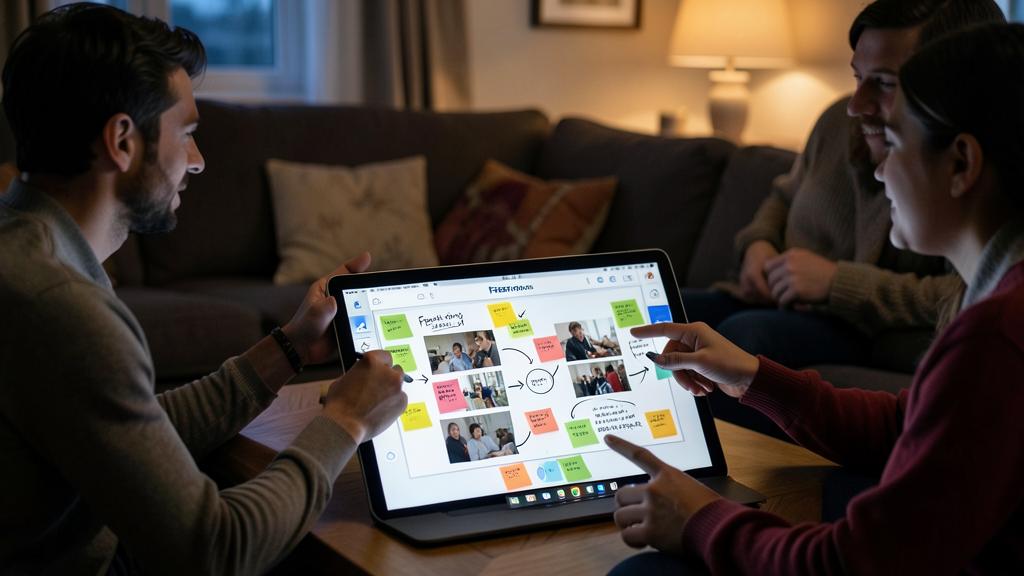
The right reflex. Start messy: throw EVERYTHING in a heap in the center of the board — ideas, photos, links — with no organization at all, then only afterward group, align, connect with arrows. The value of the infinite space is exactly there: the organization is a physical gesture (moving blocks) and not a writing exercise. A family brainstorming session on « vacations » conducted this way — everyone puts their wishes in post-its, then we group them — produces in twenty minutes what a looped discussion doesn’t come up with in an evening.
With multiple people: the board becomes a meeting
The game-changing dimension: real-time collaboration. Share a board (share button — via message, email, or link) and each participant works on it simultaneously, from their own device: the other cursors are visible, the additions appear live. Combined with a call (phone or video), it’s a real distributed meeting room — one speaks, another puts the ideas on the board, everyone completes. Tested uses: organizing an event among distant loved ones, dividing up moving tasks, an associative project, distance tutoring (the teacher writes, the student sees and annotates). Changes are synchronized via iCloud across all your devices — started with your finger on iPhone on the train, continued with a stylus on iPad, finalized with a mouse on Mac: the same board everywhere.
Going further: the pro-level details
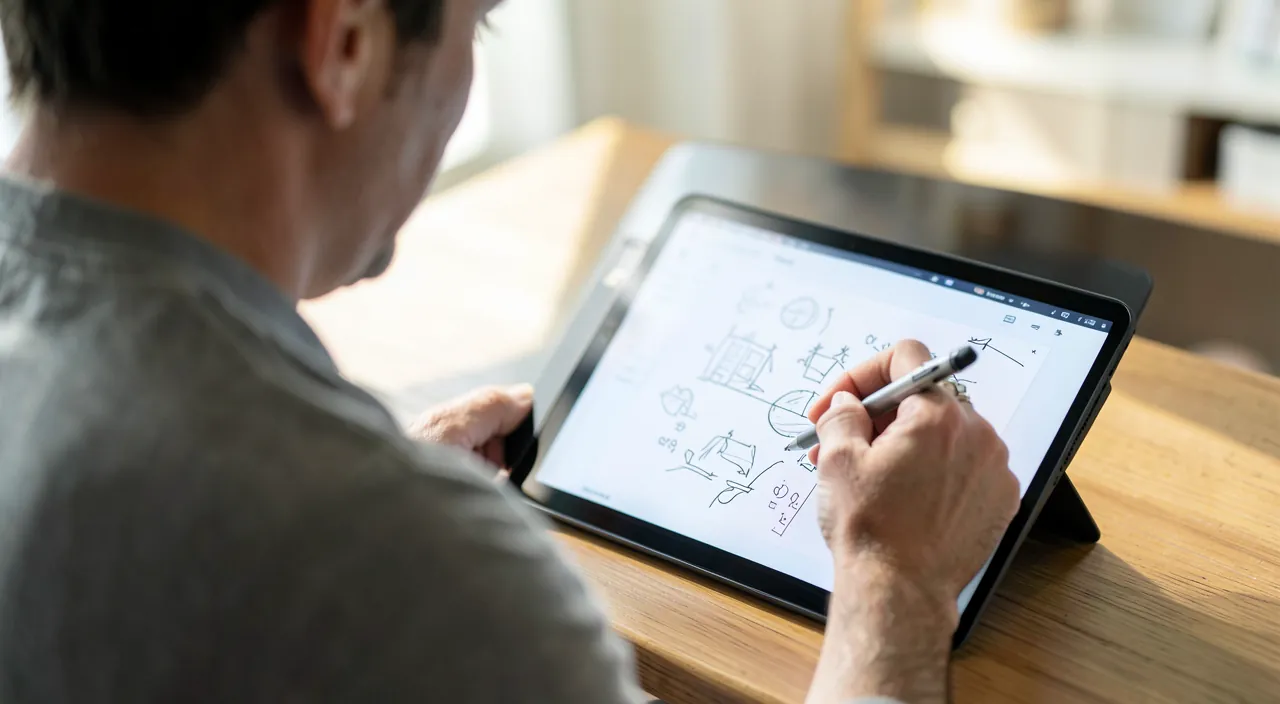
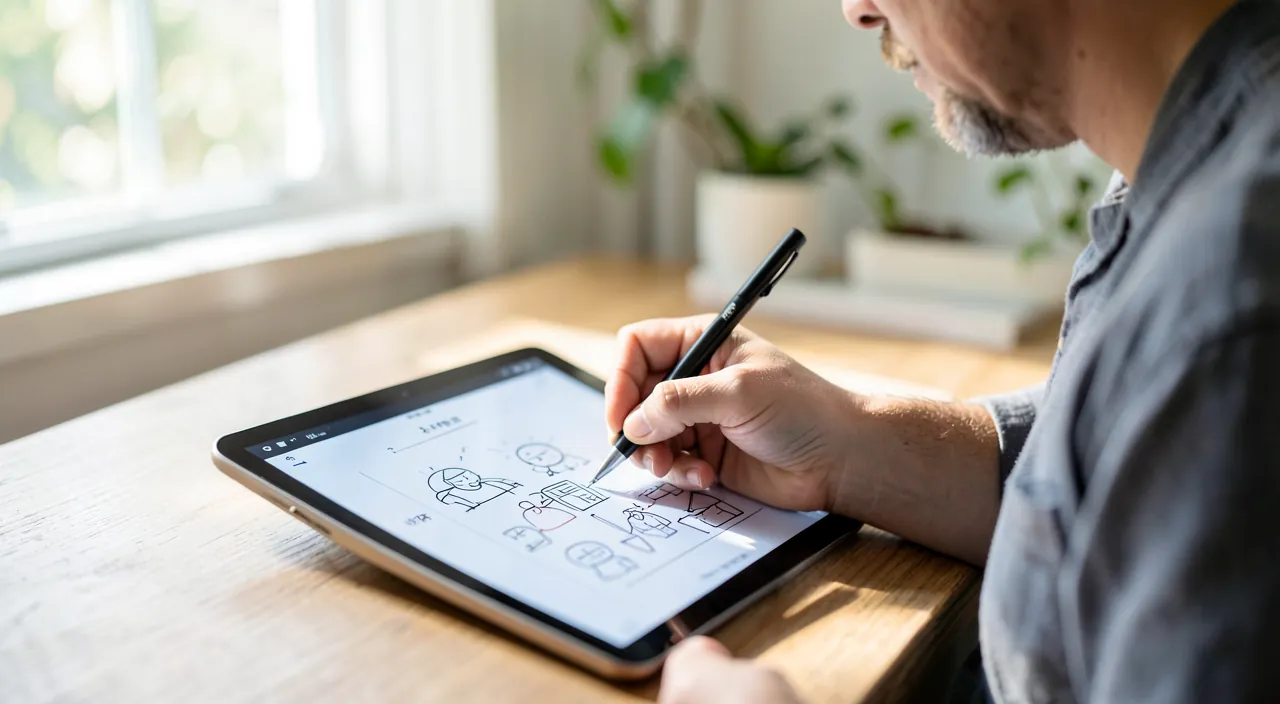
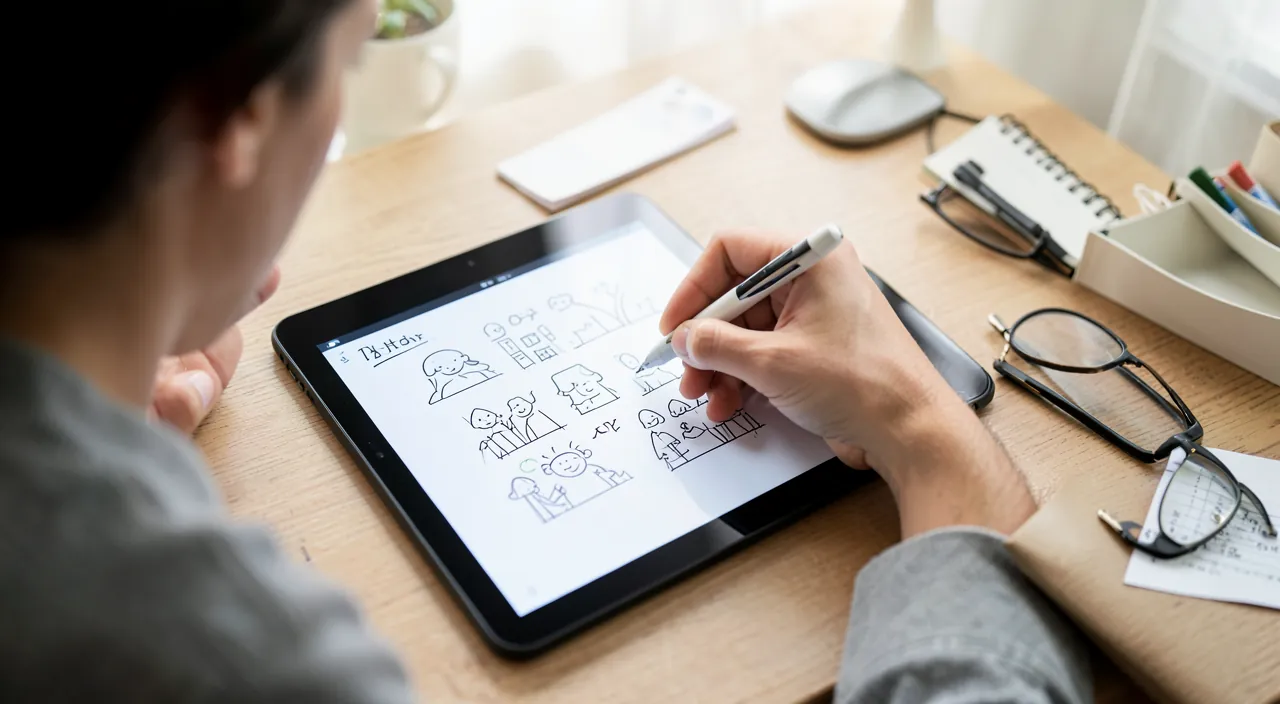
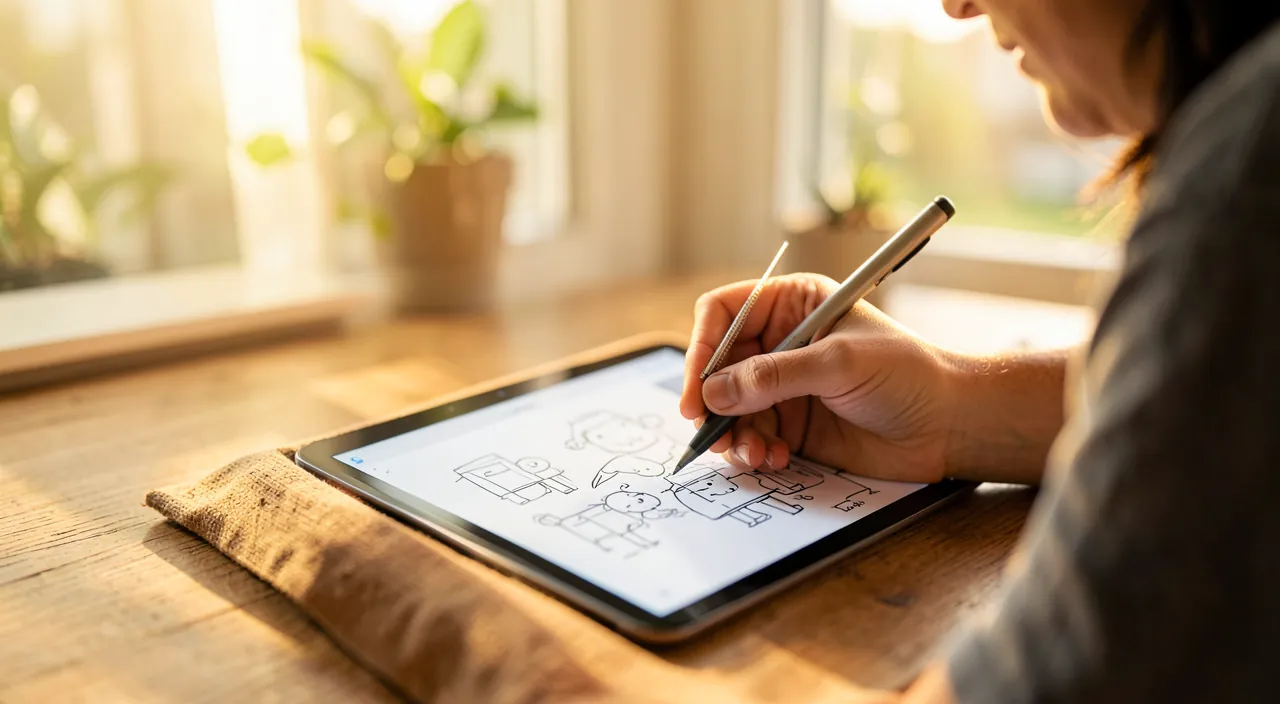
A few discreet features elevate the level: the scenes — named views of the board (zoom + position saved) that turn a large canvas into a navigable presentation, section by section; the locking of elements (long press → lock) that freezes the background or structure while you manipulate the rest — essential as soon as a board lives a long time; the smart connectors — arrows that follow the shapes when you move them (the diagram stays coherent); the PDF export to freeze and share a state of the board; and the board duplication as a template — your « travel preparation » framework will be reused. On iPad with a stylus, handwriting coexists with the rest — and the gesture of scribbling an approximate shape converts it neatly if you wish. None of this is learned: everything is discovered through use — the mark of good tools.
Warning. The infinite board has its downside: without a minimum of discipline, it becomes an attic — fifty untitled boards, stacked elements, nothing retrievable. The three safeguards: name each board when created (and delete it when the project is closed), one board per subject (resist the mega-all-in-one board), and for sensitive content, remember that a shared board is editable by all guests — check the rights (read-only possible) before pinning personal documents.
Frequently asked questions
Freeform or the Notes app: which one to choose?
Notes for linear content (text, lists, scanned documents, quick notes); Freeform for spatial content (networked ideas, visual, collaboration on a workspace). The practical boundary: if you want to move blocks and draw arrows, it’s Freeform.
Can I collaborate with someone without an Apple device?
Real-time collaboration requires the Apple ecosystem. For mixed teams, the PDF export transmits the result — or choose a multi-platform whiteboard tool if mixed collaboration is the central need.
Can a board become a presentation?
Yes, via scenes: define named views in the order of the presentation, then navigate from scene to scene in the meeting — a more organic presentation mode than slides, very suitable for visual subjects.
What to remember
Freeform is the whiteboard that everyone already has in their pocket without knowing it: an infinite space where ideas, images, links, and drawings are placed freely, physically reorganized, and shared in real time between devices and people. Its playgrounds: home projects, travel, brainstorming, visual explanations, reviews. Its method: throw everything in a heap first, organize later — and its safeguards: named boards, one subject per board, rights checked before sharing. Open it once for a real project — the preparation of the next vacation, for example — and the spiral notebook in the living room will have found its successor.
Want to unlock the full potential of your iPhone, iPad, or Mac? Our Apple training courses take you to the next level.
Leave a Reply
You must be logged in to post a comment.