
Pay with a simple gesture using your phone or watch, without taking out your bank card: mobile payment has become widespread, and Apple Pay is one of the most common forms on iPhone and Apple Watch. Many people hesitate, however, out of concern for their security or lack of knowledge. Yet, counterintuitively, paying with Apple Pay is often MORE SECURE than handing over your physical card: your real number is never transmitted, and each payment is validated by you. Here’s how Apple Pay works, how to use it, and why it’s a secure payment method — provided you properly protect your device.
What Apple Pay is and how it works
Apple Pay allows you to pay with your iPhone or Apple Watch, in stores, in apps, and online, by adding your bank cards to the device. Here’s how it WORKS (in principle): you add your bank card in the dedicated app (the “Wallet” / Cards); to pay in a store, you bring your device close to the contactless payment terminal and VALIDATE the payment with your face, fingerprint, or passcode; the payment goes through. What makes it SECURE (the key point): your real card NUMBER is NOT transmitted to the merchant; instead, a unique “substitute” number is used, and each transaction is secured; the merchant never sees your real banking details; and each payment is AUTHORIZED by you (biometrics or passcode), so no one can pay on your behalf without your approval. Where to use it: in STORES (where contactless is accepted); in APPS (to pay for a purchase); on the WEB (on sites that offer it, avoiding retyping your details). On which DEVICES: iPhone, Apple Watch (very convenient: you pay with a wrist gesture), and for the web, also on Mac and iPad. The BENEFITS: SECURITY (real number not transmitted, validation by you), SPEED (a gesture, no need to take out the card or enter a code on the terminal), CONVENIENCE (multiple cards in the device), and respect for PRIVACY (Apple does not store the details of your purchases in the same way a third party might). What is it for? To PAY quickly and easily (with a gesture); to pay more SECURELY (protected number, validation); to no longer take out your card; and to pay online without retyping your details. The key idea: Apple Pay lets you pay with a gesture using your iPhone or watch, and it’s — contrary to a common concern — often MORE SECURE than a physical card. Why? Because your real card number is never transmitted to the merchant (a substitute number is used), and because each payment must be VALIDATED by you (your face, fingerprint, or passcode). Fast, convenient, and secure, Apple Pay is worth overcoming your hesitations — provided, as always, that you properly protect the device that contains it.
Apple Pay creates a fake card number for each transaction, so your real card details never leave your device. You must approve every payment with Face ID, Touch ID, or your passcode, making it safer than a physical card that can be stolen or copied.
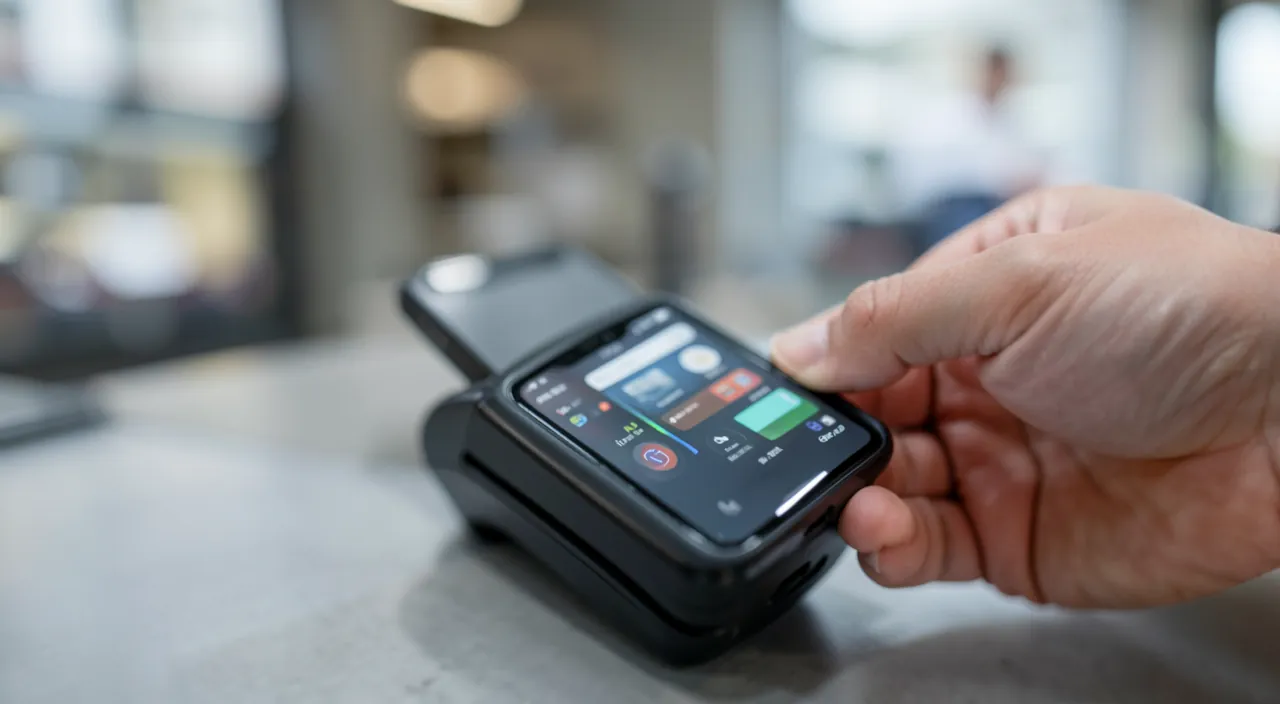
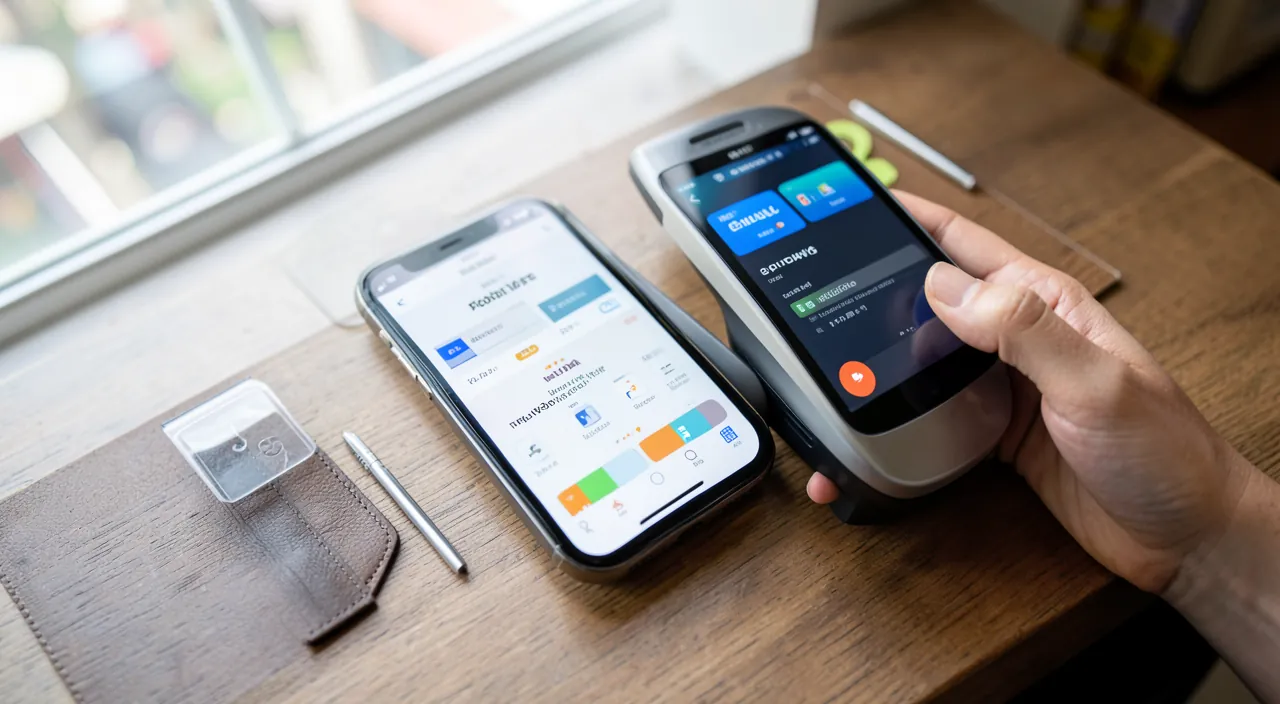
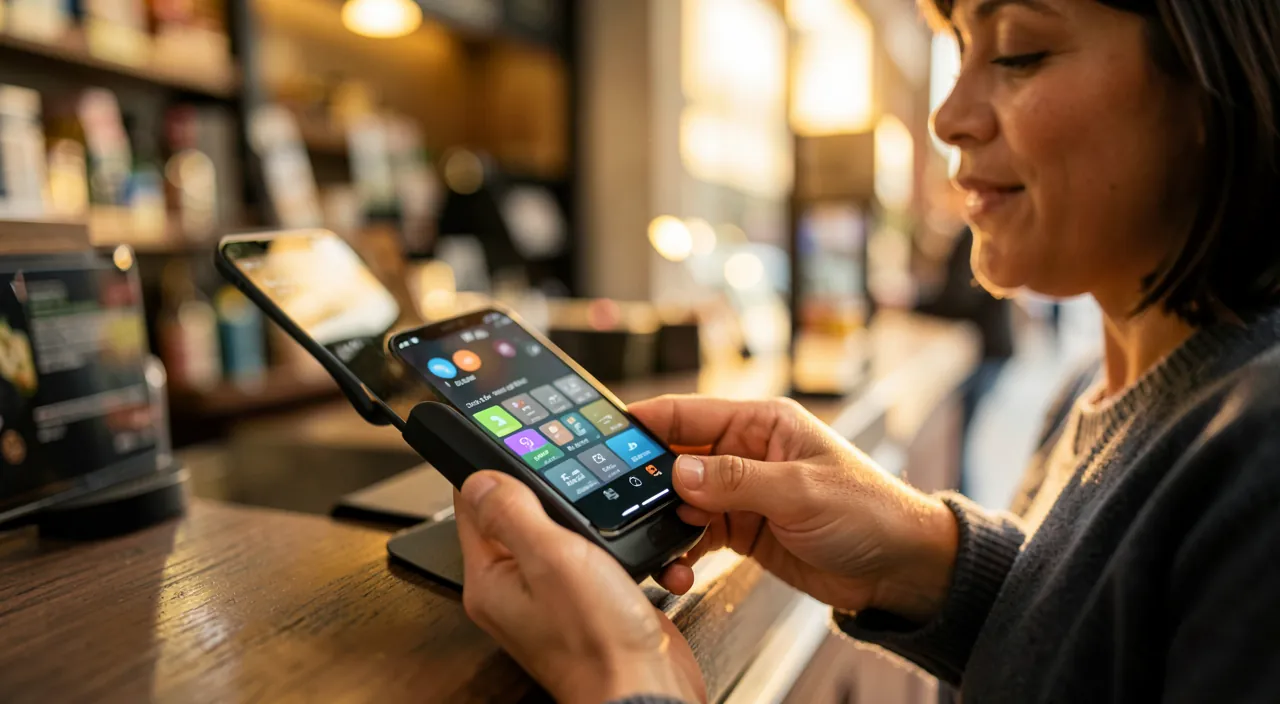
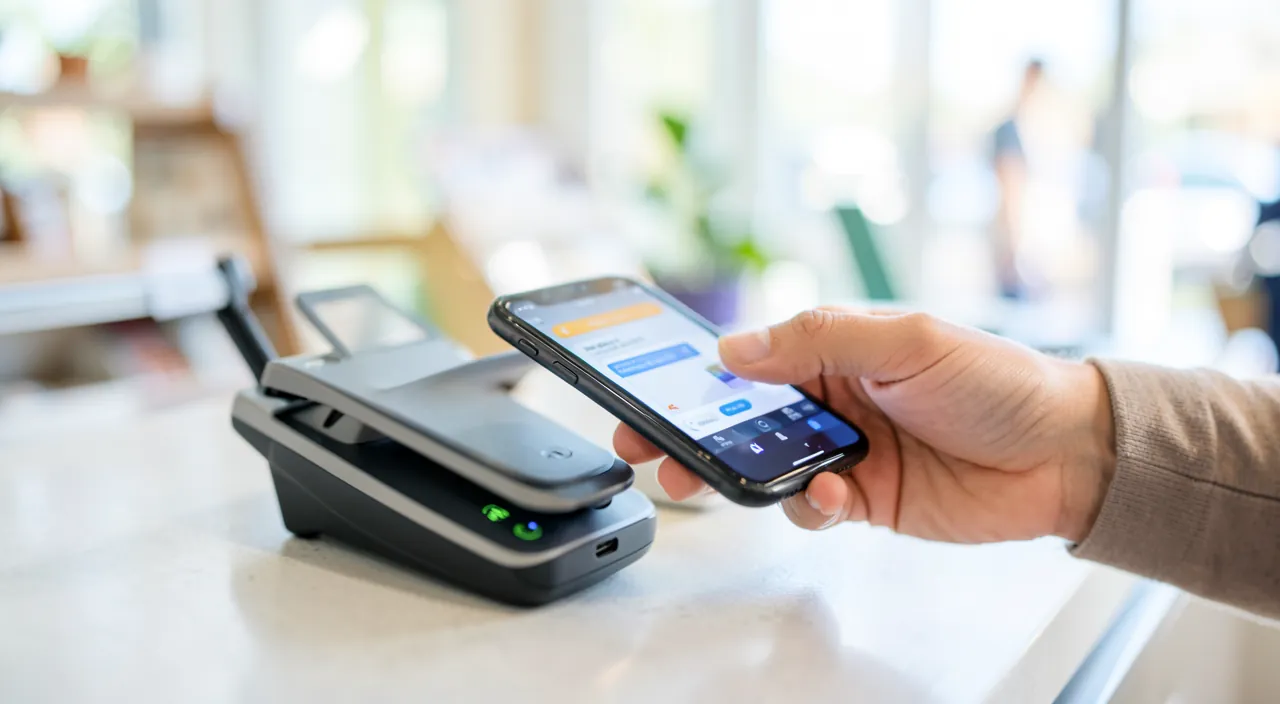
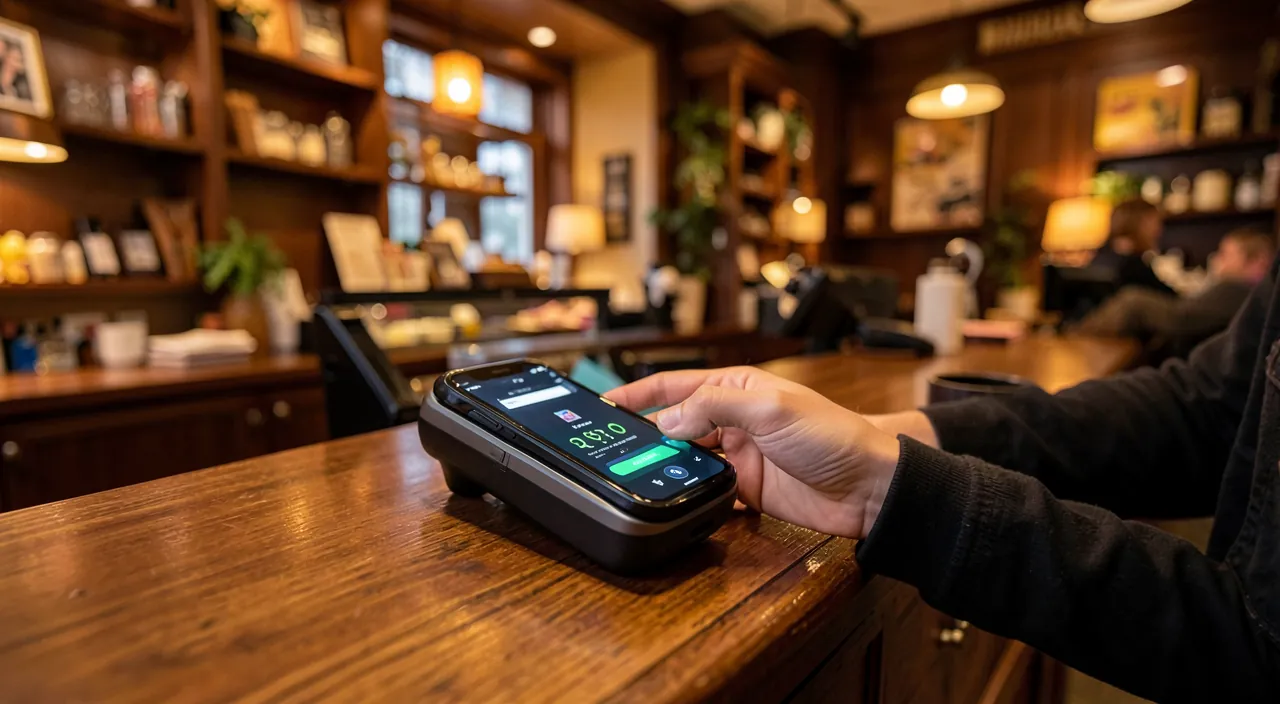
At a coffee shop, you hold your iPhone near the contactless terminal. The system generates a unique token for that $4.50 purchase, never exposing your real card number. Even if someone stole your phone, they couldn’t make payments without your biometric authentication.
How to use Apple Pay
Here’s how to set up and use Apple Pay. ADD your card — in the Wallet (Cards) app on your iPhone, add your bank card: by scanning it or entering its details; your bank usually validates the addition (via a code or confirmation), a normal security step. CHECK COMPATIBILITY — make sure your bank and card are compatible with Apple Pay (most are); the addition will confirm this. PAY IN STORES — bring your iPhone (or Apple Watch) close to the contactless payment terminal; validate with your face, fingerprint, or passcode; it’s paid, often without even having to enter a code on the terminal. PAY IN APPS AND ON THE WEB — when a purchase offers Apple Pay as a payment method, select it and validate (biometrics or passcode); no need to re-enter your banking details, which is also more secure (you don’t type your number on the site). MANAGE MULTIPLE CARDS — you can add multiple cards and choose which one to use for each payment; set a default card. USE THE APPLE WATCH — paying with the watch is very convenient: a double-click on a button, you bring your wrist close, and it’s done; ideal when you don’t have your phone in hand. UNDERSTAND VALIDATION — each payment requires your validation (face, fingerprint, or passcode): this is what prevents someone else from paying with your device; never disable this security. TRACK YOUR PAYMENTS — you can see the history of your Apple Pay transactions in the app; useful for keeping an eye on your spending. IF LOST — if you lose your device, you can remotely suspend or remove Apple Pay (see precautions): rest assured, without your validation, no one can pay. A few TIPS: validation by you is the heart of security (keep it); protect your device well (passcode, biometrics); and monitor your statements as you would for any card. In short: add your card in Wallet (with bank validation), pay in stores by bringing the device close and validating, pay in apps and on the web without retyping your details, manage multiple cards, use the watch for added convenience, and always keep the validation by you. Apple Pay then becomes a fast, convenient, and secure payment method.
The right reflex. If you hesitate to adopt Apple Pay out of concern for your security, know that this concern is largely unfounded: paying with Apple Pay is actually often MORE SECURE than handing over your physical card. Understand why, and it will ease your doubts. First, your real card NUMBER is NEVER transmitted to the merchant: instead, a unique substitute number is used, so the merchant never sees your real banking details (unlike a physical card whose number is visible and can be copied). Second, each payment must be VALIDATED by you, via your face, fingerprint, or passcode: this is the core of security. This means that even if someone took your phone, they couldn’t pay with it, failing to pass this validation (your face, your finger, or your secret code). Never disable this validation: it’s what protects your money. To use Apple Pay with confidence, the essential reflex is to properly PROTECT your device: a strong unlock code and biometrics (face or fingerprint recognition), which also serve to validate your payments. A well-protected device means a well-protected Apple Pay. Also consider the Apple Watch if you have one: paying with a wrist gesture, without taking out your phone or card, is remarkably convenient in daily life. And for online payments, prefer Apple Pay when a site offers it rather than retyping your card number: not only is it faster, but it’s also more secure, as you don’t enter your banking details on the site. Finally, keep the good habit of any card: occasionally check your bank statements. Real number protected, validation by you for each payment, well-locked device: with these elements, Apple Pay is a payment method that is both more convenient AND more secure than a physical card. Don’t be afraid to adopt it: technology works here for your security.
Security, privacy, and precautions
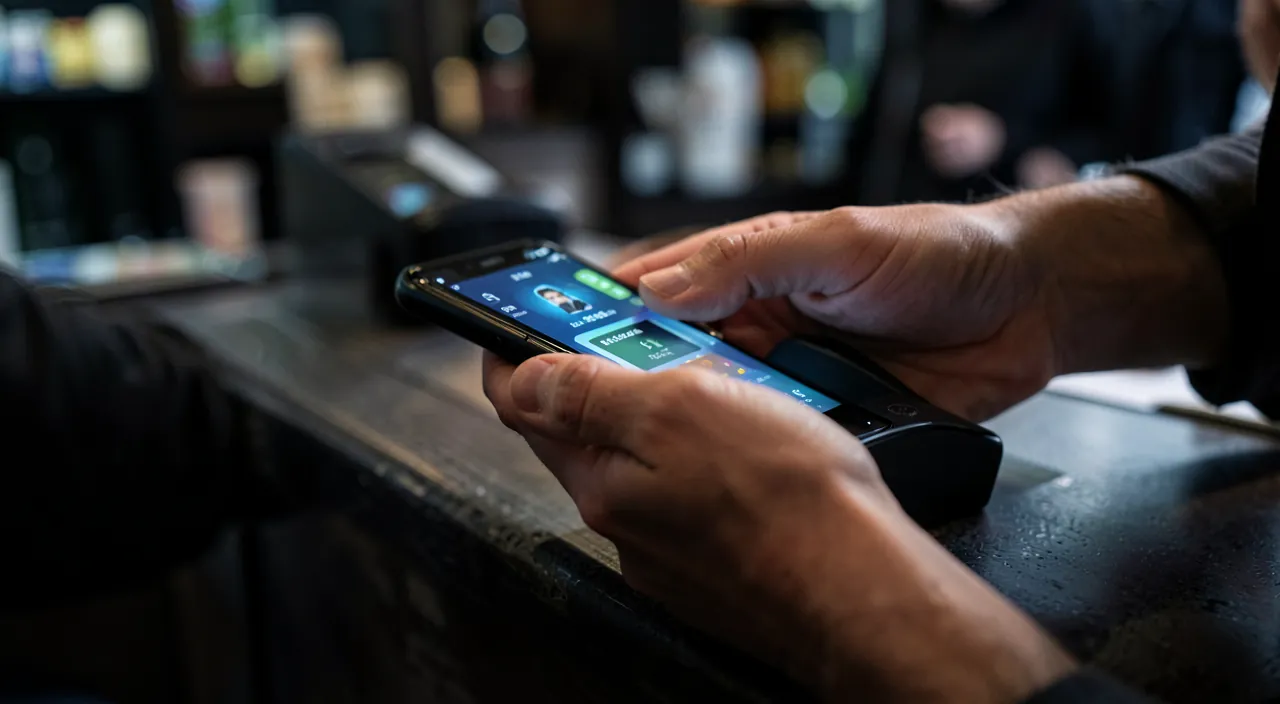
Apple Pay is designed to be secure, but a few precautions and good understanding complete the picture. VALIDATION, the core of security: each payment requires your face, fingerprint, or passcode; this is what prevents a third party from paying; never bypass it, and keep your passcode secret. DEVICE PROTECTION, essential: since Apple Pay relies on your device and its validation, protect it well (strong passcode, biometrics, automatic lock); a well-locked device is the foundation (our guides on choosing a good unlock code). In case of LOSS or theft: rest assured, without your validation, no one can pay with your lost device; moreover, you can, via remote location and management tools, SUSPEND or remove Apple Pay remotely; and nothing prevents you from notifying your bank as a precaution (our guides on protecting your phone in case of loss or theft). PRIVACY: Apple emphasizes that the details of your purchases via Apple Pay are not exploited as a third party might; the substitute number and the absence of transmission of your real number also protect your data; it’s rather a privacy advantage over other methods. Monitor your STATEMENTS: as with any card, occasionally check your bank statements to spot any unusual transactions; if in doubt, contact your bank. The LIMITATIONS: Apple Pay is only accepted where contactless (or online service) is available; keep a physical card as a backup; and some high amounts may require additional validation. Do not ADD a card on an untrusted device: add your cards only on YOUR device, well protected; don’t do it on a shared or untrusted device. The BATTERY: a discharged device can no longer pay; keep a backup card for this case. SCAMS around payment: beware of scam attempts that might ask for your information under the pretext of Apple Pay; Apple or your bank will never ask for your codes in this way (our guides on recognizing phishing emails). In short: validation by you and a well-protected device are the foundation of Apple Pay’s security; in case of loss, no one can pay without you, and you can suspend it remotely; monitor your statements as you would for any card, keep a physical card as a backup, add cards only on your trusted device, and beware of scams. Thus, Apple Pay remains a secure and serene payment method.
Warning: the security of Apple Pay relies on the protection of your device and the validation of each payment — never neglect them. Apple Pay is a payment method designed to be secure, even more secure than a physical card; but this security relies on two pillars that must never be compromised. First pillar: VALIDATION of each payment. With Apple Pay, no payment is made without your authorization via your face, fingerprint, or passcode; this is precisely what prevents a thief from paying with your device. Never try to bypass or disable this validation: it’s what protects your money. And keep your PASSCODE secret: if someone knows your unlock code, they could validate payments; never share it and don’t let it be guessed. Second pillar: PROTECTION of your device. Since Apple Pay lives in your iPhone or watch, the security of your payments directly depends on the security of the device: ensure it is protected by a strong passcode, biometrics, and automatic lock after inactivity. A poorly protected device is the weak link. Nevertheless, rest assured in case of LOSS or theft: this is where Apple Pay’s design shows its strength. Without your biometric validation or passcode, no one can pay with your lost device; your real card number is not stored in a usable way on the device anyway; and you can, remotely, via location tools, SUSPEND or remove Apple Pay and lock the device. You can also, as a precaution, notify your bank. Other cautionary reflexes: add your cards only on YOUR trusted device, never on a shared or questionable device; regularly check your bank statements, as you would for any card, to spot any potential anomalies; keep a physical card as a backup (for places that don’t accept contactless, or if your device is discharged); and beware of SCAMS that, under the pretext of Apple Pay or your bank, might try to extract your codes or information from you: neither Apple nor your bank will ever ask for this via email, message, or phone. By respecting these two pillars — validation of each payment and a well-protected device — and these few reflexes, Apple Pay is a payment method that is both practical and remarkably secure, where technology works to protect you.
Frequently asked questions
Is it really safe to pay with your phone?
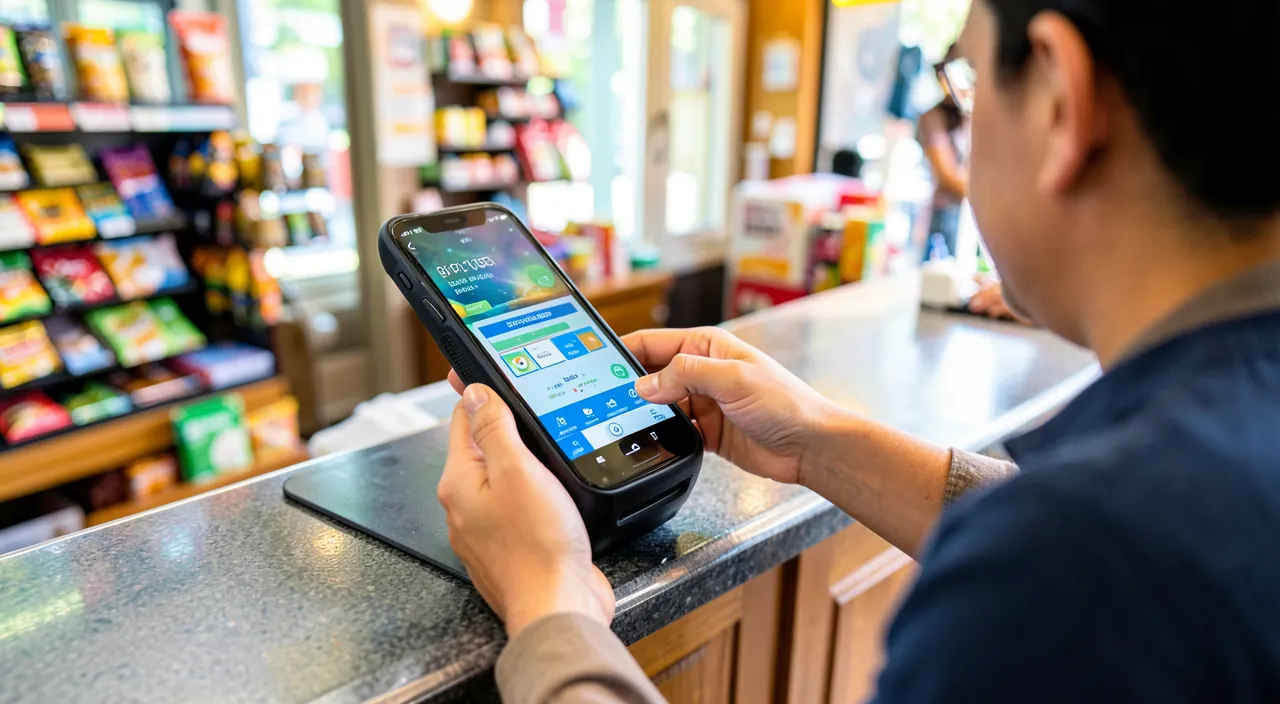
Yes, and it’s even often MORE SECURE than paying with a physical card — which surprises many hesitant people. Here’s why. With Apple Pay, your real CARD NUMBER is never transmitted to the merchant: instead, the device uses a unique substitute number, so the merchant never sees your real banking details. This is a major advantage over a physical card, whose number is visible (printed on it) and transmitted during payments, and thus potentially copyable. Additionally, each Apple Pay payment must be VALIDATED by you: via your face, fingerprint, or passcode. This means a thief who has your phone couldn’t pay with it, failing to pass this validation; whereas a stolen physical card can be used for contactless payments for small amounts without a code. Add to this that in case of loss, you can remotely suspend Apple Pay, and that the details of your purchases are processed in a way that respects your privacy. All these features make mobile payment a generally safer way to pay than handing your card to the merchant. Of course, this security depends on two conditions: that your device is well PROTECTED (strong passcode, biometrics), and that you keep the validation of each payment (never disable it). With these elements in place, you can pay with your phone with confidence. Hesitations often come from a lack of knowledge: one might think that “putting your card in your phone” is risky, whereas the system is precisely designed not to expose your real card and to require your authorization each time. In short, not only is paying with your phone safe, but it’s one of the most protective payment methods: don’t be afraid to adopt it, simply keeping your device well locked.
What happens if I lose my iPhone with Apple Pay?
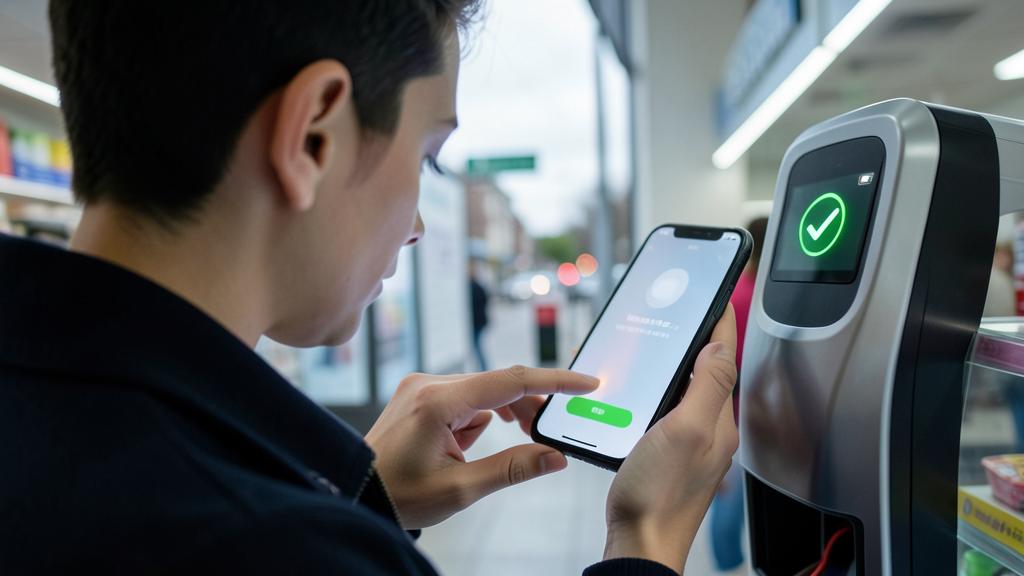
Rest assured: losing your iPhone doesn’t mean someone can spend your money, as Apple Pay is designed to protect you in this case. Here’s why you can be calm. First, no one can PAY with your lost device without your VALIDATION: each payment requires your face, fingerprint, or passcode; a thief who doesn’t have them can’t pay anything. Next, your real card number is not stored in a usable way on the device (a substitute number is used), so it can’t be “recovered” from a stolen phone. Nevertheless, it’s good to act as a precaution. Thanks to your device’s LOCATION and remote management tools, you can, from another device or computer: locate your iPhone, LOCK it remotely, activate a “lost” mode, and notably SUSPEND or remove Apple Pay remotely; thus, the associated cards are deactivated on the lost device. You can also, as a last resort, remotely erase the device. It’s also wise to NOTIFY your bank of the loss, as a simple precaution, even though the risk of fraudulent payment is very low. These protections make a lost iPhone with Apple Pay far less concerning than a lost wallet with physical cards: the latter can be used for contactless payments for small amounts, whereas Apple Pay doesn’t work without your validation. To be well prepared: make sure in advance that your device is protected (passcode, biometrics) and that location is enabled, so you can act remotely if needed (our guides on protecting your phone in case of loss or theft). In short, if you lose your iPhone: no one can pay without your validation, you can suspend Apple Pay and lock the device remotely, and notify your bank as a precaution; your payments remain protected.
Do you need an internet connection to pay with Apple Pay?
For paying in STORES (contactless), Apple Pay usually works even without an active internet connection at that precise moment, as the necessary information is prepared on the device; this is convenient, as you can thus pay in a store where you have poor reception. However, for ADDING a card, for payments in apps and online, and for certain operations, a connection is required. In practice, on a daily basis: for a contactless payment in a store, bring your device close to the terminal and validate; this works in most cases even with a weak or absent connection at the moment. What is essential, however, is that your device is ON and sufficiently CHARGED: an uncharged phone obviously can’t pay anymore; that’s why it’s wise to keep a physical card as a backup for this case. Note also that even without a connection for the payment itself, the operation is properly recorded and secured. For the Apple Watch, the principle is similar: it can pay in stores without depending on a connection at the moment. A practical point: make sure your cards are properly added and up to date in the app BEFORE you need them (adding them requires a connection and your bank’s validation); thus, they are ready to use. In short: contactless payment in stores generally doesn’t depend on an internet connection at the moment (convenient in poorly covered areas), but your device must be on and charged; adding cards and online payments, however, require a connection. Keep a physical card as a backup for cases where your device is discharged or contactless is unavailable, and you’ll always be able to pay.
What to remember
Apple Pay lets you pay with a simple gesture using your iPhone or Apple Watch, in stores, in apps, and online, by adding your bank cards to the device. Contrary to a common concern, it’s often MORE SECURE than a physical card, for two essential reasons: your real CARD NUMBER is never transmitted to the merchant (a substitute number is used, so your real banking details are not exposed), and each payment must be VALIDATED by you (your face, fingerprint, or passcode), preventing anyone from paying on your behalf. It’s also fast (a gesture, no need to take out the card), convenient (multiple cards in the device, payment by wrist with the watch, no details to retype online), and respects privacy. To use it: add your card in the Wallet app (with your bank’s validation), pay by bringing the device close to the terminal and validating, and choose Apple Pay for your online purchases instead of retyping your number. But security relies on two pillars that must never be neglected: VALIDATION of each payment (never disable it, keep your passcode secret) and PROTECTION of your device (strong passcode, biometrics, automatic lock) — a well-locked device means a well-protected Apple Pay. Rest assured about loss: without your validation, no one can pay with your device, and you can suspend Apple Pay and lock it remotely (notify your bank as a precaution). Keep the good habits of any card: monitor your statements, keep a physical card as a backup (for places without contactless or if the device is discharged), add your cards only on your trusted device, and beware of scams that might try to extract your codes (neither Apple nor your bank will ask for them). In short, Apple Pay is a modern payment method that is both more convenient AND more secure than a physical card: technology works here for your security. Don’t hesitate to adopt it, simply keeping your device well protected and your good vigilance reflexes — you’ll pay faster, more easily, and more serenely.
Want to unlock the full potential of your iPhone, iPad, or Mac? Our Apple training courses will take you to the next level.
Leave a Reply
You must be logged in to post a comment.