
Thirty seconds of video show your workshop better than three paragraphs, a filmed visit sells a vacation rental better than twenty photos, a client testifying on camera is worth ten written quotes: video is the most persuasive web medium — and the most dangerous for your site: poorly integrated, it slows down loading, breaks SEO, and scares off mobile users. Hosting or embedding, where to place it, how to make it watched: here’s how to add video that serves — without turning your site into a snail.
The golden rule: you NEVER host your video on your site
The beginner’s fatal reflex: uploading the MP4 file directly to the site “like an image” — and everything collapses: the 200 MB file suffocates shared hosting, the page takes ten seconds to load (our speed guides: the penalty is immediate — visitors AND SEO), playback stutters depending on the visitor’s connection (no quality adaptation), and mobile suffers. The right architecture, universal: the video lives on a specialized video host and is DISPLAYED on your site (integration/embed): the platforms handle everything — compression, qualities adapted to each connection (adaptive streaming), universal player, unlimited bandwidth: the choice is between the big free platform (the dominant video host: free, robust, with a visibility bonus — your video is also searchable, the second-largest search engine in the world — and a flaw: the end-of-playback suggestions that send your visitors elsewhere, to be limited by integration settings) and professional video hosts (paid: clean player without ads or suggestions, customization, statistics — the choice of high-end sites and sales videos): for SMEs, the well-adjusted big platform is almost always enough — the key is the principle: the site DISPLAYS, the platform STREAMS.

Hosting video files directly on your website is a bad idea. It makes your site slow and can scare away visitors. Instead, use a video hosting service (like YouTube or a paid platform) to store your videos, then embed them on your site. This way, the hosting service handles the heavy work, and your site stays fast.
A small bakery wants to show a 1-minute video of their bread-making process. Instead of uploading a 200MB file to their website, they upload it to YouTube (free) or a paid host like Vimeo. They then embed the video on their homepage. When visitors click the video, it streams from YouTube’s servers, not their website, keeping the site fast.
Which videos sell (durations and recipes)
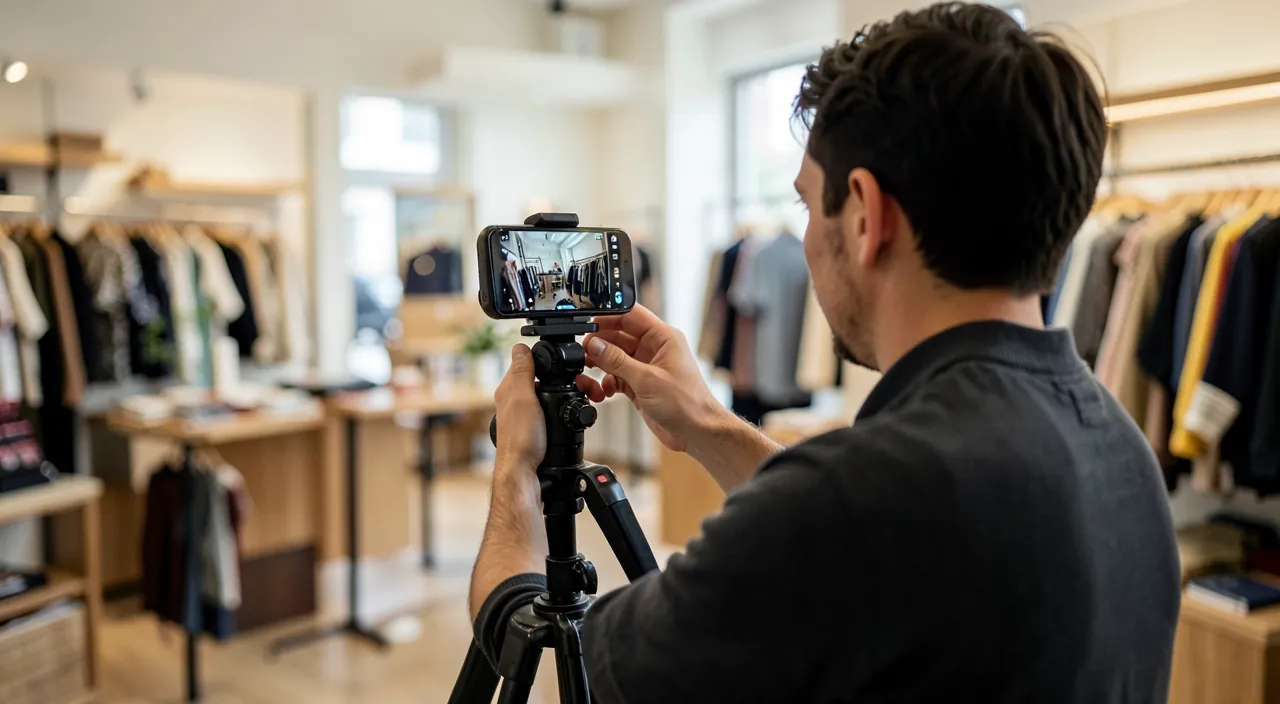
Formats that prove their worth — all short: the activity presentation (30-90 seconds — the workshop, the team, the gesture: the “who we are” that text will never convey: the voice, the faces, the place — absolute anti-anonymity, to be placed on the homepage or about page); the demonstration (the product in hand, the service in action — the number one objection in e-commerce: “you see what you’re buying” — on the product sheet, near the button); the customer testimonial on camera (30-60 seconds — the queen of proof in our testimonial guides: phone imperfection makes authenticity); the tour (vacation rental, room, store, finished construction site — the king format of real estate and tourism: the camera that moves is worth a thousand angles); and the expert advice (the filmed answer to a real customer question — our content guides: the format that also feeds social media and your channel). Accessible production recipes: a recent phone works (our photo guides extend to video: daylight, stability — the 15€ tripod, and SOUND above all: the 20€ lavalier mic changes everything, average image passes, bad sound never), simple editing is enough (free apps — our slideshow guides: cut the dead air, a title, subtitles), and AI helps (the three-point script, automatic subtitles — our guides). The duration rule: on a website, 90 seconds is a common maximum — web video is snackable, it’s not “watched”: say the essential, cut the rest.
The right reflex. Subtitle EVERYTHING — systematically: the vast majority of web videos start WITHOUT sound (mobile, open space, family couch), and a mute video without subtitles is simply skipped: automatic subtitles (our transcription guides) are generated in minutes, corrected in five, and literally double the useful audience of each video. Accessibility bonus (hearing-impaired — our guides) and SEO bonus (spoken content becomes indexable text via the published transcription under the video): one action, three dividends — the best ratio of all web video.

Integrating it properly: the settings that save the page
Integration requires care: lazy loading — even “embedded,” a video loads heavy scripts: the placeholder technique (the clickable preview image that only loads the player ON CLICK — native on good themes and modules, requestable from your provider, verifiable via speed test): the page stays light, the video stays there; the chosen thumbnail — the preview image is a mini billboard: the smiling face, the gesture, the place (never the motion blur that auto-selects — platforms allow you to define it): it’s this that decides the click; never auto-play with sound — a video that starts automatically with sound is the number one web annoyance (and browsers block it): MUTE auto-play as decorative background is debatable (ambient banners — with sobriety and monitored weight), sound playback is ALWAYS CLICKED; the placement at the right moment — the video answers a question where it’s asked (the demo on the product sheet, the testimonial near the price, the tour on the booking page — the logic of our proof guides): the “our videos” catch-all page serves no one; and the accompanying text — the video never replaces text (the impatient read, the engines read, the deaf read): the three-line summary + key points under each video — the text-video duo serves all profiles and all algorithms.
Making one video serve three purposes (and measuring)
Video costs effort — amortize it: systematic recycling — the same content lives everywhere: the long version on the channel and the page, vertical clips for social media (short formats — vertical editing is done in the same apps), the testimonial in quotes, the demo in email signatures and Google listings (yes, the listing accepts videos — our guides): a well-thought-out filming session (shoot in horizontal AND a few vertical shots) feeds a quarter’s worth of channels; the channel as a library — the videos accumulated on your channel form a searchable asset (expert advice works for years — the long tail of video exists too), organized in playlists by theme; the simple measurement — platform statistics say the essential: watch time (a 10-second drop means the intro drags — cut it), clicks from the video (the link in the description and the end screen to your site), and on the site, the page effect (does the page with video convert better? — our stats guides: the before/after test over a month answers); and the sustainable pace — as always (our update guides): one good video per quarter will beat the January enthusiasm of six — and simple recurring formats (the monthly question filmed in one take) last for years.

Watch out for rights — video accumulates all the pitfalls. A video carries layers of rights: the music (a known song on your montage = blocking, confiscated monetization, or removal — use royalty-free banks and platform libraries: our slideshow guides), the people (right to image — written consent from everyone, including recognizable clients and passersby, for testimonials: our guides), the visible places and brands (common sense usually suffices — a competitor’s logo in close-up, no), and the minors (written parental consent, always — and extra thought: children’s videos on a commercial site are rarely justified). The only reflex: before publishing, the question “who and what appears — and do I have the right?” — thirty seconds that avoid removals, fallouts, and legal notices. Video shows everything: that’s its strength, and its responsibility.
Frequent questions
Does video help SEO?
Indirectly but really: time spent on the page increases (positive signal), the published transcription adds indexable content, the video on the big platform is an additional entry point (with the link to your site), and video-rich results exist. But the hierarchy remains: video HELPS a good page — it doesn’t save an empty page (our content-first guides).

Do you need a professional videographer?
Depending on the stakes: the welcome video representing the company for three years deserves a local pro (half a day of shooting, reasonable budget — our briefing guides apply); everyday formats (advice, behind-the-scenes, testimonials) are done with a phone and this guide’s recipes — and authenticity WINS. The mix of well-run businesses: a pro foundation, a homegrown flow.
Where to find time to “make videos”?
By not producing them separately: film what ALREADY EXISTS — the ongoing construction site (30 seconds on your phone), the customer question you’re answering anyway (answer on camera once), the unpacked delivery. Sustainable business video isn’t production: it’s capturing reality — and you’re already doing that all day.

What to remember
The video that serves a site follows five rules: never hosted on the site (the platform streams, the site displays — with lazy-loading placeholder for speed), short and useful (90 seconds, placed where its question is asked: demo on the product sheet, testimonial near the price, tour on the booking page), systematically subtitled (the web watches without sound — one action, three dividends), simply made (phone + light + lavalier mic + short editing — pro for the foundation, homegrown flow for the rest) and recycled everywhere (channel, vertical social media, quotes, Google listing — one content, five channels), all while respecting rights (royalty-free music, image consents). Thirty seconds of filmed workshop beat three paragraphs — and your workshop is already running: you just need to pull out your phone. The first video is the hardest; the tenth will be a habit.

Your business deserves a real online presence: showcase site, store, SEO — we create the site that reflects you.
Leave a Reply
You must be logged in to post a comment.