
Hairdresser, osteopath, mechanic, consultant, association: if your business relies on appointments, part of your week is spent on the phone — missed calls while you work, the back-and-forth of « and Thursday at 14h? No? And Friday? », forgotten appointments that leave gaps. Online booking solves all this: your schedule available day and night, the client choosing their slot in thirty seconds, automatic reminders that reduce no-shows by threefold. Here’s how to set it up on your website — and why it’s often the most profitable feature a small site can offer.
Why it changes everything (with figures)
The benefits observed across all professions that have switched to online booking: the off-hours capture — a major share of bookings happens in the evening and on weekends, precisely when no one answers the phone: every slot booked at 22:30 is a client who, otherwise, would have called a competitor the next day (or given up); the time saved — every online booking is a three-minute call that didn’t interrupt your work (the hairdresser with scissors in hand, the therapist in session: interruptions cost double); the reduced no-shows — automatic reminders (SMS/email one day before) drastically reduce missed appointments, the measurable scourge of appointment-based professions; the optimized filling — canceled slots put back online get rebooked automatically (and automatic waiting lists fill the gaps); and the image — the « Book an appointment » button expected by a clientele used to medical platforms and large chains: its absence is starting to be noticed. All for a cost ranging from zero (free tools cover basic needs) to a few dozen euros per month — compared to the value of ONE recovered appointment per week: the payback is calculated in days.
Online booking lets clients book 24/7, saving you time and filling gaps. It also reduces no-shows with reminders and makes your business look more professional. The cost is low, and the payback is fast.
A hairdresser in Paris switches to online booking. In the first month, they gain 15 evening bookings (worth €300) and save 20 hours of phone calls. A free tool cost them nothing, and the payback was immediate.
Choosing your tool: three families
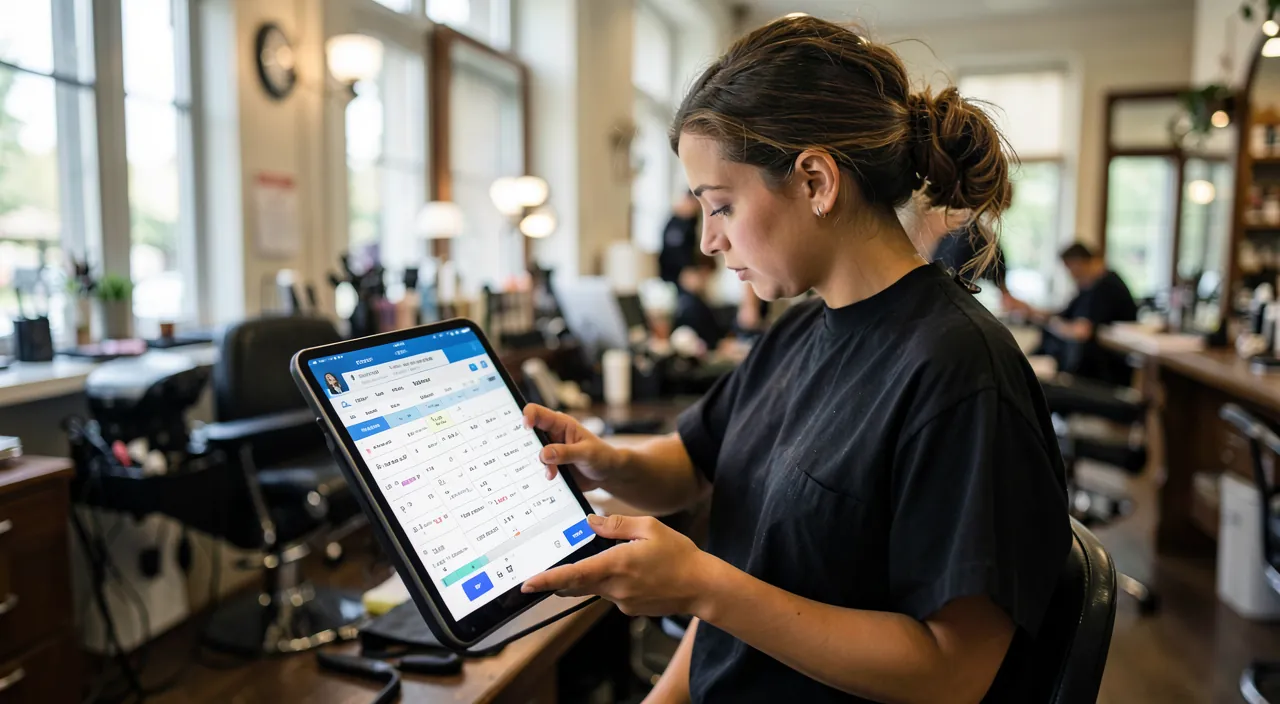
The landscape according to your profession: the profession-specific platforms — healthcare and paramedical (the dominant medical platforms, with their directories that also bring in patients), beauty and wellness (specialized players in hairdressing/beauty, with listings on their marketplaces): the advantage of the ecosystem (visibility, customer habits), the cost of a subscription and dependency — your schedule lives with them; the generalist booking tools — universal modules (including excellent free ones to get started): you define services, durations, hours, buffers between appointments — and the module integrates with YOUR site (button, dedicated page, or embedded window): the path of independence, our favorite for most micro-businesses; and the simple connected calendar — for light needs (consultants, associations), the booking pages of online calendars: the client sees your real availability (synchronized with your calendar — no more double booking) and books: free or included, remarkably effective. The key selection criteria: synchronization with your personal calendar (the online booking must see your private unavailability — without displaying it), automatic reminders included, management of multiple services/durations (a haircut and a color don’t take the same time), and client-side simplicity: three screens maximum (service → slot → contact details), no mandatory account creation.
The right reflex. Set up the rules that protect your schedule right from installation: the minimum booking delay (no appointments within the hour — you keep control over emergencies), the buffer between appointments (the five-ten minutes that prevent a sandwich day), cancellation limits (cancelable online up to 24h in advance — beyond that, by phone: the brake on comfort cancellations), and your recurring blocked slots (lunch break, admin, Friday emergencies). The tool must fit YOUR way of working — not the other way around: that’s the difference between a schedule that frees you and one that tyrannizes you.
Integrating it into the site (and everywhere else)
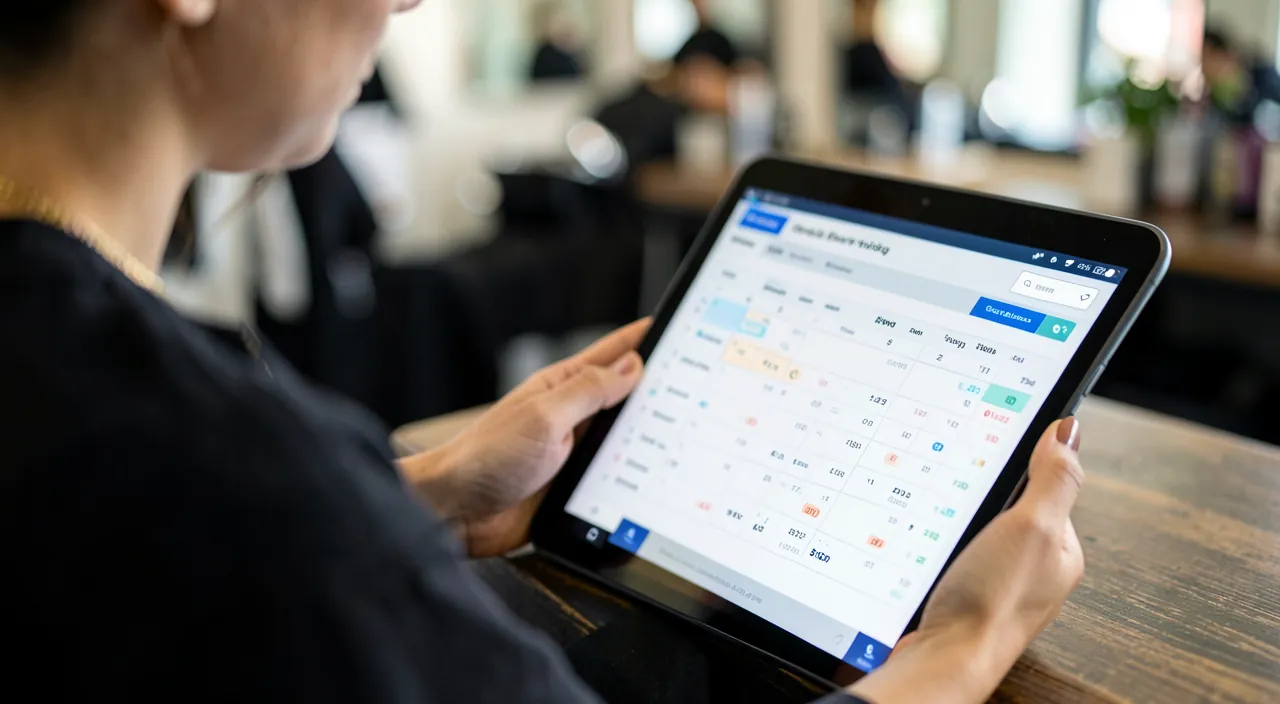
Online booking deploys in a star pattern: on the website — the « Book an appointment » button prominently displayed (the header of all pages, not buried in Contact — it’s your number one action: our call-to-action guides), the dedicated page that reassures (services, durations, prices — our pricing page guides — and the integrated module), and the linking from service pages (« Book this treatment »); on the Google listing — the booking link is added to your business listing (the « Book » button directly in search results and on the map: for many businesses, it generates more appointments than the website — our Google listing guides); on social networks — the link in bio and the action buttons of professional profiles; in the email signature and on physical materials — the QR code to booking (storefront, business card, flyer: the client passing by the closed shop books from the sidewalk). And the phone isn’t dead: it remains the channel for regulars and special cases — the trick for the overbooked: the voicemail and overflow SMS that offer the link (« To book directly: … ») even turn missed calls into booked appointments.
Living well with it: the habits of the organized professional
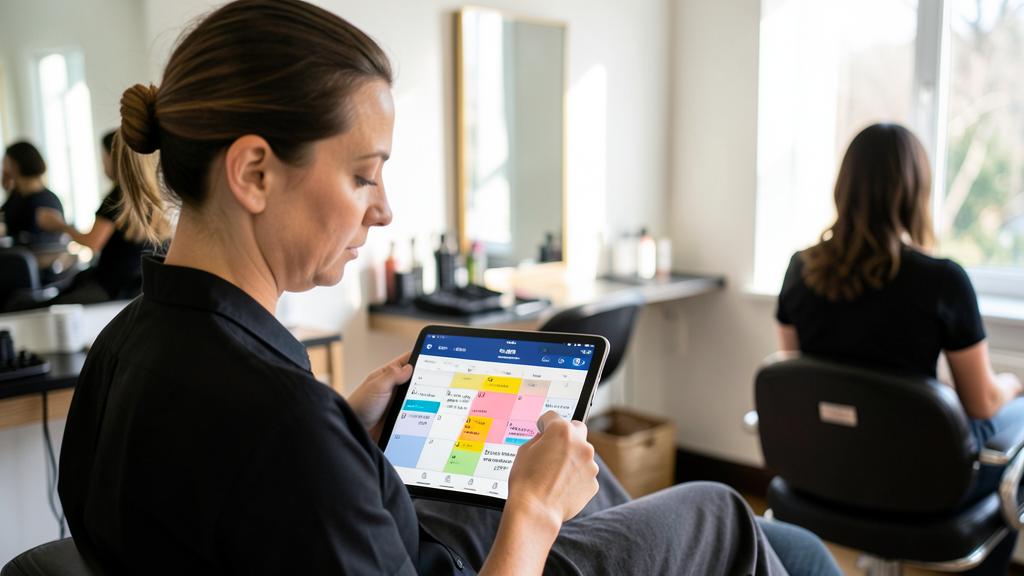
The tool installed, the practices that make the difference: the daily schedule check — morning and end of day, two minutes: tomorrow’s schedule verified (newcomers spotted — a personalized welcome message changes the first impression); the client files that bookings create — history of services, noted preferences: the professional memory that builds regulars (while respecting data — see the box); the statistics to check once a month — the slots that book first (should you open more?), the slow hours (a Tuesday morning discovery offer?), the no-show rate (are the reminders working?): the online calendar is also a management tool; the online deposit for professions that need it — booking with a hold or deposit (options of paid tools) reserves long services and volatile clientele: it radically filters no-shows, at the cost of friction — adjust according to your reality; and the progressive upgrade — start free and simple (one service, one calendar), complicate when the need is proven (multi-collaborators, resources, payment): the tool follows growth, it must never precede it.
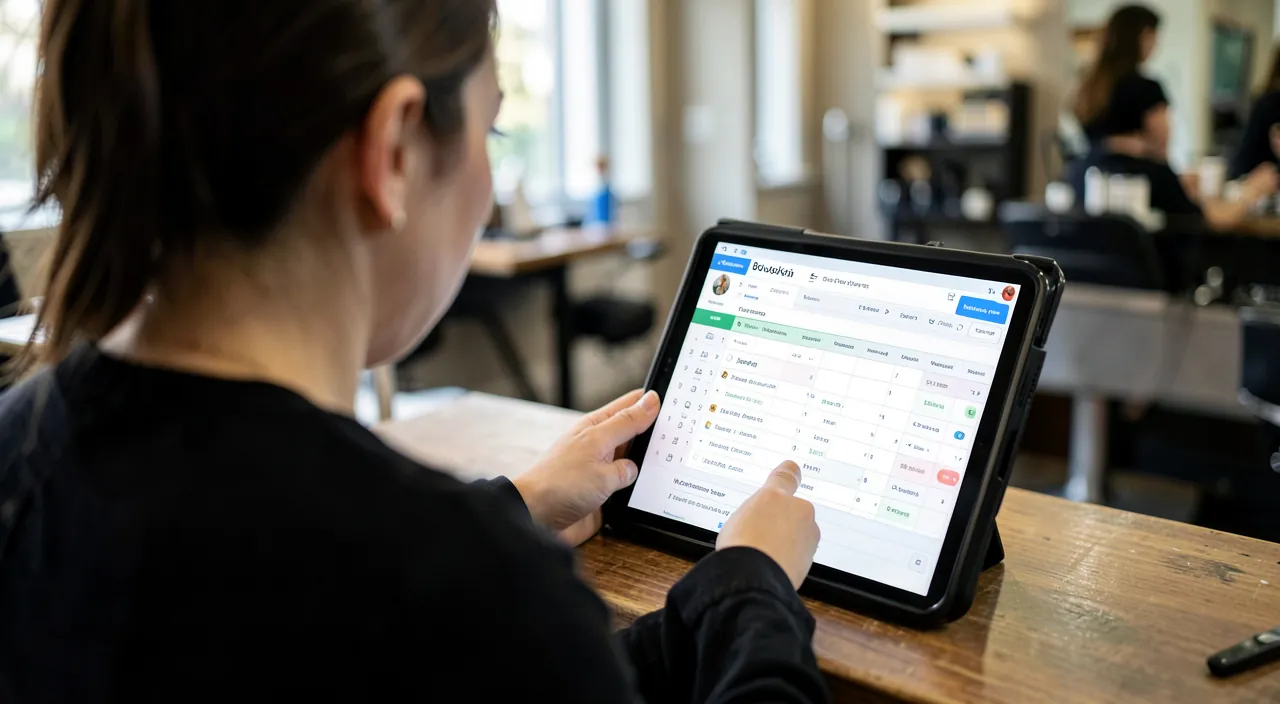
Be careful with your clients’ data — and with dependency. An online calendar constitutes a client file (names, contacts, histories — sometimes sensitive: a therapist’s appointments say a lot): GDPR rules apply (client information, minimization, retention periods — and for healthcare, the reinforced hosting requirements of certified platforms: a practitioner doesn’t put their patients in a generic tool); check WHO owns the data (exportable? recoverable if you leave?): the platform that holds your clients AND your visibility holds your business: regular export of your file is insurance, and the balance between profession-specific platform (visibility) and independent tool (control) is weighed knowingly. Finally, keep a paper plan B: tool failure on a peak day happens — the day’s schedule printed or synced to your phone every morning costs nothing and saves the day.
Frequently asked questions
My older clients will never book online:
They’ll keep the phone — online booking is ADDITIONAL, it doesn’t replace: the goal is to shift the 40-60% of clients who prefer the web (and who call today for lack of better options), freeing the phone for the others. Many professionals also note that seniors adapt — often helped by their children: offer without imposing, the numbers will do the rest.

What if two clients book the same slot?
Impossible by design — that’s the whole point: the slot taken disappears instantly for others (and on your side, the appointment manually entered in your synced calendar blocks the online slot). The only real risk of double booking is the dual system — the paper calendar AND the unsynced online calendar: one master calendar is the absolute rule.
What to do with requests outside slots (emergencies, special requests)?
The tool channels them too: the « other request/emergency » reason that leads to the phone or a form (our form guides), the « emergency » slots kept in reserve and opened day by day, and the automatic waiting list for full slots. Your professional flexibility remains intact — it’s just organized.
What to remember
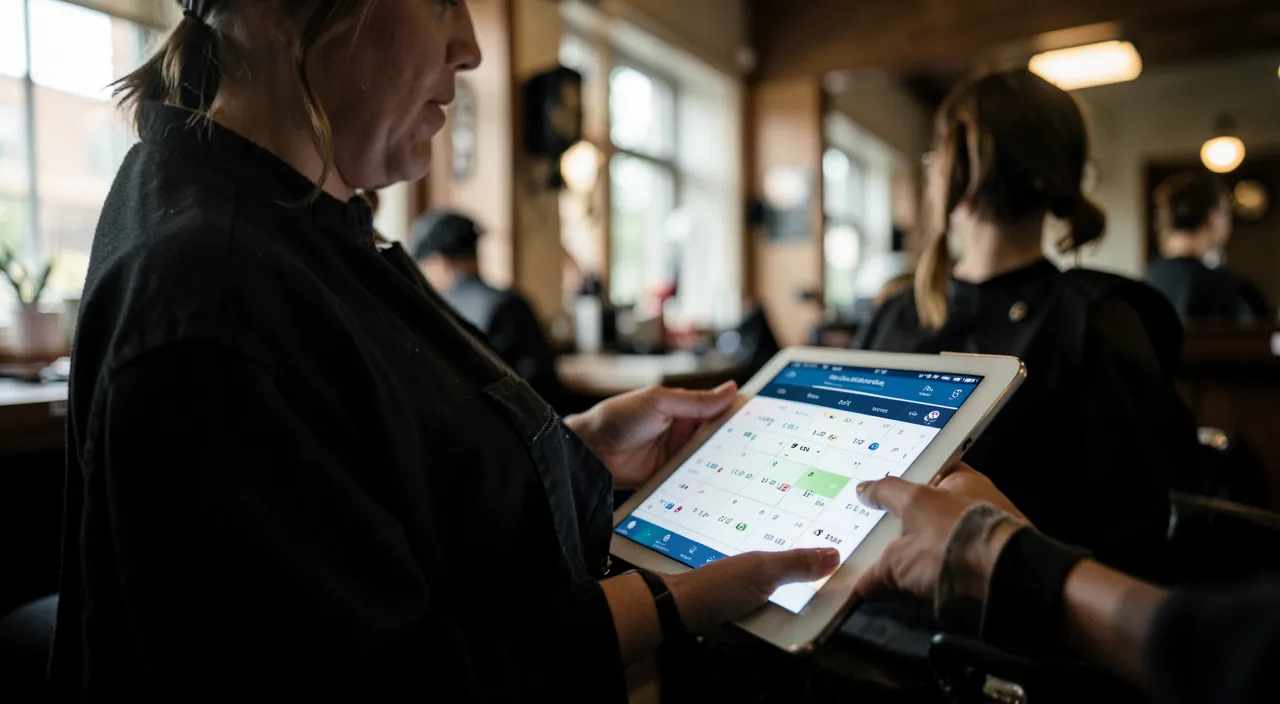
Online booking is the best employee an independent can hire: it sells your slots 24/7, reminds clients (no-shows melt away), fills cancellations, and frees your hands and phone — for a negligible cost compared to the first recovered appointment. The recipe: the right tool (profession-specific platform for visibility, independent module for control, calendar booking page for simple needs), the rules that protect your way of working (delays, buffers, cancellations), the button everywhere (site header, Google listing, QR code in storefront, email signature), and management habits (daily check, monthly statistics, client file export). The phone will still ring — but it won’t be the bottleneck for your revenue. Your competitors are equipping themselves: the question isn’t if, but when — and the right when is before them.
Your business deserves a real online presence: showcase site, store, SEO — we create the site that reflects you.
Leave a Reply
You must be logged in to post a comment.