
Selling your old phone, giving away the kids’ computer, or returning the tablet for a trade-in: excellent ideas — provided the device is empty. Completely empty. Because « deleting files » deletes nothing, the emptied trash can be recovered, and studies on used devices regularly find photos, emails, passwords, and banking documents from previous owners. The right method exists for each device — simple, fast, and definitive — and a few pitfalls (linked accounts, activation locks) can also ruin the buyer’s life. The complete guide to selling with peace of mind.
Why « Delete » is never enough
Understanding the mechanism motivates the method: when you delete a file, the system doesn’t erase it — it marks its location as « available » and removes the name from the index: the data remains physically on the disk until other data overwrites it, and free recovery software brings it back in a few clicks. Quick formatting? Same thing on a larger scale: the index is recreated, the data remains. This is how curious (or malicious — some buy used disks precisely for this) buyers find family photos, tax returns, and identity document scans. The modern solution is elegant: on encrypted devices (all recent smartphones, computers with FileVault/BitLocker), secure deletion doesn’t rewrite the entire disk — it destroys the encryption key: in one second, all data becomes mathematically unreadable noise, permanently. Hence the two-step rule that structures this entire guide: check that the device is encrypted, then use the official deletion procedure — never manual file deletion.
When you delete a file, it’s not really gone—just hidden. To truly erase it, you need to overwrite the data or destroy the encryption key (if the device is encrypted). This makes the data unrecoverable.
A study found that 70% of used smartphones sold online still contained recoverable personal data, including photos, emails, and banking details. This happened because the owners only deleted files instead of using the official factory reset.
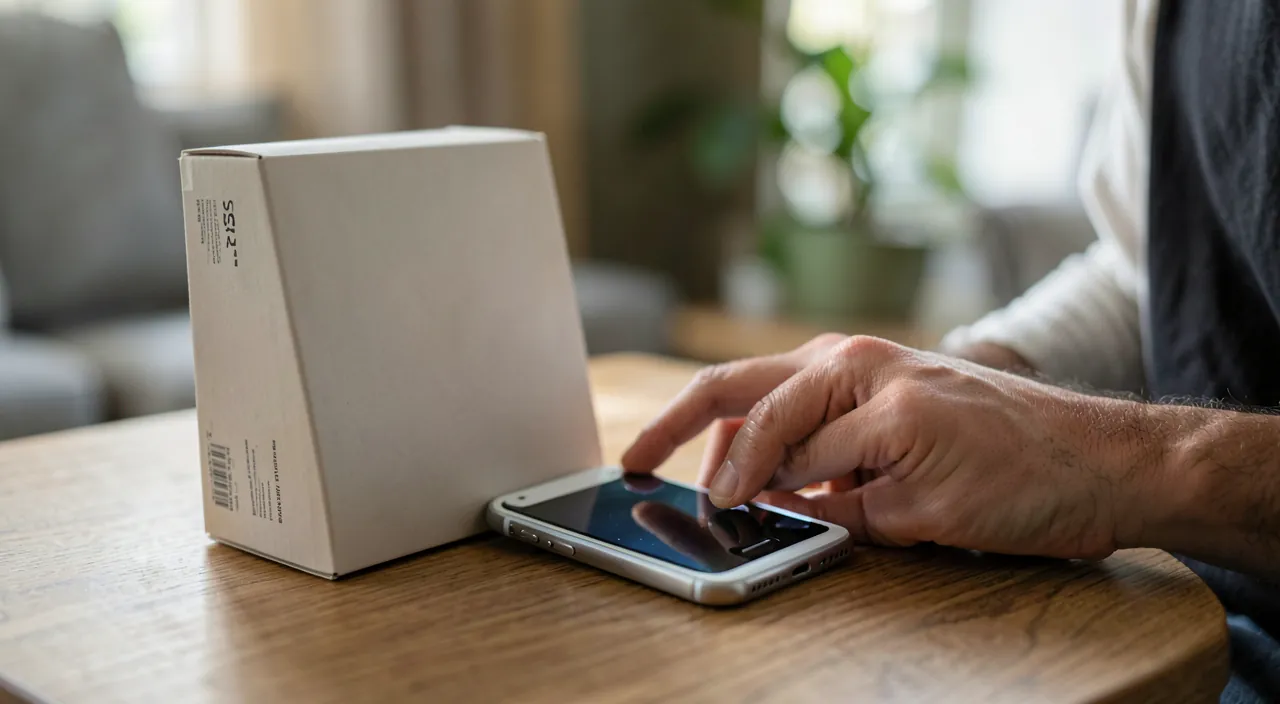
Smartphones and tablets: the three-step process
On iPhone/iPad and Android, the process is the same and takes 15 minutes. Act 1 — Backup: complete backup (iCloud/computer, or Google service), verified — this is what will repopulate the new device; transfer what has its own mechanism: encrypted messaging conversations (their dedicated backup), 2FA authentication codes (transfer to the new phone BEFORE deletion — the trap that locks you out of all your accounts), local app content. Act 2 — Unlink, the step everyone forgets: disable the activation lock — on iPhone, disconnecting the Apple account (Settings → your name → Sign Out) removes « Find My » and the lock: without this, the buyer receives an unusable brick tied to your account (and you, angry messages); on Android, remove the Google account (equivalent protection against reset); also remove the SIM card and, if applicable, unpair the watch and release the eSIM with the operator. Act 3 — Erase: the official « Erase Content and Settings » (iPhone) or « Factory Reset » (Android) function — it destroys the encryption key and makes the device new: at the end, the initial welcome screen confirms the work. The device can be sent.
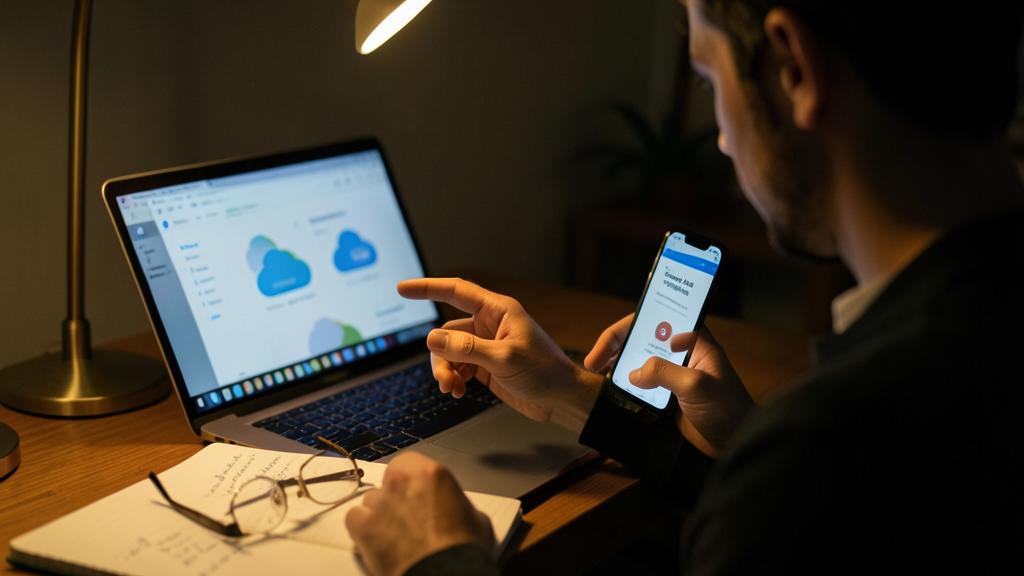
The right reflex. Before erasing, do a check of linked accounts: the two-factor authentication pointing to THIS phone (transfer the 2FA app or print backup codes for critical accounts), the banking app (it will re-enroll on the new one — make sure you have the credentials), transportation cards or dematerialized tickets (some transfer, others are recovered via the account). Ten minutes of verification prevent discovering, three days later, that an essential code only arrived on a sold phone.
Computers: Mac, Windows, and the case of disks
On a recent Mac, everything is integrated: « Erase Content and Settings » (System Settings → General → Transfer or Reset) does the full cycle — account disconnection, key destruction, return to factory state — after your Time Machine backup: it’s the only and sufficient path. On Windows, « Reset this PC » with the « Remove everything » option and — important — the complete drive cleanup offered (« Clean the drive completely, » longer but designed for resale): combined with active BitLocker, deletion is solid; also unlink the Microsoft account from the device (the list of devices in your account, online). The special case: bare hard drives and SSDs (sold alone, or the computer too old to be worth anything): for an encrypted disk, standard deletion is enough; for an old unencrypted disk, use a secure deletion tool (full rewrite) — and for very sensitive data on a valueless disk, physical destruction remains the definitive option (the disassembled disk, destroyed platter — radical but certain). Finally, don’t forget memory peripherals: the business printer that keeps scans, the USB key at the bottom of the box — any medium that leaves must be processed.
The rest of the cleanup: connected objects, consoles, car
The deletion reflex extends to anything with memory or an account: the smartwatch (unpairing from the phone, which erases it and lifts its lock); the speakers and assistants (reset + device removal from your account — otherwise it remains « at your place » digitally); the game consoles (account disconnection — with the registered payment methods! — then factory reset); the box and router returned to the operator (reset — they contain your Wi-Fi passwords and settings); the cameras and doorbells (account unlinked, device removed from the service); and the big forgotten one: the car — the infotainment system keeps contacts, call history, home/work addresses, and pairings: resetting the system is part of the vehicle sale, just like the registration certificate. The unifying principle: before any transfer, two questions — « What does this object know about me? » and « What account is it linked to? » — then local deletion AND account-side removal: the two halves of the digital divorce.
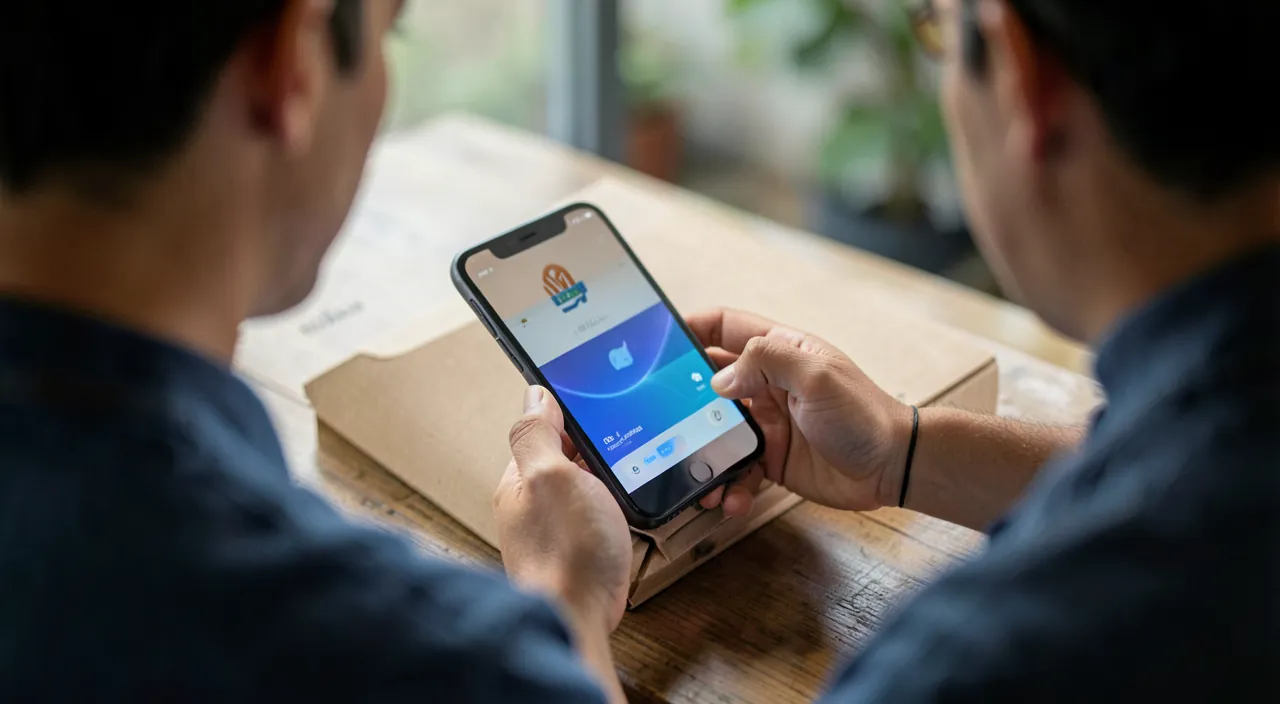
Warning. Never sell an appliance « as is, the buyer just has to erase »: you would be handing your data to a stranger hoping for their honesty — and a device still locked to your account is unusable to them: the dispute is guaranteed. Conversely, when buying used, demand a device that has been erased AND unlocked (the initial setup screen, the absence of a previous account request): an iPhone asking for a third party’s iCloud account is unsellable — and sometimes stolen. In both cases, the rule is the same: a device only changes hands in factory condition, verified together if possible.
Frequent questions
Does store take-back erase devices?
Serious circuits professionally erase — but your responsibility (and the activation lock!) remains: return a device already disconnected and erased by you. The take-back procedure usually requires it: a locked device is refused or downgraded.
I sold a device without erasing it: what to do?
In order: remote erasure if possible (« Find My » offers it as long as the device connects), changing passwords for accounts connected to it (starting with email), disconnecting the device from each account (the session list), and monitoring sensitive accounts. The risk window closes quickly if you act quickly.
Does erasure make the device irrecoverable in case of regret?
Yes — that’s the point: after the encryption key is destroyed, nothing comes back. Hence the unchanging order: verified backup FIRST (ideally restored on the new device and confirmed functional), erasure AFTER. Never count on a « just in case » afterward.
What to remember
A device is only transferred in three acts: backup (complete verified backup + dedicated mechanisms: 2FA, encrypted messengers), unlink (account disconnection, activation lock lifted, SIM removed — the forgotten step that causes disputes), erase via the official procedure (which destroys the encryption key — never manual deletion, which destroys nothing). The same reflex covers watches, speakers, consoles, boxes, bare disks — and the car. When buying, demand factory condition unlocked. The final rule in one sentence: what leaves your home must know nothing about you and owe nothing to your accounts — at this price, the second life of devices is an excellent deal, for the wallet and the planet.
Doubts about your security, a device to check or clean? Our support service guides you step by step.
Leave a Reply
You must be logged in to post a comment.