
You may type twenty words per minute on a phone screen—you speak one hundred and fifty. Voice dictation, once an approximate gadget, has become terrifyingly reliable: automatic punctuation, real-time correction, seamless voice-keyboard blending. Messages, emails, notes, lists—dictating is three to five times faster than typing, yet most people have never adopted the habit. Here’s how to tame it, where it excels, where it fails, and the tricks that make the difference.
Getting started: a microphone, everywhere you write
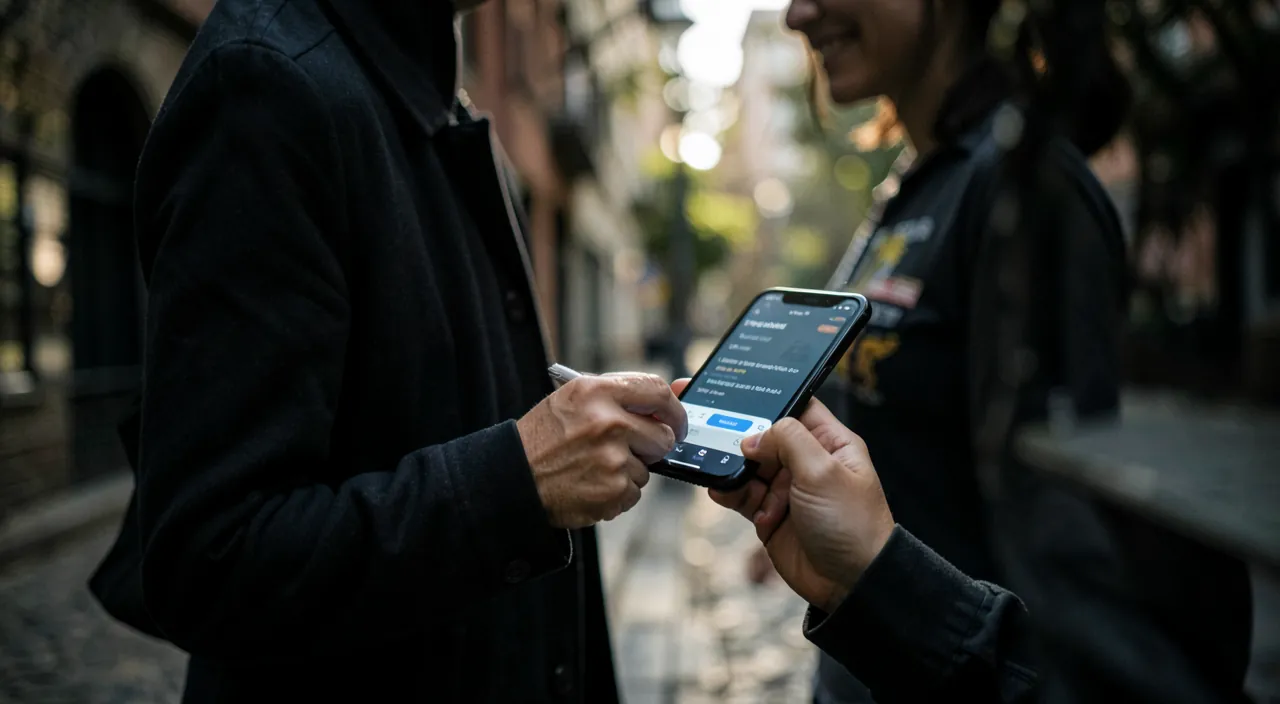
Dictation lives on the keyboard microphone button (and on recent phones, a dedicated key): wherever a keyboard appears—message, email, search, note, form—tap the microphone and speak. Recent advances change everything: punctuation is placed automatically (periods, commas, question marks deduced from intonation and structure), processing happens on the device for major languages (fast, works offline, more privacy-friendly), and above all, the keyboard stays active during dictation: you can correct a word with your finger, move the cursor, then resume speaking without interruption—that seamless back-and-forth is what finally makes the tool natural. First recommended exercise: dictate your next ten short messages instead of typing them—one day is enough to feel the gain; one week to never look back.

Voice dictation works by converting speech into text in real time. The best systems add punctuation automatically and let you edit as you go, making it much faster than typing.
A user dictates a 200-word email in 2 minutes (100 words per minute) instead of 10 minutes typing (20 words per minute), saving 8 minutes. They then correct two words with their finger, taking 10 seconds. Total time: 2 minutes 10 seconds vs. 10 minutes typing.
Dictating well: habits that ensure precision
Recognition is excellent—as long as you give it enough material: speak in complete sentences, at a natural pace (neither choppy nor rushed)—the engine relies on context, and isolated words deprive it of clues; think before speaking—dictation transcribes hesitations, “uhs,” and false starts: a second of reflection produces a clean sentence (it’s also great practice for clarity); dictate explicit punctuation when you want to control it—“period,” “comma,” “question mark,” “new line,” “new paragraph”—automatic works well for messages, explicit wins for structured texts; and for special words: proper nouns are learned (a correctly spelled contact in your address book transcribes well), technical terms are corrected once by hand and pass better afterward. Environment finally: calm helps but isn’t required—the voice close to the microphone overrides street or kitchen background noise without issue.
The right reflex. The winning daily duo: dictate the first draft, correct with your finger. Don’t aim for perfect dictation—dictate the entire message in one go, then tap the two words to fix (blue-underlined words offer alternatives with a tap). This “voice for volume, finger for precision” flow is faster than either method alone—that’s the real user guide for modern dictation.
Areas where voice crushes the keyboard
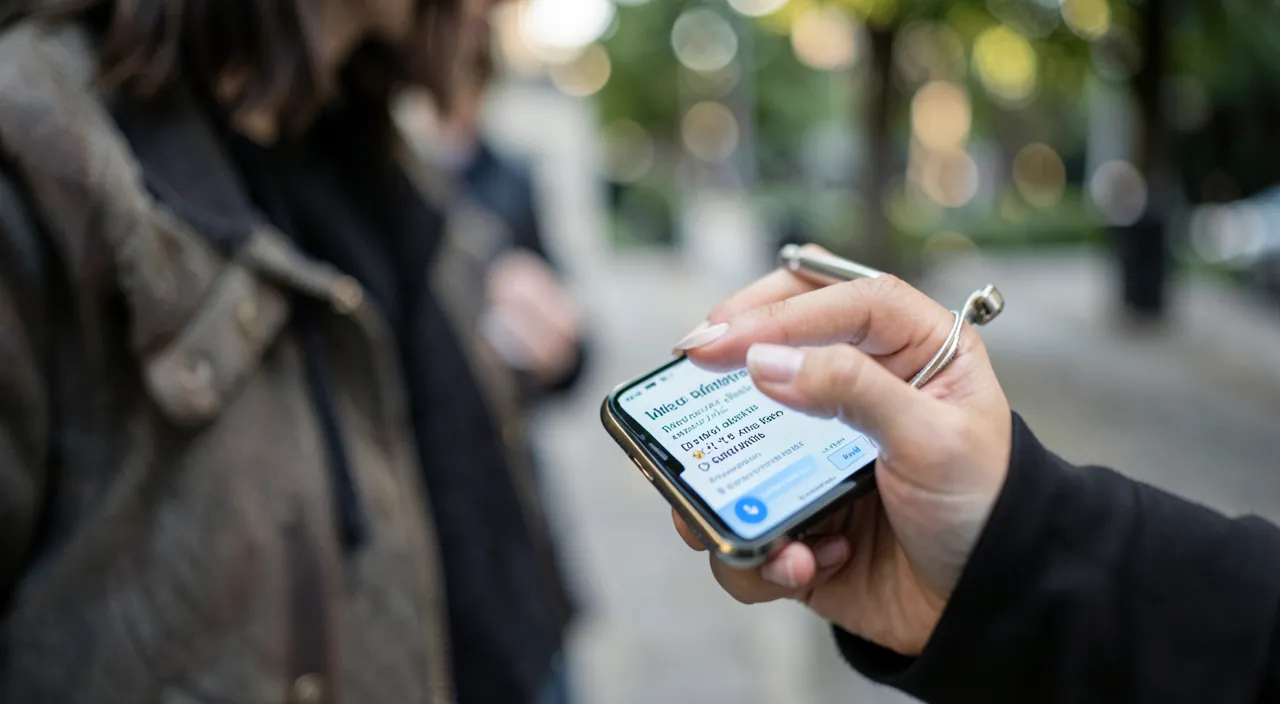
Uses where dictation changes lives: messages on the go—walking, hands full, the reply sent without stopping (and in the car, via voice assistant and CarPlay only—never the screen); idea notes—thoughts captured on the fly before they vanish, the Notes app or a voice memo opened with a word to the assistant; long messages and emails—where the thumb tires by the third sentence, the voice unfolds effortlessly: the client report, the detailed family message, the structured complaint; lists—groceries, tasks, dictated item by item; and accessibility in the broad sense—hands busy, eyes tired, arthritis, dyslexia, or simple aversion to the virtual keyboard: voice is the great equalizer of digital writing. Conversely, know its limits: quiet public places (dictating your life on the train has a social cost), confidential content spoken aloud, and highly technical texts or packed with exotic names—the keyboard keeps these territories.
Going further: commands, languages, and beyond
For advanced users: multilingual—if you write in multiple languages, dictation follows the active keyboard language (switch keyboards, dictate in the other language); voice emojis—“emoji heart,” “emoji thumbs up” insert as-is; text replacements (Settings → Keyboard) also work in dictation—your personal abbreviations become full sentences; and for long-form writing, dictation also exists on Mac and iPad—the draft of an entire document can be spoken. Next step: full voice control (in Accessibility) pilots the entire device by voice—navigation, surgical correction (“replace X with Y,” “delete the sentence”), unlimited dictation: designed for accessibility, invaluable for anyone writing long texts hands-free. Voice is no longer a degraded mode of writing—it’s a full-fledged mode, with its own strengths.
Warning. Always proofread before sending: dictation makes few spelling errors but perfect false friends—a correct word that isn’t yours (“when”/“what about,” an approximate proper noun, a hidden negation): the spell checker doesn’t catch them, only proofreading does. The risk is low on “I’ll be there in ten minutes”—it’s real for professional or sensitive messages. Simple rule: the more the message matters, the more proofreading is essential—ten seconds that avoid memorable misunderstandings.
Frequent questions
Does dictation send my voice to servers?
For major languages on recent devices, recognition happens on the device—dictation even works in airplane mode. This is a major improvement in recent years, both in speed and privacy.
It writes nonsense for some names:
Add stubborn names to Contacts (correctly spelled) or as text replacements: the engine learns them. For a recurring technical term, correct it systematically—the contextual recognition improves with your habits.
Can I dictate an entire long document?
Yes—by sections, breathing between paragraphs, ideally on iPad or Mac for comfortable proofreading. Many authors dictate the first draft (the volume) and revise on the keyboard (the precision): the ideal role-sharing.
What to remember
Modern voice dictation deserves a second chance: automatic punctuation, on-device processing, active keyboard in parallel—the approximate tool of yesterday has become a real writing mode, three times faster than thumbs. The method: dictate the first draft in complete sentences, correct with your finger, proofread before sending (perfect false friends don’t forgive). Its kingdoms: mobility, long messages, idea notes, lists—and accessibility for everyone the keyboard slows down. Start with ten dictated messages today: in a week, typing a long text with your thumb will seem as archaic as T9—and your messages, strangely, will be better written.
Want to unlock the full potential of your iPhone, iPad, or Mac? Our Apple training courses take you to the next level.
Leave a Reply
You must be logged in to post a comment.