
Paying for your bread with a wrist flick, validating an online purchase without pulling out your card, never typing a 16-digit number on an unknown site again: Apple Pay has become part of the daily routine for millions of people — and yet, hesitation persists for many: « Is it really safe? » The counterintuitive answer is that paying with your phone is safer than with the physical card. Here’s why, how to set it up properly, and the uses that truly simplify life.
Why it’s safer than the card (yes, really)
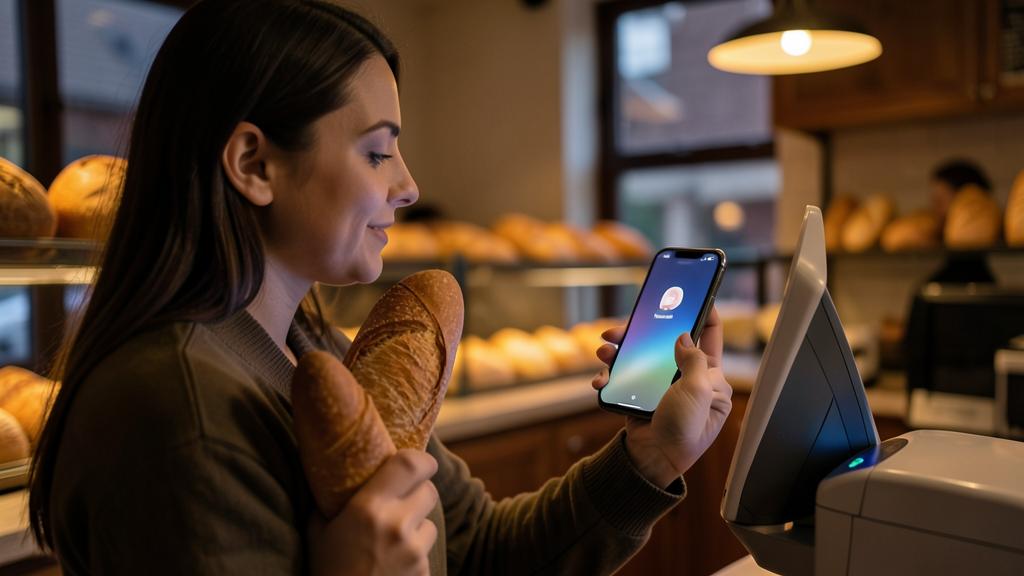
The key point everyone should understand: when you pay with Apple Pay, your card number is never transmitted to the merchant. The system works through « tokenization »: when adding the card, the bank issues a unique replacement number linked to the device, and each transaction comes with a dynamic one-time code. Concrete consequences: a hacked merchant can’t leak your card (they never had it); a fraudulent terminal captures nothing reusable; and while contactless cards pay without any verification (their Achilles’ heel in case of theft), the phone requires your face, fingerprint, or code for every payment — a stolen phone won’t pay anything. Add that in case of loss, the card is deactivated remotely in one minute (without blocking the physical card): across the board, mobile payment beats the plastic card in security.
When you use Apple Pay, your real card number is replaced by a virtual one. Each payment also gets a unique code, so even if hackers steal the virtual number, they can’t use it again. Plus, your phone asks for your face or fingerprint before paying, making it much harder for thieves to use it.
If a hacker steals your Apple Pay token (the virtual card number) from a store, they can’t use it elsewhere. But if they steal your physical card, they might be able to use it until you cancel it. That’s why Apple Pay is safer.
Proper setup: cards, devices, checks
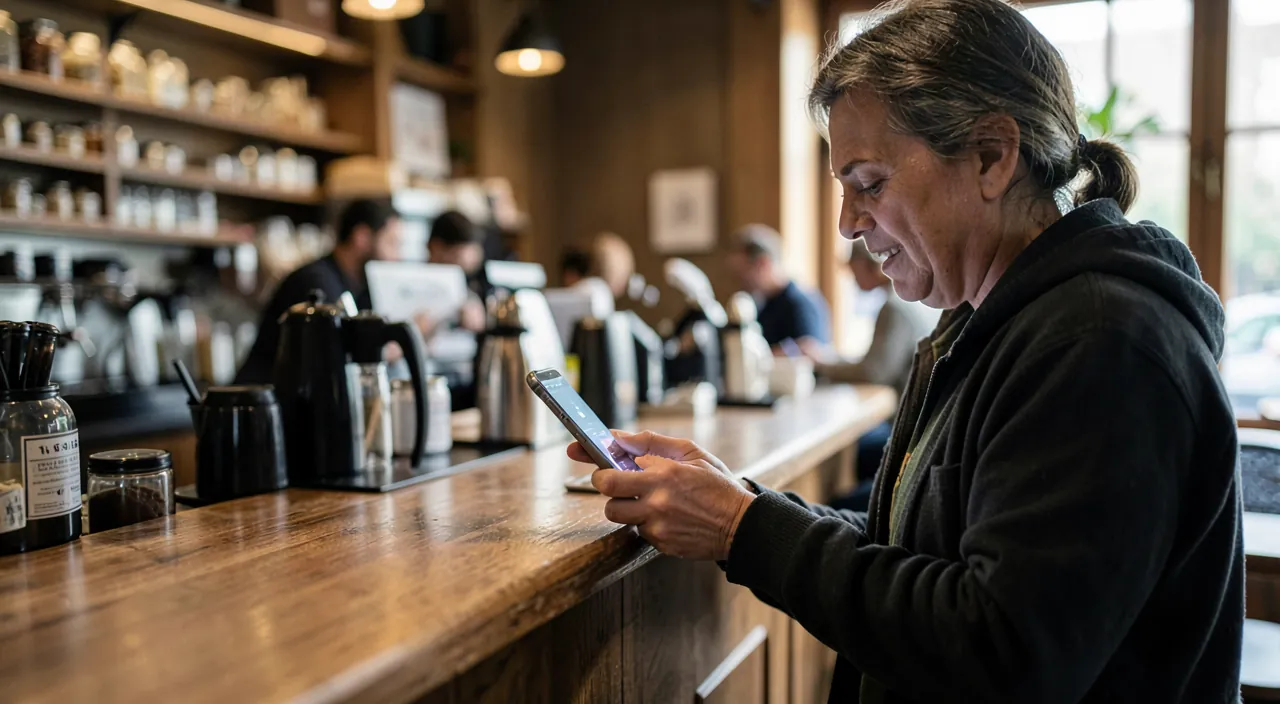
Setup takes five minutes: Cards (Wallet) app → + button, the card is added by photo or from the banking app (many banks offer direct addition — the smoothest method), with bank verification (SMS or app). Then configure: the default card (the one for double-click), adding it to the Apple Watch if you have one (wrist payment — the fastest daily gesture, hands full), and the gesture itself: double-click the side button → authentication → hold near the terminal. In stores, it works everywhere contactless works — without the physical card’s limit in most banks, since each transaction is authenticated (large amounts go through where contactless would be refused). Finally, check in the banking app that mobile payments appear in the tracking — same account, same history, same global limits: the phone is just a new face of the same card.
The right reflex. Use Apple Pay first on websites and in apps: the « Pay with Apple Pay » button replaces typing the card number — this is precisely on unknown or questionable merchant sites that tokenization protects the most (your number is never shared with them). Simple rule: a site offers Apple Pay → always prefer it over manual entry; a questionable site doesn’t offer it → consider it another reason to walk away.
Beyond payment: the complete wallet
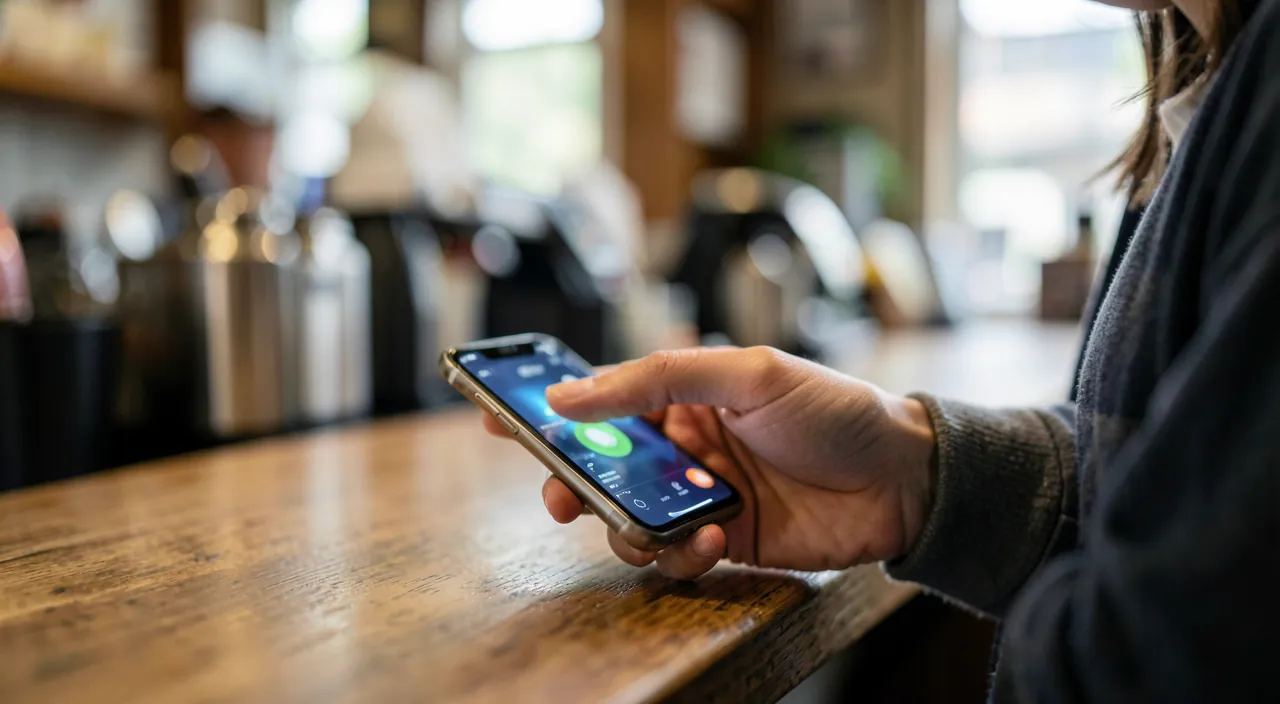
The Cards app goes beyond payment: compatible loyalty cards are stored there (automatically presented at the relevant merchant); tickets and boarding passes (train, plane, concerts) are added from confirmation emails — presented at the right time, barcode ready, even without network; transport tickets in equipped cities are validated from the phone or watch, sometimes even without authentication (express transit mode); and digital keys (car, hotel, home depending on equipment) are gradually arriving. Depending on the country, digital ID cards and documents are added. The underlying trend: the left pocket empties into the phone — and unlike the physical wallet, each item is encrypted, authenticated, and remotely deactivatable. Spending tracking benefits too: each payment notifies in real time, with the merchant’s name and the total visible in the app — month-end reconciliation becomes clearer.
Everyday good practices
For a worry-free experience: keep a physical backup card — dead battery, finicky terminal, or merchant without a terminal still exist (note that a recent iPhone can pay for a short time even with a « dead » battery, thanks to the power reserve — but don’t rely on it); check the amount displayed on the terminal before holding the phone — authentication is like a signature; abroad, Apple Pay works everywhere contactless exists (any potential fees are those of your card — a no-foreign-fee card in the Wallet is the ideal travel combo); and if your phone is lost: « Find My » → Lost Mode suspends payments — then the bank can remotely remove the card from the Wallet, without affecting the physical card. Finally, basic hygiene remains key: mobile payment is as secure as the phone lock — a strong code and enabled biometrics are the foundation of everything.
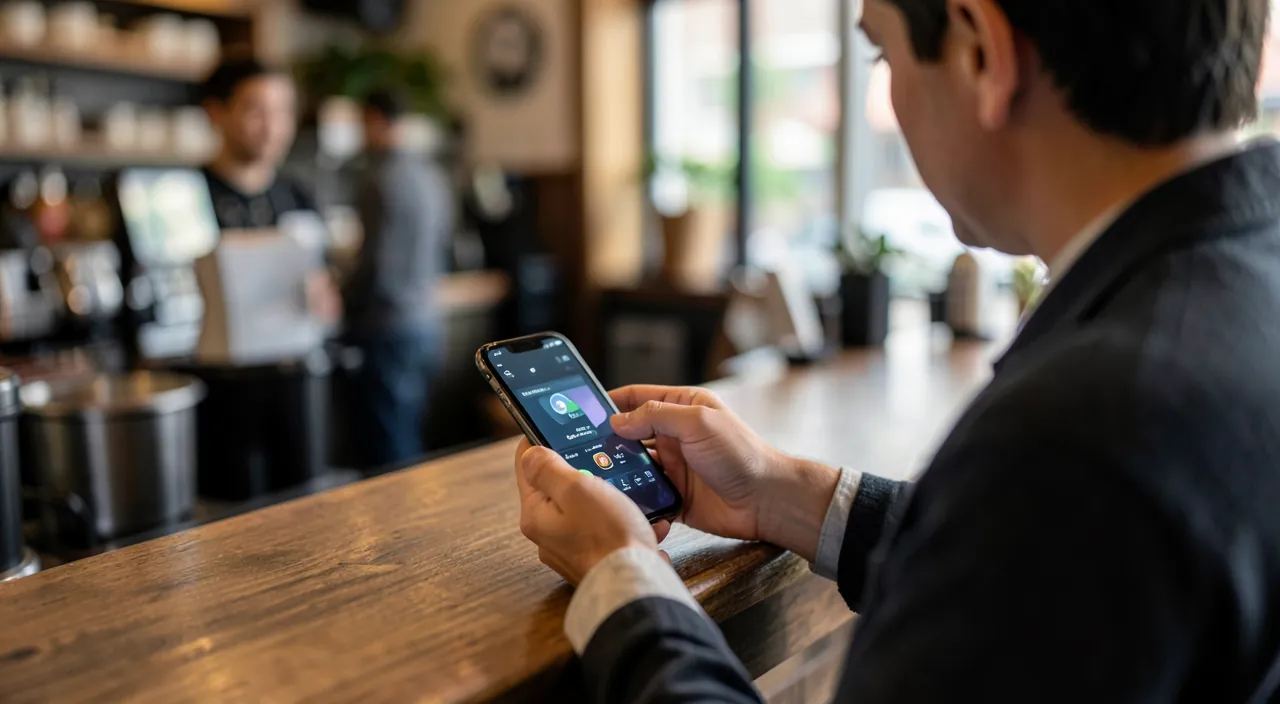
Warning. Apple Pay secures the means of payment — not the merchant: paying a scammer with Apple Pay is still paying a scammer — the transaction is authenticated, so it’s hard to dispute as « unauthorized. » Vigilance on WHO you’re paying (dodgy store, fake ad, payment link received via message) remains essential. And never validate a payment you didn’t initiate yourself: an unexpected validation request = immediate refusal, no matter the story told over the phone.
Frequently asked questions
Is my bank compatible?
Almost all banks and neobanks are now — the list is in the banking app or on its website. If yours is still lagging, it’s a legitimate comparison criterion: mobile payment has become a basic banking service.
Does the merchant see my information?
They receive payment authorization and a tokenized number — neither your real card number nor your history. Apple also doesn’t store identifiable transaction history linked to in-store payments: full tracking remains with your bank, as before.
What happens if I change iPhones?
Cards are automatically removed from the old device during erasure and re-added to the new one (often offered automatically during restore, with quick bank re-verification). Also think about the watch if you wear one — each device has its own tokens.
Key takeaways
Phone payment defies intuition: it’s the plastic card, with its clear number and contactless without verification, that’s the weak link — Apple Pay tokenizes the number, authenticates each transaction, and can be remotely deactivated. Set up the card from the banking app, adopt the double-click in stores and the Apple Pay button online (especially online!), fill your Wallet with tickets and loyalty cards, keep a physical backup card, and a strong phone lock. Vigilance doesn’t disappear — it shifts: no longer protecting your number, but always choosing who you give your money to. The wallet of the future is already in your pocket — might as well use it well.

Want to unlock the full potential of your iPhone, iPad, or Mac? Our Apple training courses take you to the next level.
Leave a Reply
You must be logged in to post a comment.