
In a waiting room, ten phones ring in the same way — and ten people check their pockets. The default ringtone is the last setting nobody customizes anymore, and that’s a shame: identifying a call by ear, distinguishing the important from the rest, giving each loved one their own sound signature — all of this can be set up in a few minutes. Contact ringtones, notification sounds, personalized vibrations, and the real modern question: when to mute the sound. Complete guide.
Basic settings: taking control of the sounds
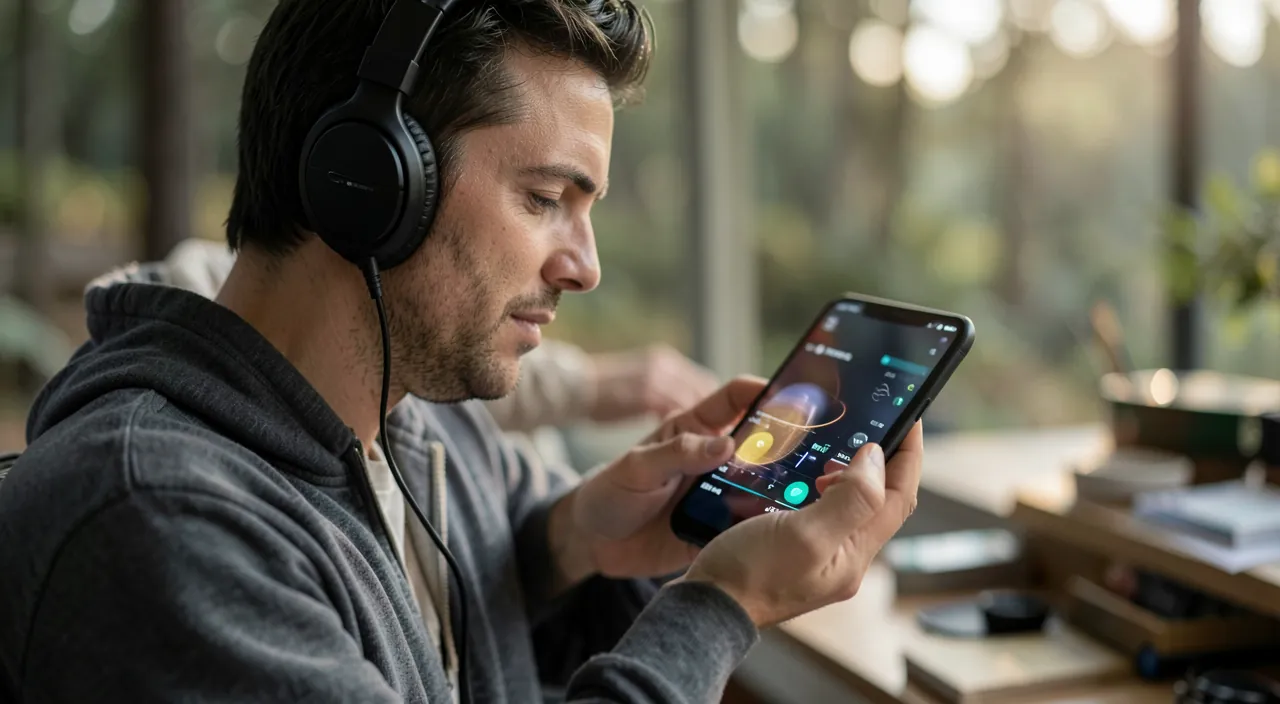
It all starts in Settings → Sounds & Haptics: the main ringtone is chosen from a rich collection (classic and modern), with a dedicated volume setting — independent of the media volume: the classic unpleasant surprise of a « silent phone » often comes from a ringtone volume lowered by the buttons at the wrong time (the « Use Buttons » option controls this coupling). Also set separately: the message sound, email, calendar — and each app has its own page in Settings → Notifications (sound enabled or not, per app: the anti-cacophony lever). The side switch (or the Action button depending on the model) toggles to silent — with vibrations configurable independently. Five minutes of inventory are enough: which ringtone, which sounds for which apps, and the rest in silence — half of digital calm is played there.
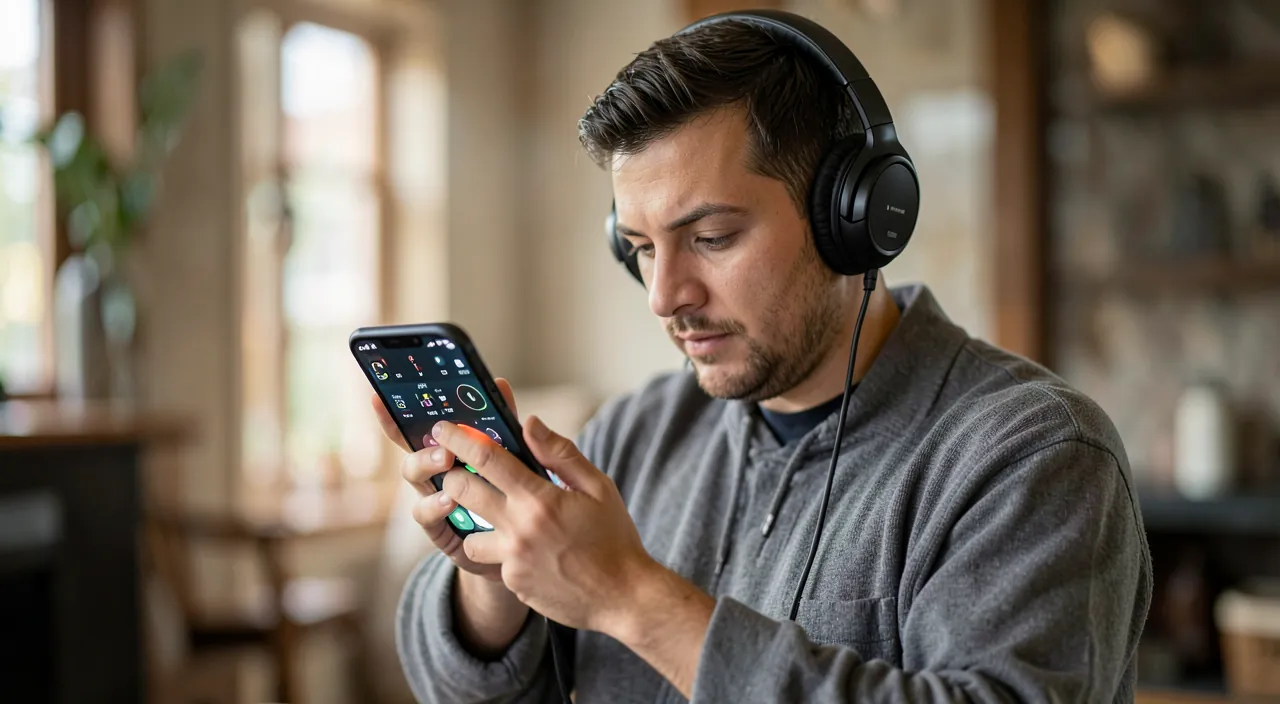
One ringtone per person: the ear recognizes before the screen
The most useful customization: the ringtone per contact. Open a card in Contacts → Edit → Ringtone (and SMS Sound): assign a distinct sound to your key loved ones — the spouse, the children, the elderly parents, work. The benefit is immediate and daily: you know who is calling without looking — the phone at the bottom of the bag, in the car, in the kitchen: the ear sorts. The clever corollary: a recognizable « family » ringtone allows you to ignore everything else serenely. Add-on for critical loved ones: the « Emergencies bypass Do Not Disturb » option on their card — their calls ring even in Do Not Disturb mode: the setting that allows you to sleep with the phone on silent while remaining reachable for the essential. This is THE recommended configuration for caregivers and parents.
The right reflex. Think of the sound home in three circles: the critical loved ones — dedicated ringtone + emergencies allowed in silent mode; the acquaintances — standard ringtone; and the unknowns — the « Silence Unknown Callers » option sends them directly to voicemail (real correspondents leave a message, telemarketers don’t). Three circles, three treatments: the phone only rings for good reasons — and each ringtone regains meaning.
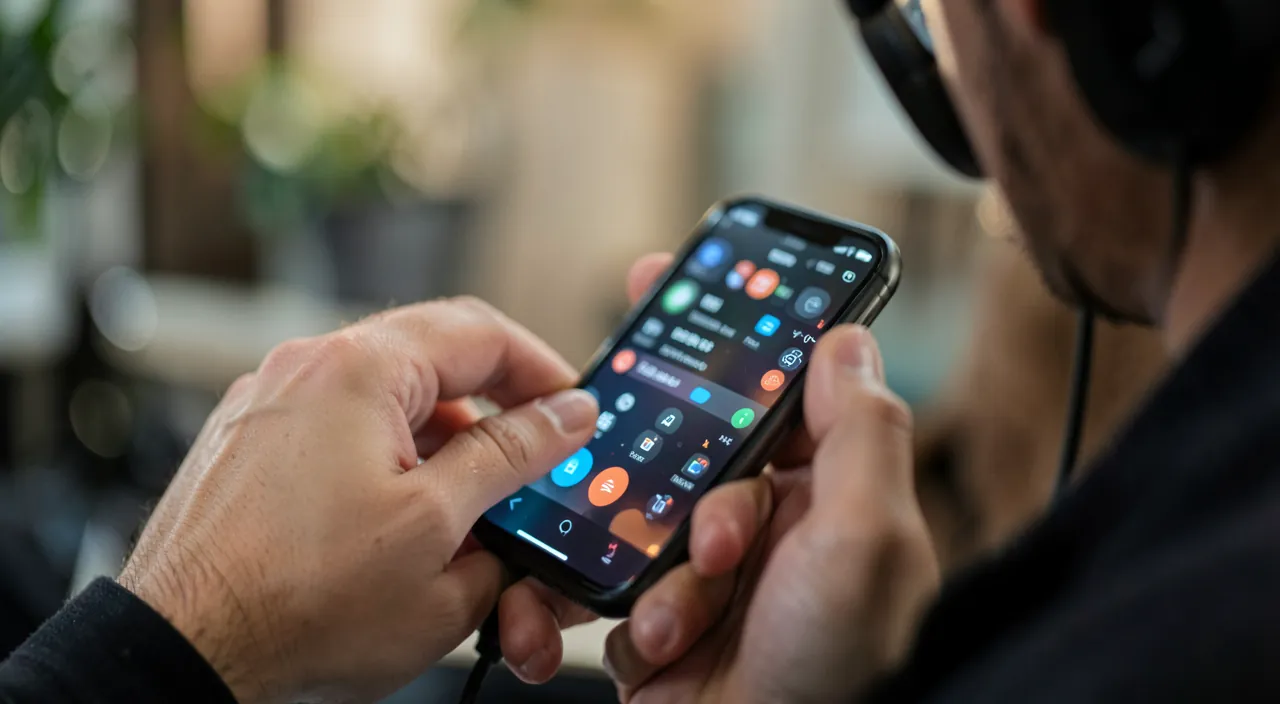
Creating your own ringtone: three approaches
Want a sound of your own? Three approaches, from the simplest to the most artisanal: the ringtones from the store — extracts offered for purchase from the built-in iTunes Store (Sounds section): the most direct way for a known title; the ringtone creation apps — they cut an extract from a track or a recording and export it (often via a step on a computer for installation); and the GarageBand path, free and entirely on the phone: Apple’s music app allows you to import an audio extract (royalty-free or personal), trim it to less than 30 seconds, then export it directly as a ringtone (Share → Ringtone) — the complete method without a computer, which also opens the door to truly personal creations: the voice of a child saying « Dad, phone! », a recorded extract, a composed motif. Once installed, the custom ringtone appears at the top of the sounds list, assignable globally or per contact.
Custom ringtones let you pick a unique sound for each person or situation. You can buy one, use an app, or make your own in GarageBand. The best part? You can use a recording of your child’s voice or a favorite song snippet to make it personal.
Imagine you want a custom ringtone for your partner. You record a short clip of them saying “Hey, it’s me!” in GarageBand, trim it to 20 seconds, and export it as a ringtone. Now, whenever they call, you’ll hear their voice instead of a generic tone.
Vibrations, discretion, and contexts: smart sound
The final refinement: adapting sounds to contexts. The custom vibrations — each ringtone can have a distinct vibration pattern, including custom-made (you tap the rhythm on the screen): in a meeting, the pocket identifies the caller without a sound. The focus modes — Work, Sleep, Personal — define who can ring and when: in the evening, only loved ones get through; at work, only colleagues and family — ringtones become contextual without daily manipulation. The sound recognition reversed to finish: also think of others — the ringtone volume that fades when you look at the screen (« Conscious Attention »), the ringtone that stops as soon as you pick up the phone: settings that civilize the object. A well-configured phone rings rarely, distinctly, and only for what it deserves.
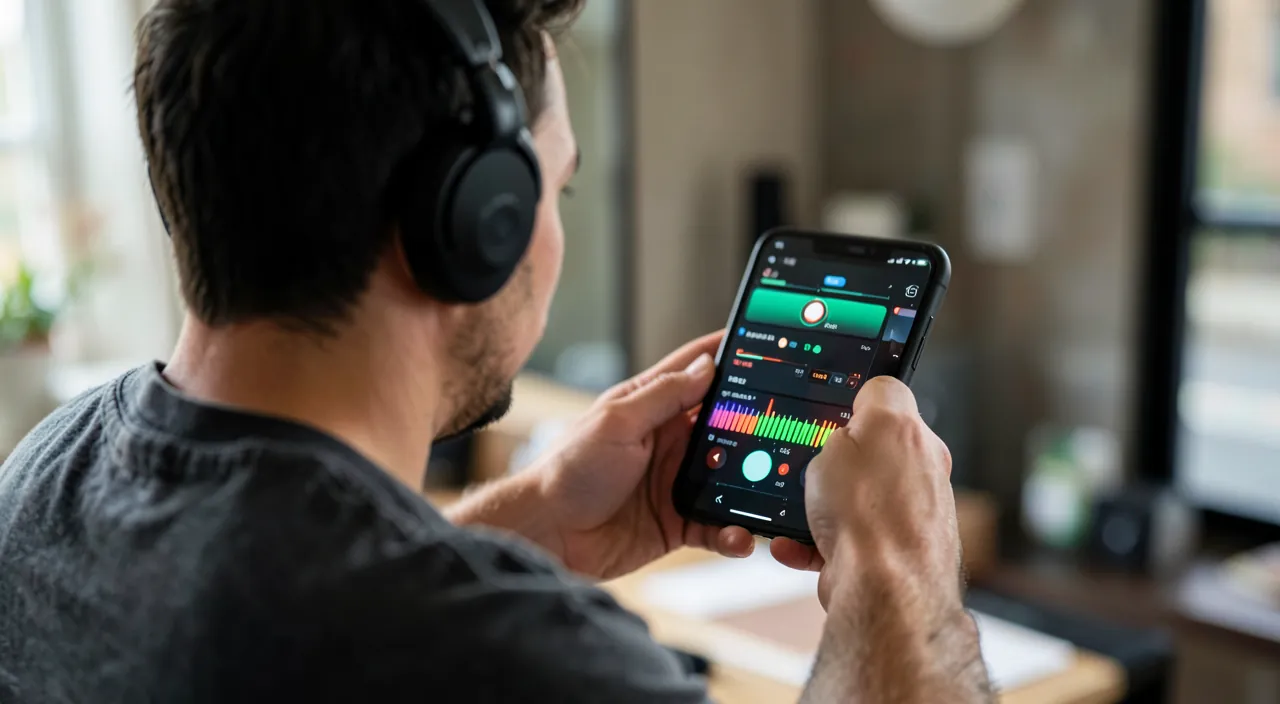
Warning. Two pitfalls of customization: the « free ringtones » apps from the store, many of which hide weekly subscriptions disguised as trials behind a free trial — always check the terms before validating (and cancel from Settings → Subscriptions); and copyright — using a musical extract for personal use is tolerated, redistributing it is not. For an original sound without worries: royalty-free sound banks or your own recordings via GarageBand — free, legal, and far more personal.
Frequently asked questions
My phone doesn’t ring at all anymore:
Check in order: the silent switch (visible orange strip = mute), the ringtone volume in Settings → Sounds, an active focus mode (moon or other icon on the lock screen), and « Silence Unknown Callers » which may be filtering more than expected. Nine out of ten ringtone failures are one of these four settings.
Can I have a different ringtone for the second SIM?
On dual-SIM phones, each line can have its own distinct ringtone — practical for separating work and personal by ear: the setting is in the ringtone options, per line.
The ringtone created in GarageBand doesn’t appear:
Check the export: sharing must be done as « Ringtone » (not as a track), duration under 30 seconds. After successful export, it is found in Settings → Sounds → Ringtone, in the custom ringtones section, at the top of the list.

What to remember
Sound customization is not a gimmick: it’s information for the ear — who is calling, is it important, should I move. The winning configuration: a chosen main ringtone, dedicated ringtones for key loved ones with emergencies allowed in silent mode, unknowns filtered to voicemail, app sounds reduced to the necessary, and focus modes for contexts. Want something unique? GarageBand makes a personal ringtone for free, without a computer — while avoiding trap subscription apps. The result is simple: a phone that rings less often, but where each ringtone says something — and never again ten hands in ten pockets in the waiting room.
Want to unlock the full potential of your iPhone, iPad, or Mac? Our Apple training courses take you to the next level.
Leave a Reply
You must be logged in to post a comment.