
The trackpad that lifts, the shell that bulges, the screen that slightly detaches from its frame: if your laptop or phone changes shape, it’s not wear and tear — it’s very likely a swollen battery. And unlike most failures that can wait, this one doesn’t: a swollen battery is a safety incident, with a real risk of runaway reaction. This guide explains how to recognize it, what to do immediately — and above all, what you must never do.
Recognizing the swelling (often before seeing it)
A swollen battery is first and foremost signaled by mechanical deformation: a trackpad that clicks poorly or lifts (the classic sign on a laptop — the battery pushes underneath), a shell that no longer lies flat on the table (the device “tilts”), a screen or back that detaches on a phone, a cover that bulges. Sometimes added: unusual heating at rest, drastically reduced battery life, sudden shutdowns. The mechanism: internal chemical degradation produces gases that stretch the battery’s casing — a process that never reverses and only worsens. Any device deformation should immediately make you think of the battery.

Why it’s serious (no panic, but no delay)
A swollen lithium battery is unstable: its pressurized casing can puncture — during disassembly, under pressure, or from an impact — and expose components that react violently to air: intense heat release, toxic fumes, possible fire. Incidents remain rare compared to the total number of devices, but their consequences justify absolute caution. The right approach: neither panic (the device placed on a hard, non-flammable surface poses no immediate danger) nor delay (“I’ll finish my week with it” is exactly what you shouldn’t do — each charge cycle worsens the swelling). This is a failure to address in days, not months.
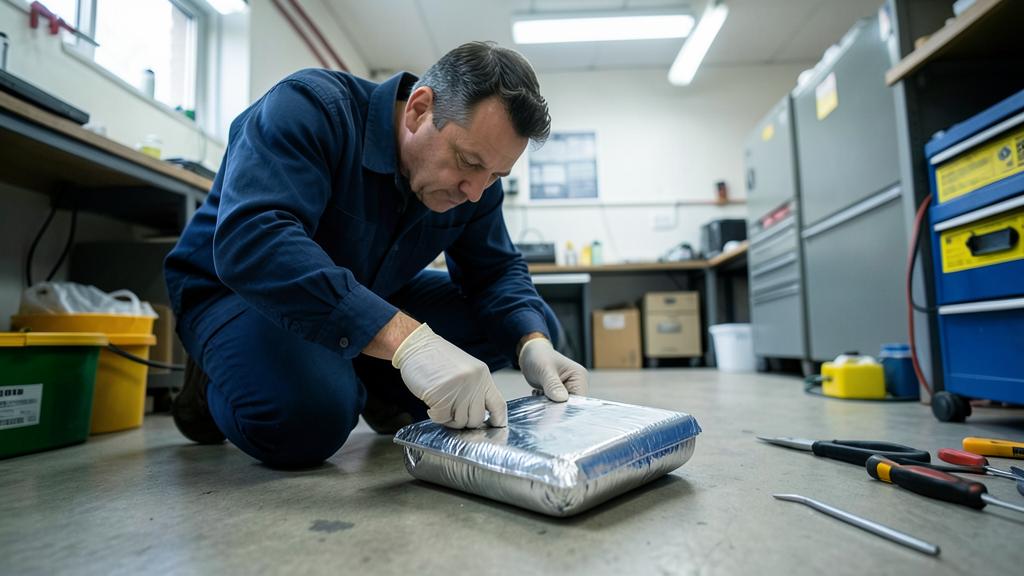
A swollen battery is dangerous because it can burst and catch fire. Don’t ignore it—act fast to replace it safely.
In 2023, a laptop left charging on a wooden desk with a swollen battery overheated and ignited, causing a small fire. The user had ignored the bulging case, thinking it was minor. Always check for swelling before using a device.
Forbidden actions. Never poke a swollen battery, don’t crush it, don’t try to “deflate” it — that’s the typical fire scenario. Don’t charge it anymore (charging fuels the process), don’t expose it to heat or sunlight, don’t ship it by mail, and never throw it in the trash or in a regular recycling bin — truck fires and sorting center fires often originate from this. A swollen battery is hazardous waste: it falls under dedicated channels, not general waste.
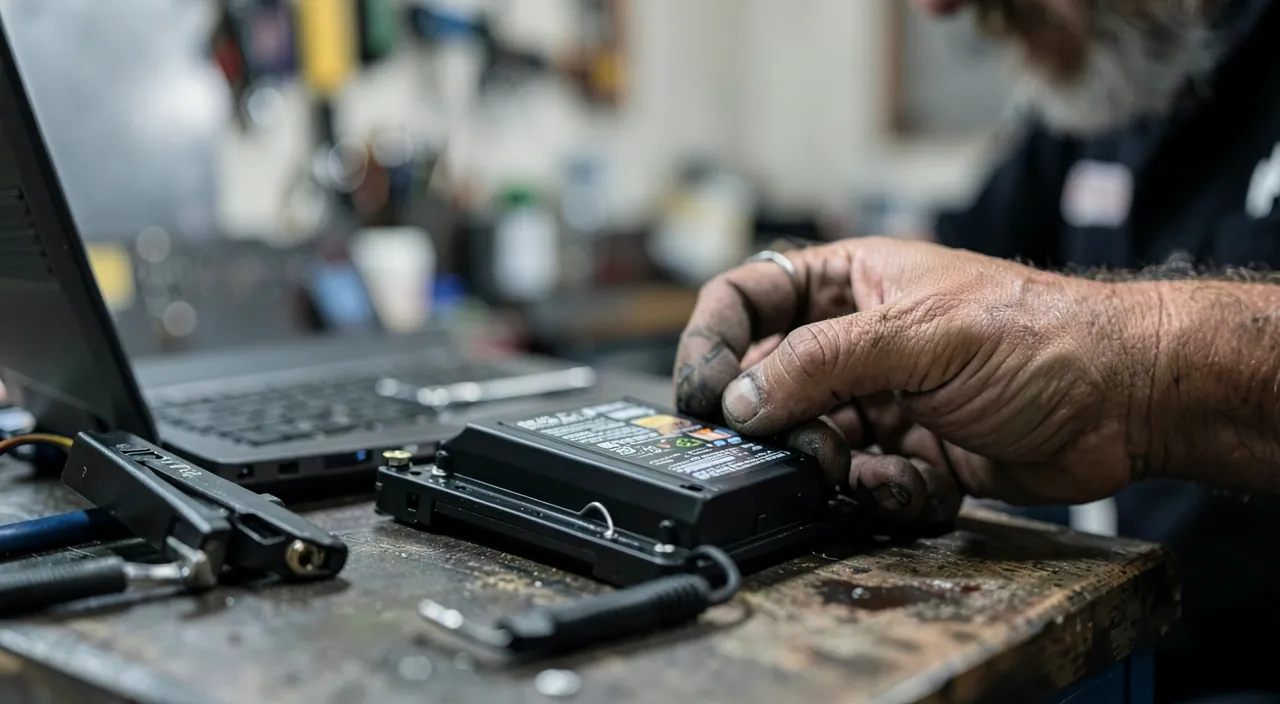
Step-by-step procedure
- Stop using and charging: turn off the device, unplug it, and let the battery discharge naturally — a low level reduces available energy in case of an incident.
- Store intelligently: on a hard, non-flammable surface (tile, metal), away from flammable materials, heat sources, and out of children’s reach — ideally in a ventilated area.
- Have it replaced by a professional: a repair shop or authorized service — disassembling a swollen battery (glued, under mechanical stress) is precisely the operation not to improvise. On a recent device, check the warranty: premature swelling is often covered.
- Return the old battery to the dedicated channel: the repair shop usually handles this; otherwise, specialized collection points — indicating the swollen state.
Typical replacement cost: a fraction of the device’s price — which often lasts for years, the operation also fixing declining battery life.
Preventing the next swelling
Swelling is sometimes a natural end of life — but certain practices accelerate it, and can be corrected: heat above all (car in the sun, charging under a pillow, device on a radiator — the #1 enemy of batteries), dubious chargers (counterfeit blocks for three euros damage charging — use branded or certified chargers), permanent charging at 100% on a continuously plugged-in laptop (activate optimized charging or capping options if available), and impacts (a battery already mechanically damaged swells more easily). A device that lives at reasonable temperatures, properly charged, keeps its batteries healthy for years — and periodic monitoring (does the device lie flat?) catches early what needs to be caught.

The right reflex. Perform the table test every two or three months: the device placed flat on a hard surface — does it lie perfectly, does the trackpad click normally, nothing lifting? Thirty seconds that detect early swelling, when replacement is simple and risk-free. On an old device that overheats and whose battery life collapses, this test becomes monthly.
Frequently asked questions
Can I continue using the device plugged in, with a swollen battery?
No — even plugged in, the swollen battery remains under mechanical stress and continues to degrade. Using it “in the meantime” is the typical losing bet: stop, discharge, replace.

Is replacement worth it on an old device?
If it otherwise satisfies you, almost always: the new battery fixes the danger AND the battery life, for a fraction of a new device’s price. Otherwise, at least have the battery properly removed before recycling — never a swollen device in a drawer for years.
Can a slightly swollen battery “last” a long time?
The process never reverses and self-sustains — the only unknown is the speed. Treating it early is choosing the replacement time; waiting is letting it choose — potentially at the worst moment.

Key takeaways
A swollen battery is recognized by deformation — lifted trackpad, bulging shell, device no longer lying flat — and is treated as a safety incident: stop using and charging, store on non-flammable surface, quick professional replacement, and dedicated recycling channel — never the trash, never poking, never denial. Prevent by protecting your batteries from heat, dubious chargers, and permanent charging, and adopt the quarterly table test. Properly managed swelling is just a routine repair; ignored, it’s the only domestic incident your computer can cause. The choice is quick.

Persistent issue, temperamental computer? Our remote troubleshooting service solves your problem quickly, without jargon.
Leave a Reply
You must be logged in to post a comment.